Sign In

AI Image Upscaler

The image upscaler that knows where your picture is going: choose the print size and DPI, or the shop it is for, and the photo comes back at exactly the pixels it needs, with the words on your packaging still reading right.

  • Up to 4x and 64 MP
  • Print size with 300 DPI in the file
  • Amazon, Etsy, Shopify and 4K sizes
  • Keeps text on labels and logos

AI Image Upscaler

The AI image upscaler uses credits from a plan or a credit pack, priced by the size of the result: from 2 credits in Standard mode and from 12 in Keep text mode, and you pay only for the designs you receive. The DPI, the file format and a transparent background come with every result.

the most a photo grows
4x
the largest result
64 MP
DPI written into the file
300
photos in one batch
20

How to upscale an image

Three steps take a small photo to a print or a listing with the image upscaler.

Drop photos here or choose them

JPG, PNG or WebP up to 16 megapixels, up to 20 photos at a time. You can paste a photo too.

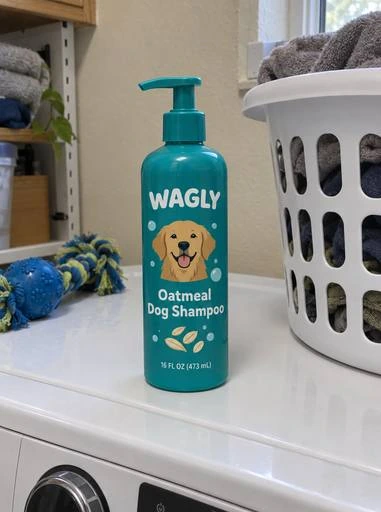
Dog shampoo bottle381 × 512 px · Ready

What this image upscaler does

An image upscaler made for product photos, packaging and the files a printer or a shop asks for.

7 in
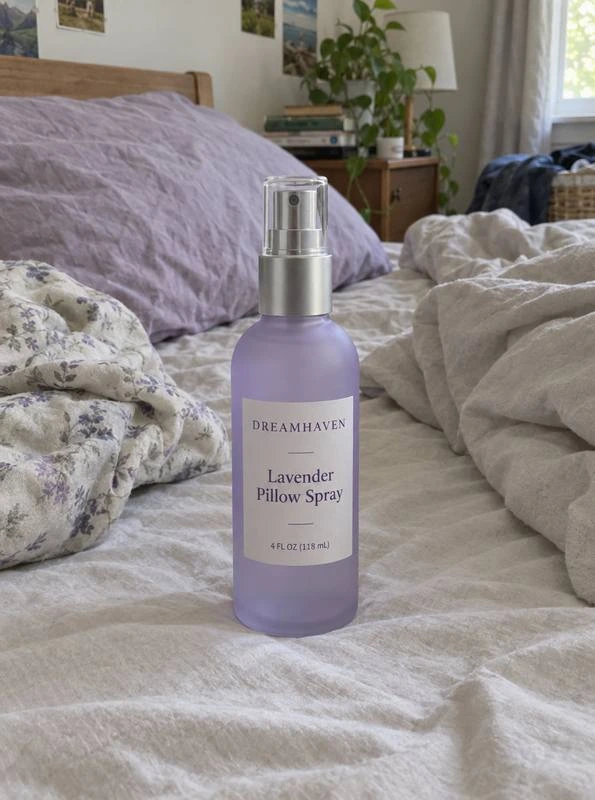
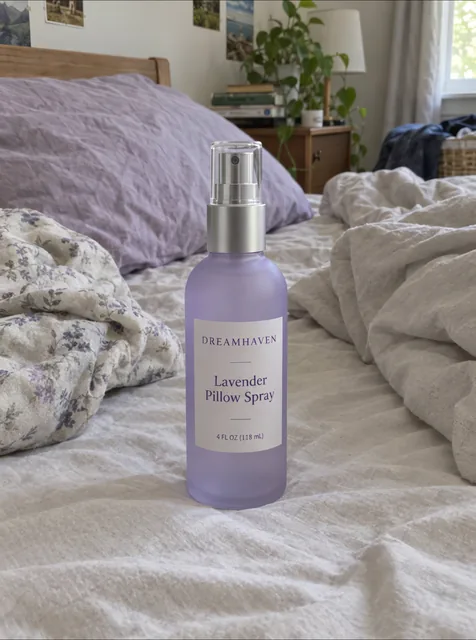
Pillow spray bottle, upscaled300 DPI
5 in

Sized for print, DPI in the file

Pick 4 × 6, 8 × 10, Letter, A4 or your own size and a DPI. The page works out how far the photo has to grow, then writes that DPI into the PNG or JPG, so it opens at the right print size in any layout app.

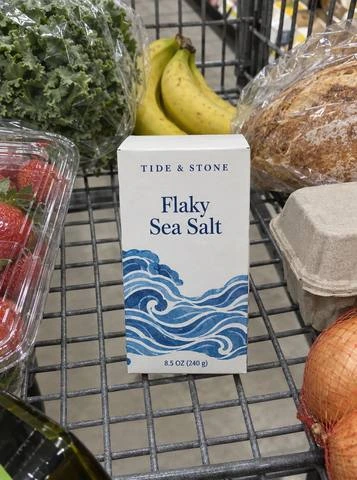
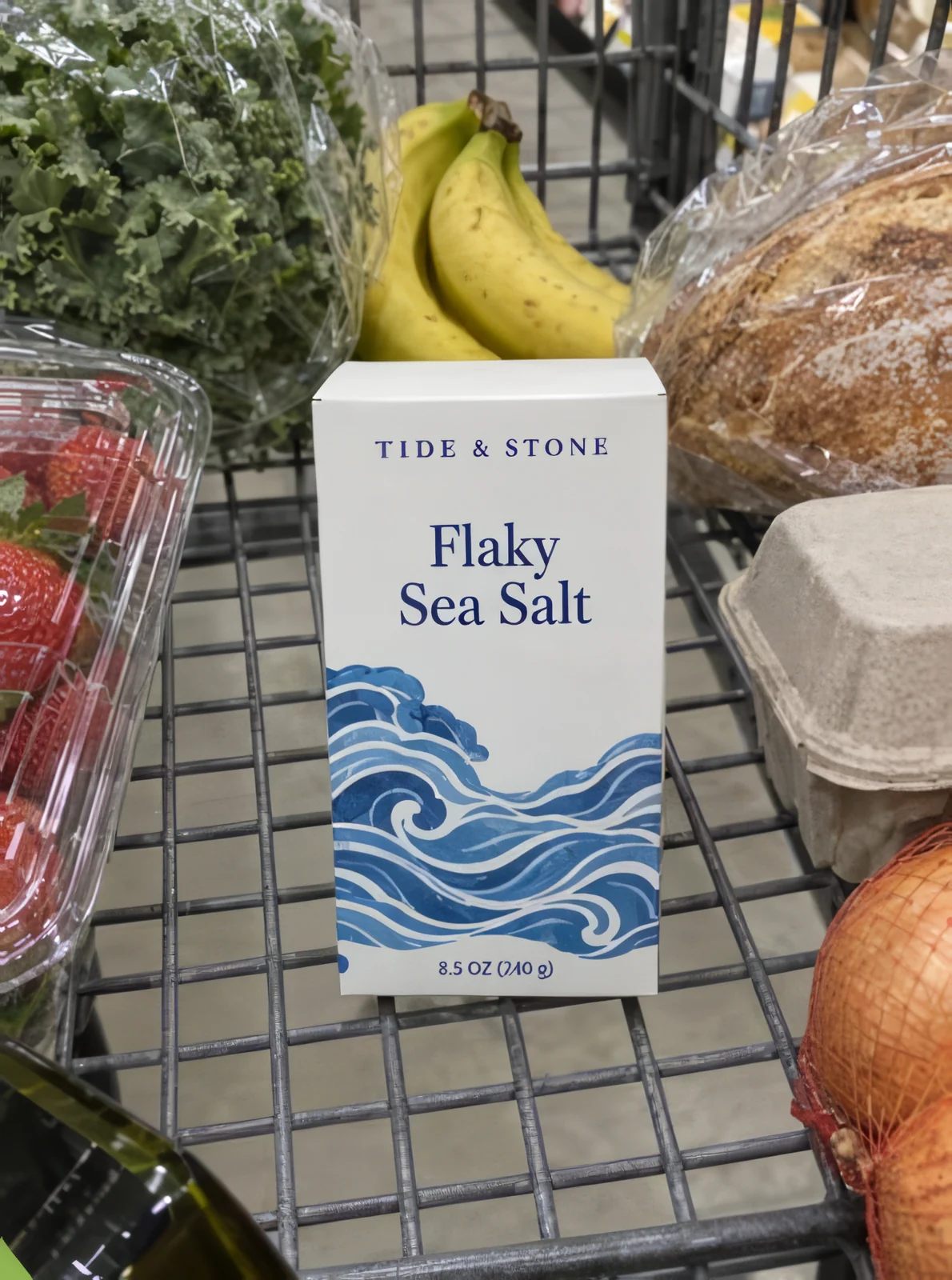
Sea salt carton, before upscaling

Before

Sea salt carton, upscaled

After

Keep text · Packaging and labels

Text on packaging stays as it is

Keep text mode is made for type: brand names, product names and the lines you can read in your photo come out crisp and spelled as they were, on labels, cartons and logos.

  • 505 × 680 px → 2,004 × 2,699 px
  • Before680 px
  • Amazon 2000 px
  • Etsy 2000 px
  • Shopify 2048 px
  • 4K 3840 px

Every shop’s size in one choice

Amazon’s 2,000 pixels on the long side for zoom, Etsy’s 2,000 on the short side, Shopify’s 2,048 and 4K at 3,840: pick one and the photo is upscaled to reach it.

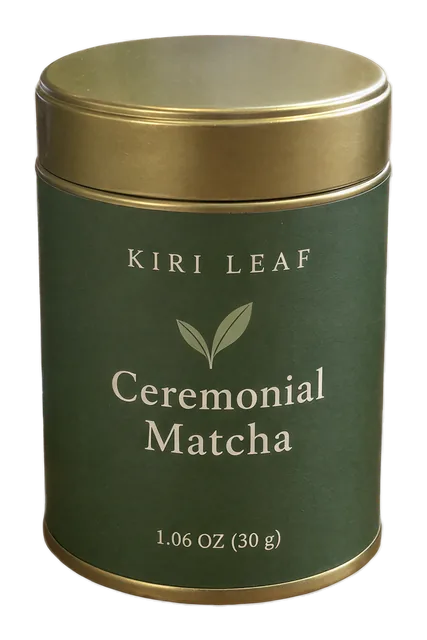
Matcha tin cutout, upscaled

transparent background kept

Transparent PNGs stay transparent

Upscale a cutout or a logo with a clear background and the result keeps its transparency at the new size, with clean edges, ready for a label or a layout.

What an AI image upscaler does

Stretching a small picture in a photo editor only spreads the same pixels over a bigger area, so edges blur and type turns soft. An AI image upscaler draws the new pixels: it has learned what labels, bottles, fabric and printed cartons look like up close, and fills in the detail a larger picture needs.

This image upscaler grows a photo up to four times on each side, so a 1,000 pixel photo can become 4,000 pixels, up to 64 megapixels in all. Drag across the result to compare it with the original, and zoom in to see the detail.
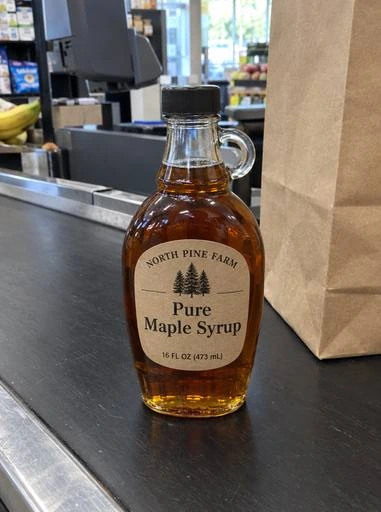
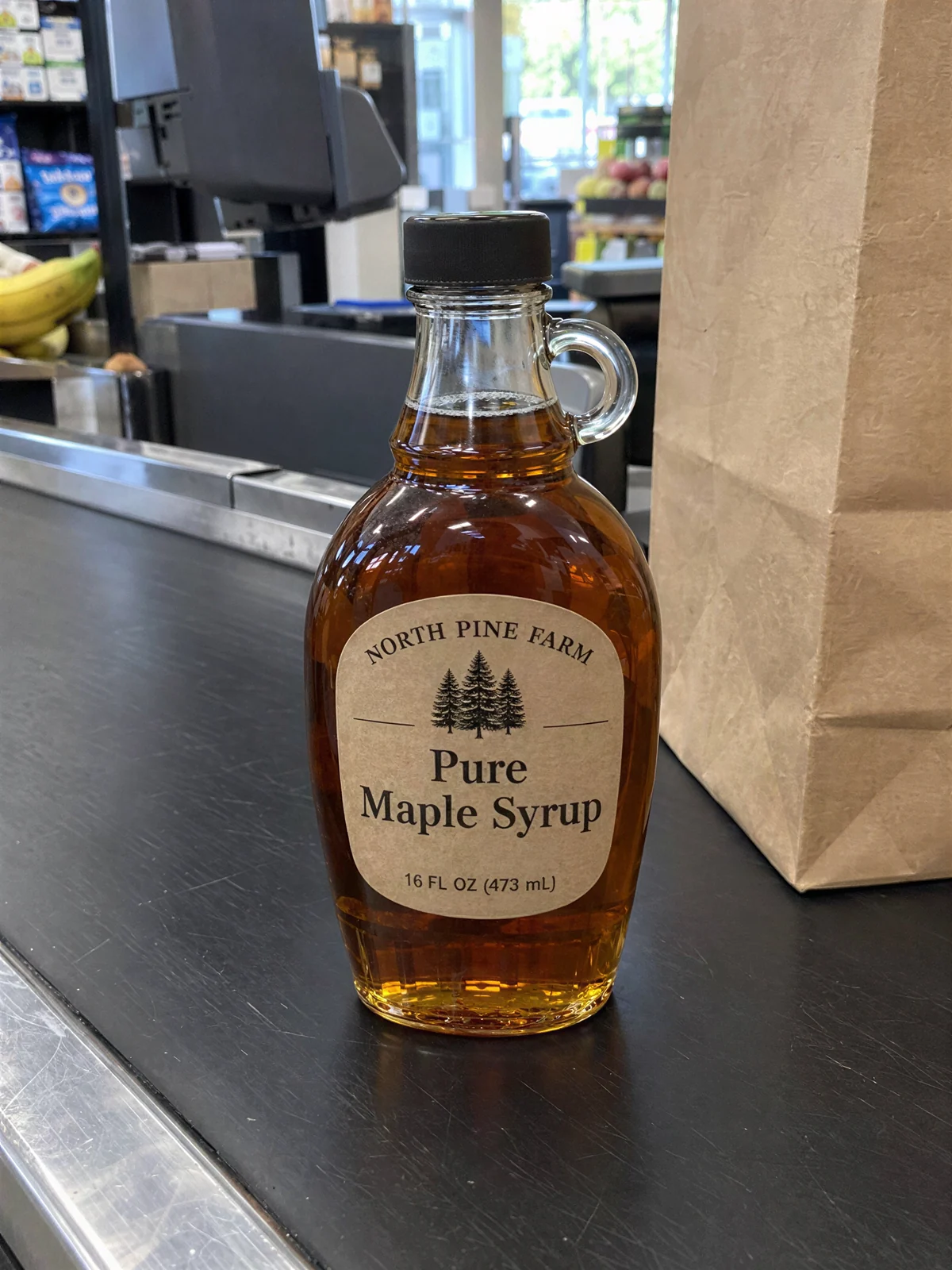
Maple syrup bottle, before upscaling

Before

Maple syrup bottle, upscaled

After

381 × 512 → 1,536 × 2,048 px

Upscale image files for print at 300 DPI

A printer needs pixels for every inch: at 300 DPI an 8 × 10 inch print needs 2,400 × 3,000 pixels. Choose Print size, pick the size and DPI, and the page shows the DPI your photo has now and the DPI it reaches after upscaling, before you spend a credit.

When a photo is already sharp enough for that size, the page says so and sends you to the DPI converter to set the DPI without upscaling. Every upscaled file carries the DPI you chose in its own header.

114 DPI

Before

300 DPI

After

Standard or Keep text: choosing a mode

Standard mode is the image upscaler for product shots: natural texture on paper, glass, wood and skin, at the lowest price. Keep text mode is for packaging, labels and logos, where the letters matter most.

In Keep text mode, tell the page what is in the picture: packaging and labels, a product photo, or a logo or artwork. Each is tuned for its own kind of picture: type, photographic detail, or flat color and clean lines.

Upscale photo files for Amazon, Etsy and Shopify

Marketplaces zoom into the main image, so a small photo looks soft on a product page. Amazon zooms from 1,000 pixels and its guide asks for 2,000 for the best zoom; Etsy asks for at least 2,000 pixels on the short side; Shopify shows 2,048 pixels best.

Choose Shop size and the shop, and the photo grows to reach it. To put the product on pure white for each marketplace afterwards, open the AI white background photo maker with the upscaled file.

An image upscaler for a whole catalog

Add up to 20 photos at once and the image upscaler works through them, two at a time, each at the factor its own size needs for the target you chose. The button shows the total credits before you start.

Download the photo on screen, or every finished photo in one ZIP. Your recent upscales stay in the list below the settings, so you can download a result again later without another credit.

Getting the best result

Before you upscale image files, start from the largest copy of the photo you have, not a screenshot or a thumbnail: the more the original holds, the more the upscale has to work with. A photo in focus, with the product filling most of the frame, gives the sharpest packaging detail.

For a label or a carton you will print, use Keep text mode with Packaging and labels. For a lifestyle photo or a product on a table, Standard mode gives the most natural texture. To take the background out after upscaling, open the AI transparent background maker.

Who it is for

The image upscaler is for anyone whose product pictures have to look sharp at a larger size.

Brands printing sell sheets and catalogs

Product photos at 300 DPI for the page size, with the DPI already in the file.

Packaging designers

Low resolution reference photos and old pack shots upscaled for mockups and presentations.

Marketplace sellers

Main images that reach Amazon’s and Etsy’s zoom sizes from photos taken on a phone.

Label and sticker makers

Logos and artwork grown for a bigger label, with the type still crisp.

Small food and beauty brands

Supplier photos and older product shots brought up to the size a retailer asks for.

Agencies and print shops

Customer files that arrive too small, fixed in batches of 20 before they go to press.

Image upscaler questions

Upscale a photo

What does the AI image upscaler cost?

Credits follow the size of the result. Standard mode is 2, 3, 6 or 10 credits for a result of up to 4, 16, 36 or 64 megapixels; Keep text mode is 12, 30, 60 or 105. Credits come from a plan or a credit pack, and you pay only for the designs you receive.

How much bigger can the image upscaler make a photo?

Up to four times on each side, so sixteen times the pixels, and up to 64 megapixels in all. The photo you add can be up to 16 megapixels.

Does the file open at the right print size?

Yes. The image upscaler writes the DPI you choose into the PNG or JPG, so a layout or print app opens it at that size. Without a print size, the file carries 300 DPI.

Will the words on my label stay right?

Keep text mode is made for that: lines you can read in your photo come out crisp and spelled as they were. Smaller type keeps its own shapes, sharpened as it is in the photo.

Can I upscale image files with a transparent background?

Yes. A PNG or WebP with a clear background keeps its transparency at the new size, with clean edges.

How do I upscale image files for Amazon or Etsy?

Choose Shop size and pick the shop. The photo grows to Amazon’s 2,000 pixels on the long side, Etsy’s 2,000 on the short side, Shopify’s 2,048 or 4K.

Can the image upscaler do many photos at once?

Yes, up to 20 at a time, two running at once. Each grows by what its own size needs, and you can download them all in one ZIP.

Which image upscaler mode should I use?

Standard for product photos and lifestyle shots, at the lowest price. Keep text for packaging, labels, logos and artwork, where the type has to read.

Upscale your photo with the AI image upscaler

The image upscaler gives you sharp product photos at the size your printer or your shop asks for, with the DPI already set.