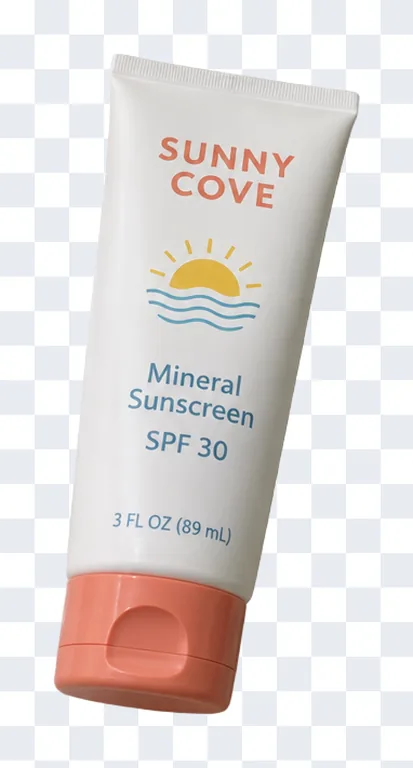
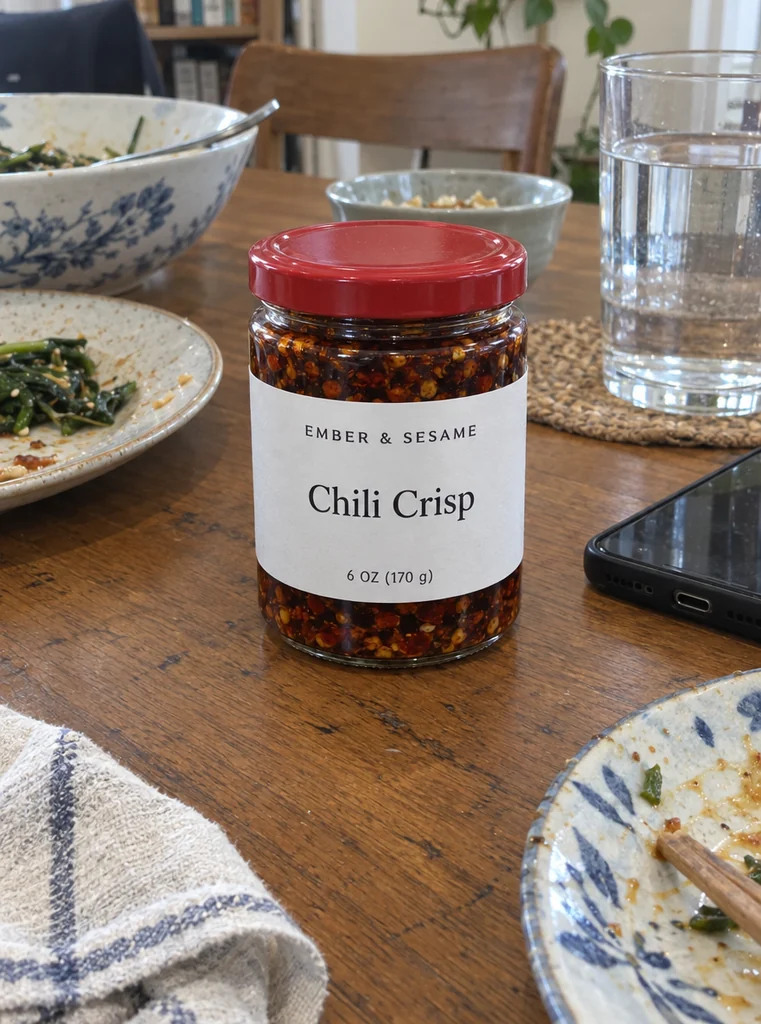
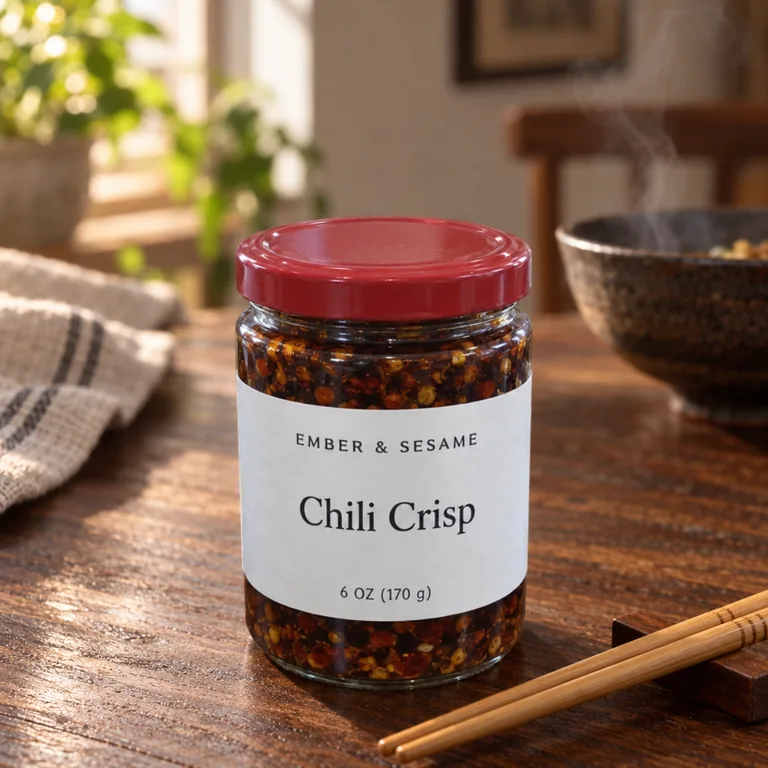
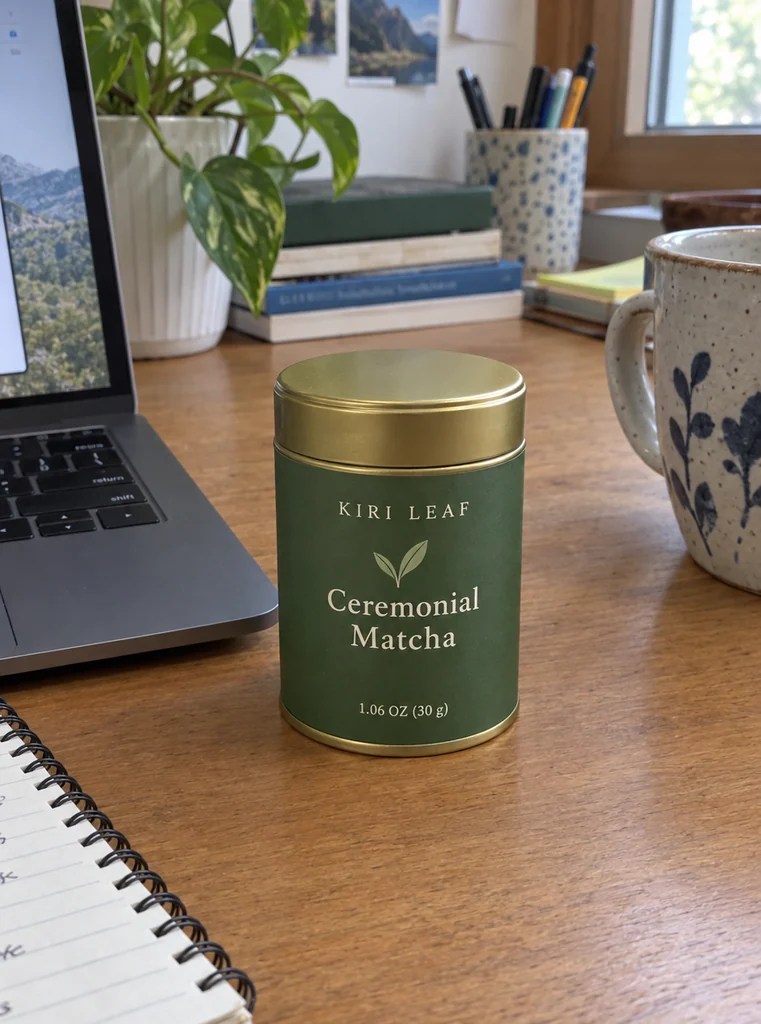
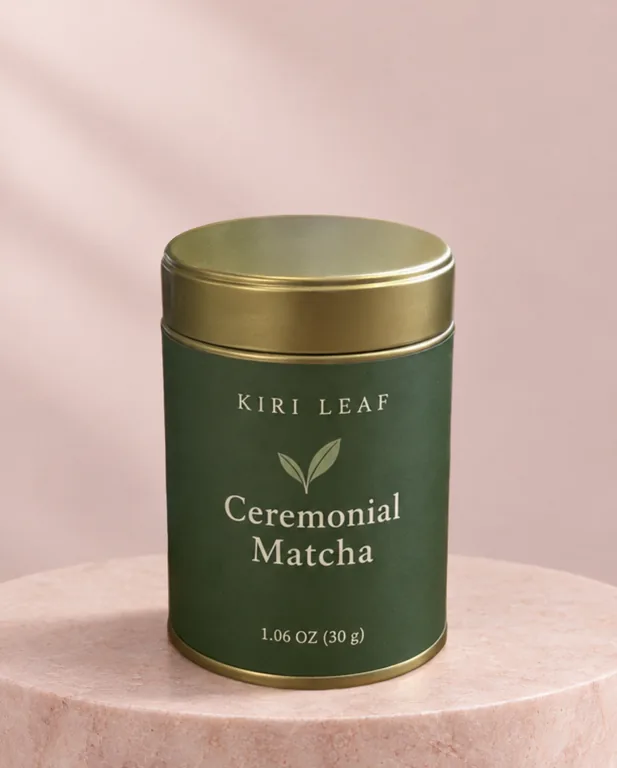
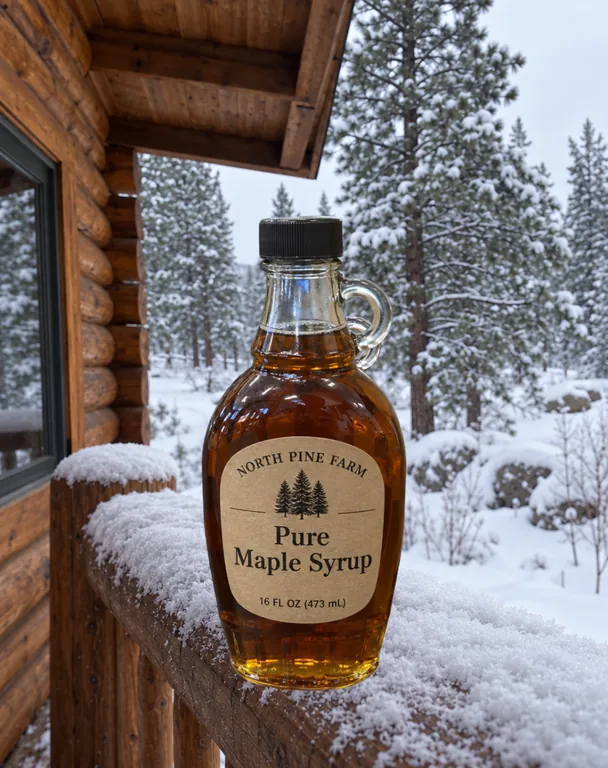
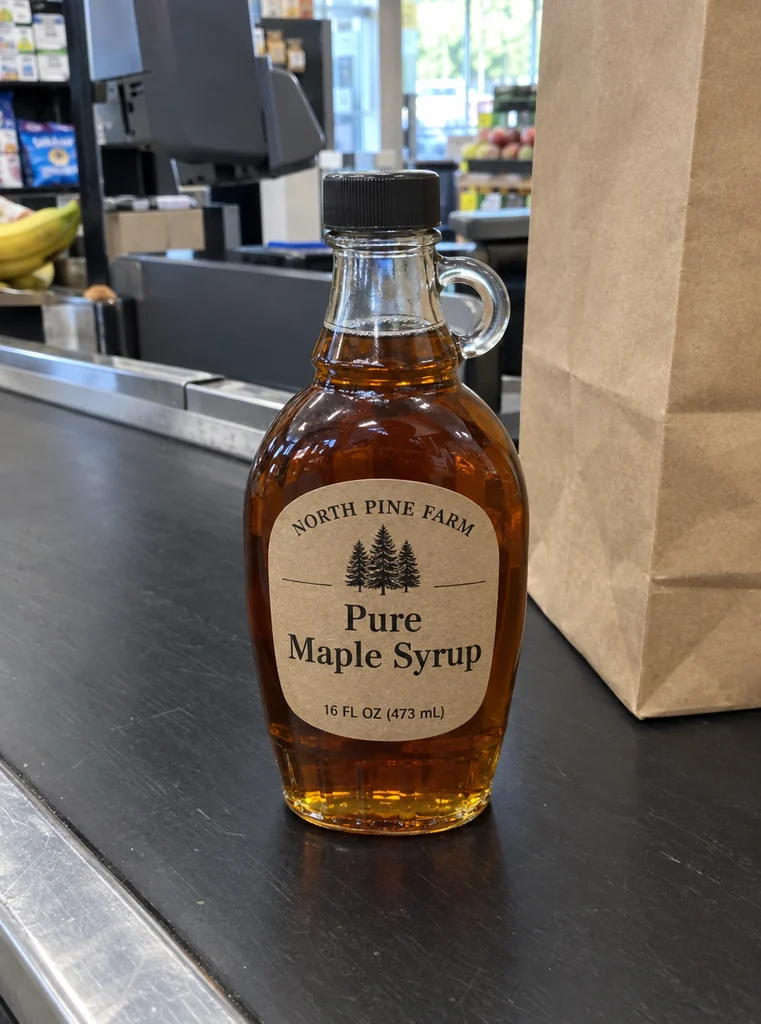
AI Background Generator for Product Photos

This AI background generator changes the background of a product photo and leaves the product alone. Cut the product out once for 1 credit, then put it on white, a color or a transparent background for free, or in an AI scene where our server lays your product’s own pixels back over the picture. Download files laid out for Amazon, Walmart, Shopify, Etsy and Instagram, each checked against the shop’s rule.

  • Your product’s own pixels kept
  • White, color and transparent free after the cutout
  • 8 AI scenes or your own background
  • Files for 5 shops, each checked

AI Background Generator

AI background generator

Product photo

Upload a product photo

One product, the whole of it in the picture. JPEG, PNG or WebP.

No photo at hand? Try one of ours

Cut out

Once a photo: every background after that uses the same cutout.

Background

Free: drawn in your browser from the cutout.

Layout

Preview

Your product photo appears here

Upload a photo of one product, cut it out, then pick a background: transparent, white or a color for free, or an AI scene.

  • Your photoNew background

    Amazon main image

  • Your photoNew background

    Transparent PNG

  • Your photoNew background

    Wood table scene

  • Your photoNew background

    Pastel pedestal

The AI background generator uses credits from a plan or a credit pack: 1 credit to cut out a photo, then 10, 12 or 15 credits a picture for an AI scene, by size. A run that fails returns its credits. We lay each file out by the shop’s published rule; the shop’s own review still decides.

credit to cut out a photo, once
1
AI scenes, or a background photo of your own
8
of the frame for the product on an Amazon main image
85%
shop files, each read back and checked
5

How the AI background generator works

Three steps, and the AI background generator charges only for the AI parts: the cutout once, and an AI scene when you pick one.

Upload a product photo

Your photo

What this AI background generator keeps and checks

Most tools redraw the whole picture, product included. This AI background generator puts your product’s own pixels back, and checks every shop file it makes.

Your photo
Your photo
New background
New background

Your product’s own pixels, laid back

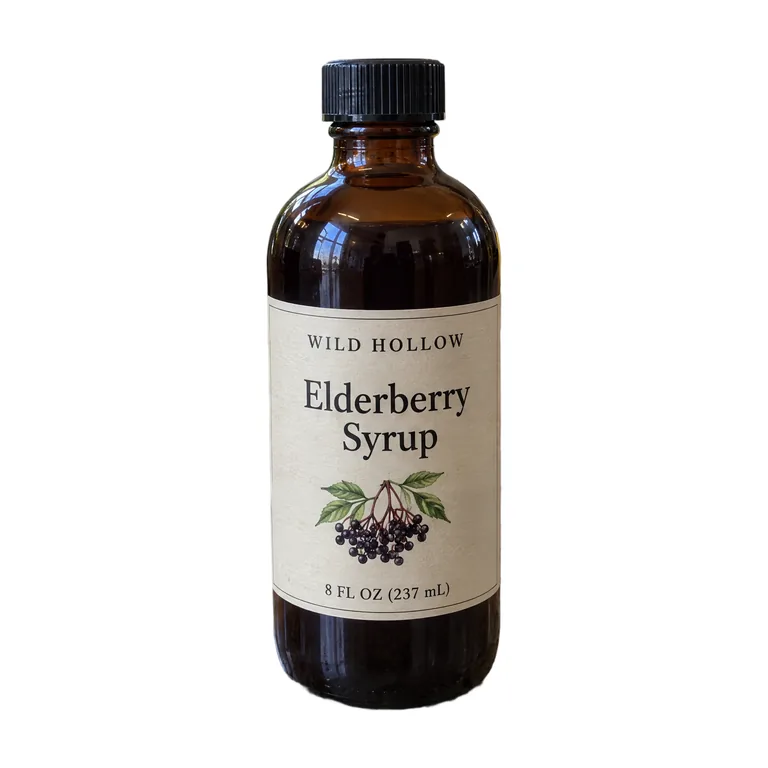
The model gets a mask that lets it paint only around the product. When the picture is made, our server lays the product’s pixels from your cutout back over it, in the same place, before it is stored. The label, the words and the colors are your photo’s own, only resized to fit; the light and shadow around them are generated.

TransparentWhiteColorAI sceneYour background

Transparent
Transparent
White
White
AI scene
AI scene
Your background
Your background

Free backgrounds from one cutout

Transparent, White, Color, AI scene and Your background sit in one row. The first three are drawn in your browser from the cutout, so trying white or a sage green costs nothing more. Only the AI scene and your own background use credits.

Amazon main image
  • Amazon main image2000 × 2000 JPEG
  • RGB 255 · 85% · Meets the rule

Shop files read back and checked

Each shop file is encoded, decoded again and checked: pure white edges where the shop asks for them, no transparent pixels, the product’s fill, the size and the file size. The Amazon main image is up to 2000 × 2000 on RGB 255 white, the product at 85% of the frame.

Your photo
Your photo
New background
New background

Every result beside your photo

Switch an AI result to Side by side to see it next to the photo you uploaded, and check the label, the cap and the edges before you use it.

What an AI background generator changes, and what it keeps

An AI background generator takes a photo you already have and gives the product a new setting: plain white for a marketplace, a color for your store, or a scene such as a marble counter. It does not photograph a package that is not made yet; for a design that is not printed, use the AI packaging mockup generator. This page is for the real product, photographed.

Image models redraw what they see, and a label is where that shows first: letters drift, a logo softens, a color shifts. So in this AI background changer the model only paints the area around the product (its mask marks the product as kept), and after the picture is made our server lays the product’s own pixels from the cutout back over it, at the same place, before the result is stored.

That makes the promise one you can check. Inside the product, the result’s pixels are your cutout’s, resampled to the size the product has in the picture and nothing else. What the model makes is everything around it: the surface, the light in the scene and the contact shadow if you leave it on. The model is asked to light the scene to match your product, because the product’s own light does not change.

The edges are the cutout’s too, so a clean cutout gives a clean result. Glass, clear bottles and see-through film are the hard cases: the cutout can leave parts of them partly see-through, which is why you see the cutout before you spend credits on a scene.
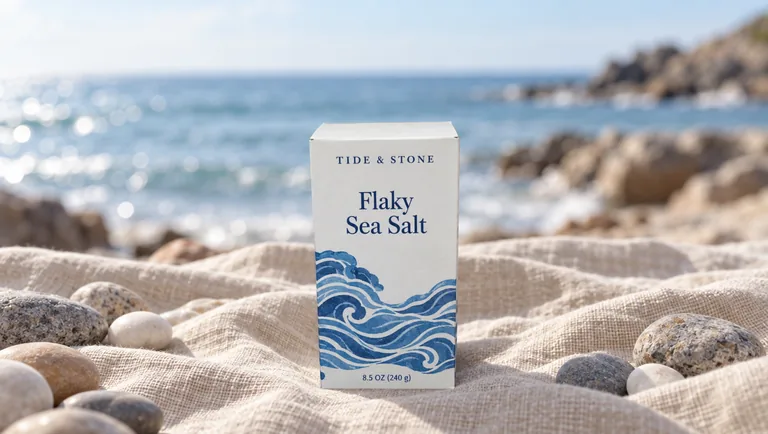
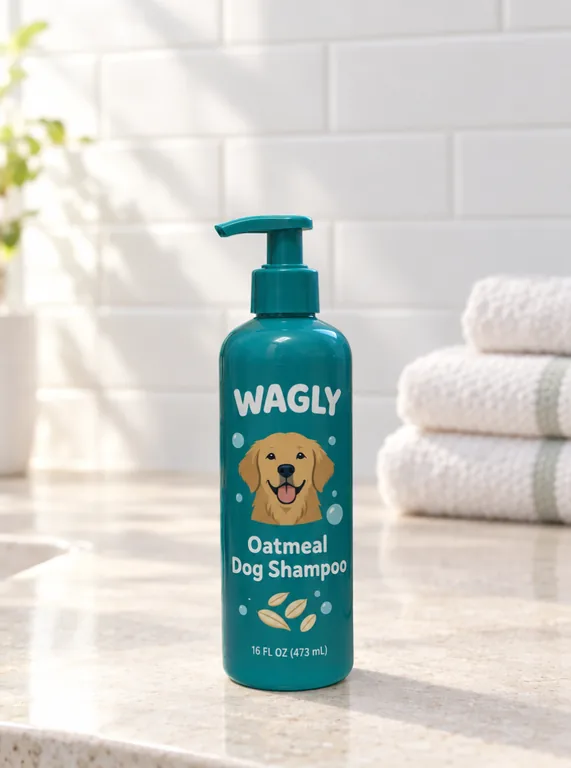
AI scenes, your own background and the settings

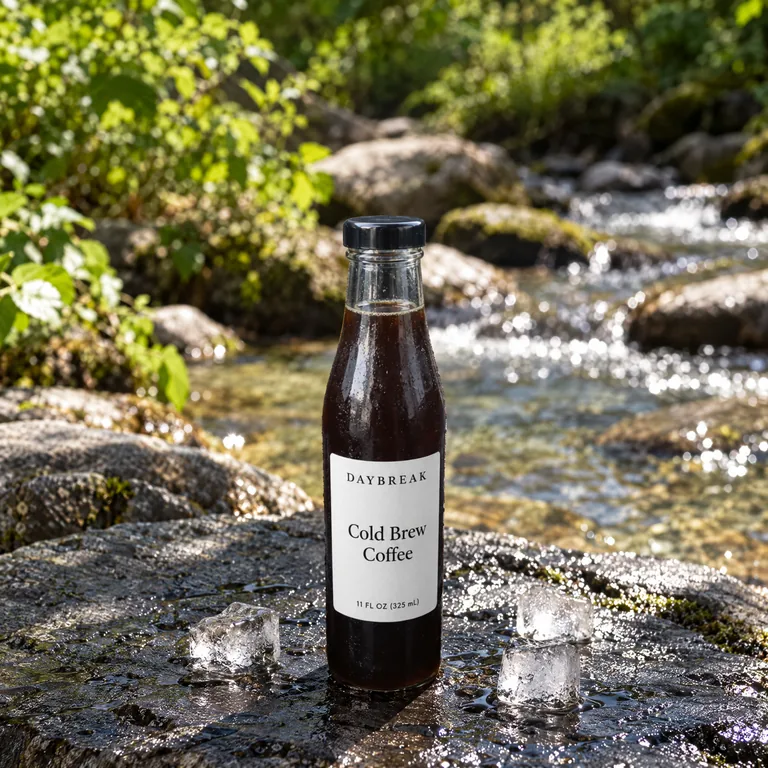
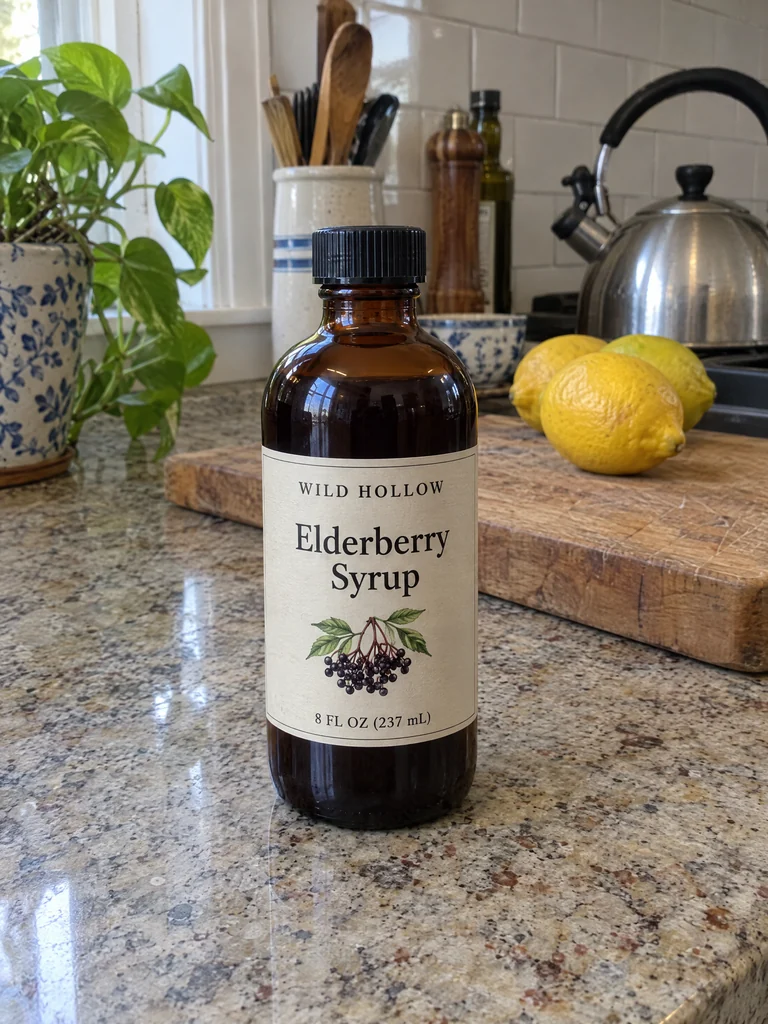
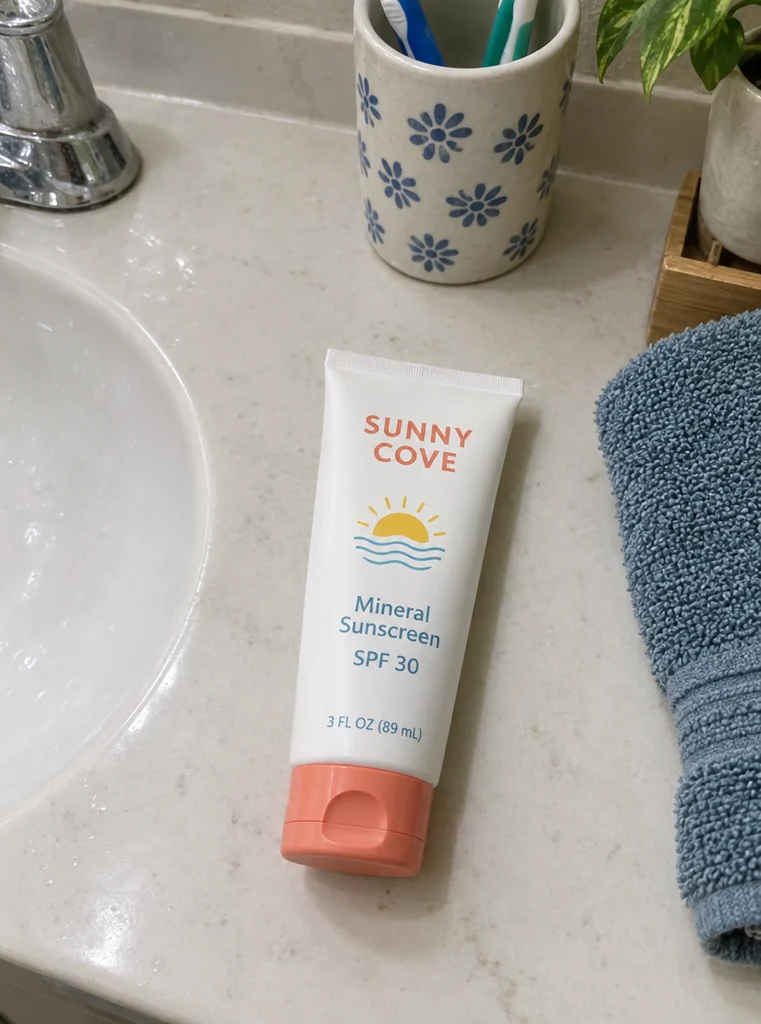
The AI scene tab has 8 settings: a marble counter, a warm wood table, linen cloth, a stone pedestal, a shelf with plants, a kitchen window, a bathroom vanity and a stone by a stream. Each is a fixed instruction written for product photos, so there is no prompt to write. Add a few words of notes if you like, such as a sprig of rosemary or warm evening light, and turn the contact shadow on or off.

Your background makes it an AI background changer with a reference: upload a photo of a place, such as your own counter or a shop shelf, and the model rebuilds that setting, its surfaces and its light around the product. The product is still laid back as your own pixels.

Placement decides where the product stands: Centered puts its longest side at 85% of the frame, On a surface stands it near the bottom edge with room above, and As in the photo keeps it where it was in your picture. The shape is 1:1, 4:5, 3:4, 4:3 or 16:9.

Scenes are made by GPT Image 2.5, Sunburst or Flare, the models on our site that take a mask. A picture costs 10, 12 or 15 credits at 1K, 1.5K or 2K, and a run makes 1 to 4 pictures, so the button shows the total before you press it.

  • AI sceneMarble counter
  • Warm wood tableWarm wood table
  • Linen clothLinen cloth
  • Stone pedestalStone pedestal
  • AI sceneShelf with plants
  • AI sceneKitchen window
  • Bathroom vanityBathroom vanity
  • Stone by a streamStone by a stream

Amazon main image rules, and how the file is checked

Amazon’s product image guide asks for a main image on a "pure white background (RGB color values: 255, 255, 255)" and says "Show the product as 85% of the image". An image needs at least 500 pixels on its longest side, and zoom works from 1,000. So the Amazon file from the White background is a 2000 × 2000 JPEG, pure white, with the product centered and its longest side at 85% of the frame.

Before you download it, the file is decoded again and read the way the shop will see it: the edges must be RGB 255 all round, no pixel may be transparent, and the product must fill 85%. A line under the file says it meets the rule, or what does not, with a link to the rule.

Amazon also says "Do not artificially enlarge small images". The AI background generator never makes a file by enlarging your product’s pixels: when the product is smaller in your photo, this file and the others are smaller instead, all but Etsy’s, which asks for 2000 px: there a smaller product is enlarged and its row says so. A product 1,200 px on its longest side gives an Amazon file of 1412 × 1412, still above the zoom size; a product too small for the 500 px minimum is marked as enlarged.

We lay files out by the rule, but we cannot promise a listing will pass: Amazon reviews images itself and asks that the main image show the product as it really is. The Amazon and Walmart files come from the White background only, because a scene or a color is not a main image.

Walmart, Shopify, Etsy and Instagram files from the AI background generator

Walmart asks for "Seamless white (255/255/255 RGB)" at 5 MB or less: its file is a 2200 × 2200 JPEG on pure white, the product at the same 85%. Shopify says "a size of 2048 x 2048 px usually displays best", so its file is 2048 × 2048.

Etsy does not support transparent PNG files and shows their clear parts black, and it recommends photos at least 2000 pixels wide and high, the first one landscape or square. Its file is 2667 × 2000 on a solid background: white from the Transparent and White tabs, your color from the Color tab.

Instagram keeps photos with a ratio between 1.91:1 and 3:4, so its file is 1080 × 1350, a 4:5 vertical image. The transparent PNG is the cutout itself, cropped to the product at its own size, for anything else you make.

The files follow the background. White gives all five shops; Color gives Shopify, Etsy and Instagram; Transparent gives the PNG plus Shopify and Etsy on white; an AI scene gives Shopify, Etsy and Instagram, cropped from the picture without enlarging it (only Etsy’s file is brought up to 2000 px, and says so), plus the whole picture as a PNG at its own shape. Pick 2K for the largest scene files.

How to take a photo for an AI background changer

The cutout can only keep what the camera caught, so the photo matters more than the scene. Shoot one product, the whole of it in the frame with a little room around it, sharp and in even light. Daylight from a window works; a harsh flash leaves a glare, and the glare stays on the label.

Size matters for shop files. Photos are uploaded at up to 2048 px on the long side, so let the product fill the frame rather than the room: a product at least 1,000 px on its longest side gives an Amazon file above the 1,000 px zoom size.

Shoot the product at the angle you want to sell it from, because the angle stays: the product is never redrawn. Glass bottles, clear jars and shrink film are the hardest to cut out; if parts come out see-through, retake the photo against a plain wall that contrasts with the product.

From the AI background generator to your listing

Under an AI result, Write the listing with this photo opens the AI product description generator with the picture attached. It reads the photo; you add the name and the facts, for an Amazon, Shopify or Etsy listing.

Still designing? Make the artwork with AI packaging design or the AI label generator, set your own type in the free label maker, and see the design on a product with the mockup generator. Once the real product arrives, photograph it and bring it here.

Every AI call uses credits, the cutout included, and a run that fails returns them. Plans start at 800 credits a month (pricing). When you are signed in, your recent cutouts and backgrounds stay under the tool, so you can open one again without a new cutout.

Who uses an AI background generator

Small brands with a real product and a phone, who use an AI background changer for clean shop photos and a few settings instead of a studio day.

Amazon and Walmart sellers

A main image on pure white with the product at 85%, laid out by the rule and checked, from a photo taken on the kitchen table.

Shopify and Etsy stores

One look across the store: the same color or scene behind every product, in the size each platform suggests.

Food, candle and skincare makers

A jar on a wood table, a candle on linen or a bottle on a bathroom vanity, with the label still your label.

Brands with a new package

Photos of the first printed run for the listing and the next post, then the listing written from the same picture.

AI background generator questions

What sellers ask before their first photo.

Upload a product photo

Is the AI background generator free?

No. It uses credits from a plan or a credit pack, because the cutout and the scenes call paid models. Cutting out a photo is 1 credit, once; after that, white, transparent and color backgrounds and their shop files cost nothing more. An AI scene is 10, 12 or 15 credits a picture. A run that fails returns its credits. Our barcode, label and dieline tools stay free, with no sign-up.

Will the AI change my product?

No. The model may only paint around the product, and our server then lays your product’s own pixels from the cutout back over the result, at the same place, before it is stored. The label, the words and the colors are your photo’s, resized to fit. Put any result side by side with your photo to check.

Can I make Amazon main images with it?

Yes, from the White background: a JPEG of up to 2000 × 2000 on RGB 255 white, the product’s longest side at 85% of the frame, checked after export. We lay it out by Amazon’s rule but cannot promise it passes review, and the main image must show the product as it really is.

What photo works best?

One product, the whole of it in the picture, sharp and in even light, at least 1,000 px on its longest side. Glass bottles and see-through packs are the hardest to cut out; if the cutout leaves gaps, retake the photo against a plain wall.

Can I use my own background?

Yes. Pick Your background and upload a photo of the setting, such as your store counter. The model rebuilds that setting around your product, and your product’s pixels are still laid back over the result. It costs the same as an AI scene.

Is this an AI background changer or an AI background generator?

Both. An AI background changer swaps the background of a photo you have; an AI background generator makes a new one. This page does the first with the second: it keeps your product and generates the setting around it, or draws a plain one for free.

Can I use the pictures commercially?

Yes. Pictures from the AI background generator are yours to use in your listings, store and ads; plans and credit packs include a commercial license, and the Business plan covers a company. Use photos of products you have the right to show.

Can I download a transparent PNG?

Yes. The Transparent background gives a PNG of the cutout, cropped to the product at its own size, plus Shopify and Etsy files on white. Etsy does not support transparent PNG files and shows the clear parts black, so its file always has a solid background.

Change a background with the AI background generator

Upload a product photo, cut it out for 1 credit and try white, a color or an AI scene, with your product kept as it is.