AI Packaging Mockup Generator

Add your flat design, pick a box, pouch, can, bottle, jar, tube or bag and a scene, and this packaging mockup generator shows your pack in a real setting, with your words and logo kept as they are.

  • 8 products, 8 scenes
  • Your design kept as drawn
  • Free 3D box PNG
  • Credits shown before you start

AI Packaging Mockup Generator

0 / 4000

Packaging mockup ideas made with this generator

Real examples, each made from its own flat design with this packaging mockup generator. Open one to compare the design with the mockup, then make one like it with yours.

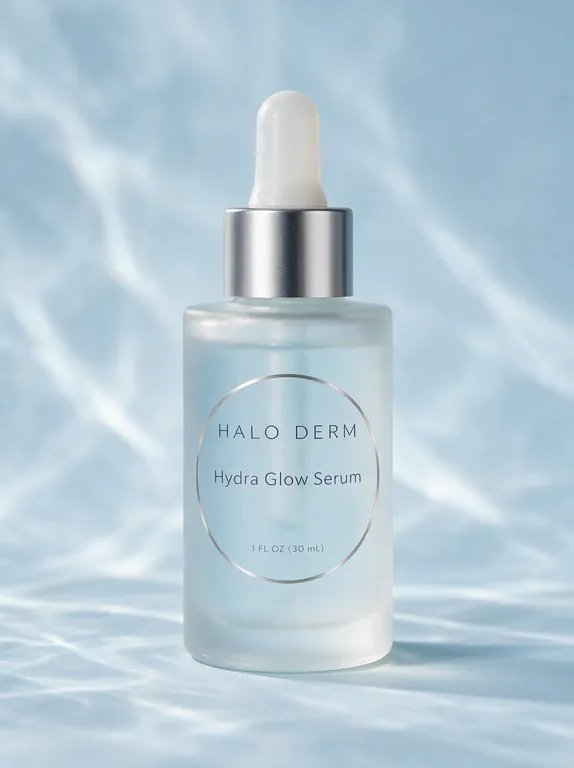
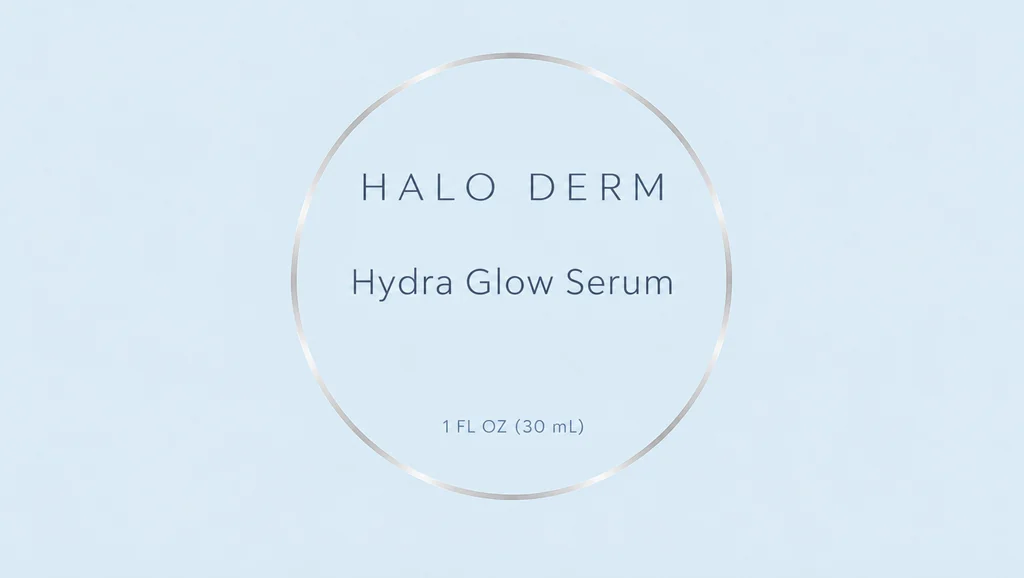
  • Serum dropper bottle for , an AI-generated example made with Seedream 5.0 Pro
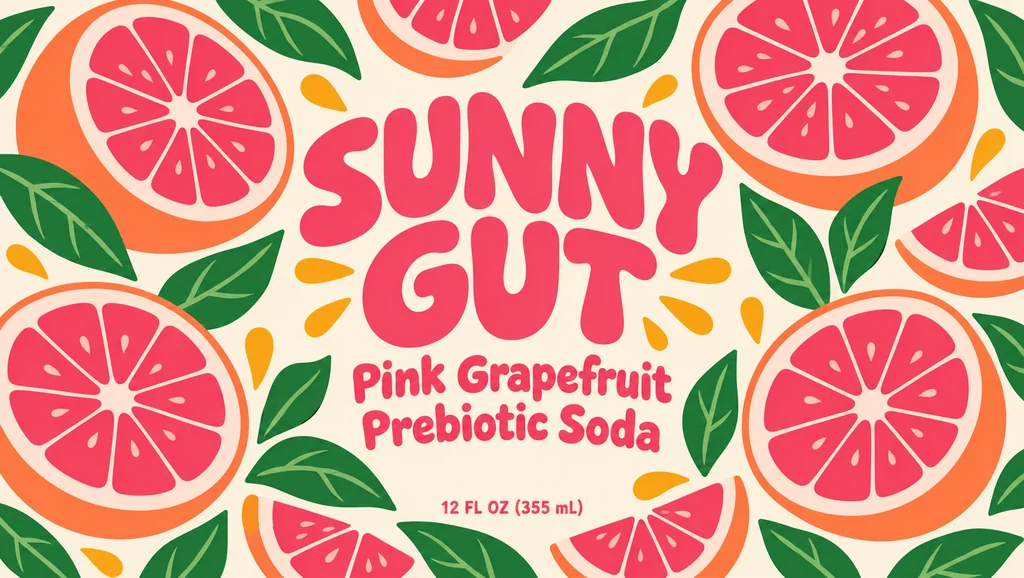
  • Soda can for , an AI-generated example made with GPT Image 2.5 Sunburst
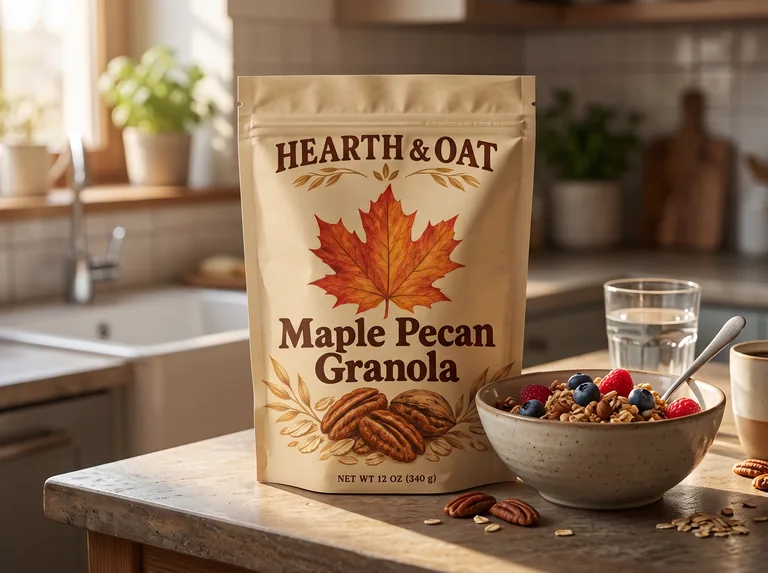
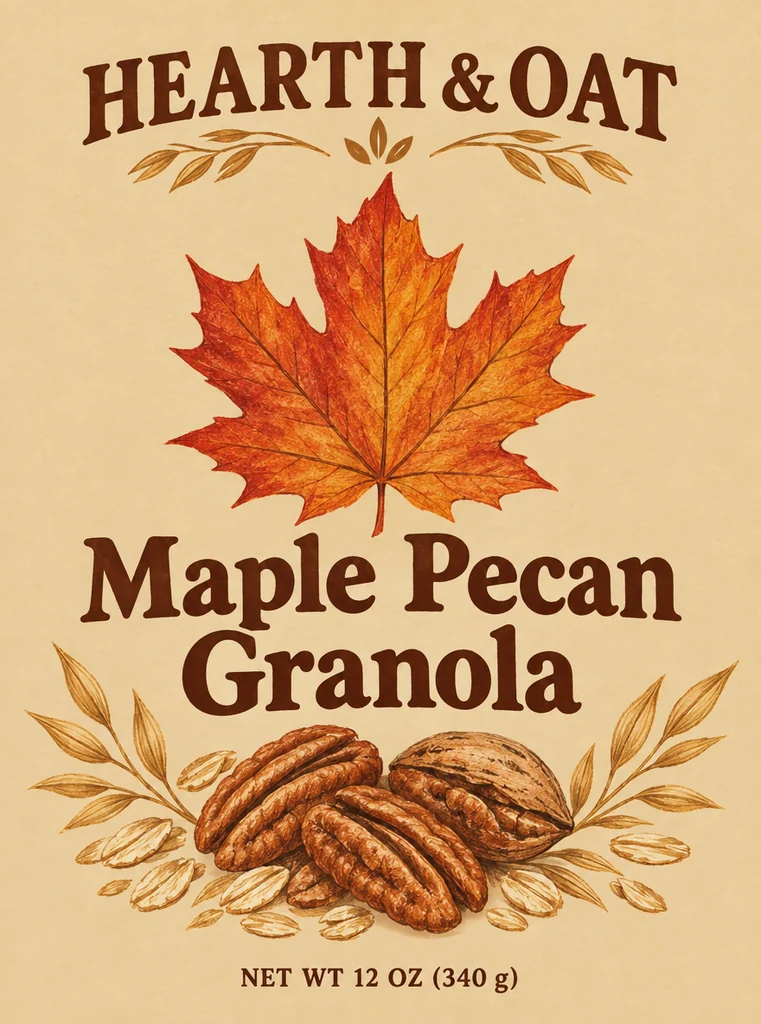
  • Granola pouch for , an AI-generated example made with Nano Banana 2.1
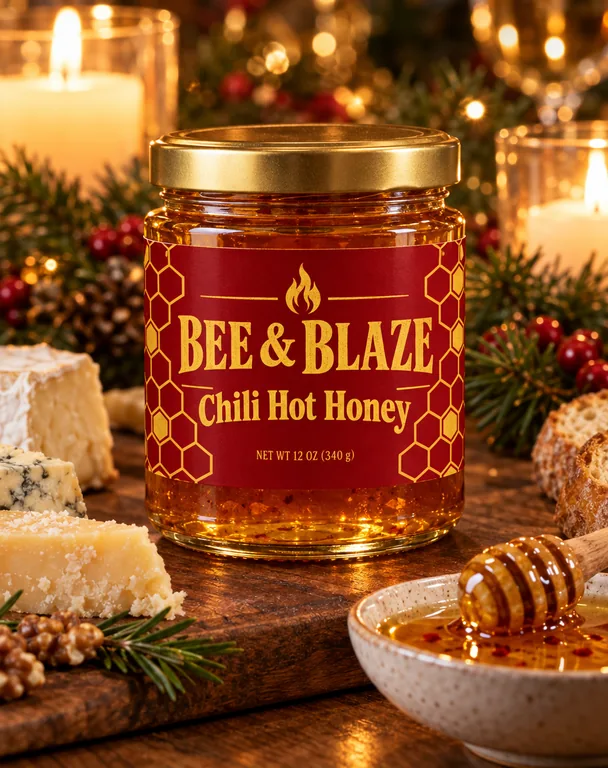
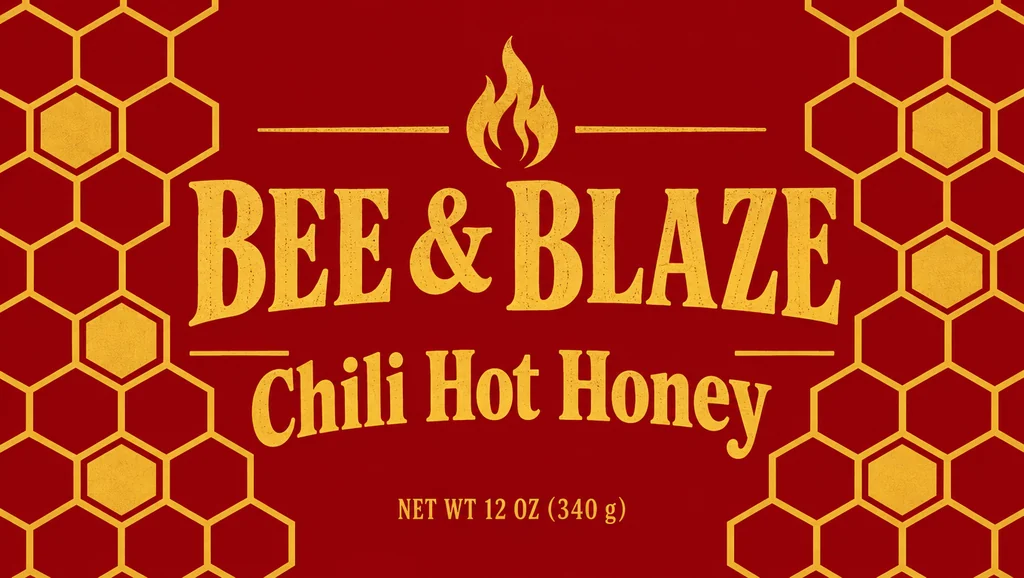
  • Hot honey jar for , an AI-generated example made with GPT Image 2.5 Flare
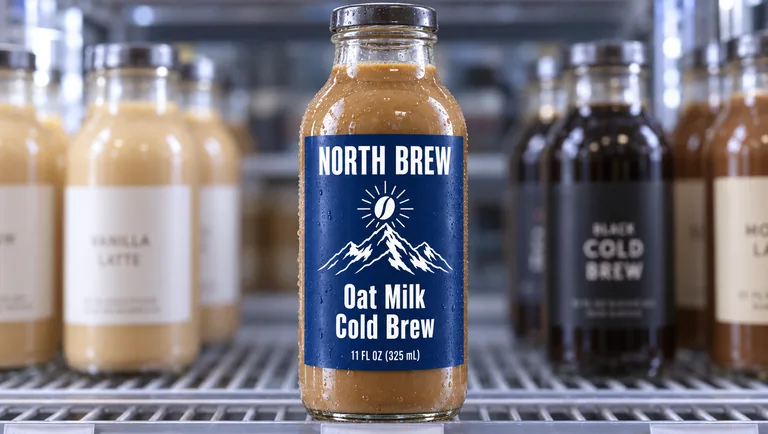
  • Cold brew bottle for , an AI-generated example made with GPT Image 2.5 Sunburst
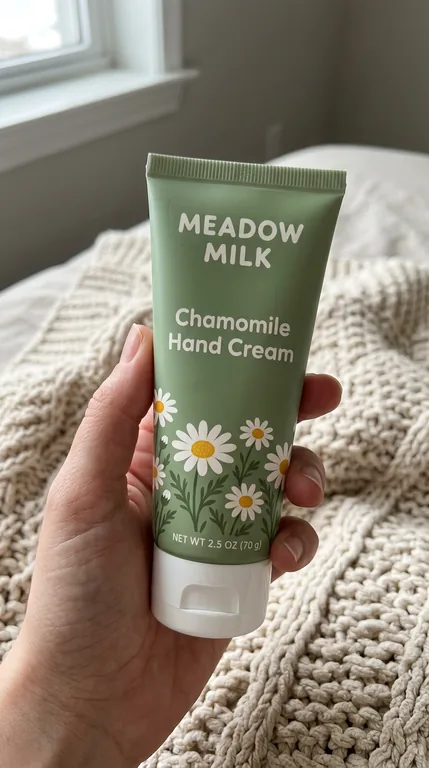
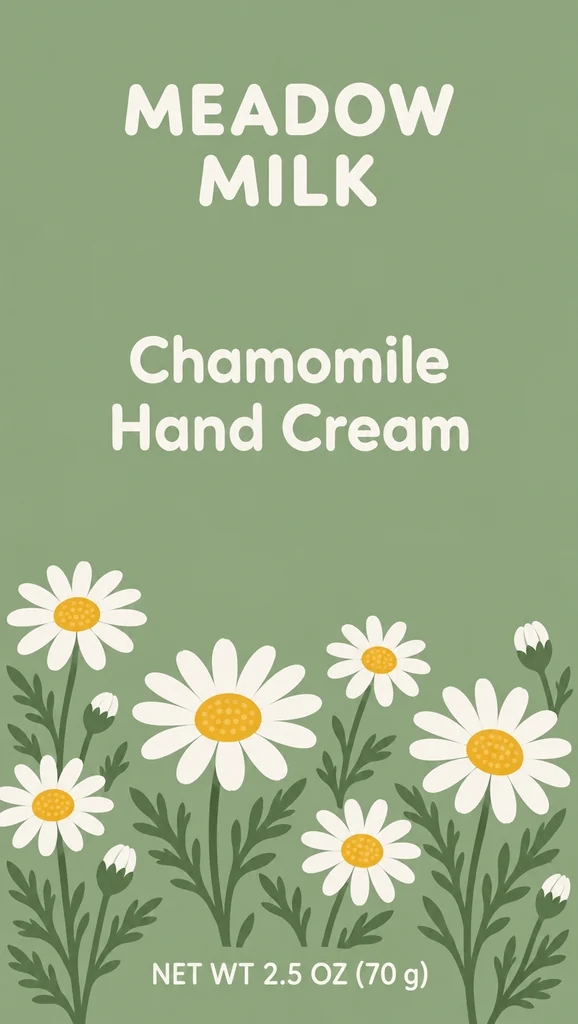
  • Hand cream tube for , an AI-generated example made with Nano Banana 2.1
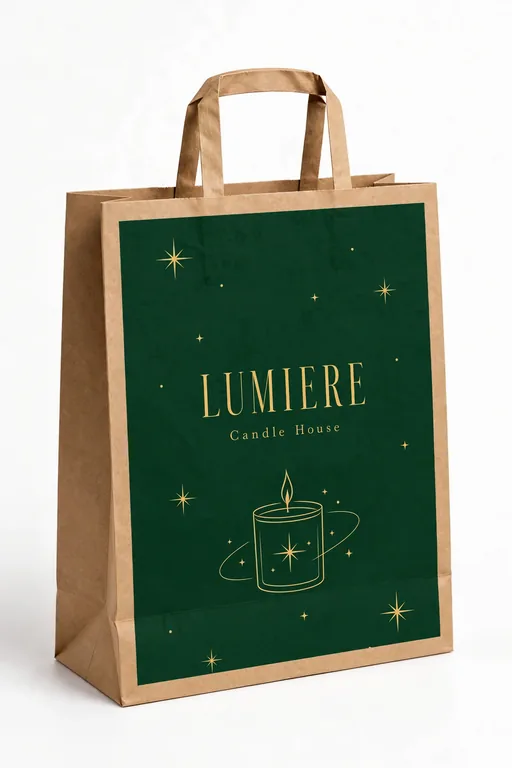
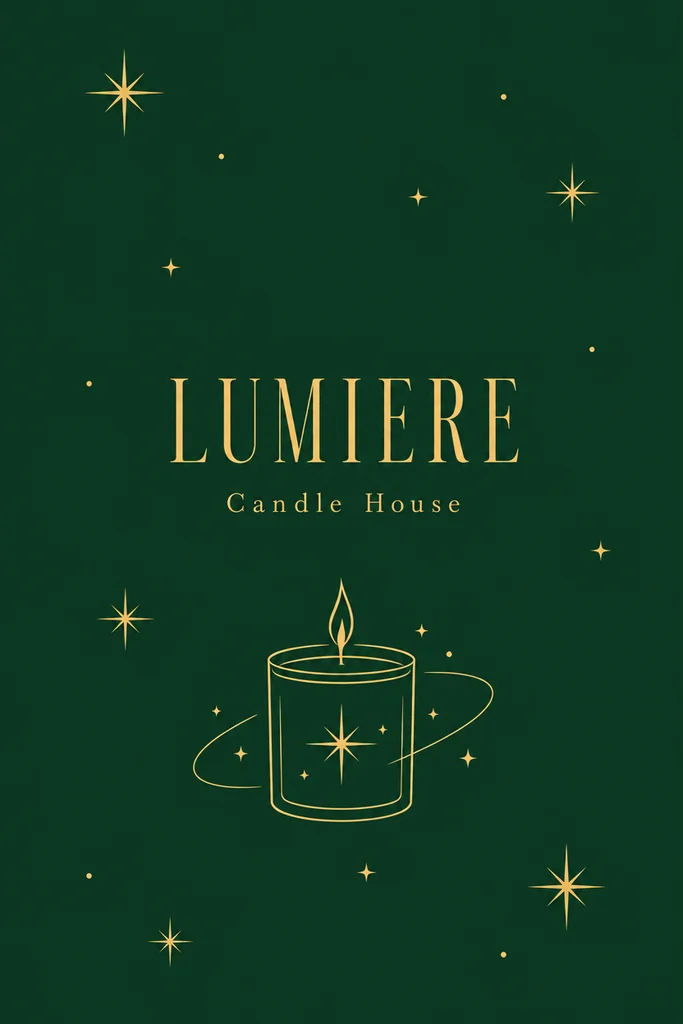
  • Shopping bag for , an AI-generated example made with Muse Image
  • Tea box for , an AI-generated example made with GPT Image 2.5 Sunburst

AI scenes are part of the paid plans; the 3D box and the free tools stay free. Credits for a run that fails are returned automatically. Small print can change in an AI mockup, so print from your flat file.

products, from boxes to tubes
8
scenes where packs are bought and used
8
image models, drafts from 2 credits
5
credits for the 3D box PNG
0

How the packaging mockup generator works

Three steps take you from a flat file to a packaging mockup, and the Generate button shows the credits before you press it.

What this packaging mockup generator does for you

Built for brands that need a believable picture of a pack before the first one is printed.

Serum dropper bottle for , an AI-generated example made with Seedream 5.0 Pro
AI-generated example · Seedream 5.0 Pro

Your design, kept as it is

The instruction is fixed: show image 1 printed on the product, and do not add, remove, move or translate any text. No rewriting of your notes, so the request stays the same every time.

Hot honey jar for , an AI-generated example made with GPT Image 2.5 Flare
AI-generated example · GPT Image 2.5 Flare

Scenes people buy and use packs in

Not only white sets: a holiday table, a kitchen counter, a shelf at eye level, a hand, an unboxing and a picnic, the moments that sell a packaging mockup on a product page or in a social post.

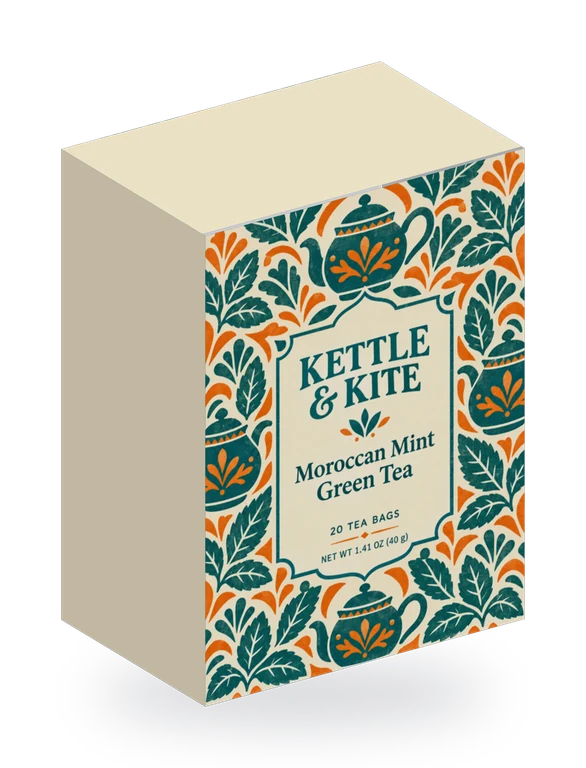
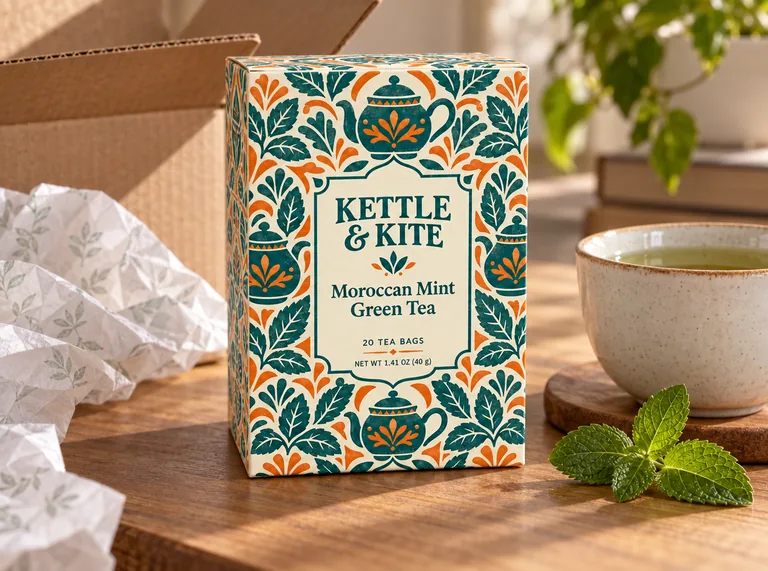
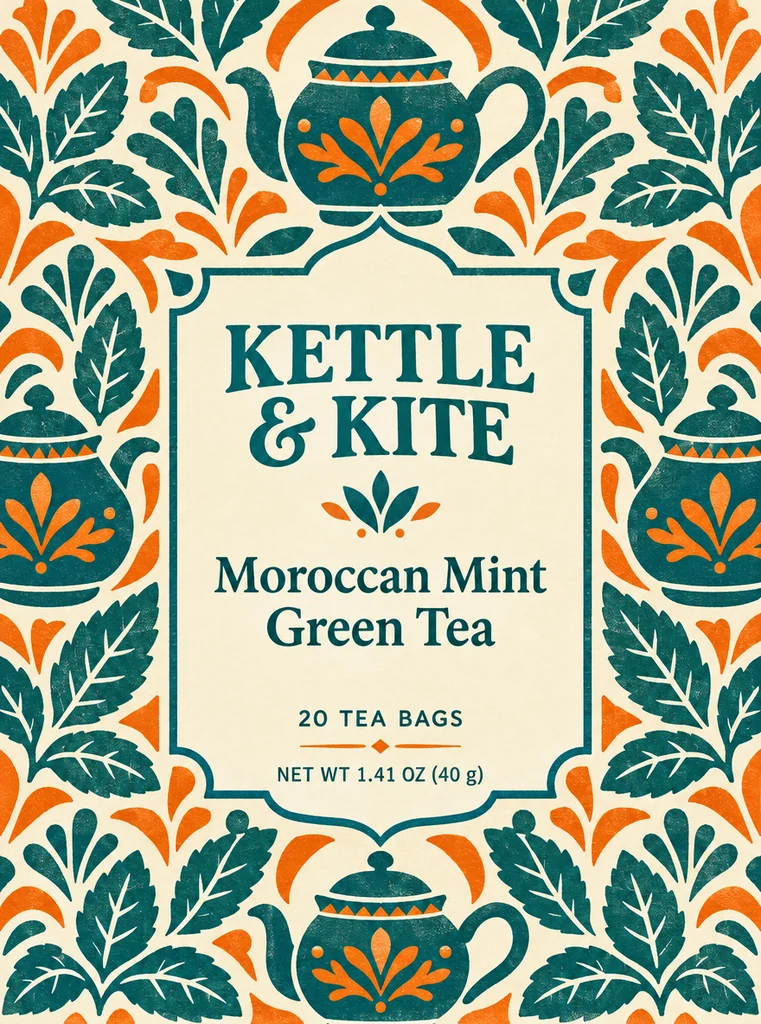
A 3D tea box mockup made with the free 3D box tab: a Kettle & Kite print file folded on a 3 × 2 × 4 in box
Free 3D box · your file as it prints, no AI

A free 3D box, your file as it prints

The 3D box tab folds the dieline generator’s tuck end, lid and drawer boxes at your size and lays your print file on them. Turn it, fold it and download a PNG up to 4096 px with a transparent background, free and without sign up.

Cold brew bottle for , an AI-generated example made with GPT Image 2.5 Sunburst
AI-generated example · GPT Image 2.5 Sunburst

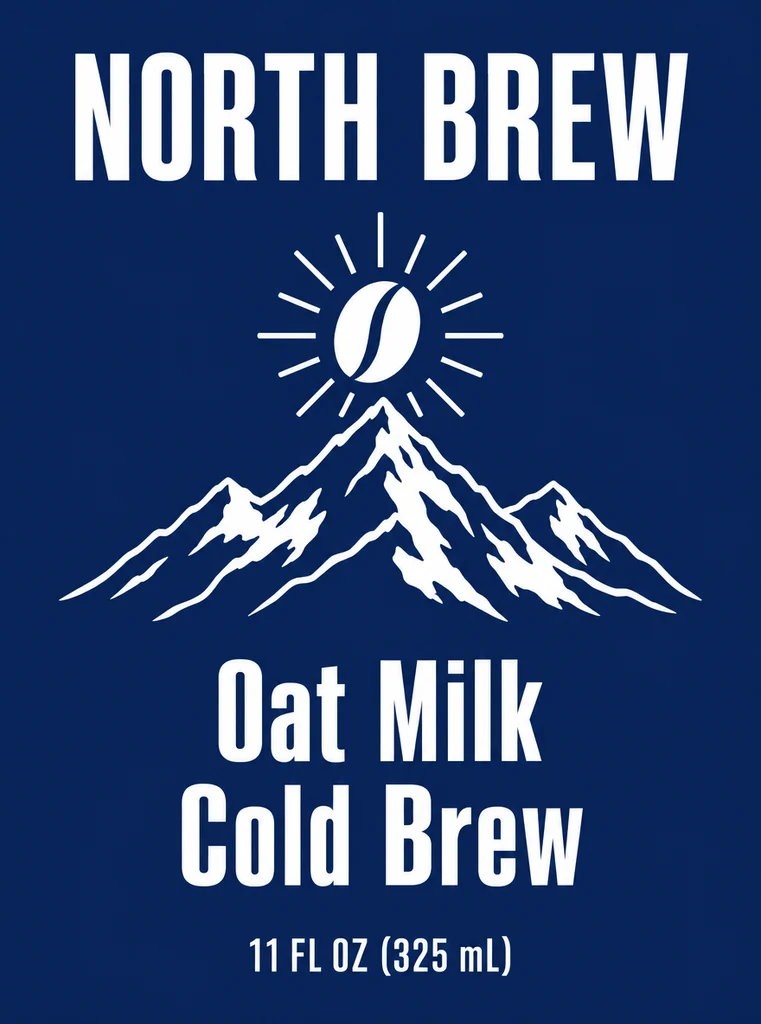
Side by side with your design

Every AI packaging mockup opens next to the design it came from, so a changed letter or a moved logo is easy to spot before anyone sees it.

  • GPT Image 2.5 FlarePrecise text, fasterfrom 10 credits
  • GPT Image 2.5 SunburstPrecise text, finer detailfrom 10 credits
  • Nano Banana 2.1Many references, extra widefrom 8 credits
  • Seedream 5.0 ProPhoto real, high resolutionfrom 11 credits
  • Muse ImageLow cost draftsfrom 2 credits

Five models in one menu

GPT Image 2.5 Sunburst (the default here) and Flare for clean text, Nano Banana 2.1 at 2K for small print, Seedream 5.0 Pro for texture and light and Muse Image for 2 credit drafts. The button shows the total for 1 to 4 mockups.

A packaging mockup that keeps your design

An AI packaging mockup is an edit: the model reads your flat design and draws it again on a product in a scene. That is where most tools slip. In Photoroom’s test of 850 products, the best model showed no visible change only 29% of the time, and drifted logos and text were the most common fault (Photoroom, July 2026).

So this packaging mockup generator sends one fixed instruction, worded the way OpenAI and Google advise for edits that must keep text (OpenAI, Google): image 1 is the finished artwork, show it printed on the product, keep every word, number, logo and color where it is, and add nothing. Your notes come after it and never replace it.

Big type and logos come through well. Fine print, barcodes and Nutrition Facts panels can change, so treat the mockup as a picture of the pack and print from your flat file. For a mockup where every pixel must be yours, use the 3D box tab.
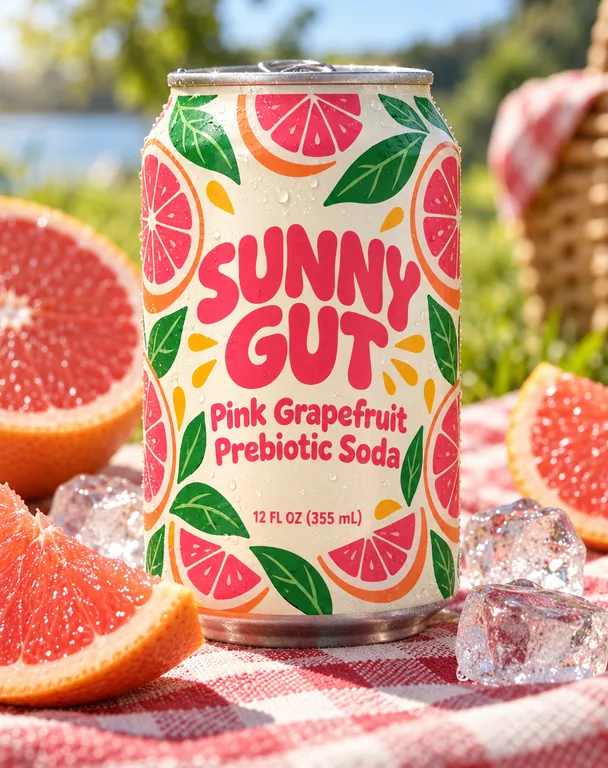
Soda can for , an AI-generated example made with GPT Image 2.5 Sunburst
AI-generated example · GPT Image 2.5 Sunburst

Pick the product and the scene for your packaging mockup

The eight products cover most packs a small brand sells: a folding carton box, a stand-up pouch, a 12 oz can, a glass bottle, a dropper bottle, a jar with a lid, a squeeze tube and a paper shopping bag. Labels go on as labels, a can wrap wraps around the can, and a pouch front covers the pouch.

The eight scenes are moments, not just sets: a plain white background for a shop page, a studio color that suits your design, a kitchen counter in morning light, a holiday dinner table, a store shelf at eye level, a hand holding the pack like a phone photo, an unboxing on a desk and a picnic outdoors.

Add a line of notes to steer the details (a bowl of granola beside it, ice and lime, late afternoon light). The product and scene stay as picked, so you can make the same packaging mockup in three scenes and keep the set consistent.

Granola pouch for , an AI-generated example made with Nano Banana 2.1
AI-generated example · Nano Banana 2.1

Free 3D box mockup from your dieline

The 3D box tab needs no credits and no account. It folds the same boxes as our free dieline generator: reverse and straight tuck end boxes, boxes with a lid and drawer boxes, at any size from 5 to 600 mm a side, with your board, flaps and bleed when you come from the generator.

Upload your print file, the flat box with its bleed exported from your design app, and it is laid on the box exactly as it prints: nothing is redrawn, so barcodes and small print stay as they are. Drag to turn the box, fold it open, and download a PNG of 2048 or 4096 px with a transparent or white background.

A box you designed with AI packaging design opens here on its dieline with one click, and Put this box in an AI scene sends the view on screen to the AI tab as your design.

A 3D tea box mockup made with the free 3D box tab: a Kettle & Kite print file folded on a 3 × 2 × 4 in box
Free 3D box · your file as it prints, no AI

Where to use a packaging mockup

Use packaging mockups for the pictures around a product: extra images on a product page, your own shop, social posts, preorder and crowdfunding pages, and pitches to store buyers before the first run is printed. A mockup on a shelf or in a hand shows a buyer the size and the shelf impact at a glance.

Marketplaces set their own rules for main images, and some want a photo of the real product. Check the rules of each marketplace before you use a packaging mockup as a main image, and call it a rendering where it could be taken for a photo.

A mockup also helps you choose: put two label ideas on the same bottle in the same scene and the stronger one is usually obvious. When you pick one, make the print files in the free label maker or the dieline generator.

What the packaging mockup generator costs

Each AI packaging mockup costs credits by model and resolution: 10 for GPT Image 2.5 Sunburst at 1K, 8 for Nano Banana 2.1 at 1K, 2 for a Muse Image draft and up to 22 for Seedream 5.0 Pro at 2K. Plans start at 800 credits a month (see pricing), and a failed run returns its credits.

The 3D box mockup is free with no sign up and no watermark, like our dieline, label and barcode tools. You can use the PNGs commercially. Images you add to the AI tab are uploaded and safety checked as you add them, and go to the image model when you press Generate; the 3D box never uploads your file.

Who uses a packaging mockup generator

Brands that need pictures of a pack before, and alongside, the printed one.

Shops on Shopify and Etsy

Product page images on white and in a scene, made from the same file in minutes.

Food and drink startups

A shelf shot for a buyer pitch before the first production run.

Beauty and wellness brands

Serums, creams and tubes in calm studio light for launches and ads.

Designers and agencies

Show a client two directions on the real pack before anything is printed.

Packaging mockup questions

What people ask before they make a packaging mockup.

Make a packaging mockup

What is a packaging mockup generator?

A tool that shows your flat packaging design on a product, so you can see and share the pack before it is printed. This one does it with AI in a scene, or as a free 3D box.

Will the AI change my design?

It is told to keep every word, logo and color as they are, and big type usually comes through. Small print, barcodes and Nutrition Facts can change, so compare it side by side and print from your flat file.

What file should I upload?

A PNG, JPG or WebP of the front of your label or pack. For the 3D box, the flat box with its bleed, at the size shown under the upload button.

Is the 3D box mockup free?

Yes. Folding the box and downloading the PNG costs nothing and needs no account, with no watermark. Putting the box in an AI scene uses credits.

Can I use a packaging mockup as my Amazon main image?

Check the marketplace’s rules first: some main images must be photos of the real product. Mockups suit extra images, your own shop, social posts and pitches.

Which model is best for packaging mockups?

GPT Image 2.5 Sunburst keeps text most reliably and is the default. Nano Banana 2.1 at 2K helps with small print, Seedream 5.0 Pro with texture and light, and Muse Image makes quick 2 credit drafts.

Can I use the mockups commercially?

Yes, under your plan’s license for AI images, and freely for the 3D box PNGs. The design in them must be yours to use.

Is the packaging mockup generator free?

The 3D box is free. AI scenes are part of the paid plans, because every mockup calls a paid image model, from 2 credits a draft.

Make your packaging mockup

Add your design, pick the product and the scene, and the packaging mockup generator shows the credits before it starts. The 3D box is free.