

AI Sticker Mockup Generator

See your sticker where people will stick it: this sticker mockup generator turns your design into a real sticker on a laptop, a water bottle, a car window or a package, cut to its shape, in the vinyl you choose.

  • 11 surfaces, from a laptop to a shop window
  • 5 vinyls, holographic and silver too
  • 4 cuts, die cut first

AI Sticker Mockup

0 / 4000

Sticker mockup ideas made with this page

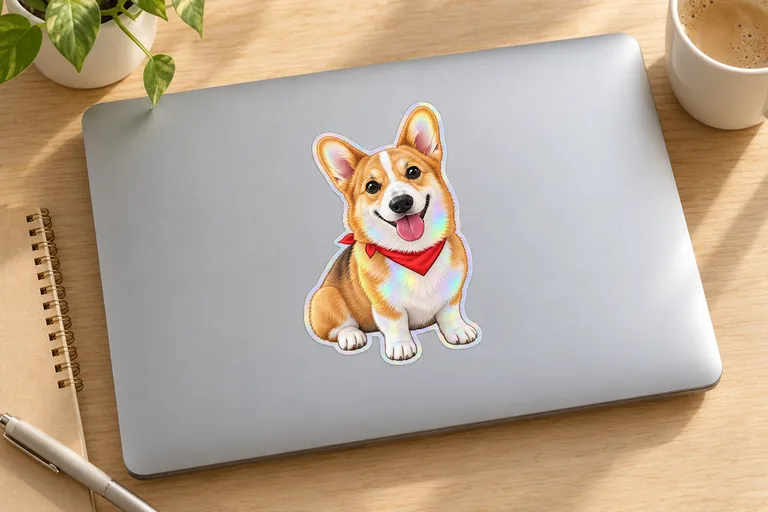
Eight stickers made with AI sticker generator, eight places: a holographic corgi on a laptop, a car’s rear window, a kiss-cut sheet, a round thank-you sticker on a mailer, a pastry box sealed with a glossy sticker, a water bottle, a café window decal and a silver sticker peeling off. Open one to see the design and the photograph together, then start from its choices with your own sticker.

  • Holographic sticker on a laptop, made with AI Sticker Mockup
  • Sticker on a car’s rear window, made with AI Sticker Mockup
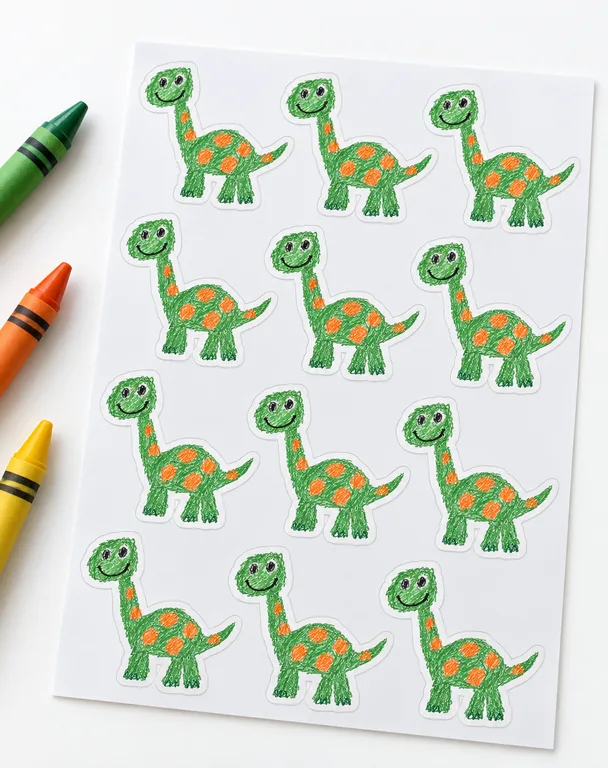
  • Kiss-cut sticker sheet, made with AI Sticker Mockup
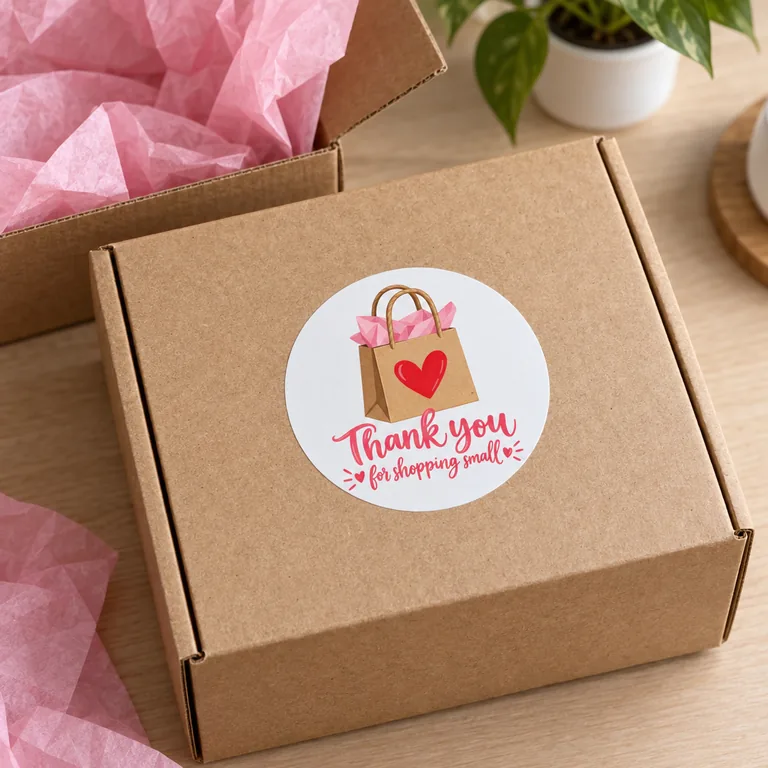
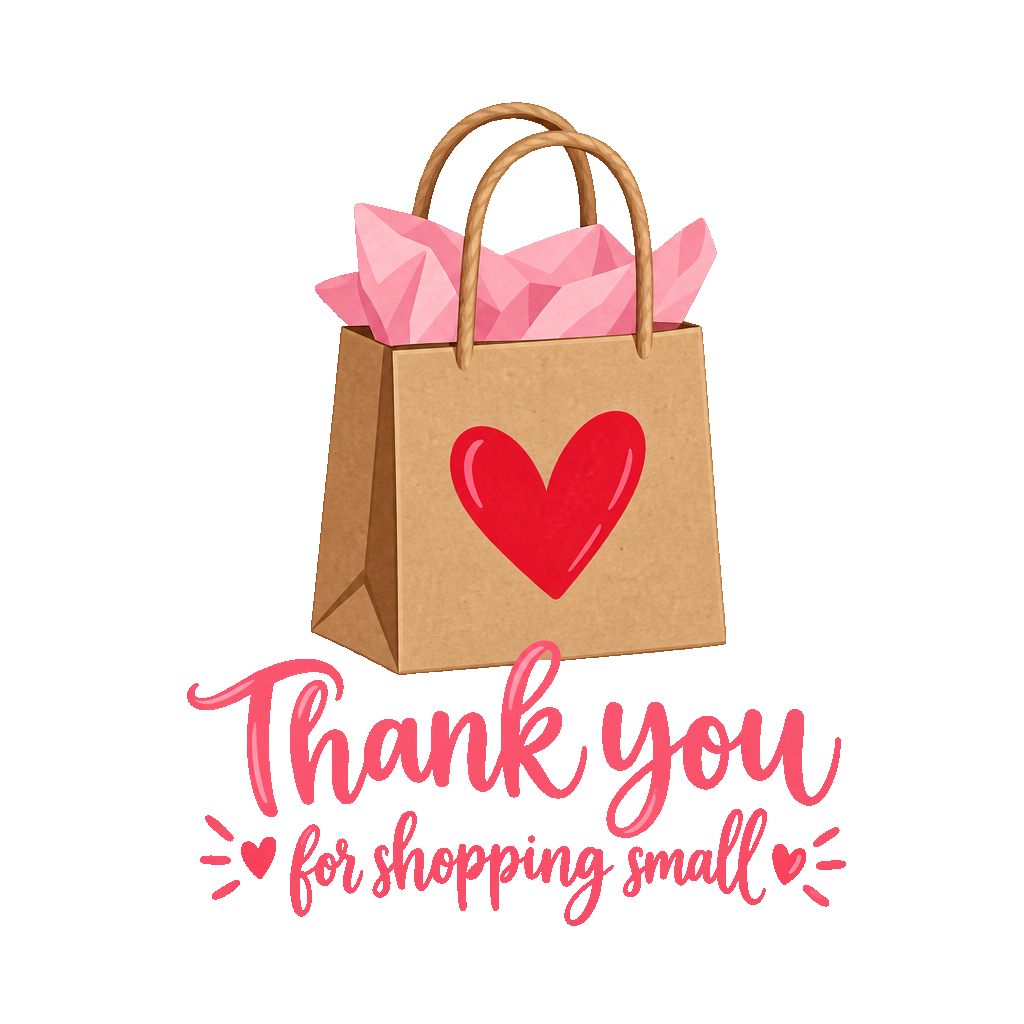
  • Round thank-you sticker on a mailer box, made with AI Sticker Mockup
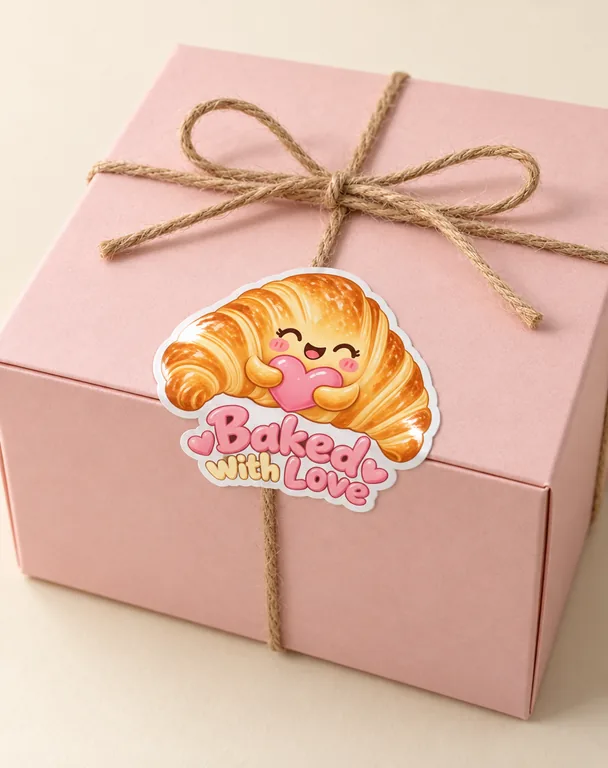
  • Glossy sticker sealing a pastry box, made with AI Sticker Mockup
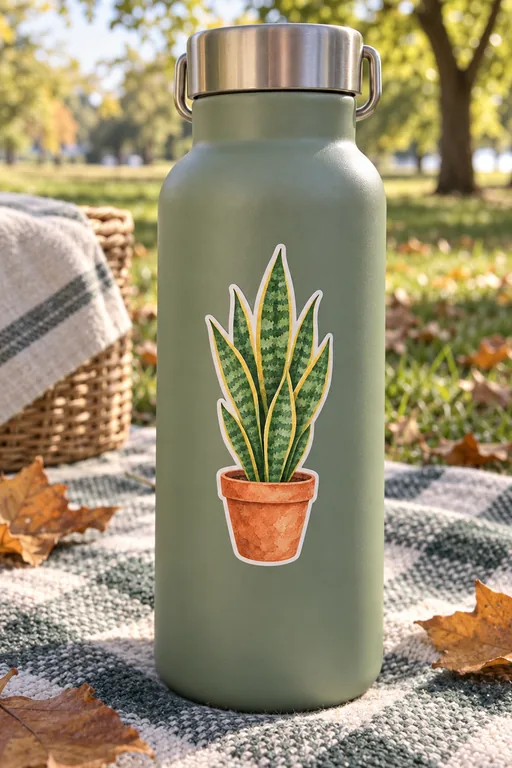
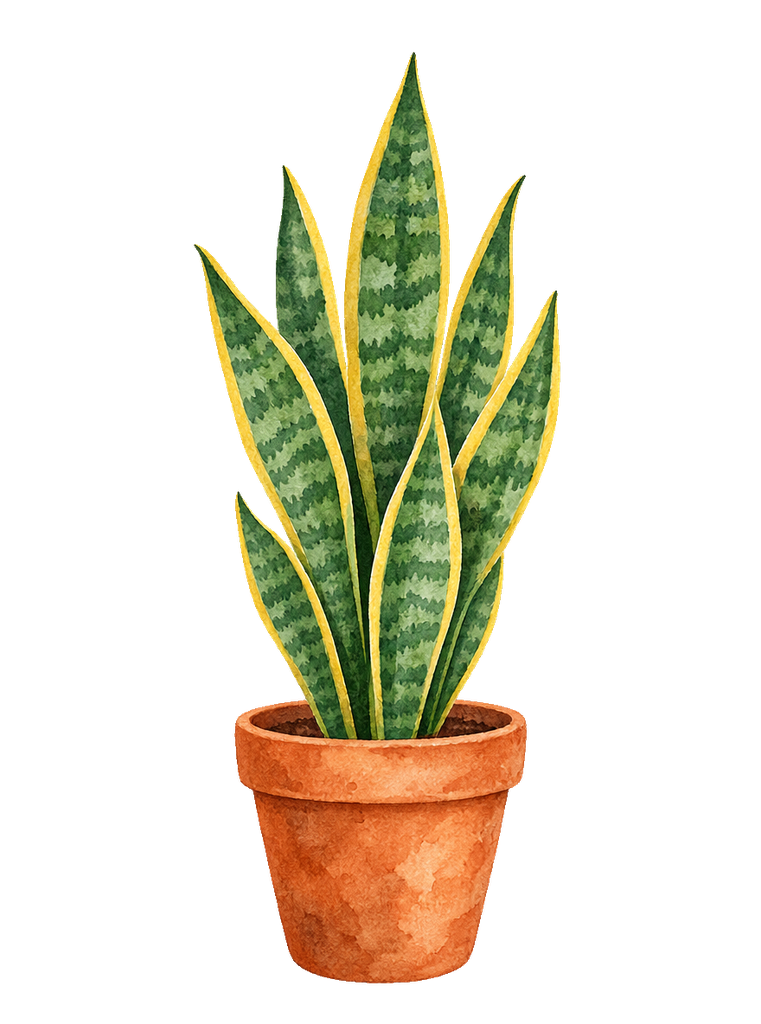
  • Matte sticker on a water bottle, made with AI Sticker Mockup
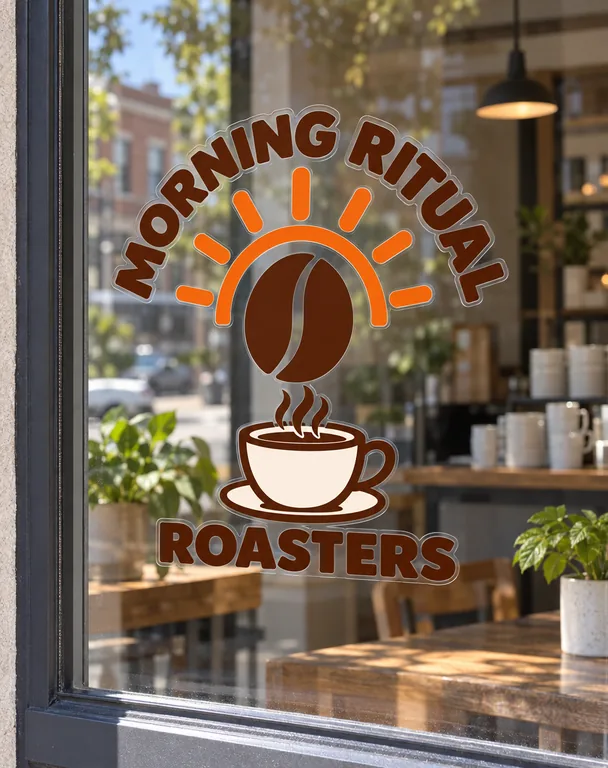
  • Clear window decal on a café, made with AI Sticker Mockup
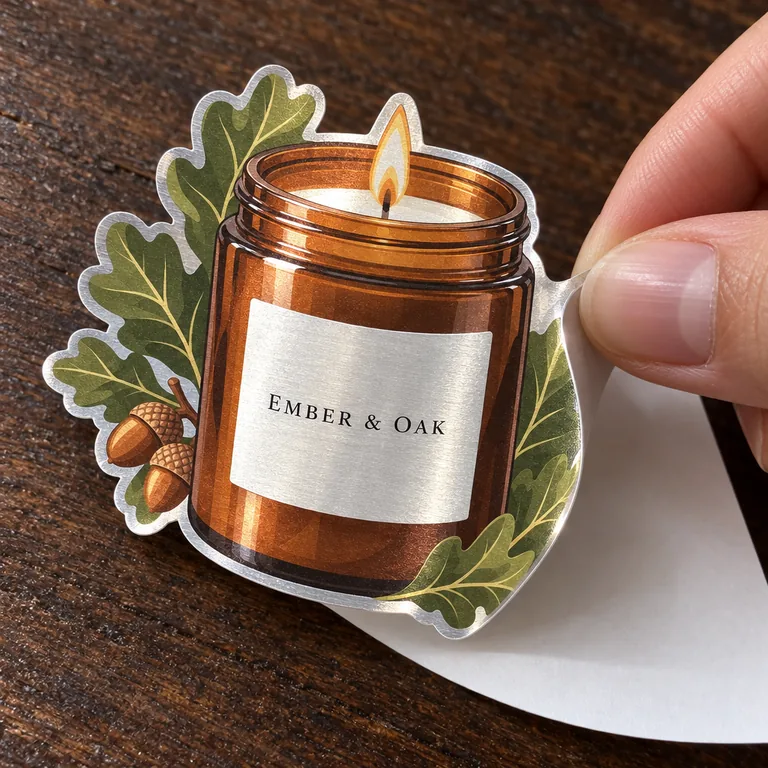
  • Silver sticker peeling off, made with AI Sticker Mockup

AI scenes use credits from a plan or a credit pack, and you pay only for the designs you receive.

surfaces, from a sticker sheet to a car
11
vinyls: matte, glossy, clear, silver, holographic
5
credits a picture by mode and resolution
5 to 20
pictures a run
1 to 4

Make a sticker mockup in three steps

Start with the sticker design you already have.

A sticker mockup generator for every place a sticker goes

Stickers live on laptops, bottles, cars and packages. This page puts yours there.

Matte sticker on a water bottle, made with AI Sticker Mockup

Eleven surfaces, each with its own scenes

A single sticker on its backing, a kiss-cut sheet, a laptop, a water bottle, a notebook, a phone case, a car, a gift box, a mailer box, a paper bag and a shop window. Each takes the scenes that suit it: a sticker can be peeled, a car is shot by day or at dusk.

Silver sticker peeling off, made with AI Sticker Mockup

Five vinyls, holographic and silver included

Matte, glossy, clear, silver and holographic vinyl. Silver and holographic shine where your design is white or light, and clear lets the surface show through wherever the design has no color.

Kiss-cut sticker sheet, made with AI Sticker Mockup

Cut the way you print it

Die cut along the outline of the design with a thin, even border, or a circle, a square or a rectangle with rounded corners. On a sticker sheet every copy is kiss cut on one backing.

Glossy sticker sealing a pastry box, made with AI Sticker Mockup

Your design kept, word for word

Every word, letter, shape and color stays as in your file, and nothing else in the picture carries words or another brand, so the photo is ready for a shop listing.

What a sticker mockup shows

A sticker mockup shows a design as the sticker it will become: the vinyl catching the light, the cut around the art, the sticker sitting on a laptop lid or a car window. Sellers use one for shop listings, artists for a new drop, brands for packaging and giveaways.

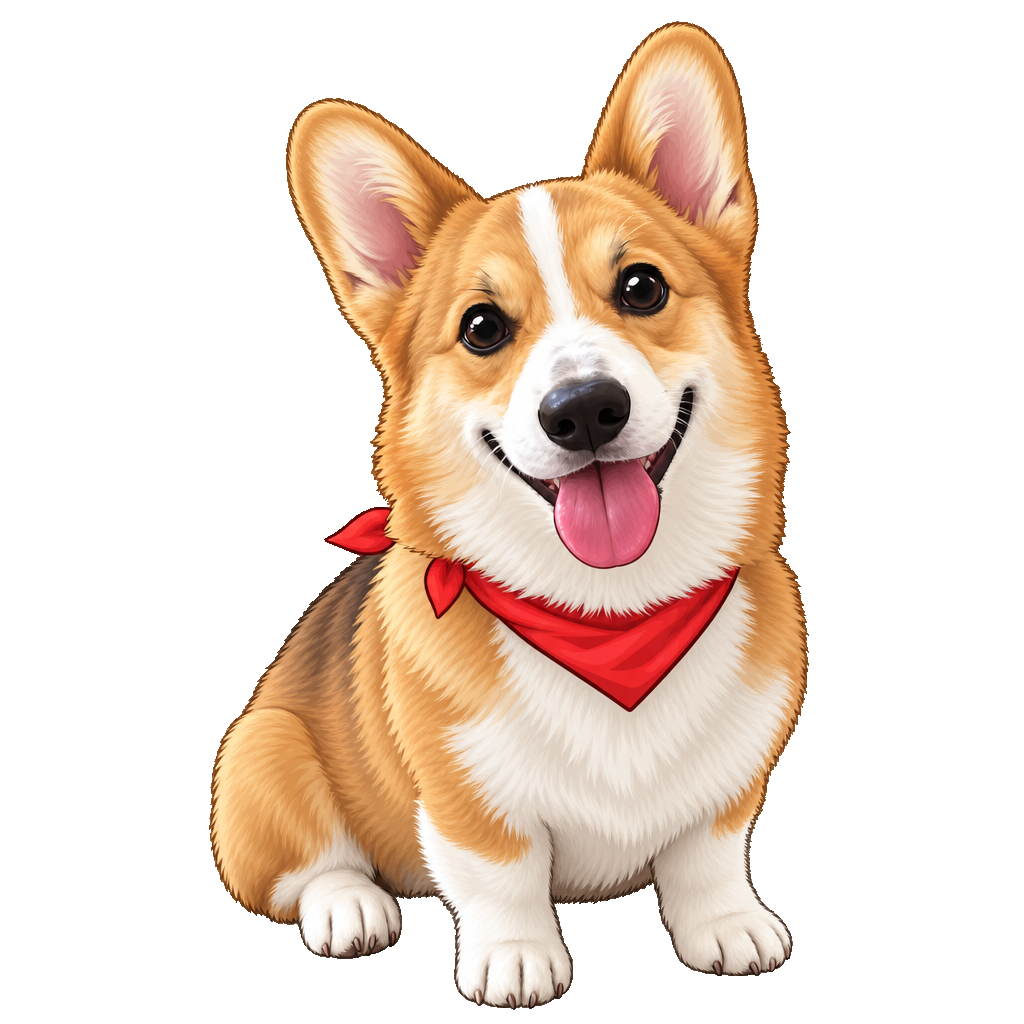
A flat file can’t say how holographic vinyl shifts across a white corgi, or how a clear sticker looks on a steel water bottle. A picture made from your own design answers that before you order a print run.

One design on several surfaces tells a fuller story: the same sticker on a laptop, a bottle and a sheet in one listing.
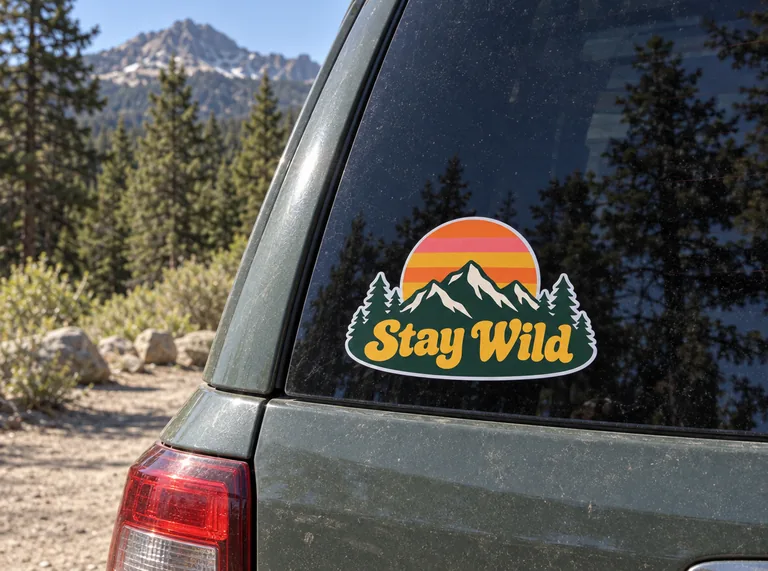
Sticker on a car’s rear window, made with AI Sticker Mockup

A die cut sticker mockup and a sticker sheet mockup

Choose Die cut for a die cut sticker mockup: the sticker follows the outline of your design with a thin, even border, the way a cutter would trim it. A circle, a square or a rounded rectangle works for logos, labels and badges.

Choose Sticker sheet for a sticker sheet mockup: several copies of your design in neat rows, kiss cut through the vinyl but not the backing, the way sheets ship to customers.

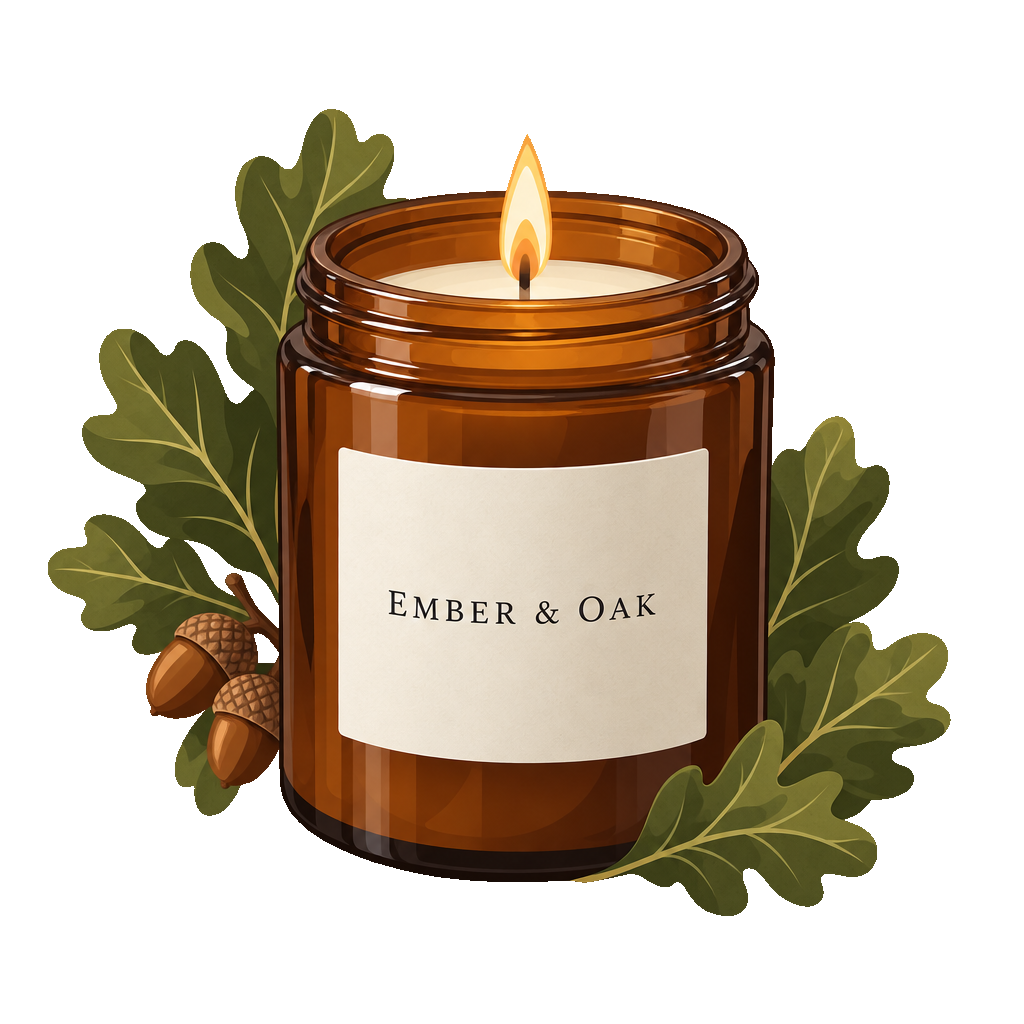
The designs here can come straight from AI sticker generator: under each sticker, In a scene opens this page with the sticker added and the cut set to Die cut.

To turn the sticker yourself and download it in 3D, the free sticker mockup cuts it along your design in the same five vinyls; its Put this sticker in an AI scene button brings it back here.

A laptop sticker mockup and other everyday places

A laptop sticker mockup is the classic way to show a sticker: the design on a closed lid on a desk, with the lid kept free of any logo. A water bottle, a notebook and a phone case are the next places buyers picture a sticker.

Pick the scene with the surface: a desk or a studio backdrop for a laptop, the outdoors or a hand for a bottle and a notebook. Your notes set the color of the laptop, the bottle or the light.

Holographic sticker on a laptop, made with AI Sticker Mockup

Stickers on packaging, cars and shop windows

A sticker that seals a gift box, sits on a mailer or closes a paper bag is often the brand’s first touch. Pick the box, the mailer or the bag and the sticker goes where it seals, with the unboxing or shop counter scene around it.

A car and a shop window are shot by day or at dusk: a bumper or rear window sticker in clear daylight, a clear window decal with the café behind the glass.

AI scenes use credits, and the price shows before you press Generate: 5 to 20 credits a picture by mode and resolution. Plans start at 550 credits a month (pricing).

Clear window decal on a café, made with AI Sticker Mockup

Where a sticker mockup helps

A few moments it answers, from the first design to the shop page.

Shop listings

Show a sticker on a laptop, a bottle and a sheet in one listing, so buyers see its finish and how it looks in use before they order.

A new drop

Picture a whole set of stickers in holographic or silver vinyl before ordering the print run.

Packaging and thank-you notes

See the round thank-you sticker on the mailer and the seal on the gift box before printing them.

Shop windows and cars

Try a window decal or a car sticker in daylight and at dusk for an opening or a campaign.

Questions about sticker mockups

The short answers about the surfaces, the vinyls and the credits.

Make your sticker mockup

How much does an AI sticker mockup cost?

An AI scene uses credits from a plan or a credit pack, 5 to 20 a picture by mode and resolution, and you pay only for the designs you receive. The Generate button shows the price before you start.

Which surfaces, vinyls and cuts are there?

Eleven surfaces: a single sticker, a sticker sheet, a laptop, a water bottle, a notebook, a phone case, a car, a gift box, a mailer box, a paper bag and a shop window. Five vinyls: matte, glossy, clear, silver and holographic (a shop window takes clear, matte or glossy). Four cuts: die cut, circle, square and rectangle.

What file does the sticker mockup take?

A PNG, JPG or WebP of the design. A clear background works best; a design on a plain background is lifted off it, and a white border already around it becomes the sticker’s edge. A sticker from the free sticker mockup comes here with its vinyl and cut set.

Does the mockup keep my design exactly?

Every word, letter, shape and color stays as in your file, apart from where clear, silver or holographic vinyl shows through, and nothing else in the picture carries words or another brand.

Can I send a sticker from AI sticker generator?

Yes. Under each sticker there, In a scene opens this page with the sticker added and the cut set to Die cut; pick the surface and the scene, or leave them on Auto.

Can I use the pictures in my shop?

Yes. Each picture saves to your history, where Reuse brings back the surface, the scene, the vinyl and the cut. Plans and credit packs include a commercial license for what you make, and the Business plan covers a company.

Put your sticker where it belongs

Add your sticker, pick the surface, the vinyl and the cut, and see your sticker mockup on the laptop, the bottle or the package it is made for.