
AI Wine Label Design Generator

Describe the wine, type the words to print, and compare wine label design options from five AI models in about a minute.

  • Five image models
  • Winery and wine name printed as typed
  • Front, neck, wrap and sparkling labels
  • Credits shown before you start

AI Wine Label Design

Wine label designAI enhance
0 / 4000

Wine label design ideas made with AI

Real AI-generated examples, each made with this generator. Click one to fill in its prompt, text and settings, then make it yours.

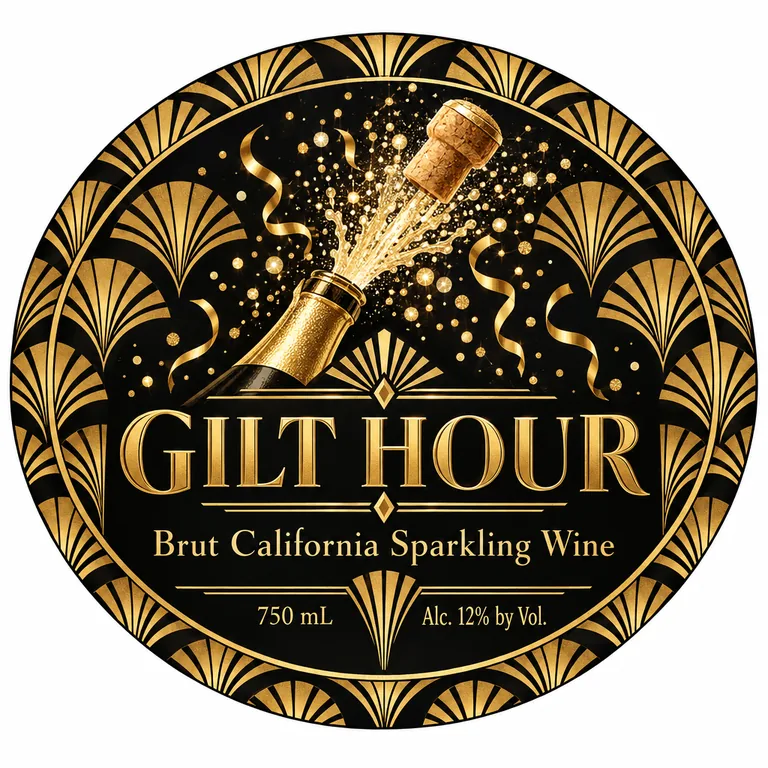
  • Sparkling label for GILT HOUR Brut California Sparkling Wine, an AI-generated example made with GPT Image 2.5 Sunburst
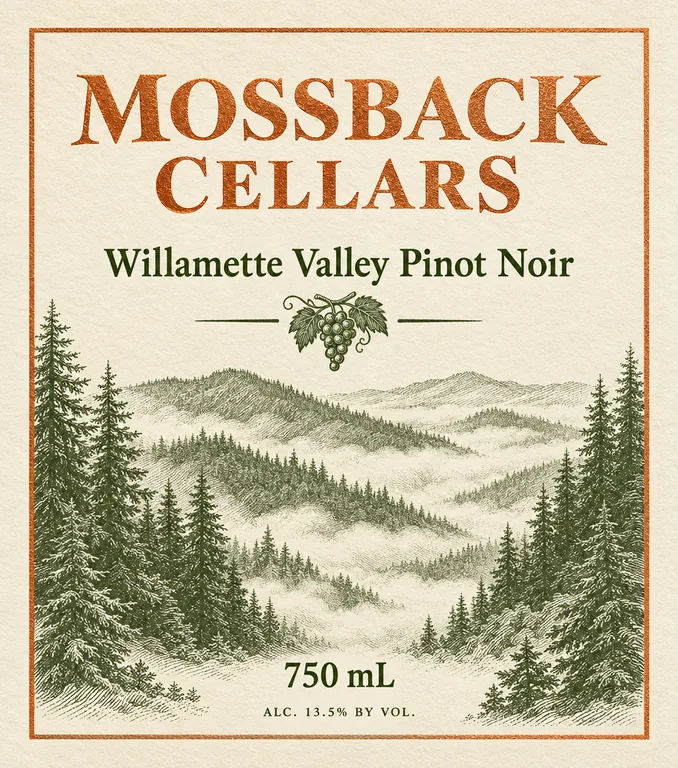
  • Pinot noir front label for MOSSBACK CELLARS Willamette Valley Pinot Noir, an AI-generated example made with GPT Image 2.5 Flare
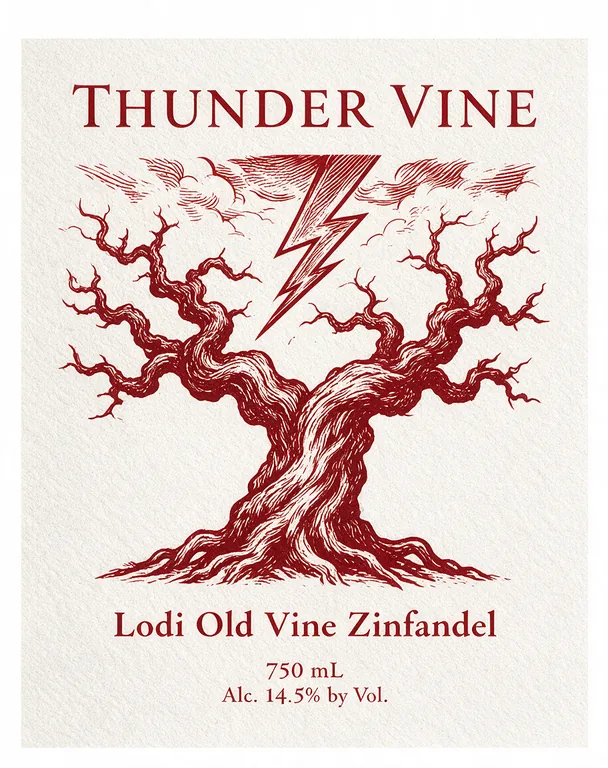
  • Zinfandel front label for THUNDER VINE Lodi Old Vine Zinfandel, an AI-generated example made with Seedream 5.0 Pro
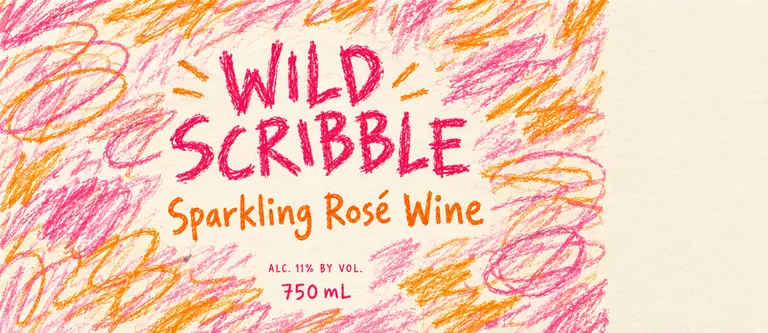
  • Pét-nat wrap-around for WILD SCRIBBLE Sparkling Rosé Wine, an AI-generated example made with GPT Image 2.5 Flare
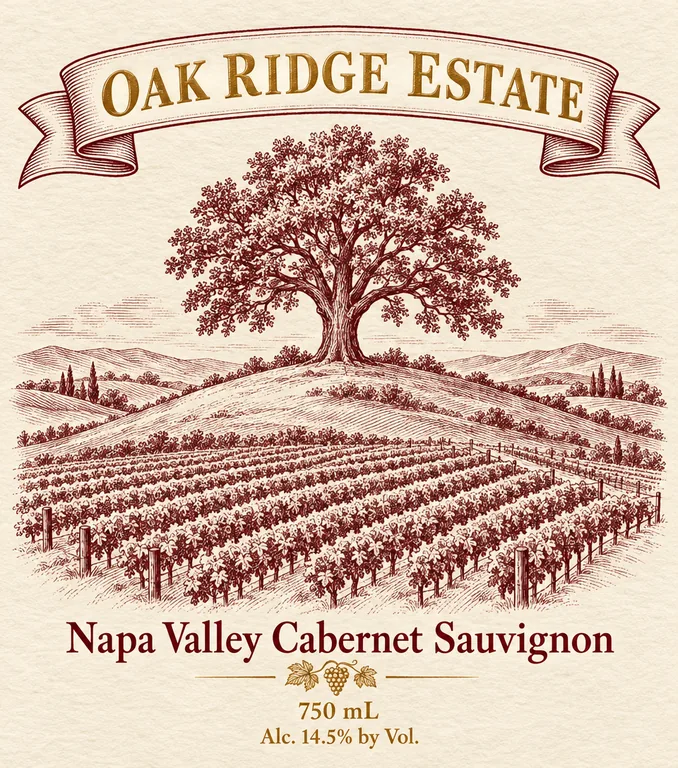
  • Cabernet front label for OAK RIDGE ESTATE Napa Valley Cabernet Sauvignon, an AI-generated example made with GPT Image 2.5 Sunburst
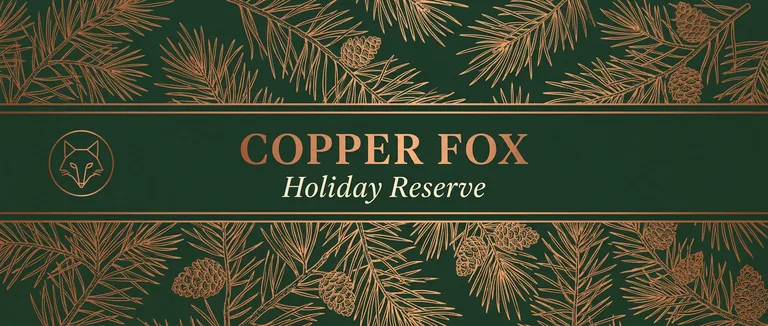
  • Holiday neck label for COPPER FOX Holiday Reserve, an AI-generated example made with Nano Banana 2.1
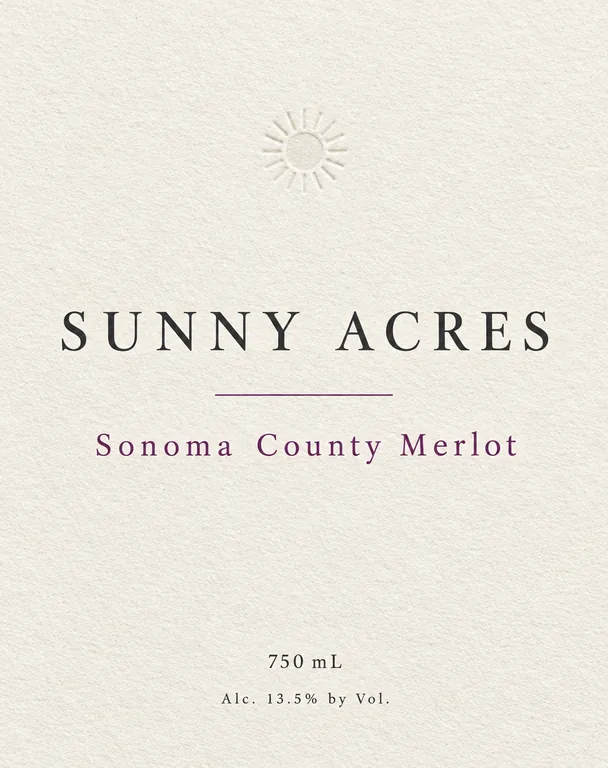
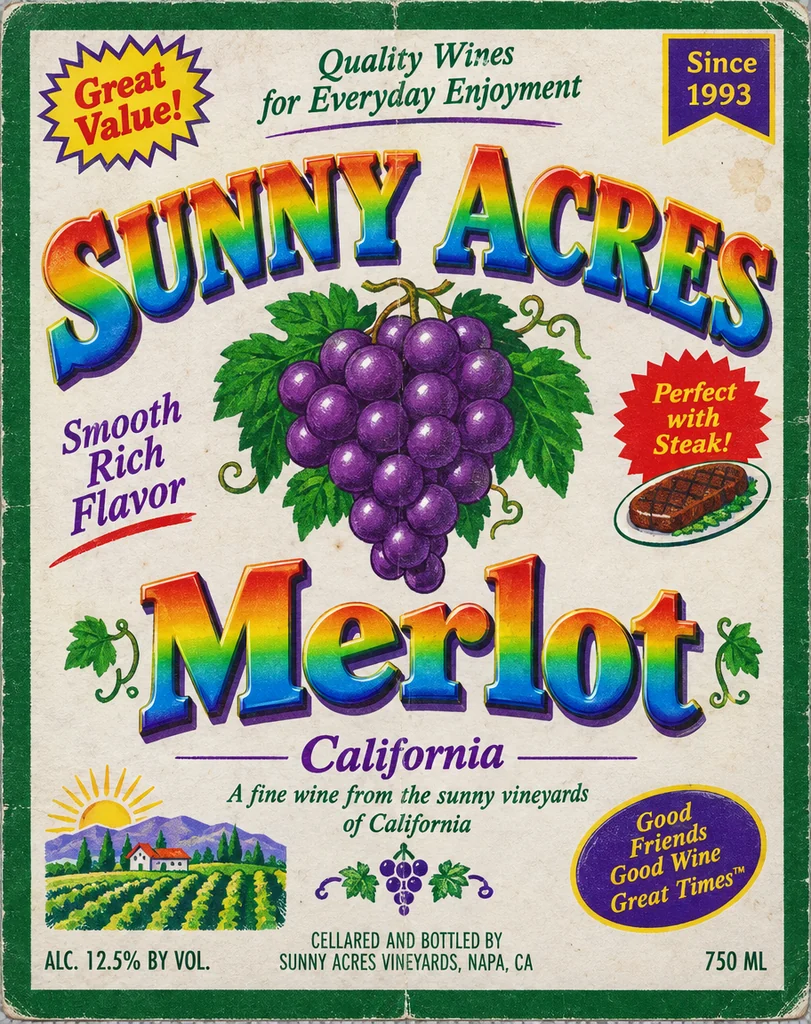
  • Label redesign for SUNNY ACRES Sonoma County Merlot, an AI-generated example made with GPT Image 2.5 Flare
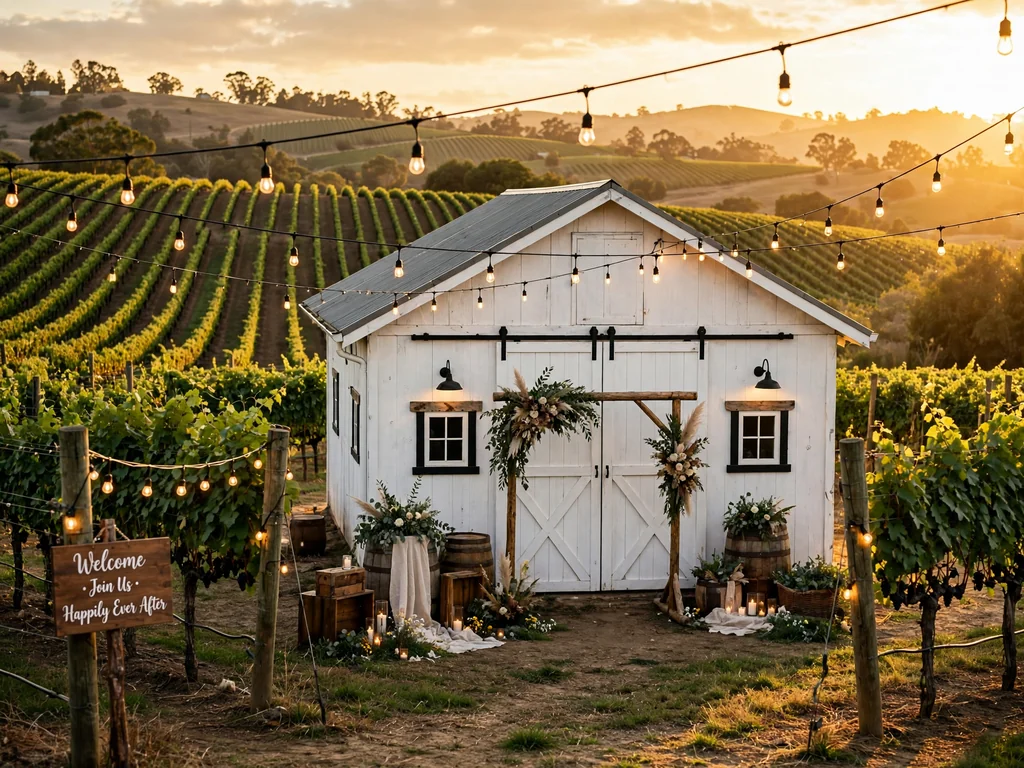
  • Wedding wine label for Emma & Liam Willow Barn Red Wine, an AI-generated example made with Seedream 5.0 Pro
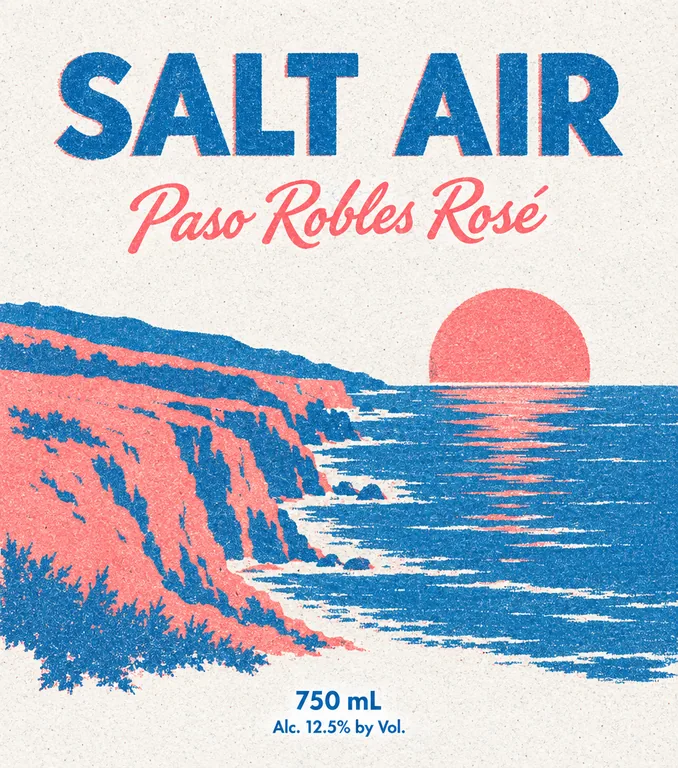
  • Rosé front label for SALT AIR Paso Robles Rosé, an AI-generated example made with GPT Image 2.5 Flare
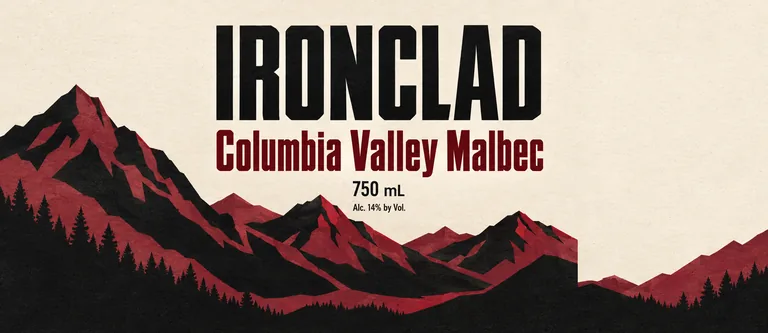
  • Malbec wrap-around for IRONCLAD Columbia Valley Malbec, an AI-generated example made with GPT Image 2.5 Sunburst
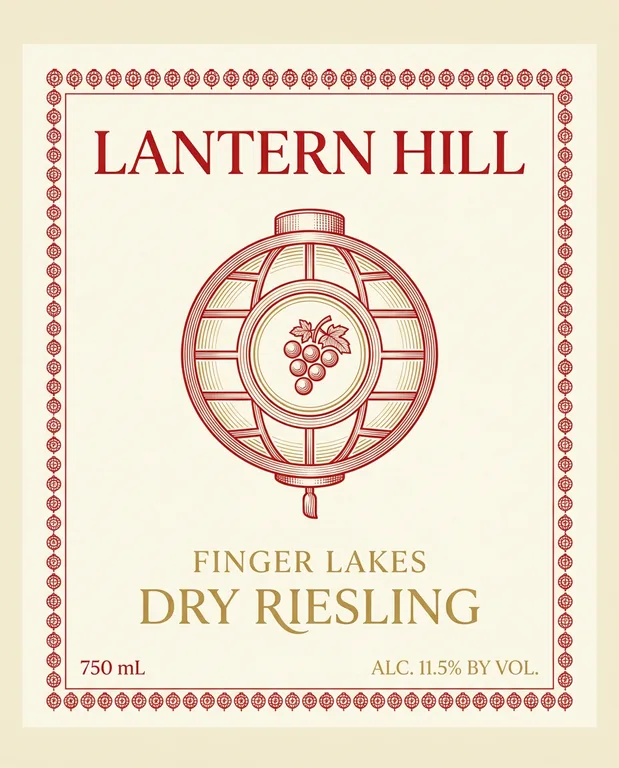
  • Riesling front label for LANTERN HILL Finger Lakes Dry Riesling, an AI-generated example made with Nano Banana 2.1
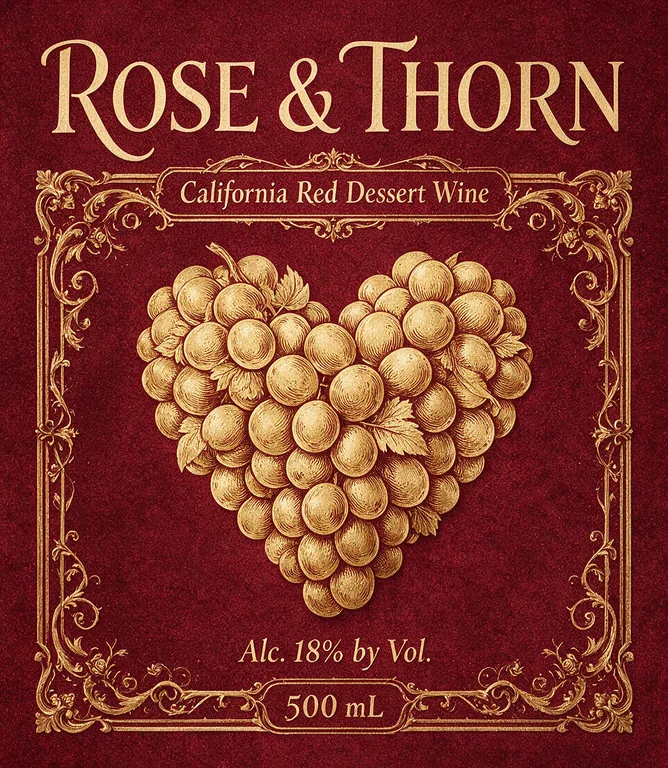
  • Dessert wine label for ROSE & THORN California Red Dessert Wine, an AI-generated example made with Seedream 5.0 Pro
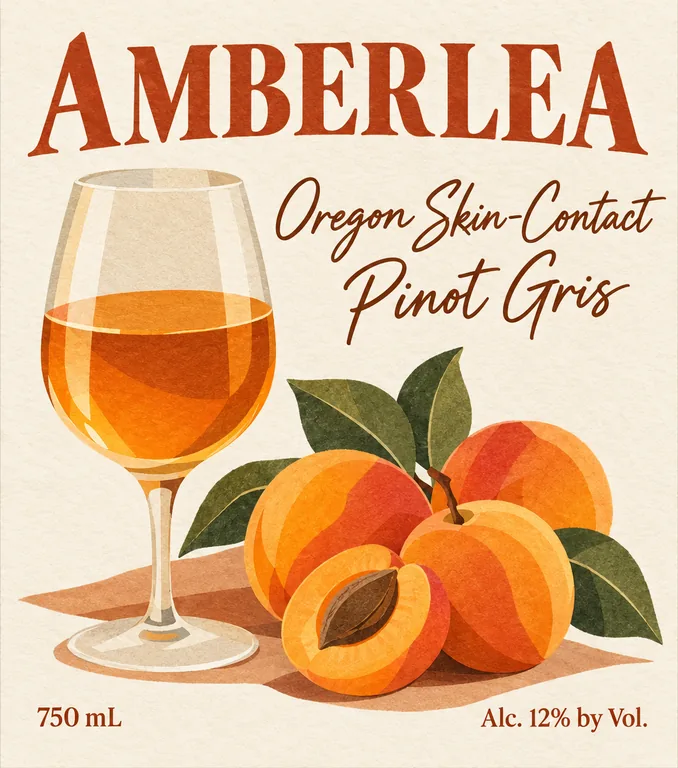
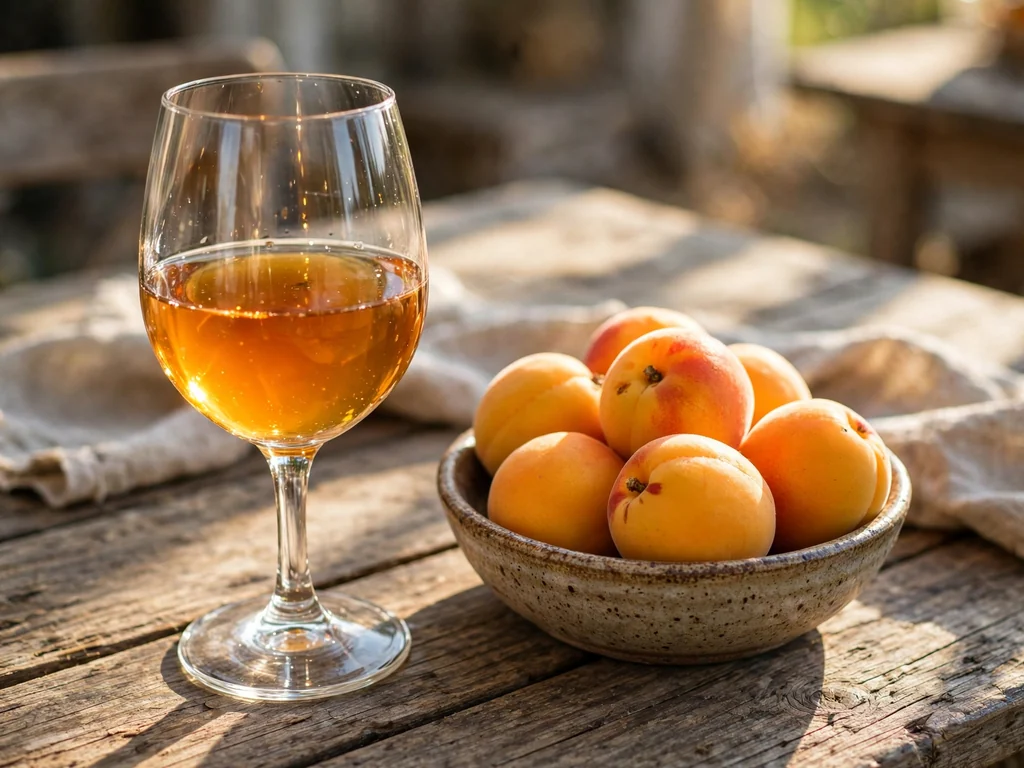
  • Orange wine label for AMBERLEA Oregon Skin-Contact Pinot Gris, an AI-generated example made with GPT Image 2.5 Sunburst
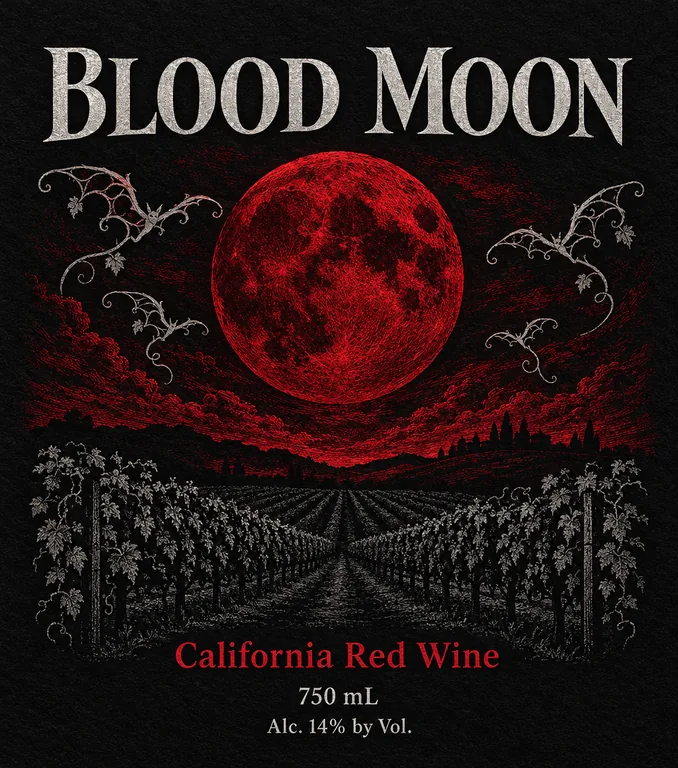
  • Halloween wine label for BLOOD MOON California Red Wine, an AI-generated example made with GPT Image 2.5 Flare
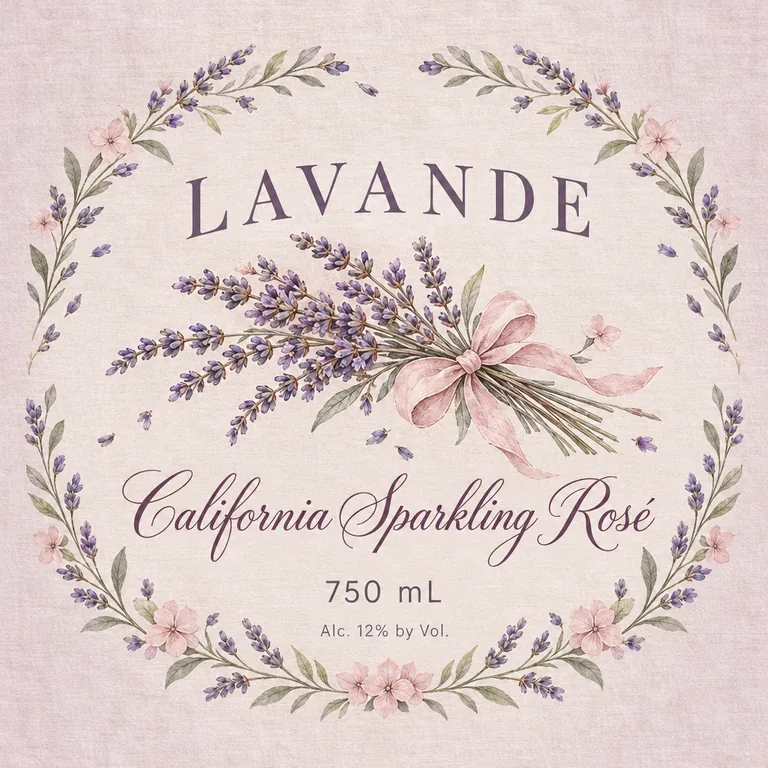
  • Sparkling rosé label for LAVANDE California Sparkling Rosé, an AI-generated example made with GPT Image 2.5 Sunburst
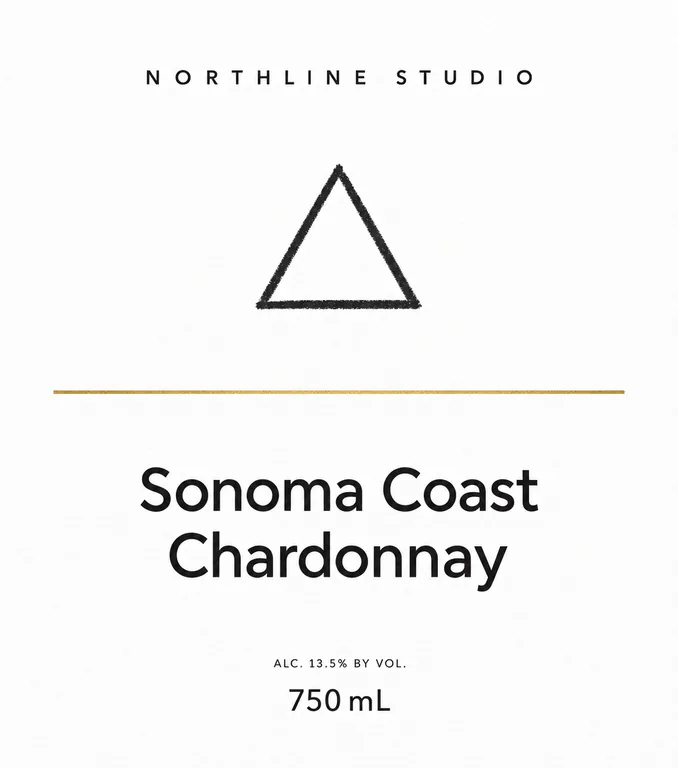
  • Private label wine for NORTHLINE STUDIO Sonoma Coast Chardonnay, an AI-generated example made with GPT Image 2.5 Flare

AI wine label design is part of the paid plans; the free tools stay free. Credits for a run that fails are returned automatically. Image models can still misspell, so check every word and number before you print.

image models, drafts from 2 credits
5
designs in one run
1 to 4
aspect ratios, from 21:9 to 9:21
11
bleed and cut line in the print PDF
1/8 in

How AI wine label design works

Three steps take you from a wine to a finished wine label design, and the Generate button shows what a run costs before you press it.

What this wine label design generator does for you

Made for wineries that want a finished label, at its real size, before they book a print run.

Pét-nat wrap-around for WILD SCRIBBLE Sparkling Rosé Wine, an AI-generated example made with GPT Image 2.5 Flare
AI-generated example · GPT Image 2.5 Flare

Four label types, at print size

Front, neck, wrap-around and sparkling labels, each at a real size you can change. Open a design to see its cut line or the trimmed label, then download a print PDF with 1/8 in bleed and a CutContour cut line, or a 300 dpi PNG.

Pinot noir front label for MOSSBACK CELLARS Willamette Valley Pinot Noir, an AI-generated example made with GPT Image 2.5 Flare
AI-generated example · GPT Image 2.5 Flare

Your words, printed as typed

Winery names, grape names with accents, vintages and alcohol statements are where general image tools slip. Each field goes to the model in quotes, and AI enhance keeps it word for word.

  • GPT Image 2.5 FlarePrecise text, fasterfrom 10 credits
  • GPT Image 2.5 SunburstPrecise text, finer detailfrom 10 credits
  • Nano Banana 2.1Many references, extra widefrom 8 credits
  • Seedream 5.0 ProPhoto real, high resolutionfrom 11 credits
  • Muse ImageLow cost draftsfrom 2 credits

Five models in one menu

GPT Image 2.5 Sunburst (the default here) and Flare for precise text, Nano Banana 2.1 for many references, Seedream 5.0 Pro for textured paper and watercolor, and Muse Image for 2 credit drafts. The button shows the total for 1 to 4 designs.

You type

An Oregon pinot noir: a pen and ink forest in rolling fog, moss green ink and a copper foil look border on cream paper.

AI enhance writes

Flat print wine label artwork, tall rectangle 3.5 x 4 in, not a photo or mockup, no scene, edge to edge background on cream paper texture. Pen and ink engraving style illustration of a forest in rolling fog, moss green ink linework, with a copper foil look border inset within the safe area. Classic serif typography. Palette: cream, moss green, copper. Brand text "MOSSBACK CELLARS" large at the top in copper foil look, centered inside the safe area. Below it, the wine name "Willamette Valley Pinot Noir" in moss green, medium size, clearly legible, at least 2 mm letter height. Show the type with a small illustrated grape cluster motif and the region within the text. Net contents "750 mL" in moss green, legible, at least 2 mm tall, placed in the lower area. Alcohol content "Alc. 13.5% by Vol." in very small type, capitals no taller than 3 mm, placed just above the bottom safe edge. No lines, no card edges, no shadows, no extra words. The image is the label itself: its four edges are the cut lines. Fill it edge to edge with the label's background and artwork. The first reference image shows the label's safe area as a dashed line: put every word, number and logo inside it, at least 6% of the width in from the left and right edges and 5% of the height in from the top and bottom edges (0.187 in inside the cut); the last line of text, such as the volume, sits above the dashed line. The band between the dashed line and the edges holds background only, no words. Do not draw the lines, a border hugging the edges, or a card edge or shadow. Set the wine name and the net contents in letters at least 2 mm tall when printed. Set the alcohol content in small type, its capital letters no taller than 3 mm when printed, about 2.9% of the image's height: clearly smaller than the wine name, never a headline.

AI enhance that knows wine labels

A short line like “old vine zin, storm, woodcut” becomes a full brief for the wine label design: label shape, paper texture, engraving or illustration style, classic or modern type, and where the producer, wine name, vintage, region, alcohol and volume sit. Turn it off to send your own prompt as written.

Front label and back label: plan the wine label design

Most wines carry two labels. The front, or brand label, sells the bottle, and under TTB rules it holds the brand name and the class or type, such as Pinot Noir or Sparkling Wine. The back label does the explaining: tasting notes, the story, the barcode and most of the required statements, which may sit on any label on the bottle.

For a 750 mL bottle, printers commonly suggest a front label 3.5 to 4 inches wide by 3.5 to 4 inches tall and a back label 3 to 4 inches wide by 3.5 to 4.5 inches tall (4over4). Sparkling bottles curve more, so their front labels often run smaller. Measure the straight part of your own bottle before you settle the wine label design.

Then pick the matching type here and set its size. The front label starts at 3.5 × 4 in with 1/8 in rounded corners; the wrap-around starts at 9.25 × 4 in, a little under the 9.47 in round of a Bordeaux bottle, so the ends leave a small gap; the sparkling label is an oval 3.5 × 3.25 in, sized for the label panel of a champagne bottle.
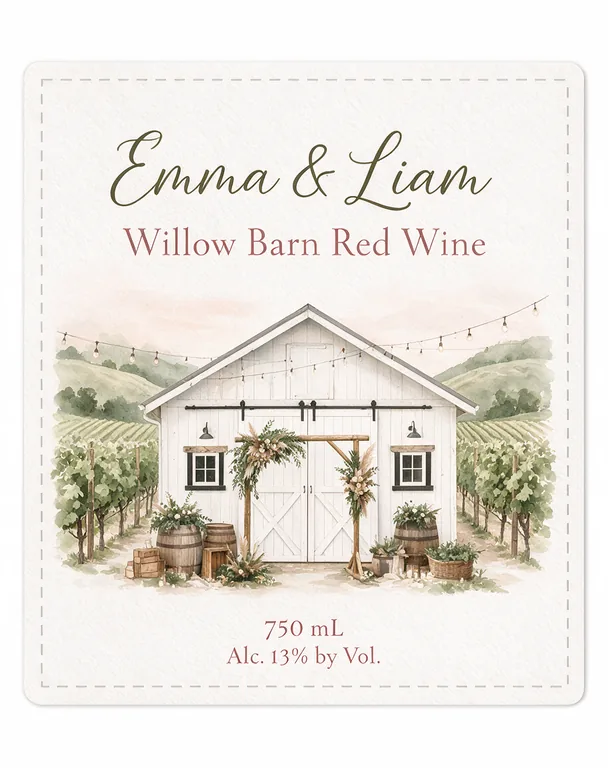
Wedding wine label for Emma & Liam Willow Barn Red Wine, an AI-generated example made with Seedream 5.0 Pro
AI-generated example · Seedream 5.0 Pro

Making a wine label design stand out on the shelf

A wine shelf is a wall of similar bottles seen from a step or two away, so the front label has a moment to say what the wine is and why it is worth picking up. Decide what leads: the brand, the grape or one strong image. Give that one thing room and keep the rest quiet.

Think about the glass too. Dark green glass swallows dark ink, so red wines often take cream or white labels, while clear glass shows the color of a rosé or an orange wine, which can become part of the design. Engraving and serif type say tradition; hand drawing and bright color say small producer or natural wine. Both work when they fit what is in the bottle.

If you make a range, set a system: the same brand position and type on every bottle, with the color or illustration changing by grape or vineyard, so regulars spot your next bottle without reading.

Zinfandel front label for THUNDER VINE Lodi Old Vine Zinfandel, an AI-generated example made with Seedream 5.0 Pro
AI-generated example · Seedream 5.0 Pro

What TTB asks of a US wine label

Wine of 7 to 24% alcohol falls under the TTB rules in 27 CFR part 4 (4.6). As of October 2026 the brand label must show the brand name and the class or type; the name and address, the net contents and the alcohol content may go on any label (4.32). “Contains sulfites” is required at 10 ppm or more and may sit on the front, back, strip or neck label. Mandatory text on bottles over 187 mL is at least 2 mm tall (4.38).

Net contents are metric: 750 mL is one of the standard fills, and a US equivalent such as 25.4 fl. oz. may be added (4.37, 4.72). Above 14% alcohol the content must be stated; at 14% or less it may be left off when the label says table wine or light wine. Write it as Alcohol 13.5% by volume or 13.5% Alc. by Vol., never ABV, between 1 and 3 mm tall and without a border (4.36; TTB).

Grape names and years come with conditions. A varietal name such as Pinot Noir needs an appellation of origin and at least 75% of that grape, grown there (4.23); a state or county appellation needs 75% of the wine from that place, and a viticultural area such as Lodi needs 85% (4.25). A vintage needs an appellation shown next to the class or type, and 95% of the wine from that harvest with a viticultural area or 85% with another appellation (4.27). Some states go further: Oregon asks for 90% of most named grapes, Pinot Noir included (OAR 845-010-0915).

Every bottle also carries the GOVERNMENT WARNING health statement, at least 2 mm tall on a 750 mL bottle, on the front, back or side label (27 CFR 16.21 and 16.22). Wine needs a certificate of label approval (COLA) from TTB before bottling, or a certificate of exemption if it will never leave your state, and applying is free (4.50, TTB). Wine under 7% alcohol needs no COLA and follows other rules. This is a summary, not legal advice.

Paper, foil and emboss in wine label design

Paper is part of the wine label design. Estate papers are uncoated and textured, made for higher end wines, and usually treated for wet strength. Bottles that sit in ice buckets still need help: a varnish, a laminate or a film label, or the paper can lift at the edges and smudge (Blue Label Packaging).

Foil stamping, embossing and debossing look rich on textured paper. The AI draws them as a look, such as a copper border or a raised crest, so mark each finish for your printer as its own layer in the final file instead of leaving it in the picture.

Keep small text plain. Fine type breaks up on a deep texture, and so do hairlines under foil, so set the required statements in a simple face at full size and save the fancy lettering for the brand.

Label redesign for SUNNY ACRES Sonoma County Merlot, an AI-generated example made with GPT Image 2.5 Flare
AI-generated example · GPT Image 2.5 Flare

How to brief AI for wine label design

Start with the wine and the moment: “a skin-contact Pinot Gris for adventurous drinkers” gives the model far more than “nice wine label”. Then add the look: an engraving, woodcut, watercolor or crayon style, two or three colors, the paper, and classic or modern type for the brand.

Keep the words to print out of the description and type them in the fields: winery, wine name with the grape and region, volume, and one more line such as the alcohol statement or the vintage. Add your crest or last year’s label as reference images; GPT Image 2.5 takes up to 4 and the other models up to 10.

This page starts on GPT Image 2.5 Sunburst (10 credits at 1K) for fine detail and small type; Flare costs the same and is a little faster. Seedream 5.0 Pro (11 credits) suits textured paper and watercolor, Nano Banana 2.1 (from 8 credits) follows a range you already sell, and Muse Image makes 2 credit drafts for trying styles; keep its text to three short lines.

Cabernet front label for OAK RIDGE ESTATE Napa Valley Cabernet Sauvignon, an AI-generated example made with GPT Image 2.5 Sunburst
AI-generated example · GPT Image 2.5 Sunburst

From AI wine label design to printed labels

Each design downloads as a print PDF at the label size, with 1/8 in bleed past the cut line and the cut line as a CutContour spot color on its own layer, or as a 300 dpi PNG. The artwork itself is an RGB picture, so ask your printer for a color proof, mark foil and emboss as their own layers, and set the government warning and other small required text as real type in our free label maker. Check every word and number, and print a test to try on the bottle.

Each design costs credits by model and resolution, from 2 credits for a Muse Image draft to 22 for Seedream 5.0 Pro at 2K; plans start at 800 credits a month (pricing), and a failed run returns its credits. Brewing too? Try AI beer can design. Candles for the tasting room? See AI candle label design. A gift box for a bottle? Use AI packaging design, and lay out back labels with our free label maker.

Who uses AI wine label design

Anyone who wants to compare wine label design options and get a print-ready file before the print run is booked.

Small wineries and new labels

Try a first release or a new vintage in five directions, then hand the favorite to your designer or label printer.

Natural wine makers

Play with loud, hand-drawn looks for small lots without paying for a full design round each time.

Seasonal bottlings

Make a holiday or New Year’s label for a sparkling wine in the style of your range.

Designers and agencies

Show a client several wine label design routes on the real label shape before you draw the final art.

Wine label design questions

What wineries ask before their first wine label design.

Design a wine label with AI

How do I design my own wine label?

Measure the straight part of your bottle and plan a front and a back label. Describe the wine here, type the winery, wine name and volume in their own fields, compare a few AI wine label design options, then have the favorite set up at the real size for print.

What size is a label for a 750 mL wine bottle?

Printers commonly suggest a front label 3.5 to 4 inches wide by 3.5 to 4 inches tall, and a back label 3 to 4 inches wide by 3.5 to 4.5 inches tall. Bottle shapes differ, so measure yours.

What must be on a US wine label?

The brand name and the class or type on the brand label; the name and address, the net contents in metric, the alcohol content (required above 14%), “Contains sulfites” when it applies and the government health warning on any label. A grape name or a vintage also needs an appellation of origin.

Can I put a vintage year on my wine label?

Yes, if the label also shows an appellation of origin next to the class or type and enough of the wine comes from that harvest: 95% with a viticultural area such as Lodi, 85% with a state or county.

Do I need TTB approval for my wine label design?

Yes. Wine of 7% alcohol or more needs a COLA before bottling, or a certificate of exemption if it never leaves your state. Applying through TTB’s COLAs Online is free.

Will the text on my wine label be spelled right?

Text typed in the print fields is sent in quotes and the model is asked to print it exactly, and GPT Image 2.5 gets it right most often. Models can still misspell, so check every word and number before printing.

Is AI wine label design free?

No. It is part of the paid plans because every design calls a paid image model, from 2 credits a draft. Our label, barcode and dieline tools stay free.

Can I sell wine with labels designed here?

Yes. Paid plans include a commercial license for what you make, and the Business plan covers a company.

Start your wine label design

Describe the wine, type the words to print and pick a model. The AI wine label design generator shows the credits before it starts.