


AI Sticker Generator with a White Border and Cut Line

Describe a sticker, or add a photo, a logo or a sketch, and this AI sticker generator draws it on a real transparent background. The page then adds an even white border and a cut line around the art at the size you pick, and the files for Cricut, Silhouette or a print shop are free.

  • Real transparent background
  • Border and cut line drawn for you
  • Photo, logo or sketch to sticker
  • Credits shown before you start

AI Sticker Generator

AI enhance
0 / 4000

Stickers made with the AI sticker generator

Real AI-generated examples, each made with this generator. The input photos and logos are simulated and the brands are fictional. Open one to compare, then make one like it.

  • Coffee logo sticker for Morning Ritual Roasters, an AI-generated example made with GPT Image 2.5 Sunburst
  • Thank you sticker for Thank you for shopping small, an AI-generated example made with GPT Image 2.5 Sunburst
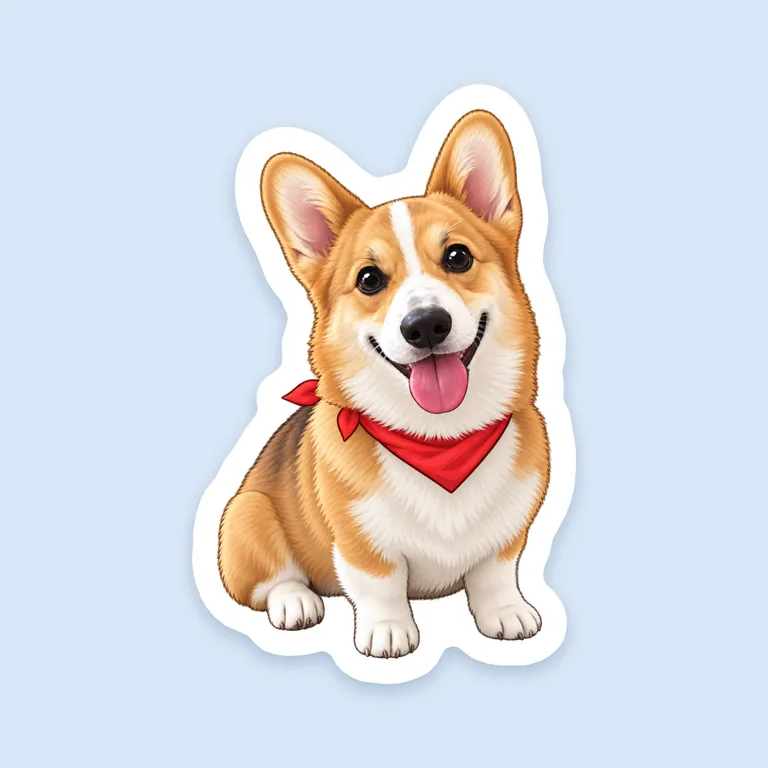
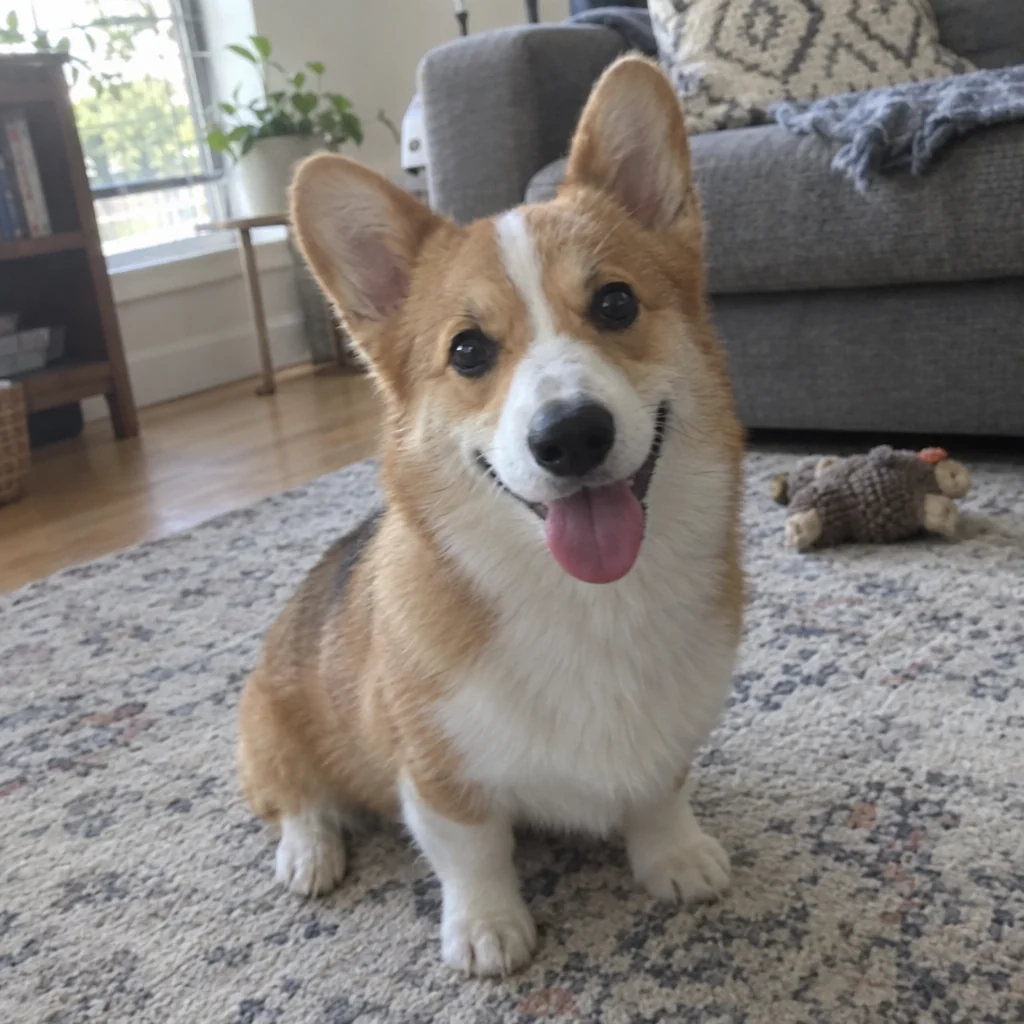
  • Pet photo to sticker for , an AI-generated example made with GPT Image 2.5 Sunburst
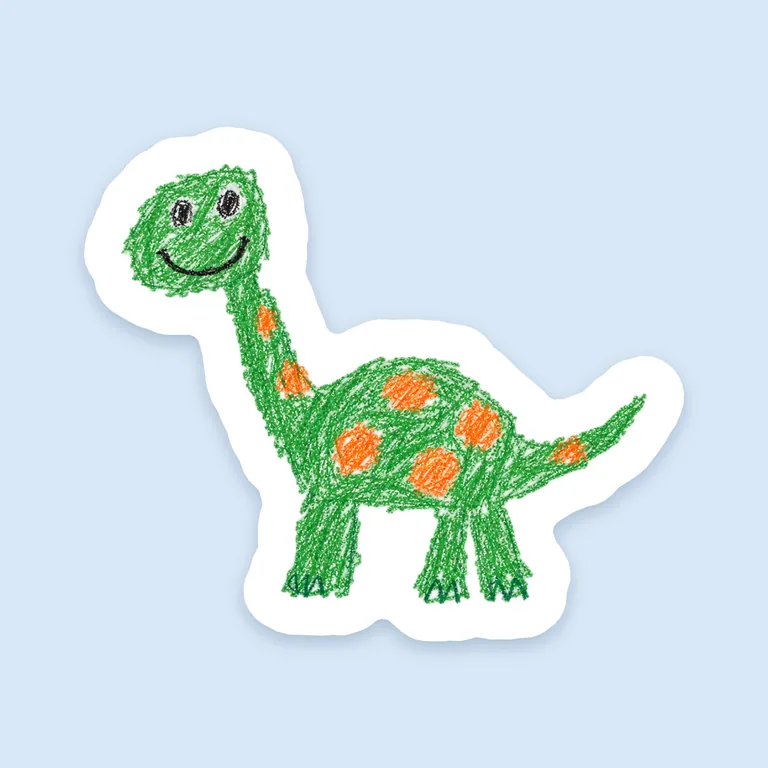
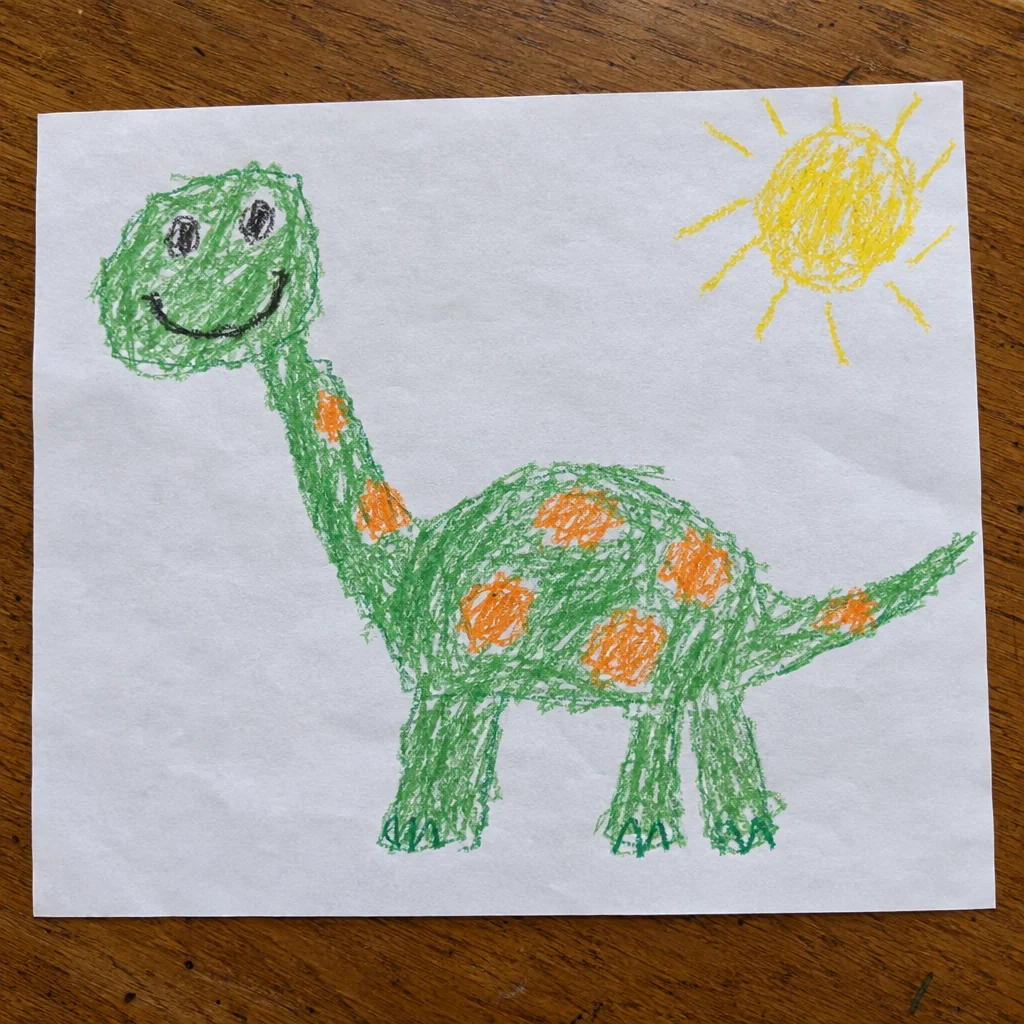
  • Kid’s drawing sticker for , an AI-generated example made with GPT Image 2.5 Flare
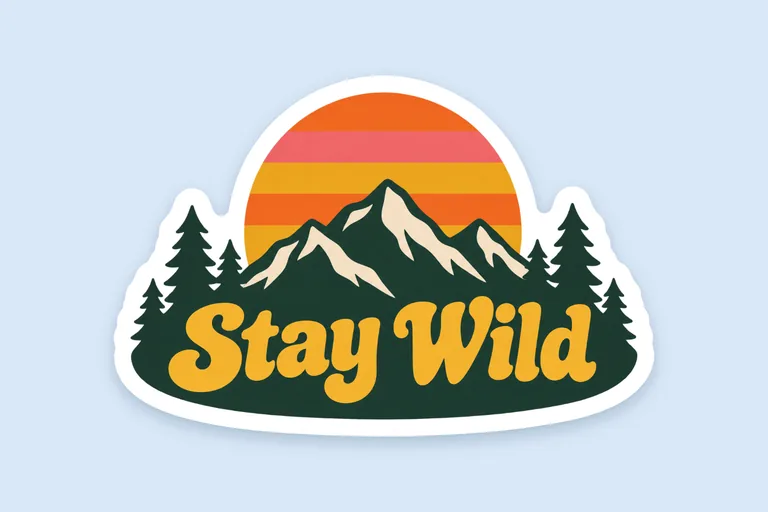
  • Retro sunset sticker for Stay Wild, an AI-generated example made with GPT Image 2.5 Flare
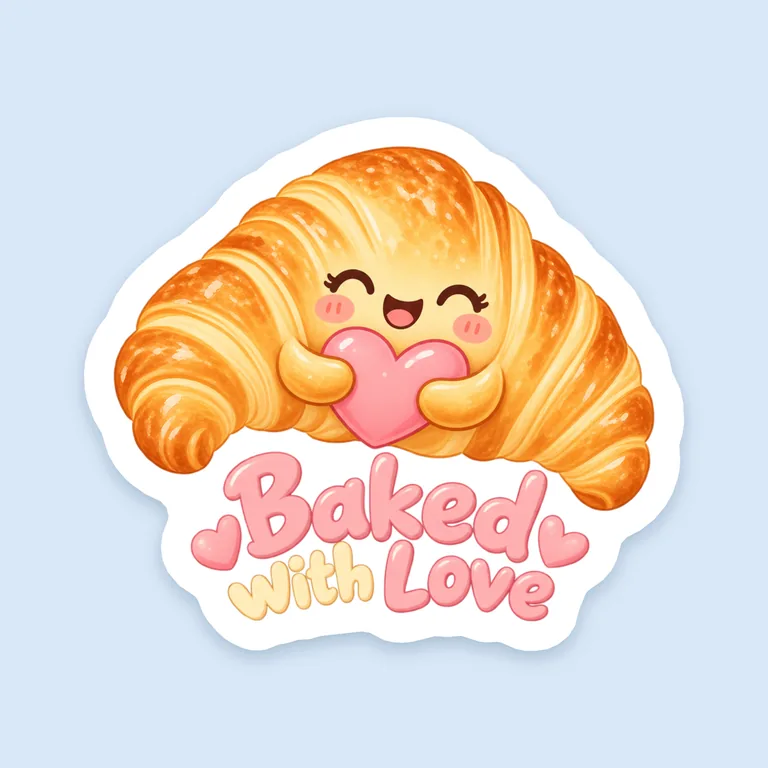
  • Bakery box seal for Baked with Love, an AI-generated example made with GPT Image 2.5 Sunburst
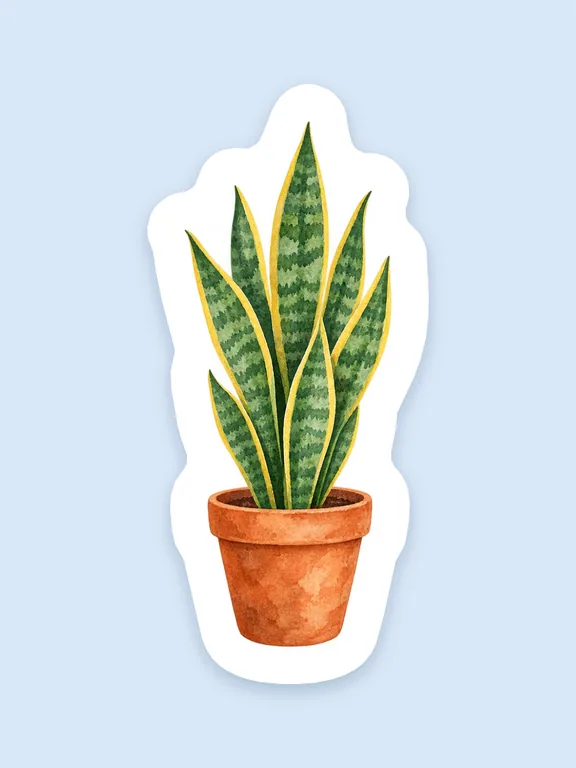
  • Plant shop sticker for , an AI-generated example made with GPT Image 2.5 Flare
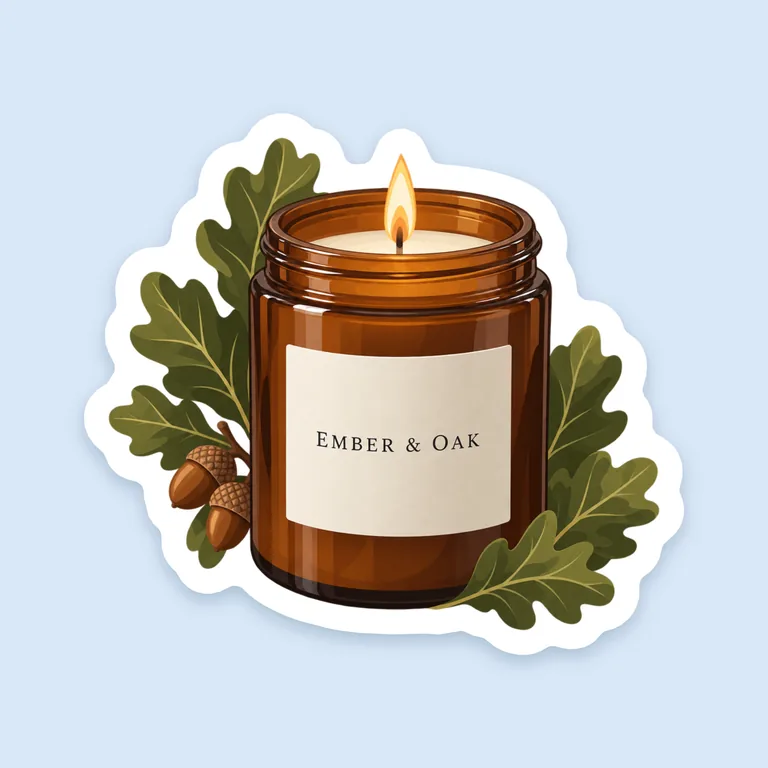
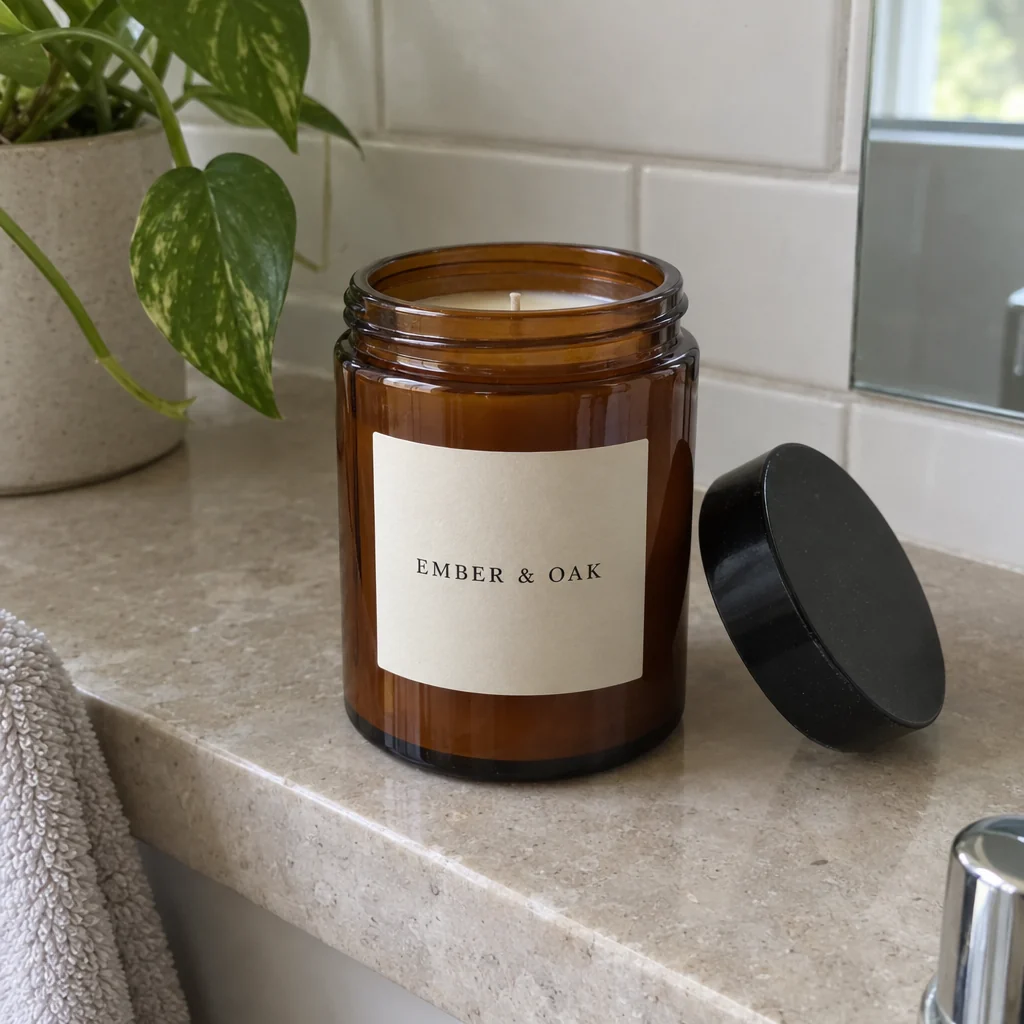
  • Candle photo sticker for Ember & Oak, an AI-generated example made with GPT Image 2.5 Sunburst

The AI sticker generator uses credits from a plan or a credit pack; the white border, the cut line and the print files cost nothing. Credits for a run that fails are returned automatically. Image models can still misspell, so check every word before you print.

test stickers came back clear on every edge
10 of 10
white border widths, 1/16 to 1/4 in
5
sticker sizes, set on the cut line
1 to 10 in
free files for each sticker
4

How the AI sticker generator works

Three steps take you from an idea or a photo to a sticker you can cut, and the Generate button shows the credits before you press it.

What this AI sticker generator does for you

Built for small shops, makers and anyone who wants a die-cut sticker without drawing a cut path by hand.

Retro sunset sticker for Stay Wild, an AI-generated example made with GPT Image 2.5 Flare
AI-generated example · GPT Image 2.5 Flare

A clear background, not a painted one

Some image models paint a checkerboard where a clear background should be. This AI sticker generator offers only GPT Image 2.5 Sunburst (the default) and Flare, the two of our image models that return a real transparent background. In our test of ten sticker prompts on October 12, 2026, all ten came back clear along every edge.

Kid’s drawing sticker for , an AI-generated example made with GPT Image 2.5 Flare
AI-generated example · GPT Image 2.5 Flare

Border and cut line drawn by code

The model is told to leave out any border, outline, shadow or scene. Our code then draws the white border at one even width around the art and the cut line around that, so the border never wobbles and changing it costs no credits.

Your inputYour input
Pet photo to sticker for , an AI-generated example made with GPT Image 2.5 SunburstSticker
AI-generated example · GPT Image 2.5 Sunburst

Image to sticker

Turn a photo of your dog, your shop’s logo or a child’s crayon drawing into a sticker. Add it as a reference in the AI sticker generator, name the style you want, and the model draws a new sticker from it.

Thank you sticker for Thank you for shopping small, an AI-generated example made with GPT Image 2.5 Sunburst
AI-generated example · GPT Image 2.5 Sunburst

Your words, printed as typed

Four optional fields hold the words, each sent to the model in quotes. AI enhance, on by default, expands your description while keeping the sticker rules and your quoted words; switch it off to send your description as you wrote it.

Bakery box seal for Baked with Love, an AI-generated example made with GPT Image 2.5 Sunburst
AI-generated example · GPT Image 2.5 Sunburst

Free files for each sticker

A transparent PNG, a 300 dpi sticker PNG for Cricut and Silhouette, a print PDF with a CutContour cut line and the cut line alone as an SVG, made in your browser from the picture with no extra credits.

Sticker or label: what an AI sticker generator is for

A die-cut sticker is cut around its art, so its shape follows the picture: a coffee cup, a dog’s head, a word in bold letters. A label has a fixed shape, such as a rectangle, a circle or an oval, and carries product information: a name, a net quantity, ingredients.

Use this AI sticker generator for logo stickers, thank-you stickers for orders, box seals, pet portraits and stickers for water bottles and laptops. For a product label with the facts on it, the AI label generator makes rectangles, circles and ovals at Avery sizes, and the free label maker lays out exact text and barcodes.

In the Morning Ritual Roasters example, a roaster’s flat logo became a 3 in sticker with a 1/8 in border, and its cut line follows the outline of the art instead of a box.
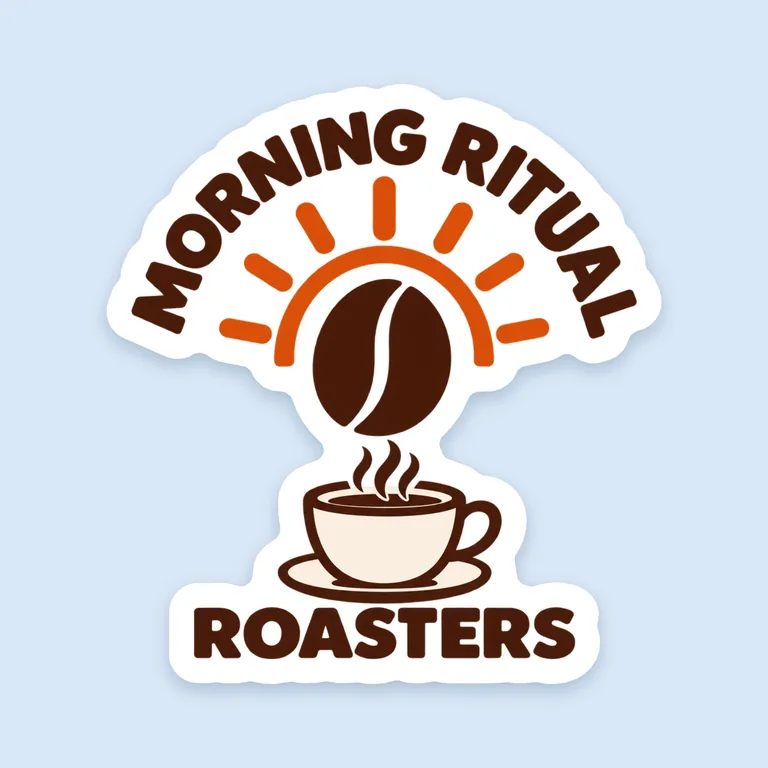
Coffee logo sticker for Morning Ritual Roasters, an AI-generated example made with GPT Image 2.5 Sunburst
AI-generated example · GPT Image 2.5 Sunburst

Image to sticker with the AI sticker generator

Add a photo, a logo or a sketch as a reference and say what you want from it: “a cartoon sticker of this dog, big eyes, thick outlines” or “this logo as a sticker, same colors”. GPT Image 2.5 takes up to 4 references a run.

The model reads a reference for its look, shapes and colors and draws a new picture; it does not trace it. A pet or a logo comes out close to the original, not a copy, so check the result next to your file before you print, above all the letters of a logo.

Pick a reference with one clear subject: a pet in good light, the logo file instead of a photo of your sign, a drawing scanned or shot flat from above. A busy photo leaves the model more to guess.

Pet photo to sticker for , an AI-generated example made with GPT Image 2.5 Sunburst
AI-generated example · GPT Image 2.5 Sunburst

How to brief an AI sticker generator

Start with the subject and the style: “a smiling taco in sunglasses, bold outlines” says more than “a fun sticker”. Add two or three colors and a look such as flat vector, retro 70s or watercolor. One bold subject reads best on a small sticker; a crowded scene turns to clutter at 2 or 3 in.

The AI sticker generator adds its own rules to every brief: one subject or the quoted words, centered, about 8% clear space around it, and no white border, outline, shadow, scene or background. You don’t need to ask for a transparent background; the page asks for it.

AI enhance is on by default. A prompt writer turns your description into a fuller brief and keeps the sticker rules and your quoted words. Switch it off when you want the model to read your words alone.

Keep the text short: main words and maybe a second line. Small words are where models slip, so read every letter at full size before you print.

You type

Turn my roaster logo into a round sticker for our coffee bags: keep the logo and its colors, add a small steaming cup under the sunrise.

AI enhance writes

Round die-cut sticker for coffee bags, centered with about 8% clear space on every side, nothing touching the edges. Keep the customer's reference logo exactly as supplied as the brand's mark, with its shape, proportions and colors unchanged. Add a small steaming cup beneath a rising sunrise, drawn in a bold clean illustration style with strong outlines and simple shapes that read at 2 to 4 inches. Print the text "Morning Ritual Roasters" exactly once, spelled exactly as given. No white border, no outline around the sticker, no drop shadow, no scene or background: transparent background. The reference image is the customer's own: a logo, a sketch, a photo of the product, an old label or a mood board. Use it the way the description says: put a logo on the design as the brand's mark with its shape, proportions and colors unchanged, follow a sketch's layout, draw the product from its photo, and take only the colors and style from a mood board. A die-cut sticker design: one subject or the quoted words, centered, with about 8% clear space on every side, nothing touching the edges. No white border, no outline around it, no drop shadow, no scene, frame or background: a transparent background.

Printable stickers from the AI sticker generator: background, border and smoothing

A sticker needs a clear background, or the cut line becomes a box around the whole picture. The page checks the edges of each result; if they aren’t clear, for example a painted checkerboard, it says so and offers to remove the solid background for free.

The white border is the margin between the art and the cut. Pick 1/16, 1/10, 1/8 (the default), 3/16 or 1/4 in. Sticker Mule, for example, asks for at least 1/16 in and uses 0.1 in as its standard (artwork requirements); a wider border leaves more room around the art for the blade.

Smoothing fills notches and narrow slits a blade can’t follow: light, medium (the default) or strong, which is 0.5, 1.5 or 3 mm. Tiny specks under 1 mm² are left out of the cut, and parts too far apart become separate stickers, each with its own cut line; a wider border or more smoothing joins them.

Changing the border, the smoothing or the size is instant and free, with no new AI run.

Plant shop sticker for , an AI-generated example made with GPT Image 2.5 Flare
AI-generated example · GPT Image 2.5 Flare

Sticker size and resolution in the AI sticker generator

Pick 2, 3 or 4 in, or type any size from 1 to 10 in. The size is the cut line’s longest side, the way sticker printers state sizes, so a 3 in sticker measures 3 in across its longest side, border included.

Print needs pixels. At 300 dpi a square 1K picture makes a sticker of about 3 in, 1.5K about 4.5 in and 2K about 6 in, a little more or less with how much of the picture the subject fills. The page shows the resolution at the size you pick and warns when it falls under 300 dpi, so choose 1.5K or 2K before you generate a big sticker.

Printing at home with Cricut Print Then Cut? Its limit on Letter paper is 7.44 × 9.94 in (Cricut Help), so keep a sticker for it within that size.

Candle photo sticker for Ember & Oak, an AI-generated example made with GPT Image 2.5 Sunburst
AI-generated example · GPT Image 2.5 Sunburst

Files from the AI sticker generator for Cricut, Silhouette and print shops

Under each result, Sticker files gives four downloads. The transparent PNG is the picture as the model made it. The sticker PNG is 300 dpi with the white border baked in and clear outside the cut line, so Cricut and Silhouette cut along its opaque edge.

The print PDF is for printers and print and cut machines: the art with a 1/16 in white bleed past the cut line, and the cut line as the CutContour spot color, set to overprint on its own layer, the name Roland, Onyx and Caldera print and cut software reads. The SVG is the cut line alone, for software that takes a separate cut path.

Every printer has its own artwork rules, so check theirs before you order, and look at a proof when they offer one.

What the AI sticker generator costs

Each picture costs credits by resolution: 10 at 1K, 12 at 1.5K and 15 at 2K, on Sunburst or Flare. A run makes 1 to 4 pictures and costs the credits times the pictures, and the Generate button shows the total before you press it.

Credits come from a plan or a credit pack; plans start at 800 credits a month (pricing). Credits for a run that fails are returned automatically. The white border, the cut line, the background fix and all four files are free, however often you change them.

Making the package too? The AI packaging mockup generator shows a flat design on a box, pouch or jar in a real scene.

Who uses an AI sticker generator

Anyone who wants a sticker that looks like theirs, not like clip art.

Small online shops

Thank-you stickers and logo stickers in your colors, for every order you ship.

Cafés, bakeries and plant shops

Seal stickers for bags and boxes, with your shop’s name in the words fields.

Pet owners and parents

A dog photo or a crayon dinosaur turned into a sticker to keep or give away.

Bottles, laptops and gifts

Retro and playful stickers for water bottles, notebooks and gift boxes.

AI sticker generator questions

What people ask before their first sticker from an AI sticker maker.

Make a sticker with AI

How do I make a sticker with AI?

Describe the sticker, add a photo, logo or sketch if you like, type any words and press Generate. Then open Sticker files under the result, pick the size, the border and the smoothing in the AI sticker generator, and download the files.

Can I turn a photo into a sticker?

Yes. Add the photo as a reference and name the style, such as a cartoon with thick outlines. The model draws a new sticker from it, so it comes out close to the photo, not a copy of it.

Does the AI sticker generator make a transparent background?

Yes. It uses only GPT Image 2.5 Sunburst and Flare, which return a real clear background. If a result’s edges still aren’t clear, the page says so and can remove a solid background for free.

Does the AI draw the white border and the cut line?

No. The model draws the art alone; our code adds an even white border and the cut line from the clear background. That is why the border is the same width all round and changing it costs no credits.

What size can I print my sticker?

Any size from 1 to 10 in on the cut line’s longest side. At 300 dpi a square 1K picture makes a sticker of about 3 in and 2K about 6 in; the page shows the resolution at your size.

Will the files work with Cricut or Silhouette?

The sticker PNG is made for them: 300 dpi, the border baked in, clear outside the cut line so the machine cuts along its edge. For Cricut Print Then Cut on Letter paper, keep it within 7.44 × 9.94 in. The size is in the file name: if Design Space opens it at another size, set it to that.

Is the AI sticker generator free?

No. Every run calls a paid image model, so it uses credits, from 10 a picture at 1K. The border, the cut line and the print files are free, and credits for a run that fails are returned.

Can I sell stickers I make here?

Yes, under the commercial license of your plan or credit pack; the Business plan covers a company. Use only photos and logos you have the right to use.

Make your sticker with the AI sticker generator

Describe it or add a photo, type any words and pick a shape. The AI sticker generator shows the credits before it starts, and the border, cut line and files are free.