




Sign In

AI Mailer Box Design Generator

Make the box the first thing your customers love: a mailer box design for the lid that sells your brand and the inside that people film, made at print size from one text prompt.

  • Lid, inside lid and front panels
  • Words printed as typed
  • 1/4 in bleed for corrugated

AI Mailer Box Design

AI enhance
0 / 4000

Mailer box design ideas made with AI

Real AI-generated examples, each made with this generator. Click one to fill in its prompt, text, panel and settings, then make it yours.

  • Inside lid message for GLOSSLAB The Jelly Edit, made with AI Mailer Box Design
  • Stationery mailer lid for INKWELL POST Pen Pals Letter Club, made with AI Mailer Box Design
  • Kids science kit lid for LAUNCHPAD LABS Mission Box 03: Rockets, made with AI Mailer Box Design
  • Mystery box front for VAULT DROP, made with AI Mailer Box Design
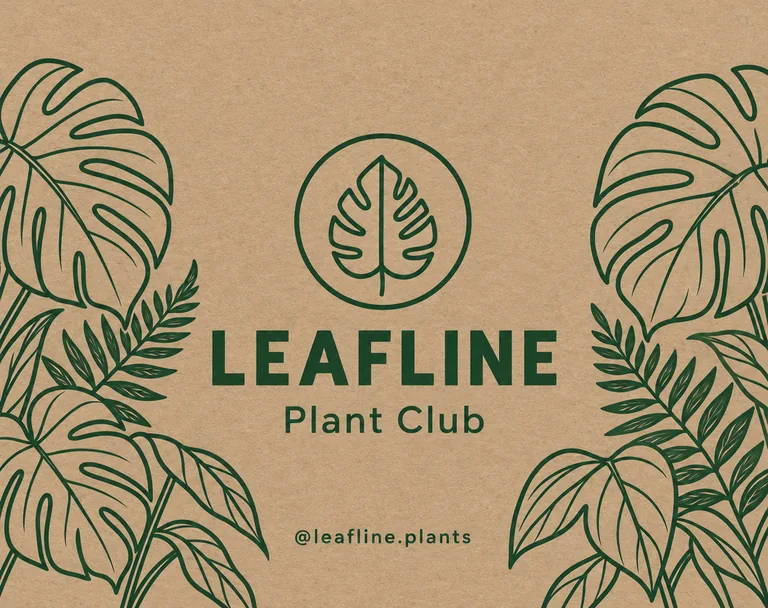
  • Plant subscription lid for LEAFLINE Plant Club, made with AI Mailer Box Design
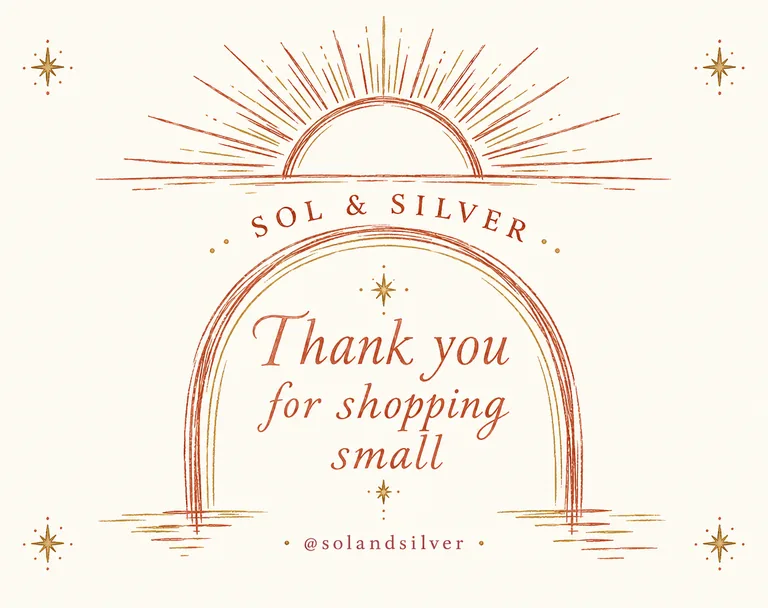
  • Thank you inside the lid for SOL & SILVER, made with AI Mailer Box Design
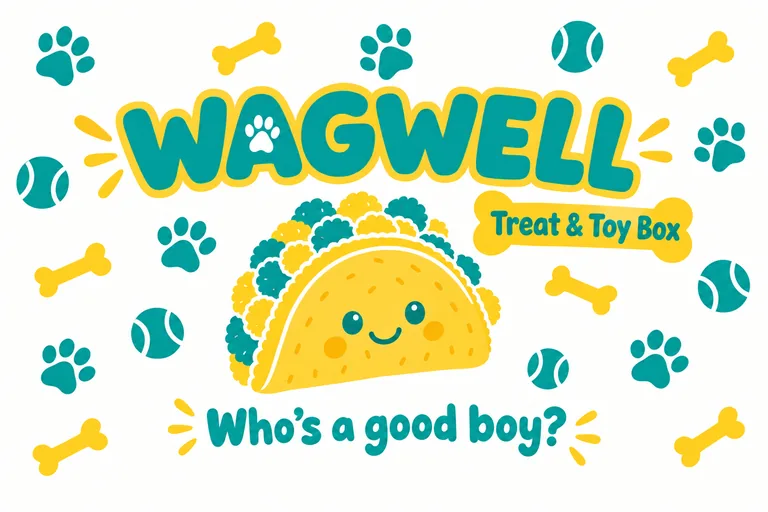
  • Dog subscription lid for WAGWELL Treat & Toy Box, made with AI Mailer Box Design
  • Galentine’s Day lid for BESTIE BOX Galentine’s Edition, made with AI Mailer Box Design

AI mailer box design uses credits from a plan or a credit pack, and you pay only for the designs you receive. Words in double quotes in your description are printed exactly as written.

panels of a 10 × 8 × 4 in mailer
3
bleed in the print PDF
1/4 in
PNG next to the PDF
300 dpi
designs in one run
1 to 4

How AI mailer box design works

Three steps take you from a text prompt to a print-ready mailer box design, and the Generate button shows the credits before you press it.

What this mailer box design generator does for you

Built for brands that ship in printed mailers, where the lid sells the brand and the inside is what people film.

Kids science kit lid for LAUNCHPAD LABS Mission Box 03: Rockets, made with AI Mailer Box Design

Three panels, at print size

The lid top and the inside of the lid at 10 × 8 in and the front wall at 10 × 4 in, the faces of a standard 10 × 8 × 4 in mailer, each a size you can change. Open a result to see the panel edges and the safe area over it.

Thank you inside the lid for SOL & SILVER, made with AI Mailer Box Design

The inside of the lid, the right way up

When the box opens, the lid stands up behind it with the hinge at the bottom. The inside panel is laid out for that view: the message reads upright, in the middle third, and nothing important sits near the hinge.

Mystery box front for VAULT DROP, made with AI Mailer Box Design

A front wall that matches the lid

The front wall is a wide band under the lid, seen on the shelf and on camera. Give it the brand and a short line, and the pattern of your lid carries on across it.

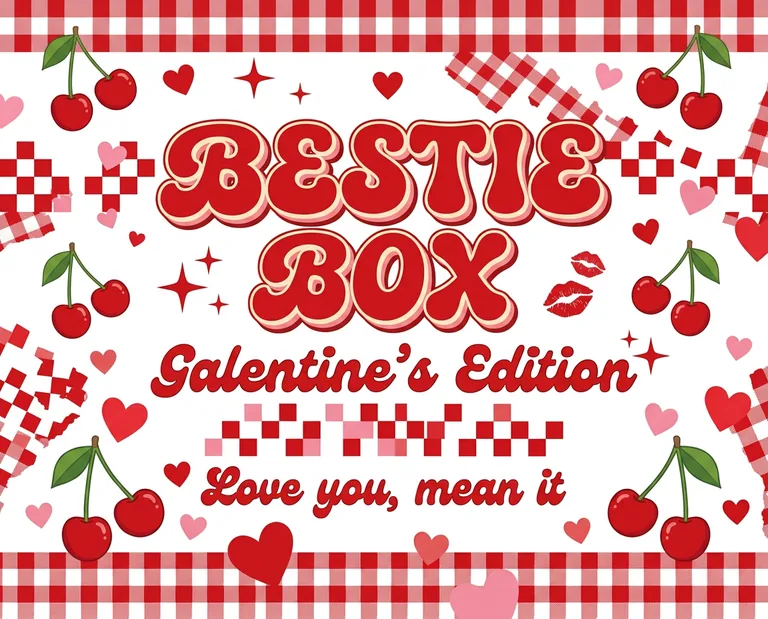
Galentine’s Day lid for BESTIE BOX Galentine’s Edition, made with AI Mailer Box Design

Your words, printed as typed

Brand names, edition names and messages are where general image tools slip. Here each one goes in double quotes and is kept word for word, with AI enhance on or off.

You type

The inside of the lid of a beauty subscription mailer: glossy translucent jelly blobs in pastel pink, peach and lilac drifting around the message, which is set in big friendly rounded letters, on white board.

With AI enhance

Inside lid message for GLOSSLAB The Jelly Edit, made with AI Mailer Box Design

Start from a text prompt, your logo or a sketch

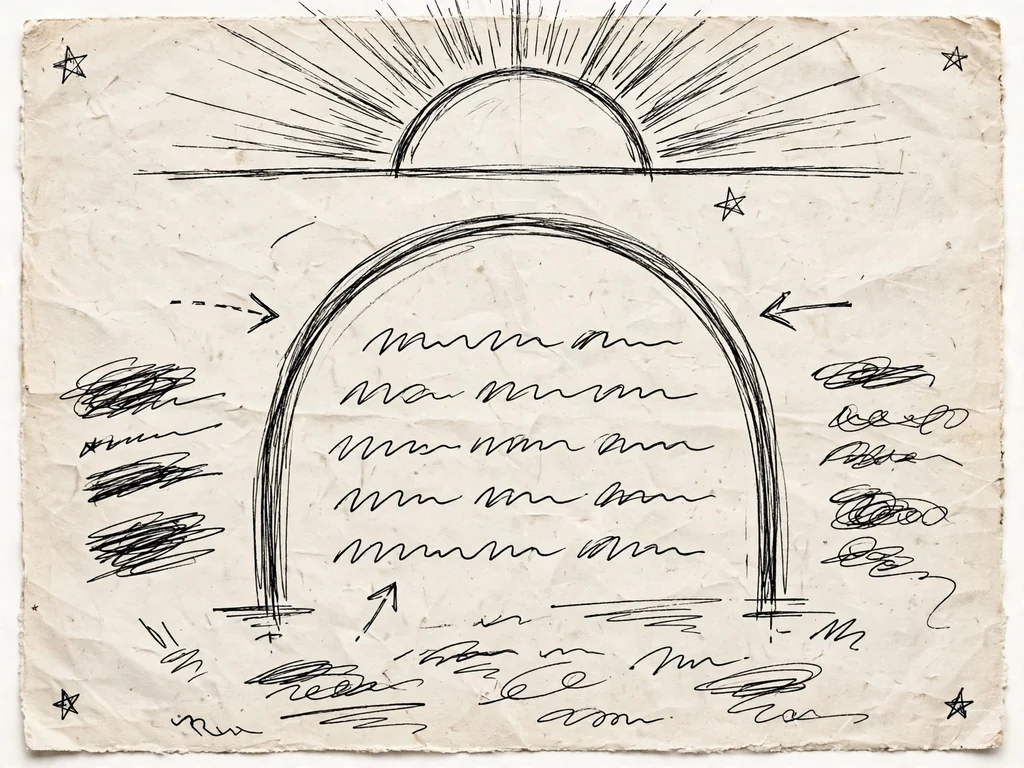
A short text prompt is enough for a mailer box design: AI enhance fills in the layout, colors and type for you. Or upload your logo, a pen sketch, a product photo or a mood board. In the examples on this page, a plant shop lid started from a logo and a thank-you inside lid from a sketch.

Mailer box design starts with the box

Most printed mailers are one style: a single sheet of corrugated board whose side walls roll inward and whose lid tucks into the front. Printers call it a roll end tuck front (RETF) mailer, and the European FEFCO code is 0427. It locks with tabs, so it closes without glue.

The board is usually E flute, about 1/16 inch thick, or the thicker B flute at about 1/8 inch. Whatever the board, a mailer box design has three faces that matter: the lid is the billboard, the inside of the lid is the reveal and the front wall is the strip people see on a shelf or in a photo.
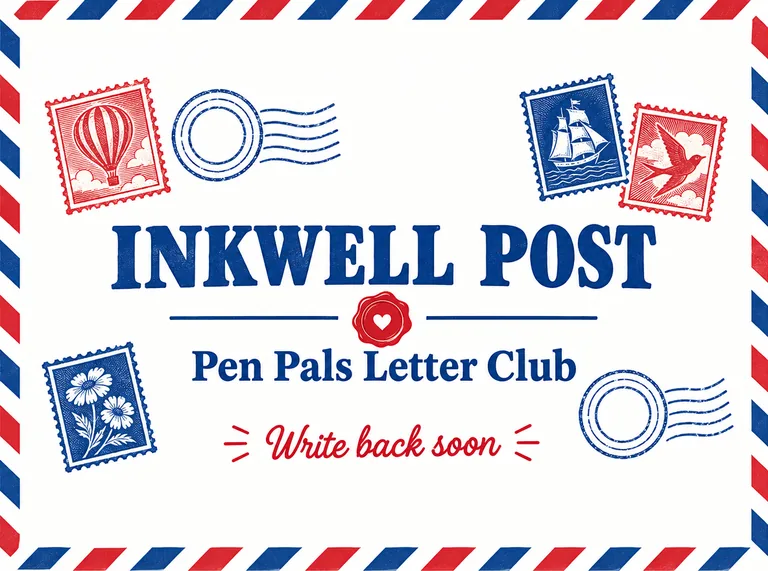
Stationery mailer lid for INKWELL POST Pen Pals Letter Club, made with AI Mailer Box Design

Mailer box design with the correct dimensions and a printable dieline

A 10 by 8 by 4 inch mailer is one of the most common stock mailer sizes, so the panels start there: the lid top and its inside at 10 by 8 inches and the front wall at 10 by 4. Other sizes work the same way: type 9 by 6 for a smaller lid, as on this dog toy box, or 12 by 9 for a wider one. Sizes are inside measurements, and the outside panel is a little bigger by the board’s thickness.

A printable dieline is the flat outline your printer cuts and folds. Box printers make one for each mailer size they sell, so ask yours for the mailer dieline in your size. This page makes the artwork for each panel at its exact size, ready to place on it, or the whole mailer box on its own FEFCO 0427 dieline with the cut and crease lines, which our dieline generator also draws at any size.

Each panel file has 1/4 inch of bleed, the amount box printers ask for on corrugated, and the outline shows a safe area 1/4 inch inside the folds and 1/2 inch at the inside lid’s hinge. Keep words inside it and they stay clear of small shifts in cutting and folding.

Dog subscription lid for WAGWELL Treat & Toy Box, made with AI Mailer Box Design

Generate mailer box designs from a text prompt

A good text prompt for a mailer box design answers three questions: what ships in the box, who opens it and how it should feel. “The inside of the lid of a beauty subscription box, glossy pastel jelly blobs around a big friendly message” gives the generator far more to work with than “cute mailer”. Add the board, kraft or white, the number of inks and a pattern or illustration style.

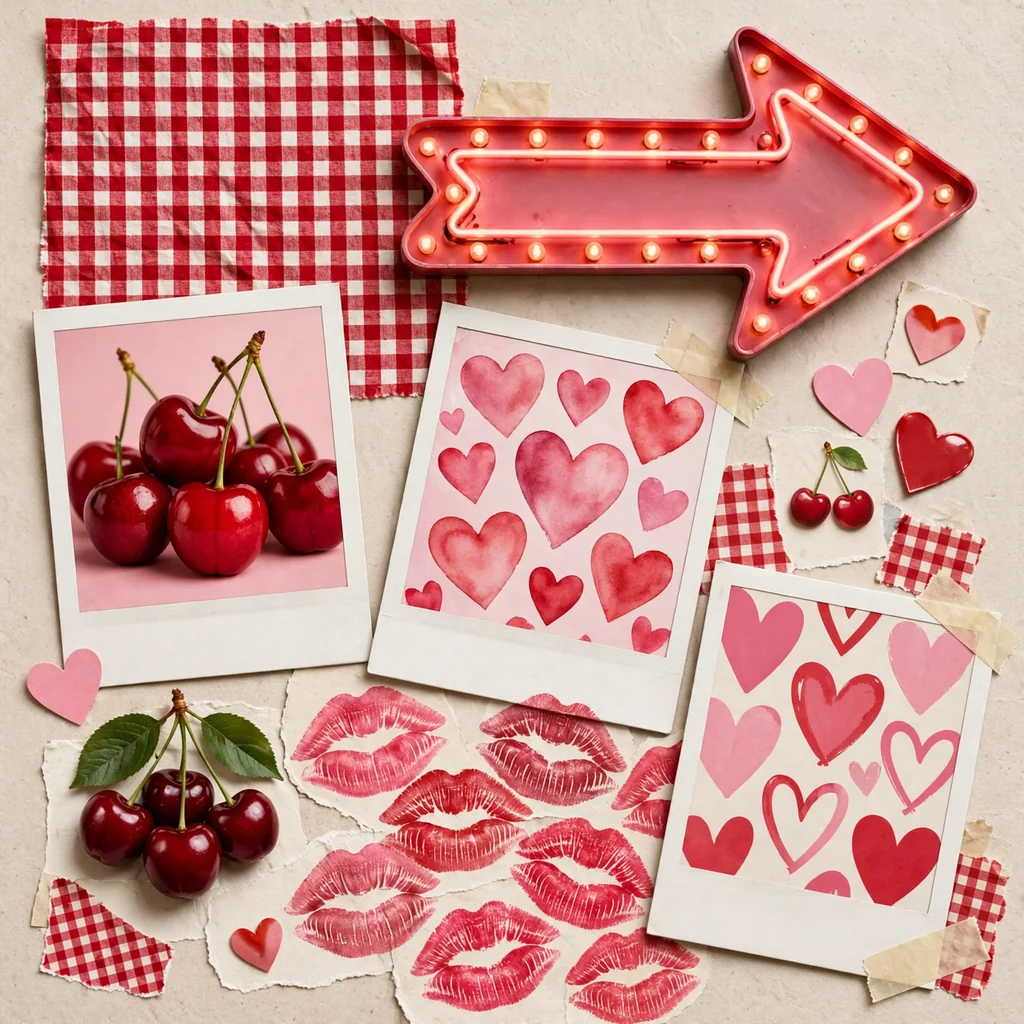
Then add what you already have. A logo keeps your brand mark, a pen sketch sets the layout, a product photo becomes an illustration and a mood board sets the colors and style, as on the Galentine’s lid among the examples. With no assets at all, AI enhance turns a one-line idea into a full design you can react to.

Each run makes 1 to 4 versions of a mailer box design, so try several directions for the same panel, keep the one you like and press Edit under it to change a detail, such as a color or the background, without starting over.

Kraft or white board for your mailer box design

Kraft board is brown, and standard printing has no white ink. White areas in your artwork are simply left unprinted, so the brown shows through, and light colors look muted because the ink is slightly see-through. Some printers sell white ink on kraft as an extra.

So for a kraft mailer, ask for one or two dark colors and bold line art, and let the brown act as a color, as in this one-ink plant club lid. The brown in the image previews the kraft board; for print, your printer or designer sets that background to unprinted so the real board shows through, or choose white board for bright full color.

Plant subscription lid for LEAFLINE Plant Club, made with AI Mailer Box Design

The inside of the lid: where unboxing happens

The underside of the lid is the first thing seen when the box opens, and the moment people film. A short message, a pattern that runs to the edges or a social handle works there, and so do instructions, an ingredient list or a full-bleed pattern.

Pick Inside the lid and the mailer box design is laid out for the open box: it reads upright when the lid stands up behind the box, so the top of the image is the lid’s front edge and the bottom is the hinge, kept clear for half an inch. Printers lay the inside out on its own dieline, so check in their preview that the message points the right way.

Printing inside costs more, because two printed sides take more ink and labor. A printed outside with a plain inside, or the reverse, keeps the price down. Tissue, stickers and thank-you cards are separate pieces; this page designs the printed panel.

Inside lid message for GLOSSLAB The Jelly Edit, made with AI Mailer Box Design

Leave room on the lid for the shipping label

A mailer that ships on its own carries a label, usually on the lid. USPS rules for commercial parcels put the address and barcode squarely on the largest surface, not over an edge or another label (DMM 202, 6.1), and online labels print at about 4 by 6 inches (USPS), as of October 2026.

So in your mailer box design, keep a calm, light area on the lid top big enough for that label, with nothing important under it, and save busy patterns and dark solids for the edges: say so in the prompt. If the mailer goes inside a shipping carton, the whole lid is yours. Shipping boxes have no federal rule for words on the outside; a mailer that is itself the retail package may need its product name and net quantity: add them with Text & barcode as exact vector text.

Design a custom mailer box online without design experience

You don’t need design software or design experience to make a mailer box design here. Describe the box in plain words, type the words to print, pick a panel and compare the results: the outline over each design shows the folds and the safe area, so you can see at a glance where each word sits against the folds.

How many boxes you need decides how they are printed. Flexo presses, common for long corrugated runs, need a separate plate for each color, while digital presses print full color even for a single box. For a short test run on a digital press any look works; if you expect to scale up, a one- or two-color mailer box design keeps both options open.

To see the box before you order, press In a scene under a design: our AI box mockup puts it on a box in a photo-style scene, and a whole mailer opens folded in 3D in our 3D box mockup. For exact text, a QR code or a barcode on top of the art, Text & barcode opens the panel in our label maker.

From AI mailer box design to a printed box

Open a design to download a print PDF of the panel at full size with 1/4 inch of bleed, the amount box printers ask for on corrugated, and a TrimBox, or a PNG set to 300 dpi. For the crispest print on a 10 × 8 inch lid, choose 4K in Quality mode. A panel’s edges are folds on your printer’s dieline, so the file carries a TrimBox for placing it on that dieline panel by panel.

Your printer converts the artwork to CMYK and sends a proof to approve. For folding cartons and gift boxes you can do the whole job here: AI gift box design designs boxes with lids, drawer boxes and tuck end boxes on their own dielines, and AI box design does the same for retail cartons.

Each design costs from 5 to 20 credits, depending on the mode and resolution you pick, and the Generate button shows the total for 1 to 4 designs before you start. Plans start at 550 credits a month (see pricing), you pay only for the designs you receive, and plans and credit packs include a commercial license (personal; company on Business).

Who uses AI mailer box design

Brands that ship straight to the customer, where the box is the first thing they touch.

Subscription boxes

Change the lid or the inside message every month, with the brand name spelled the same each time.

Shops on Etsy and Shopify

Turn a pen sketch into a thank-you inside the lid, so a small order feels like a gift.

Kits for kids and makers

Science, craft and meal kits get a lid that says what is inside and who it is for.

Holiday and seasonal drops

Galentine’s, Black Friday and holiday boxes get a mailer that matches the moment.

Mailer box design questions

What people ask before they order printed mailers.

Design a mailer box with AI

Can AI generate a mailer box design from a text prompt?

Yes. Describe what ships in the box and the look you want, pick the lid, the inside of the lid or the front wall, and you get 1 to 4 designs at print size in about a minute, each with a print PDF.

What size should my mailer box design be?

The size of the panel on your box: on a standard 10 × 8 × 4 in mailer, the lid top and its inside are 10 × 8 in and the front wall is 10 × 4 in. Type your own size if your box differs.

How much bleed does a mailer box need?

Corrugated boxes usually take 1/4 inch of bleed past each edge, twice the 1/8 inch of labels and folding cartons, so the print PDF here has 1/4 inch. Keep words inside the safe area too.

How does my mailer box design go on a printable dieline?

Each panel downloads at its exact size with 1/4 in bleed and a TrimBox, ready to place on your printer’s mailer dieline in your size, panel by panel. Choose Whole mailer box and the design comes on the box’s own dieline instead, its print PDF with the cut and crease lines.

Can you print on the inside of a mailer box?

Yes. Most box printers print the outside, the inside or both, and two sides cost more than one. Pick Inside the lid and the panel is laid out to read upright when the box is open.

Can white be printed on a kraft mailer?

Not with standard printing: white areas stay unprinted and show the brown board. Some printers offer white ink as an extra, so check before you plan white type on kraft.

Can I upload my logo to a mailer box design?

Yes. Add it as a reference image and it is kept as your brand mark. A sketch, a product photo or a mood board works too, alone or next to the logo.

How much does AI mailer box design cost?

Each mailer box design costs 5 to 20 credits from a plan or a credit pack, shown on the button before you start, and you pay only for the designs you receive. Plans and packs include a commercial license, and a design made on a panel or the whole box comes with its print files.

Start your mailer box design

Pick the panel, describe the brand and type the words to print. The AI mailer box design generator shows the credits before it starts.