
AI Logo Mockup Generator

See your brand before anything is printed: this logo mockup generator puts your logo on the box, the bag, the card and the sign it will live on, in the finish you plan, as a photograph.

  • 13 surfaces, packaging first
  • 9 finishes, from gold foil to neon
  • 9 scenes, or Auto

AI Logo Mockup

0 / 4000

Logo mockup ideas made with this page

Eight brands, eight surfaces: a gift box lid in gold foil, an embossed business card, a coffee pouch, a reception wall in brushed brass, a storefront in neon, a kraft mailer, a paper bag in silver foil and an embroidered T-shirt. Open one to see the logo and the photograph together, then start from its choices with your own logo.

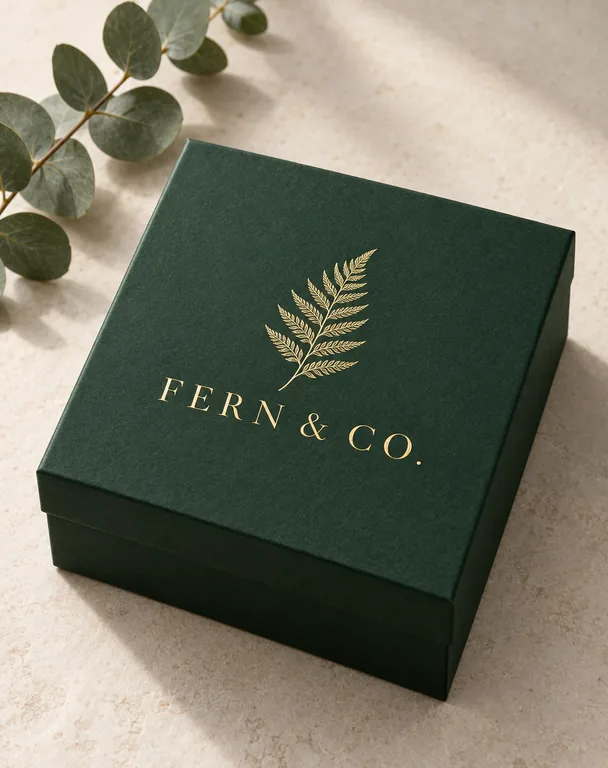
  • Gold foil logo on a gift box, made with AI Logo Mockup
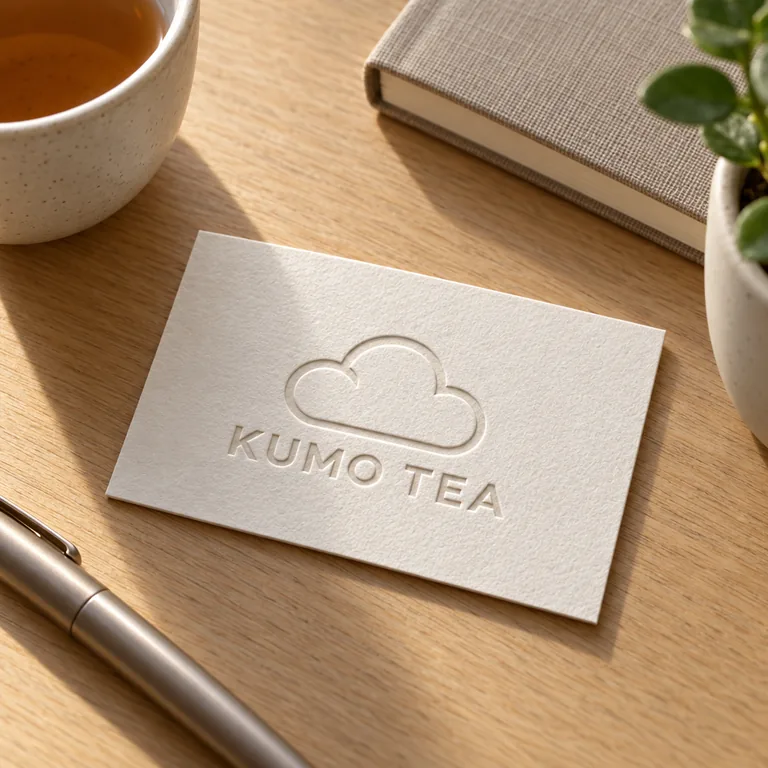
  • Embossed logo on a business card, made with AI Logo Mockup
  • Logo on a coffee pouch, made with AI Logo Mockup
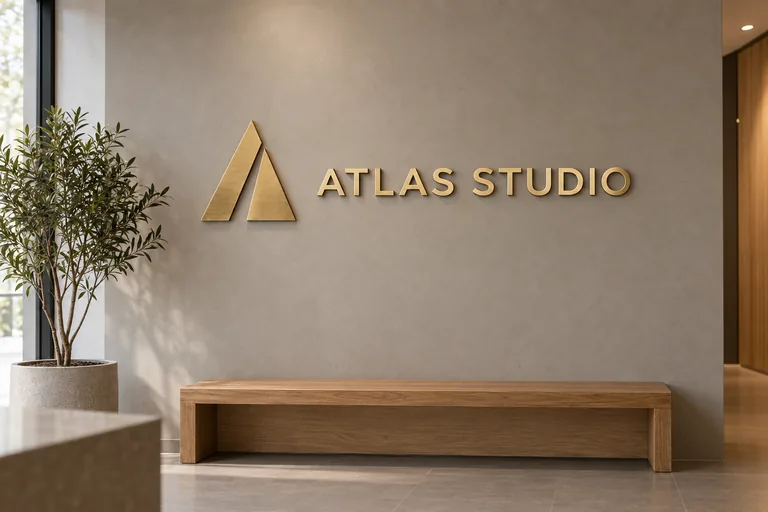
  • 3D metal logo on a reception wall, made with AI Logo Mockup
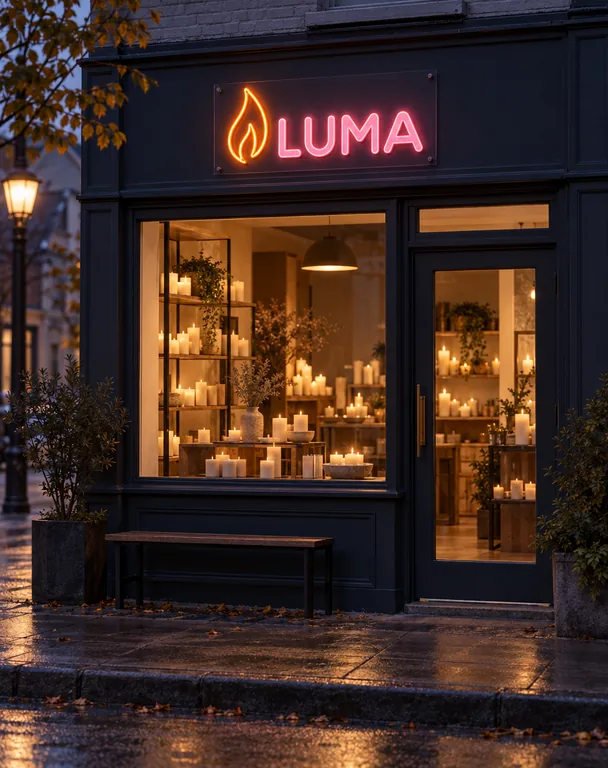
  • Neon logo on a storefront, made with AI Logo Mockup
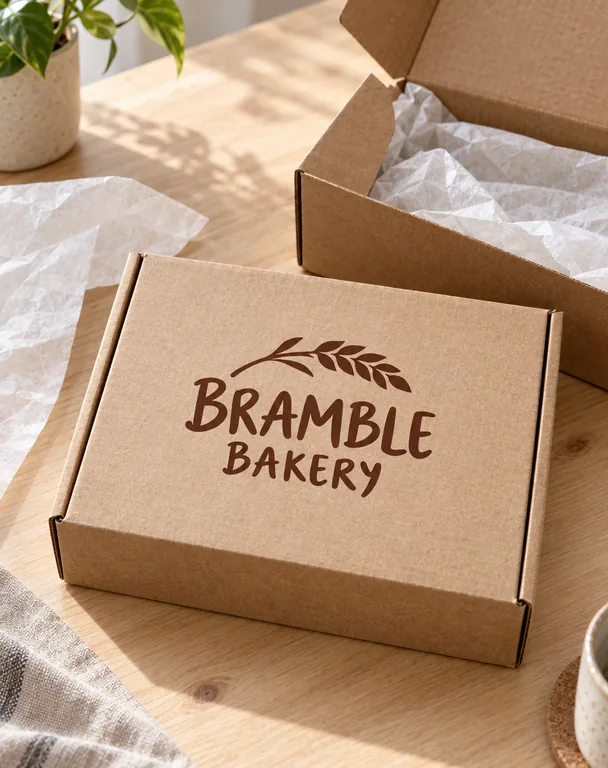
  • Logo on a mailer box, made with AI Logo Mockup
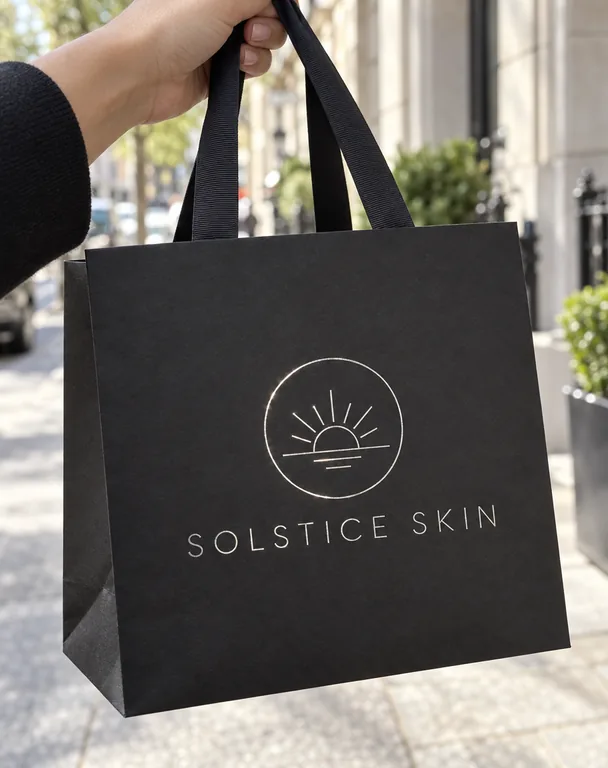
  • Silver foil logo on a paper bag, made with AI Logo Mockup
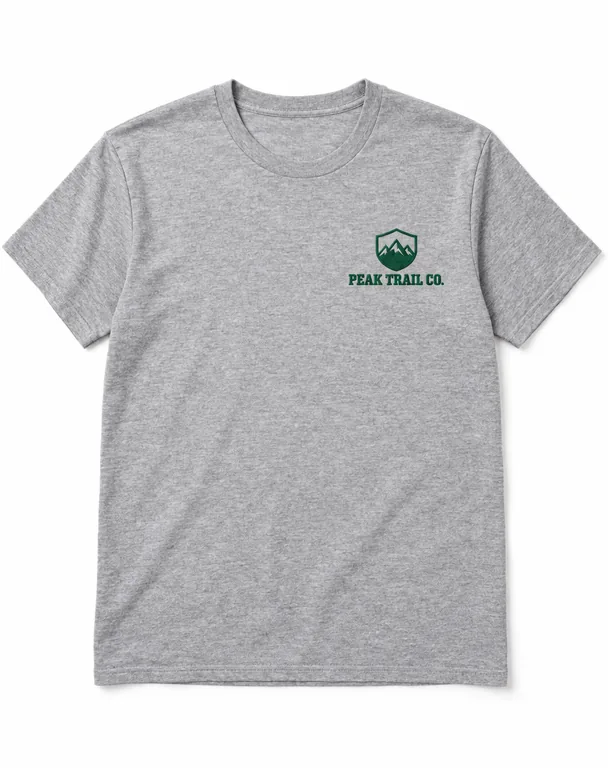
  • Embroidered logo on a T-shirt, made with AI Logo Mockup

AI scenes use credits from a plan or a credit pack, and you pay only for the designs you receive.

surfaces, from a gift box to a storefront
13
finishes: foil, emboss, metal, neon and more
9
credits a picture by mode and resolution
5 to 20
pictures a run
1 to 4

Make a logo mockup in three steps

Start with the logo file you already have.

A logo mockup generator built for packaging

Brands meet their customers on a box, a bag and a label first. This page starts there.

Logo on a mailer box, made with AI Logo Mockup

Packaging first, then the rest of the brand

A gift box lid, a mailer box, a paper bag, a coffee pouch, a can, packing tape and tissue paper, then a business card, letterhead, a wall sign, a storefront, a T-shirt and a mug.

Embossed logo on a business card, made with AI Logo Mockup

Finishes that change the material, not the mark

Print, gold foil, silver foil, embossing, debossing, 3D metal, wood, neon and embroidery. Each surface offers the finishes it is made with, so a card can be embossed and a wall sign can be brass.

Silver foil logo on a paper bag, made with AI Logo Mockup

Your logo kept as drawn

The same shapes, letters, spacing and proportions as your file. Foil, embossing and metal change only the material; nothing else in the picture carries words or another brand.

Neon logo on a storefront, made with AI Logo Mockup

Signs that light up

A storefront at dusk in neon, a reception wall in brushed metal letters, a carved wood sign: the scene sets the light the finish needs.

What a logo mockup shows

A logo mockup shows a mark where people will meet it: on a coffee pouch on a café counter, on a business card on a desk, above a shop door. A founder uses one to choose between logo options, a designer to present a brand, a shop to plan its packaging before the first order.

A logo file is flat, and until it is printed, stamped or cut no one sees how it sits on kraft paper, how gold foil catches the light or how small it reads on a card. A picture from your own file answers that in a minute.

Run the same logo on three or four surfaces and the brand reads as a whole: the box, the bag, the card and the sign together in a deck or on a launch page.
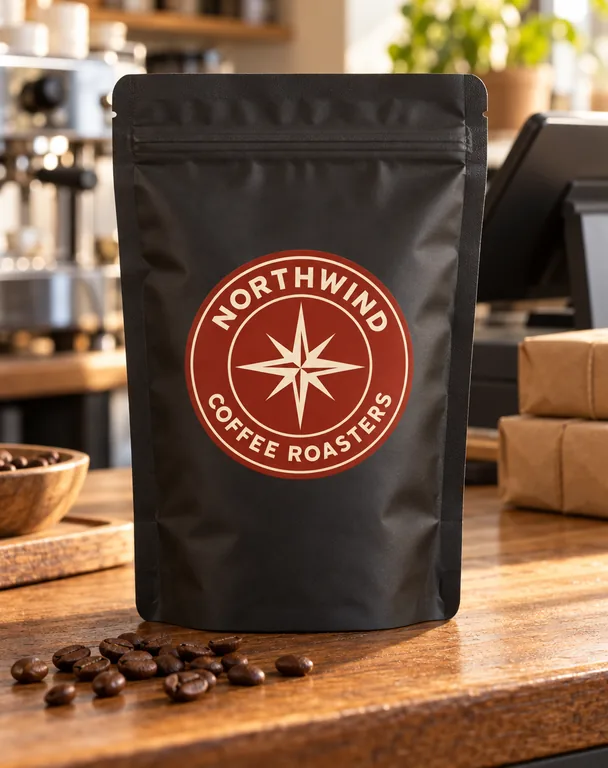
Logo on a coffee pouch, made with AI Logo Mockup

A mockup logo on packaging

Packaging carries a logo more often than anything else a brand makes. A gift box lid takes gold or silver foil and blind embossing; a paper bag takes a print or a foil stamp; a mailer box and packing tape take a print; tissue paper takes a small repeat.

Pick the surface and the finish and the scene keeps the rest plain, so the mockup logo is the only branding in the picture. Notes set the color of the box, the paper or the light.

When the packaging itself is next, AI packaging design draws the whole design around the logo, and AI gift box design lays it on a box dieline.

A 3D logo mockup on a wall or a storefront

A 3D logo mockup shows the mark as letters and shapes that stand off a wall: brushed metal in a reception area, carved wood in a café, neon above a shop window at dusk.

The wall sign and the storefront offer metal, wood and neon, each built from the logo’s own outlines, with the shadows and the glow a real sign makes. It is the picture to send a sign maker with the brief.

3D metal logo on a reception wall, made with AI Logo Mockup

A mockup for logo options and launches

Choosing between two or three logos is easier on real things than on a white page. Make the same mockup for logo options side by side: the same box, the same scene, each logo in turn.

For a launch, the finished pictures go on to an AI product video generator for a camera move, or to an AI commercial generator for a short ad.

AI scenes use credits, and the price shows before you press Generate: 5 to 20 credits a picture by mode and resolution. Plans start at 550 credits a month (pricing).

Embroidered logo on a T-shirt, made with AI Logo Mockup

Where a logo mockup helps

A few moments it answers, from a first sketch to opening day.

A brand presentation

Show a client the logo on the box, the card and the sign in one deck, so the brand is judged where it will live.

Packaging before the first order

See the logo on a mailer box, tape and tissue paper before ordering a run of printed packaging.

A shop opening

Picture the storefront sign and the paper bag together for the opening post and the window plan.

Merch and uniforms

An embroidered T-shirt and a printed mug for the team, the café or the next event.

Questions about logo mockups

The short answers about the surfaces, the finishes and the credits.

Make your logo mockup

How much does an AI logo mockup cost?

An AI scene uses credits from a plan or a credit pack, 5 to 20 a picture by mode and resolution, and you pay only for the designs you receive. The Generate button shows the price before you start.

Which surfaces and finishes are there?

Thirteen surfaces: a gift box lid, a mailer box, a paper bag, a coffee pouch, a can, packing tape, tissue paper, a business card, letterhead and envelope, a wall sign, a storefront, a T-shirt and a mug. Nine finishes: print, gold foil, silver foil, embossed, debossed, 3D metal, wood, neon and embroidery, each offered where it suits the surface.

What file does the logo mockup take?

A PNG, JPG or WebP of the logo. A clear background works best; a logo on a plain background is lifted off it, so the mark alone goes on the surface.

Does the mockup keep my logo exactly?

Kept as drawn: the same shapes, letters, spacing and proportions as your file. Foil, embossing, metal and wood change the material the logo is made in, and nothing else in the picture carries words or another brand.

Can I make a 3D logo mockup?

Yes. Choose the wall sign or the storefront and the 3D metal, wood or neon finish, and the logo stands off the wall as a built sign with its shadows or glow.

Can I use the pictures for a client or a product page?

Yes. Each picture saves to your history, where Reuse brings back the surface, the finish and the scene. Plans and credit packs include a commercial license for what you make, and the Business plan covers a company.

Put your logo on the real thing

Add your logo, pick the surface, the finish and the scene, and see your logo mockup on the box, the card or the sign it is made for.