
AI Tote Bag Mockup Generator

The front of a tote bag mockup is small enough to read at a glance and large enough to hold a design. See the artwork on the fabric, then let a scene show where the bag ends up.

  • 3 tote sizes in the browser
  • 5 fabric colors
  • PNG, free, no sign-up

AI Tote Bag Mockup

Tote size

Print area 12 × 12 in

Fabric, handles and print

The fabric, handle and print method carry into the AI scene; the flat artwork stays as you add it.

Artwork

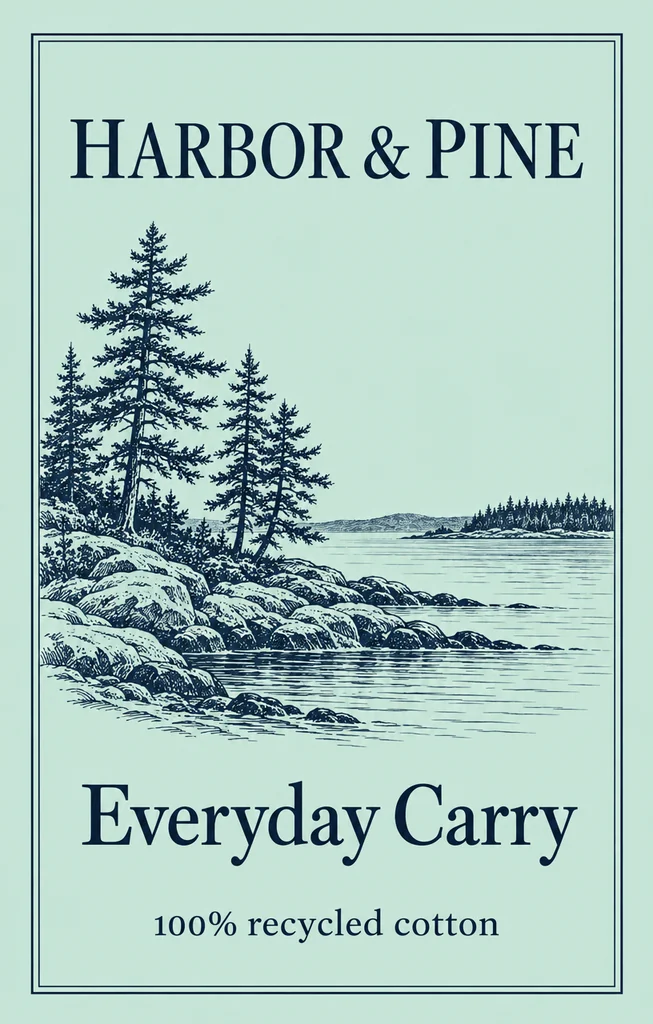
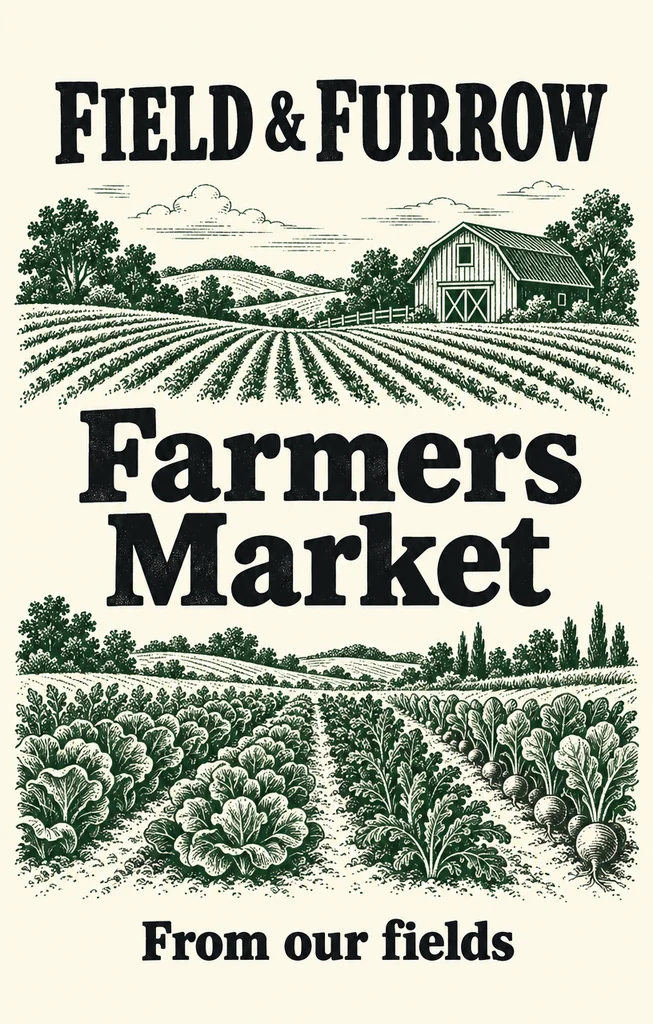
A PNG, JPG or WebP of your design. It is read in your browser, never uploaded, and shown as ink on the canvas.

Download

Free: no sign-up, no watermark.

Your flat artwork goes to the AI tab with the fabric, handles and print set. AI scenes use credits.

Blank tote PNGs (free)

A blank tote in each of the five fabric colors, 4096 px and transparent, with no artwork, so you can lay your own design on it.

Standard · 15 × 16 in

Your download starts at once.

A blank canvas tote · add your artwork

Standard · 15 × 16 inPrint area 12 × 12 in

Tote bag mockup ideas made with this page

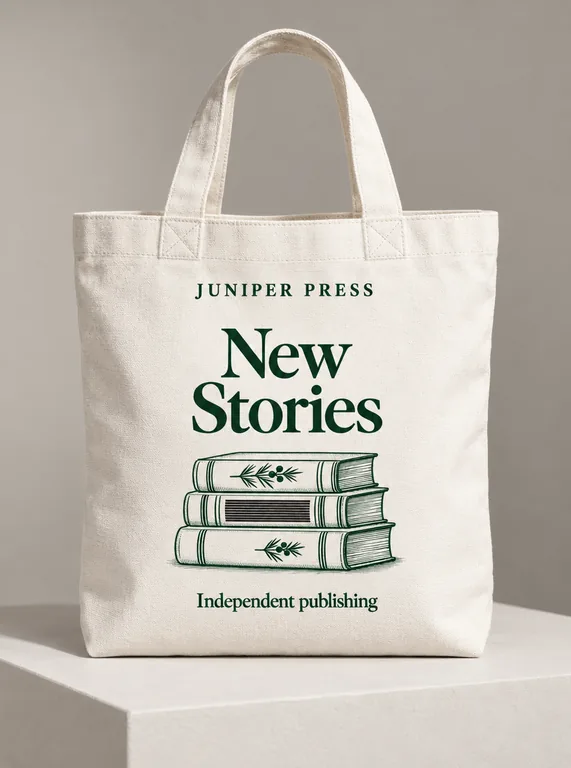
Eight canvas tote mockups made here: natural, black, white, navy and olive fabric, short hand handles and long shoulder straps, screen prints and digital prints, at a market stall, on a café table, in a studio, on a white set, outdoors, in a hand, on a shoulder and in a three-color lineup. Open one to see the artwork and the photograph together, then start from its choices with your own design.

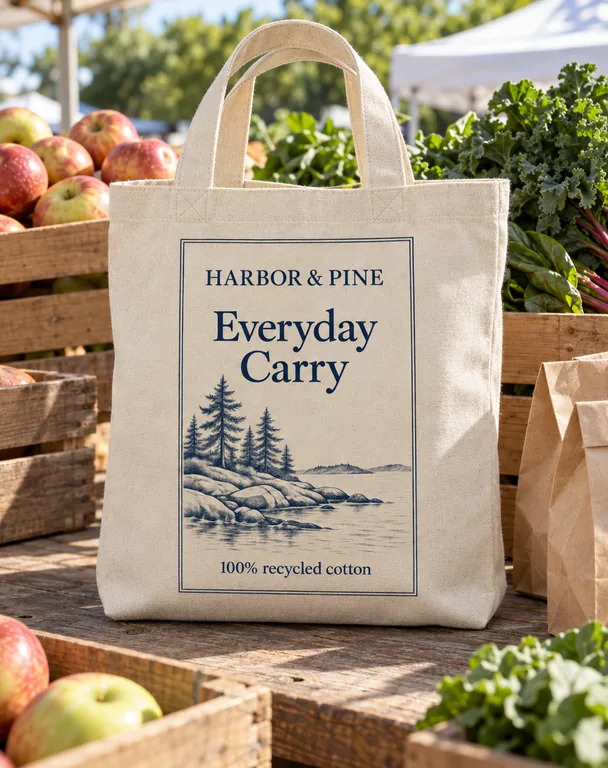
  • Natural tote at a market stall, made with AI Tote Bag Mockup
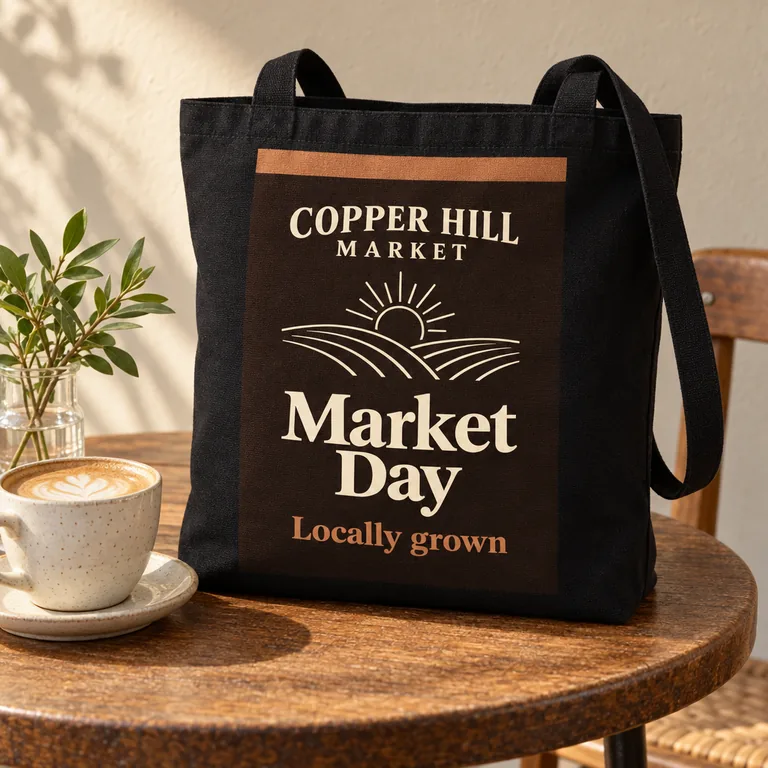
  • Black tote at a café table, made with AI Tote Bag Mockup
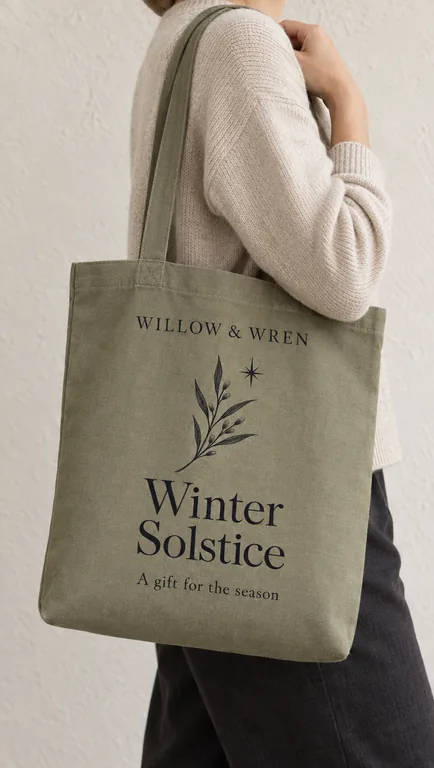
  • Olive tote on a shoulder, made with AI Tote Bag Mockup
  • White tote in a studio, made with AI Tote Bag Mockup
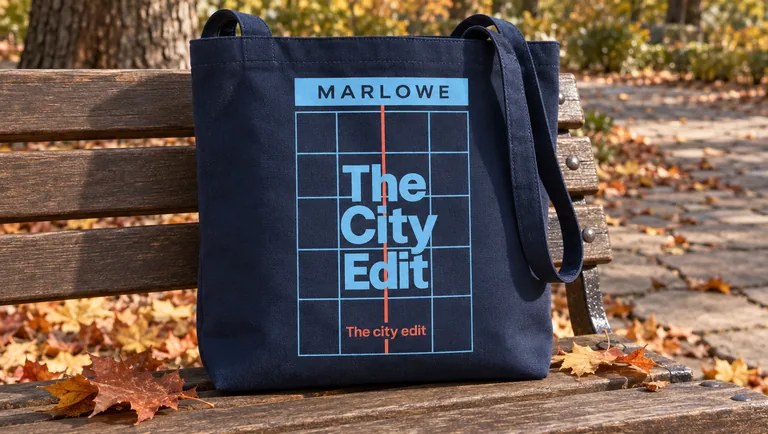
  • Navy tote outdoors, made with AI Tote Bag Mockup
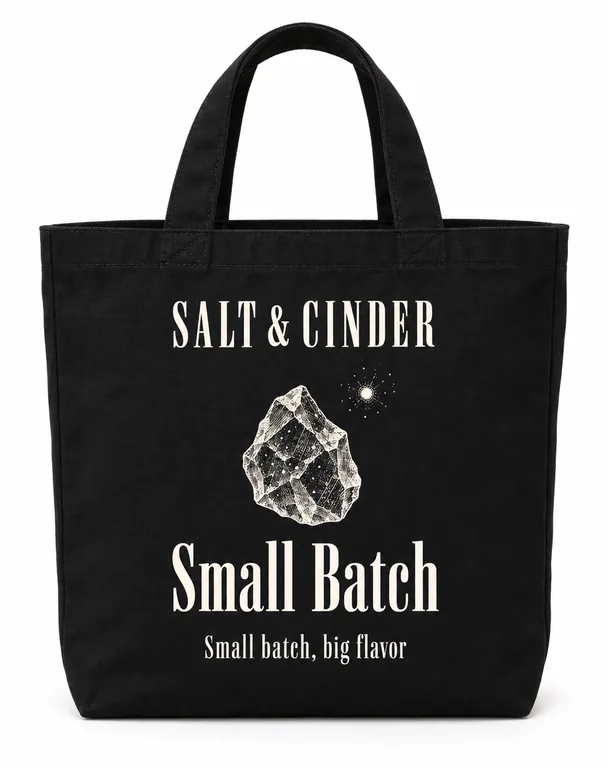
  • Black tote on white, made with AI Tote Bag Mockup
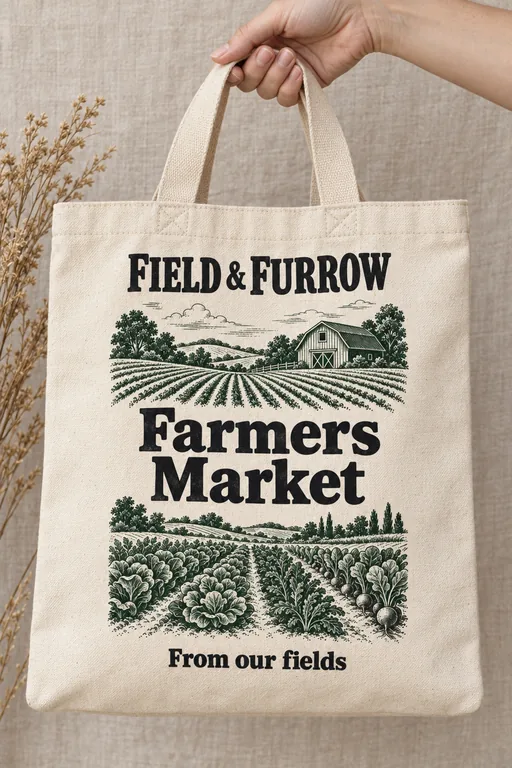
  • Natural tote held in one hand, made with AI Tote Bag Mockup
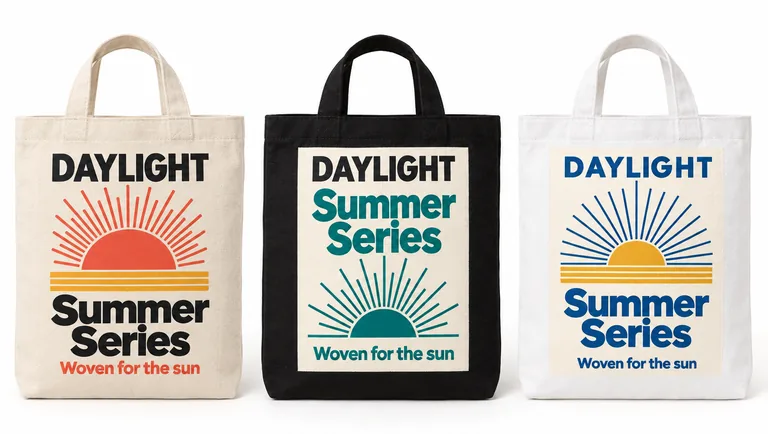
  • Three totes in three colors, made with AI Tote Bag Mockup

The tote, its PNGs and the blank totes are free. Scenes take 5 to 20 credits a picture from a plan or a pack, and you pay only for the designs you receive; plans start at 800 credits a month (pricing).

credits for the tote and the blank PNGs
0
credits a picture in an AI scene
5 to 20
transparent PNG at the largest size
4096 px
scenes, from a market stall to a shoulder
7

How to make a tote bag mockup in three steps

Three moves take the tote from a flat design to a photograph: pick the front, place the artwork, then give the bag a place to be seen. The first two happen in the browser and cost nothing.

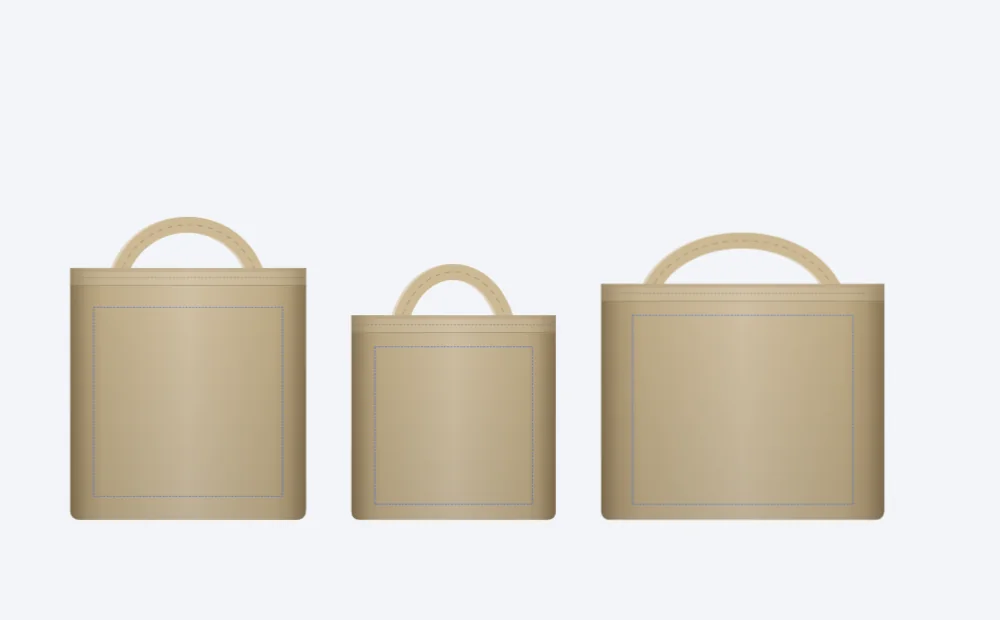
The three canvas tote sizes at one scale, each with its dashed print field: standard, small and large
Three sizes · one scale

What this tote bag mockup page does for you

The free tab of this tote bag mockup settles the front and the print field. The scenes settle how the tote looks while it is carried.

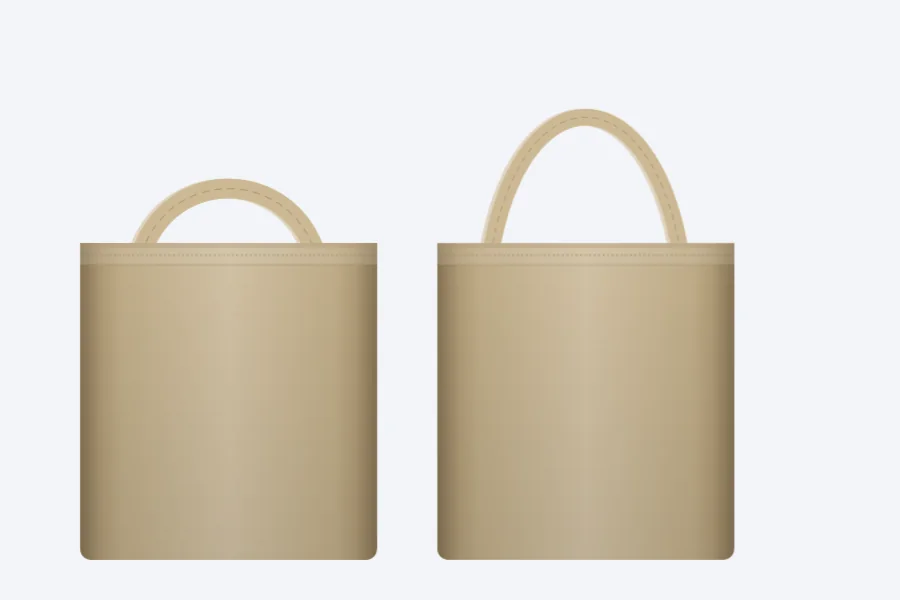
A natural canvas tote with short hand handles and one with long shoulder straps, made in the free tab
Short hand handles and long shoulder straps

Five fabric colors and two handles

Natural, black, white, navy and olive canvas, each with its own woven texture. Short hand handles suit a shop or a gift; long shoulder straps carry the bag through a market day, and both are drawn on the front.

Navy tote outdoors, made with AI Tote Bag Mockup

A print that follows the fabric

The design is drawn as ink on the canvas, flat and even, the weave showing through it, so a screen print keeps the look of print on cloth.

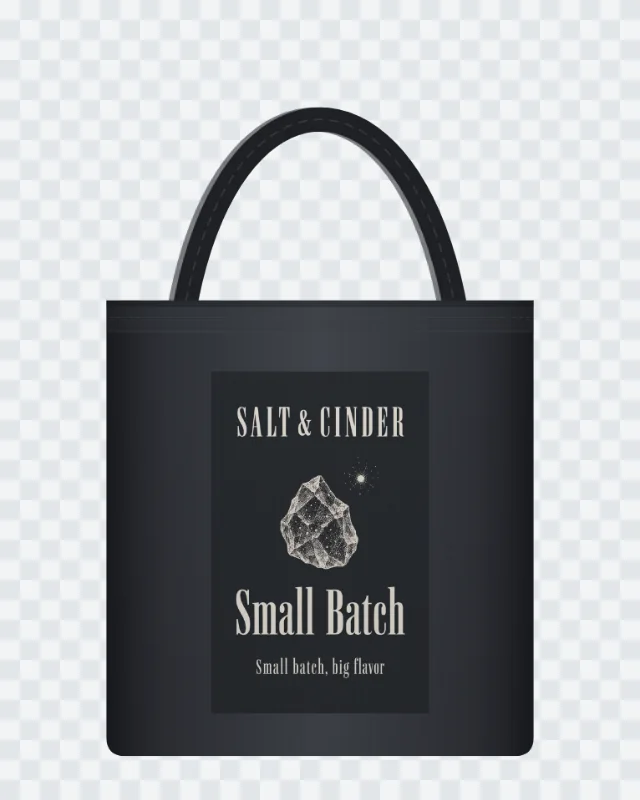
A black canvas tote mockup PNG on a checkerboard, downloaded from the free tab
Transparent PNG · 2048 or 4096 px

PNG at 2048 or 4096 px

Download the front at 2048 or 4096 px on its long side, on a clear background for a listing or on white for a catalog. The file name carries the size name, the fabric and the handle.

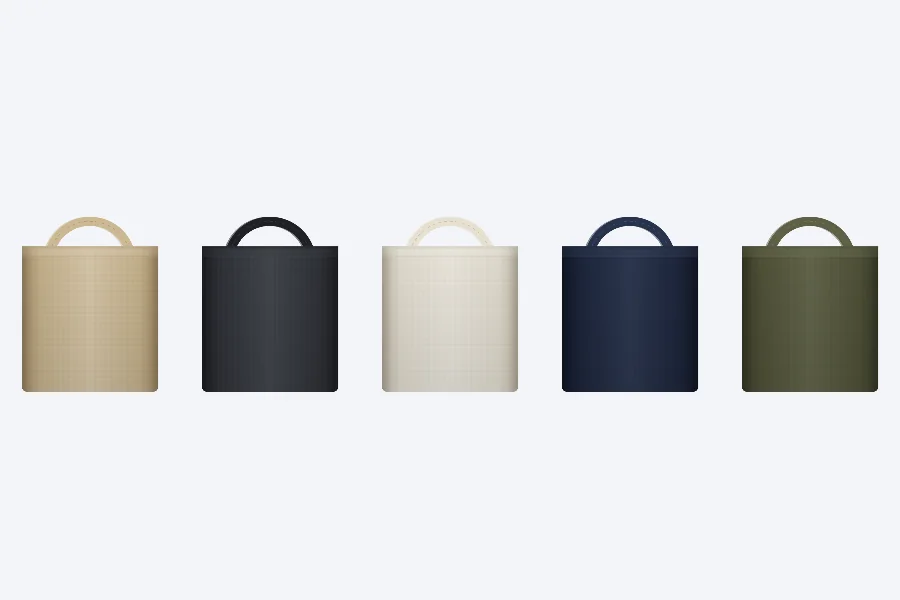
Five blank canvas totes in natural, black, white, navy and olive fabric
Blank totes · five fabric colors

Blank totes in every color

Five blank PNGs at the standard size, one for each fabric color, at 4096 px and transparent. Lay a client design on one, draw a size chart over another, or hold the shape for a listing that is still being made.

Olive tote on a shoulder, made with AI Tote Bag Mockup

A shoulder, a market stall and a café table

The scene list adds places a tote is seen: on a shoulder, at a market stall and on a café table. White, studio, outdoors and a hand are there too. The shoulder scene is set up to show a person from the shoulders down, with no face and plain clothes, so the tote is the subject.

What a tote bag mockup is for

A tote bag is a walking poster. The design on the front is read at arm’s length, in daylight, and often while the bag is being carried; a flat file on a screen says much less than the same design on canvas.

Use the free tab to judge the front and the print field: how a square mark sits on a standard tote, how much air a small logo needs, whether a tall illustration has room. Then use a scene when the bag needs a place, a person or a moment around it.

Tote bag mockup images serve shops, print on demand sellers and merch makers: a product page needs the front on a clean ground, a feed wants a square or upright frame, and a launch post wants the bag in use.

A tote bag is washed, folded and carried again, so the design has to work on the fabric for longer than a campaign: bold shapes, few colors and a clear edge usually outlast a busy layout.

Canvas bag mockup sizes and print areas

The three sizes are common tote shapes: 15 × 16 in for the everyday canvas bag, 13 × 13 in for a small shop tote, and 18 × 15 in with a 5 in gusset for a larger carryall. The gusset is the depth that lets the bag stand and hold more than a flat tote.

The print field stays inside the front and below the top hem: 12 × 12 in on the standard tote, 10 × 10 in on the small one, and 14 × 12 in on the large one. They are this page’s own fields, inside the ranges common tote printing uses, and they are the dashed line on the preview.

The tote bag mockup page writes inches in English and millimeters in the other languages, with the unit after each size. A 12 × 12 in field is 304.8 × 304.8 mm; a 5 in gusset is 127 mm.

Changing the size refits the artwork to the new print field, so the design keeps its place as the front grows or shrinks.

What comes before a scene

This tote bag mockup is free before the AI scene: the front view, the five colors, both handles, the PNG at 2048 or 4096 px and the blank totes run in the browser, with no watermark and no credit charge.

The artwork stays on your device. It is read where it sits, drawn on the canvas and exported with the bag; nothing is uploaded for the free export.

A blank standard-size tote in each color is there for the work before a design exists: a placeholder for a listing, a template for a client to draw on, or the base of a size chart that compares the three shapes.

The free tab also answers a printer’s question: the print field is visible, the size is named, and the PNG’s file name carries the size name, fabric and handle.

From a flat design to an AI tote mockup

The AI tab starts from the artwork and builds the photograph around it. Choose the fabric, the handles and the print method, then a scene. A screen print is one or two solid ink colors; a digital print carries the artwork as it is, ground and all. The scene is set up to show the design on the front panel and the rest of the canvas plain.

One artwork makes one tote; two or three make a lineup of that many totes, each in a different color, the first in the color chosen and the rest in list order from natural. Three runs, starting on natural, navy and olive, reach all five colors.

The scene is set up so that nothing but the tote carries a design or a word, and the props stay plain. Check the result in Side by side before you use it.

The tote bag mockup result joins your history with the scene, the fabric, the handles and the print. Reuse fills the composer again, and Try again runs the same choices; both are one click from the row.

Three totes in three colors, made with AI Tote Bag Mockup

Where a tote bag mockup appears

A shop uses a tote bag mockup in two places: the front PNG for the product page and a scene for the gallery, the newsletter and a social post. The same bag, the same design, two jobs done from one page.

A print on demand seller can show the same artwork on five colors without ordering five samples, then take an AI scene of the chosen color into a product video or a short commercial as its first frame.

A merch maker can put a client’s logo in the print field, refit it to each of the three fronts, and send a picture before the print run is booked.

Frames run from tall 9:21 to wide 21:9; 9:21 and 4K are Quality only, and Fast makes 1K and 2K. Use 4:5 for a product page and 9:16 for a story.

Black tote on white, made with AI Tote Bag Mockup

Where a tote bag mockup earns its place

A few ways a canvas bag mockup finds its moment, from a launch to a market table.

A launch without a sample

Print the artwork on the standard tote, export a transparent PNG and build a 4:5 scene for the launch post before the first bag arrives.

A market stall that looks stocked

Show a three-color lineup on the market table, or one tote from the range in a single scene, and let the row carry the stall.

A gift for the team

A small logo in the print field, a long shoulder strap and a black or navy canvas read as a gift; the blank tote holds the place until the design is approved.

Tote bag mockup questions

Quick answers on the free front, the scenes, the files and the credits.

Make your tote bag mockup

Is the tote bag mockup free?

The front view, the PNG exports and the blank totes are free and need no account. AI scenes cost 5 to 20 credits a picture according to mode and resolution, and a run is charged for the pictures it returns.

What sizes does the canvas bag mockup offer?

Three: a standard, a small and a large tote, each with its own print field. The sizes and fields are listed under the view and in the sizes section above; the page shows inches in English and millimeters elsewhere.

What file does the tote bag mockup take?

A PNG, JPG or WebP of your flat design. It is read in the browser, shown as ink on the canvas and never uploaded for the free export. Strong contrast with the fabric reads best on a colored tote.

Can I change the size after placing the artwork?

Yes. Choosing another size refits the artwork to that front’s print field, centered, so the design keeps its place as the bag grows or shrinks.

What is the difference between the two print methods?

One or two color screen print keeps the design in solid ink colors and suits a bold logo or a simple mark. Full color digital print carries the artwork as it is, its ground and every color. The choice travels with the tote into the AI scene.

Does the AI scene keep every word?

The tote bag mockup scene is set up to show the artwork you send, with every word, number and logo as it is. Check the result in Side by side before you use it.

Can I show one design in several colors?

One artwork makes one tote; two or three make a lineup of that many totes, each in a different color, the first in the color chosen and the rest in list order from natural. Three runs, starting on natural, navy and olive, reach all five.

What if I have no artwork yet?

Make a flat design on the AI sticker generator or AI packaging design, save the PNG, then add it here with Add your artwork.

Can I use the tote bag mockup on a product page?

Yes. Your PNG comes at 2048 or 4096 px on its long side, clear or white; the scenes you make are kept in your history. Every plan and pack carries a commercial license for your finished work, and Business and Enterprise add a company license.

How many pictures can a run make?

A run makes one to four pictures at 1K, 2K or 4K; 9:21 and 4K are Quality only, and Fast makes 1K and 2K. You pay per picture, and the total is on the button before you start.

Start with your own tote

Pick a size, add the artwork and take the free PNG. Open the AI tab when the tote wants a person, a stall or a table around it.