



Free Sticker Sheet Maker: Print and Cut Stickers at Home

Drop in your pictures and this free sticker sheet maker draws a white border and a cut line around each one, fills a Letter sheet, a precut Avery sheet or Cricut’s Print Then Cut area, and gives you files for your printer, a Cricut or Silhouette, or a print shop. No signup, no watermark, and your pictures stay in your browser.

  • Cut line around the art
  • Letter, Avery and Cricut sheets
  • Free background removal
  • PDF, PNG and SVG files

Sticker Sheet Maker

Stickers on this sheet (1 of 20)

Each picture becomes a sticker. Pick one to edit it; the numbers are copies on the sheet. Pictures stay in your browser.

Start from a template

Shape and size

in

Sticker 3.00 × 1.60 in

On this sticker

Bleed edgeSafe areaCut line
Letter · print at 100% (Actual size)
Saved in this browser

Print at 100% (Actual size), never Fit to page, and try one sheet on plain paper before you use sticker paper. Use only pictures you have the right to print.

stickers on one sheet, each with its own number of copies
20
white border widths, from 1/16 to 1/4 in
5
of Cricut Print Then Cut on Letter, filled for you
6.75 × 9.25 in
signups, watermarks or uploads needed
0

How to use the sticker sheet maker

Three steps take you from a folder of pictures to a sheet of stickers, and the sticker sheet maker checks every sticker as you go.

A picture on a white background, and the same picture as a sticker after the free background removal

A die-cut sticker maker that knows your sheet

Most free sticker tools do one part: a cut line, a sheet layout or a file for one machine. This sticker sheet maker does all of it, free.

The same sticker with 1/16, 1/10 and 1/8 inch white borders

Cut lines that follow the art

Follow the art draws one cut line around everything on the sticker: the picture, your text and any QR code. Pick a white border of 1/16, 1/10, 1/8, 3/16 or 1/4 in, and light, medium or strong smoothing to fill notches a blade can’t follow.

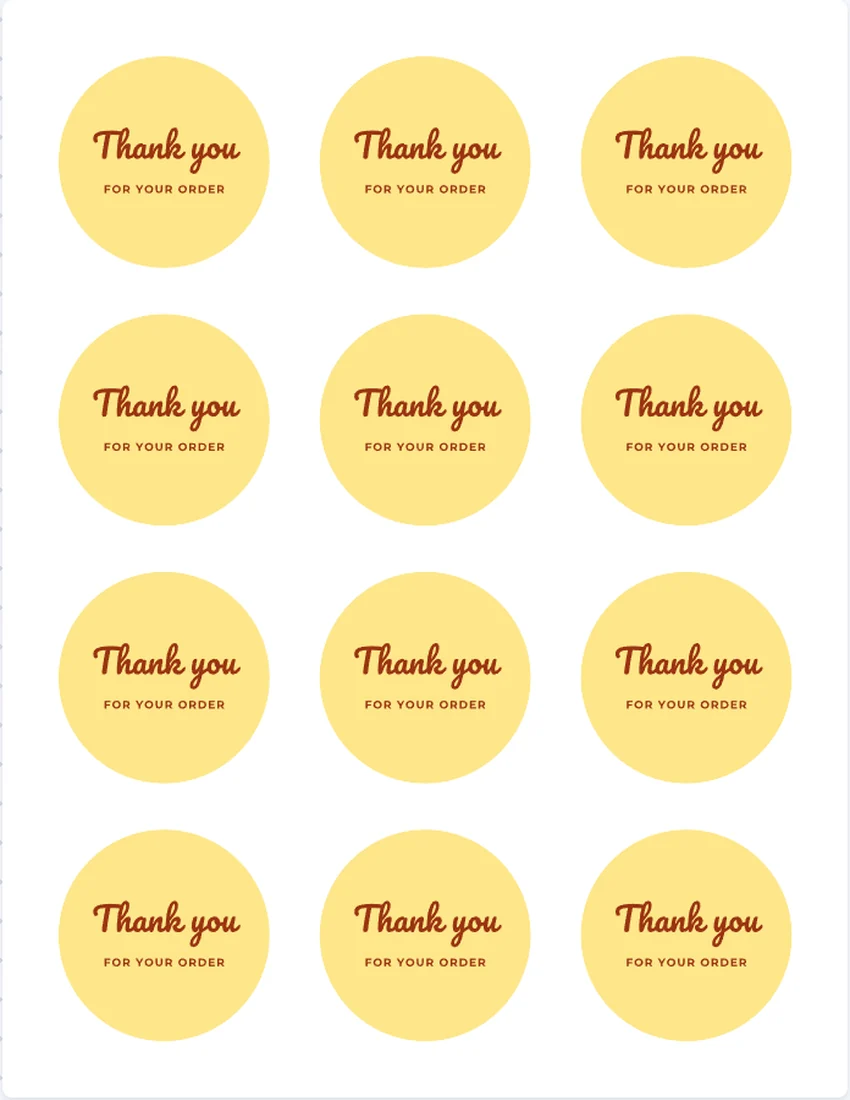
Round thank you stickers on an Avery 22807 sheet of 2 inch circles

Sheets you can buy

Lay out stickers on Letter full sheet sticker paper, such as Avery 3383 or 53202, OnlineLabels OL177, or Cricut and Silhouette sticker paper, or on precut Avery circles and squares: 22807, 22808, 5655, 8293, 22806 and 22805.

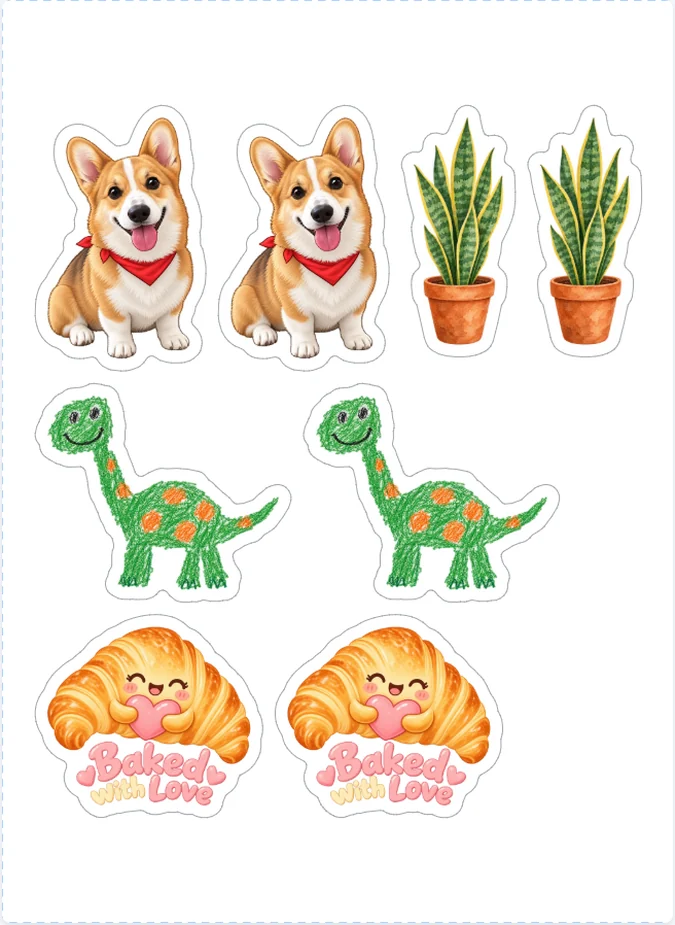
A sticker pack laid out for Cricut Print Then Cut, within 6.75 by 9.25 inches

Laid out for Cricut Print Then Cut

Choose Cricut and the stickers are laid out within 6.75 × 9.25 in, a rectangle that fits its Print Then Cut area on Letter paper, then saved as one PNG for Design Space with the size to set. A sticker too big for it is flagged before you print.

A scan to leave a review sticker with a QR code and a cut line around it

Text, QR codes and barcodes

Add vector text in 12 fonts, a QR code that sends customers to your review page, a UPC, EAN or Code 128 barcode, or simple shapes, with the label maker’s editor: move, resize, undo and redo.

The print shop PDF: a sticker with its white bleed and a magenta CutContour cut line

Files for every way to cut

A sheet PDF for home printers, a Cricut sheet PNG, a 300 dpi sticker PNG for Cricut and Silhouette, an SVG, and a print shop PDF with a CutContour cut line. Every file from the sticker sheet maker is free, with no watermark.

Die-cut or kiss-cut: what this sticker sheet maker makes

A die-cut sticker is cut around its art, so its shape follows the picture: a coffee cup, a dog, a word in bold letters. Strictly, die-cut means cut all the way through the sticker and its backing; a kiss-cut sticker is cut through the sticker layer only and stays on its backing sheet, which is how most sticker sheets you peel from are made.

The cut line is the same for both. This sticker sheet maker draws it; how deep the blade goes is set on your cutting machine or by the print shop. Choose Follow the art for a die-cut shape, or a circle, square or oval when a plain shape suits the design better.

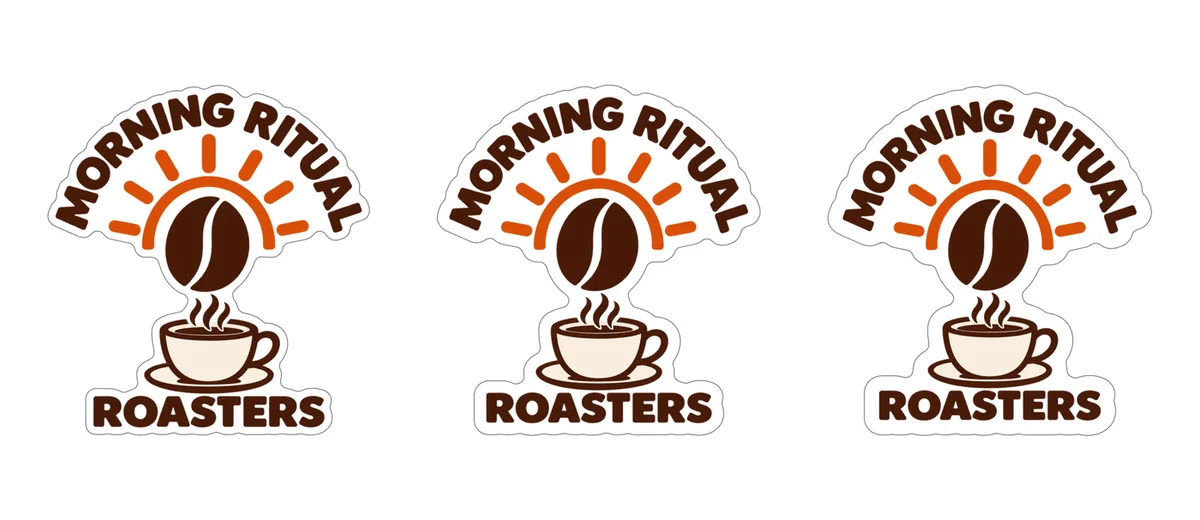
A coffee logo sticker with a white border and its cut line following the art

How wide should a sticker’s white border be?

The white border is the margin between the art and the cut. It hides a cut that drifts a little, so a home cut needs more of it than a print shop does. Sticker Mule uses 0.1 in as its standard and asks for at least 1/16 in (artwork requirements). The default here is 1/8 in, which forgives a Cricut or a pair of scissors; the checks warn below 1/16 in.

Smoothing fills notches and narrow slits in the cut line so a blade can follow it, and gives a rounder, simpler shape. If a design ends up in several pieces, each piece becomes its own sticker; a wider border or more smoothing joins them. Parts narrower than 1/8 in are flagged too, because they can tear.

Size is the cut line’s longest side, in inches or millimetres, the way sticker printers state sizes. The page shows the resolution each picture prints at in that size and warns under 300 dpi, so you know before you print whether a picture will look soft.

The same sticker with 1/16, 1/10 and 1/8 inch white borders

Picture backgrounds in the die-cut sticker maker

A sticker needs a clear background, or the cut line becomes a box around the whole picture. A PNG or SVG whose background is already clear needs nothing. For a logo or a drawing on a white or one-color background, press Remove the solid background: it is free and runs in your browser. The checks flag any picture that still has a solid background.

Background removal here works on plain backgrounds, not photos. No picture yet, or a photo to turn into art? Draw it with AI opens the AI sticker generator, which draws a picture on a clear background and uses credits; its stickers come back here to print.

A picture on a white background, and the same picture as a sticker after the free background removal

Print stickers at home with the sticker sheet maker

Choose Letter sticker paper and Home printer: the stickers fill the page less 1/4 in all round. Fit the most packs them tightly and may turn some 90° to fit more; Tidy rows puts each design in rows of its own. The gap between stickers is 1/8 in by default and never less than 2 mm, StickerApp’s minimum for sticker sheets.

To cut by hand, turn on Print cut guides: thin gray lines along every cut line, easy to follow with scissors or a craft knife. Download the sheet PDF and print it at 100% or Actual size. If the print is shifted, enter the printer offset and print again.

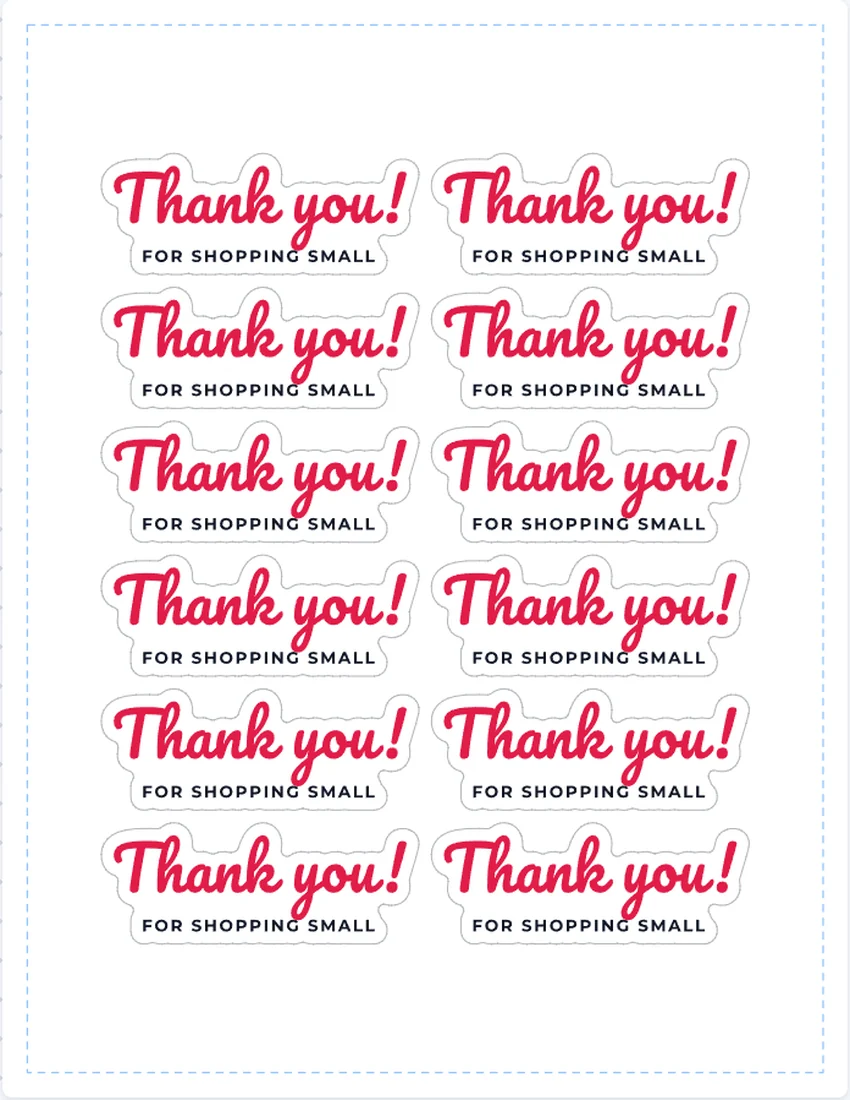
A Letter sticker sheet made with the sticker sheet maker: thank you stickers with cut lines around the words

How big can Cricut Print Then Cut stickers be?

On Letter paper, Cricut prints and cuts up to 7.44 in wide or 9.94 in tall, but not both, because its sensor marks take the corners of the page (Cricut Help); Cricut Joy 2 takes less. Choose Cricut as the area and the sticker sheet maker lays every sticker out within 6.75 × 9.25 in, which fits, then saves the Cricut sheet PNG: the stickers at 300 dpi, clear between them. Upload it to Design Space as a Print Then Cut image and set it to the size shown next to the download before you print.

For one design at a time, the Sticker PNG is a single sticker at 300 dpi, white inside the cut line and clear outside; in Design Space set it to the size shown on the page. In Silhouette Studio, open the Sticker PNG and trace its outer edge.

We don’t add registration marks: Design Space and Silhouette Studio add their own, and Cricut says marks printed from an outside PDF come out the wrong size.

A sticker pack laid out for Cricut Print Then Cut, within 6.75 by 9.25 inches

Which paper to use with a printable sticker maker

For shapes cut around the art, use Letter full sheet sticker paper made for your printer, inkjet or laser, such as Avery 3383 or 53202, OnlineLabels OL177, or Cricut or Silhouette printable sticker paper. They are all 8.5 × 11 in, so one layout fits them all.

For circles and squares with no cutting at all, use precut Avery sheets: 22807 (2 in circles, 12 a sheet), 22808 (2.5 in circles, 9), 5655 (3 in circles, 6), 8293 (1.5 in circles, 20), 22806 (2 in squares, 12) and 22805 (1.5 in squares, 24). The sticker sheet maker places each sticker on a label, warns when a sticker isn’t the sheet’s shape and size, and adds a test page to print on plain paper first.

Round thank you stickers on an Avery 22807 sheet of 2 inch circles

Sending your stickers to a print shop

Download the print shop PDF from the sticker sheet maker for each design: the sticker with a 1/16 in white bleed past the cut line, and the cut line as a CutContour spot color, set to overprint on its own layer, the name print and cut software such as Roland VersaWorks reads. The SVG is the same sticker in vector form, for design apps and cutters.

The colors are RGB. Ask the printer about color, the bleed they want and what they call the cut line, and look at a proof before you order a large run.

The print shop PDF: a sticker with its white bleed and a magenta CutContour cut line

Who uses this sticker sheet maker

Anyone who wants their own stickers on a sheet, printed at home or by a shop.

Small online shops

Thank you stickers and logo stickers for every order, and box seals in your colors.

Cafés, bakeries and makers

Scan to review QR stickers for the counter and Handmade with love seals on Avery 22805.

Cricut and Silhouette crafters

Sticker packs laid out by the sticker sheet maker to fill the Print Then Cut area.

Planners, teachers and parents

Planner stickers, rewards and party favors from your own drawings, cut by hand or machine.

Sticker sheet maker FAQ

More questions? The Checks tab in the sticker sheet maker explains every warning.

Open the sticker sheet maker

Is this sticker sheet maker free?

Yes. Every sheet, shape, border, template and file is free, with no signup and no watermark, and you can sell the stickers you make. Only Draw it with AI uses credits, because it opens the AI sticker generator.

Do I need a sticker machine or a label maker to make stickers?

No. A sticker label maker machine prints on its own rolls; this printable sticker maker works with the printer you already have. Print on sticker paper and cut along the printed guides, use precut Avery sheets that need no cutting, or let a Cricut or Silhouette cut around each sticker.

What is the difference between die-cut and kiss-cut stickers?

A die-cut sticker is cut through the sticker and its backing, around its shape. A kiss-cut sticker is cut through the sticker layer only, so it stays on its sheet. The cut line is the same; your machine or print shop sets the depth.

How wide should the white border be?

1/8 in, the default, is easy to cut at home. Sticker Mule’s standard is 0.1 in and its minimum 1/16 in, and the sticker sheet maker warns below 1/16 in.

How big can Cricut Print Then Cut stickers be?

On Letter paper, up to 7.44 in wide or 9.94 in tall, by Cricut’s own help page, but not both at once. Choose Cricut as the area and every sticker is laid out within 6.75 × 9.25 in, which fits; a sticker larger than that is flagged.

Which sticker paper should I use?

Letter full sheet sticker paper made for your printer, inkjet or laser, such as Avery 3383 or 53202, OnlineLabels OL177, or Cricut or Silhouette sticker paper. For round or square stickers with no cutting, use a precut Avery sheet.

How do I make stickers without a Cricut?

In the sticker sheet maker, turn on Print cut guides, print the sheet on sticker paper at actual size and cut along the thin gray lines with scissors or a craft knife. A 1/8 in border and gap leave room for a hand cut.

Can I send the files to a print shop?

Yes. The print shop PDF has a 1/16 in white bleed and a CutContour cut line on its own layer, and the SVG is vector. Ask the shop which bleed, cut line name and colors it wants.

Are my pictures uploaded?

No. Pictures stay in your browser unless you save the sheet to your account. A share link keeps the stickers and their cut lines but not the pictures, so send a project file to share everything.

Can I turn a photo into a sticker?

The free background removal handles plain backgrounds, not photos. For a photo, Draw it with AI opens the AI sticker generator, which draws a sticker from it on a clear background and uses credits.

Make your sticker sheet now

Drop in your pictures, pick a border and a sheet, and print die-cut stickers in minutes with the free sticker sheet maker.