
AI Label Generator for Product Labels and Stickers

This AI label generator makes product labels, stickers and address labels at the size you print: pick an Avery sheet size or your own, describe the look and compare designs from five models.

  • Five image models
  • Avery sheet sizes
  • Words printed as typed
  • Credits shown before you start

AI Label Generator

Label designAI enhance
0 / 4000

Labels made with the AI label generator

Real AI-generated examples, each made with this generator. Click one to fill in its prompt, text, type and size, then make it yours.

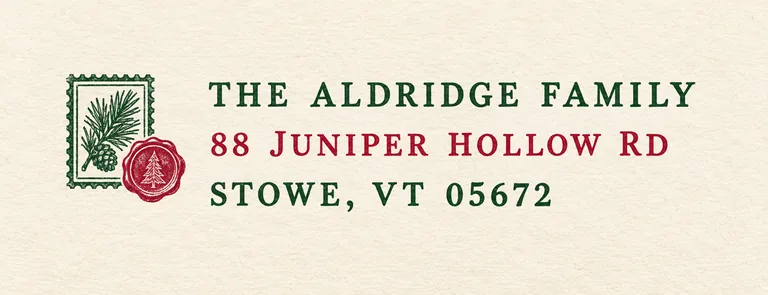
  • Holiday address label for , an AI-generated example made with GPT Image 2.5 Flare
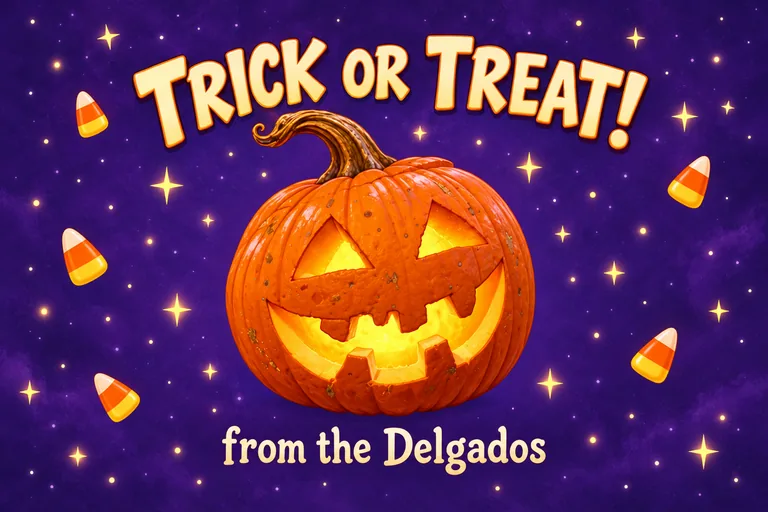
  • Halloween treat bag label for TRICK OR TREAT!, an AI-generated example made with GPT Image 2.5 Sunburst
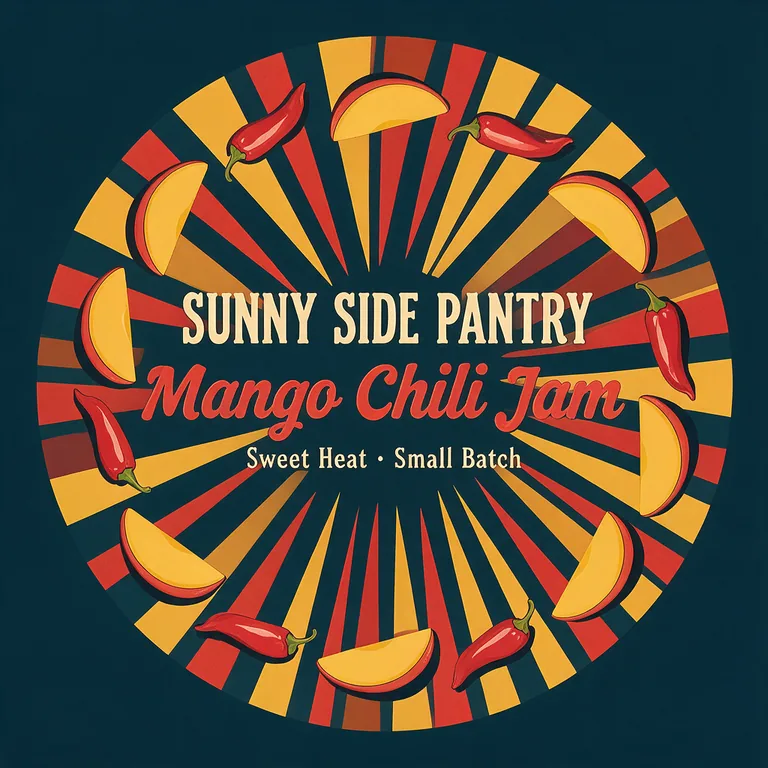
  • Jam jar lid label for SUNNY SIDE PANTRY Mango Chili Jam, an AI-generated example made with Seedream 5.0 Pro
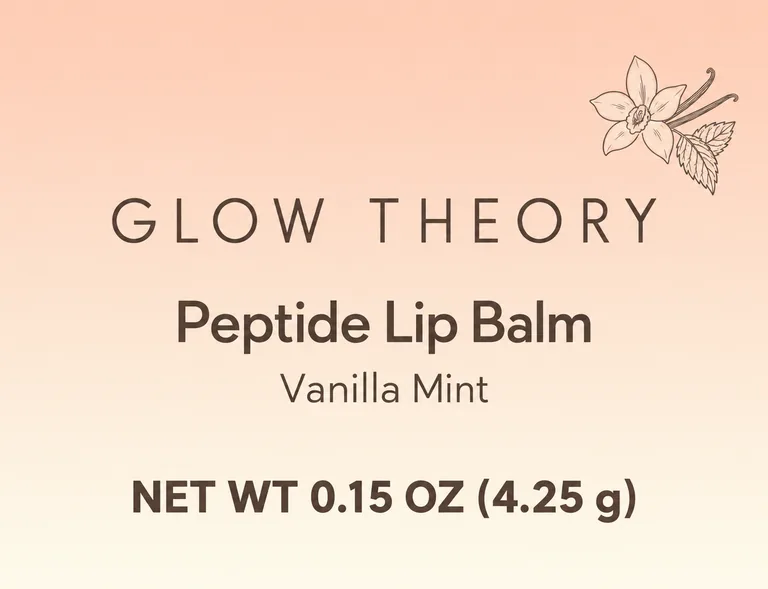
  • Lip balm tube label for GLOW THEORY Peptide Lip Balm, an AI-generated example made with GPT Image 2.5 Sunburst
  • Pantry canister label for FLOUR, an AI-generated example made with Muse Image
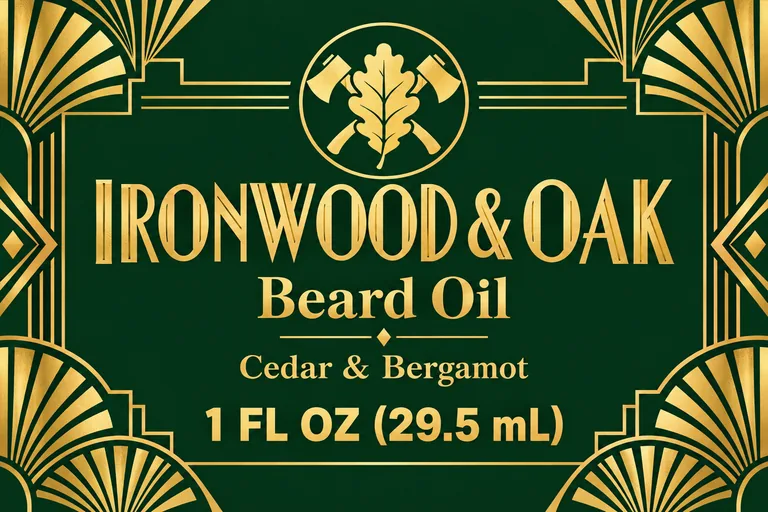
  • Beard oil label for IRONWOOD & OAK Beard Oil, an AI-generated example made with GPT Image 2.5 Sunburst
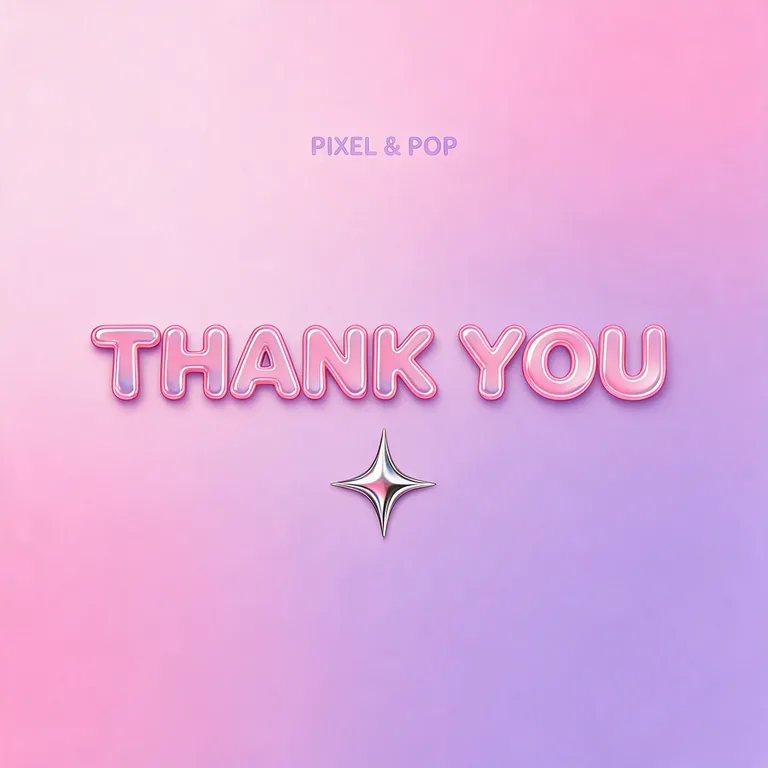
  • Thank you sticker for PIXEL & POP THANK YOU, an AI-generated example made with Seedream 5.0 Pro
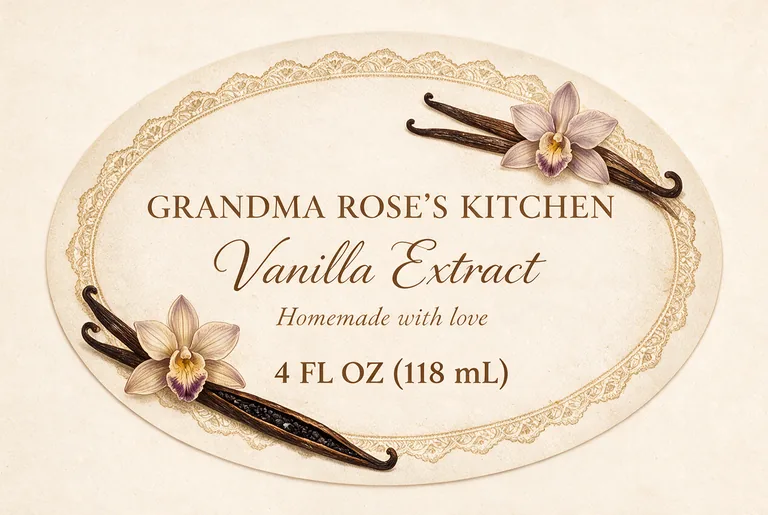
  • Homemade gift label for GRANDMA ROSE'S KITCHEN Vanilla Extract, an AI-generated example made with Seedream 5.0 Pro

The AI label generator is part of the paid plans; the free tools stay free. Credits for a run that fails are returned automatically. Image models can still misspell, so check every word and number before you print.

label types, 5 of them Avery sheet sizes
7
image models, drafts from 2 credits
5
designs in one run
1 to 4
bleed and cut line in the print PDF
1/8 in

How the AI label generator works

Three steps take you from an idea to a printed sheet, and the Generate button shows what a run costs before you press it.

Holiday address label for , an AI-generated example made with GPT Image 2.5 Flare
AI-generated example · GPT Image 2.5 Flare

What this AI label generator does for you

Made for small brands, makers and anyone with a sheet of blank labels and an idea.

Holiday address label for , an AI-generated example made with GPT Image 2.5 Flare
AI-generated example · GPT Image 2.5 Flare

Labels at the size you print

The image is made at the shape of the label you pick, with 1/8 in bleed, not cropped from a square. A 2.625 × 1 in address label comes out long and slim; a 2.5 in round label comes out round, with its cut line shown when you open it.

Beard oil label for IRONWOOD & OAK Beard Oil, an AI-generated example made with GPT Image 2.5 Sunburst
AI-generated example · GPT Image 2.5 Sunburst

Your words, printed as typed

Brand names with an ampersand, product names and net quantities in two units are where general image tools slip. Here each field goes to the model in quotes, and AI enhance keeps it word for word.

Thank you sticker for PIXEL & POP THANK YOU, an AI-generated example made with Seedream 5.0 Pro
AI-generated example · Seedream 5.0 Pro

From AI art to a printed sheet

Text & barcode under each design opens it in the free label maker, on its Avery sheet when it is a sheet size. Add a scannable barcode, exact vector text or a list of names, then print the sheet from any position, with a plain paper test page first.

  • GPT Image 2.5 FlarePrecise text, fasterfrom 10 credits
  • GPT Image 2.5 SunburstPrecise text, finer detailfrom 10 credits
  • Nano Banana 2.1Many references, extra widefrom 8 credits
  • Seedream 5.0 ProPhoto real, high resolutionfrom 11 credits
  • Muse ImageLow cost draftsfrom 2 credits

Five models in one menu

GPT Image 2.5 Sunburst (the default here) and Flare for small, exact text, Nano Banana 2.1 for many references, Seedream 5.0 Pro for paper, foil and texture looks, and Muse Image for 2 credit drafts. The button shows the total for 1 to 4 designs.

Pick the label size first in an AI label generator

The label decides the canvas. Measure where it goes: the flat wall of a jar or bottle, a lid, the front of a box or bag. Then pick the nearest type here and set your exact size. The product label starts at 4 × 3 in for bottles, jars and boxes; the oval at 3 × 2 in for bottles and gift jars.

Five types start at the size of a blank Avery sheet, with the same corners, so the design prints on it as it is: 2.625 × 1 in address labels (Avery 5160, 30 to a sheet), 4 × 2 in wide labels (5163, 10 to a sheet), 3 × 2 in product labels (22822, 8 to a sheet), 2 × 2 in square labels (22806, 12 to a sheet) and 2.5 in round labels (22808, 9 to a sheet). Most of these sheets have rounded corners, from 0.1 to 0.2 in; the square and the round have none.

Bleed is the extra 1/8 in of background past the cut line, so a slightly shifted cut never shows a white edge. On a sheet, labels sit close together, so the label maker keeps only as much bleed as fits between them, and none where labels touch.

Very long labels are the hard case for an AI label maker. Image models draw up to a set width to height: GPT Image 2.5 up to 3 to 1, the others up to 21 to 9. For a label longer than that the generator names a model that can make it, or give a long wrap a front label instead.
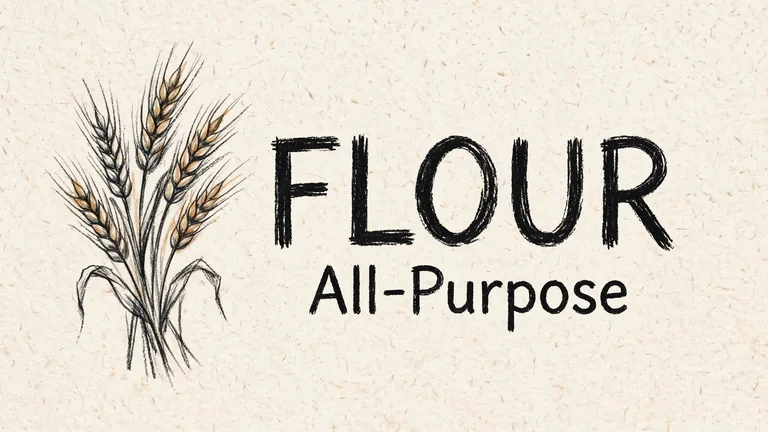
Pantry canister label for FLOUR, an AI-generated example made with Muse Image
AI-generated example · Muse Image

Words that print right with an AI label maker

Type every word you want on the label in a field: the brand or your name, the product name, the net quantity and anything else, such as Small Batch or an address line. Each field is sent to the model in quotes and printed as you type it. Words written in the description in double quotes are kept the same way, which suits an address label with three short lines.

Keep the words few and short. A 2 × 2 in sticker reads at arm’s length with two lines; a 4 × 3 in product label holds five or six. Small type is where models slip, so keep the smallest line at about 6 points (2 mm) or larger, and check every letter at full size before you print.

Need words that must be exact every time, such as an ingredient list, a barcode or Nutrition Facts? Leave them out of the AI label generator. Lay them out in the free label maker as vector text over the AI art, where they never change and stay sharp at any size.

Jam jar lid label for SUNNY SIDE PANTRY Mango Chili Jam, an AI-generated example made with Seedream 5.0 Pro
AI-generated example · Seedream 5.0 Pro

What a US product label needs, and where an AI label maker helps

Rules depend on what is inside. A food label needs the name of the food on the front panel (21 CFR 101.3), the net quantity in the bottom 30% of that panel (101.7) and the name and place of business of the maker, packer or distributor (101.5), plus ingredients and usually Nutrition Facts on the label as a whole. Cosmetics follow 21 CFR 701, and household goods such as candles follow the Federal Trade Commission (16 CFR 500).

The net quantity is the line people get wrong. For cosmetics, a solid is stated by weight with the words net weight, such as NET WT 0.15 OZ (4.25 g); a liquid in fluid ounces, where the word net is optional, such as 1 FL OZ (29.5 mL). Its letters grow with the front panel: at least 1/16 in on a panel of 5 square inches or less, 1/8 in up to 25, 3/16 in up to 100 (21 CFR 701.13). Foods use the same sizes.

An AI label generator draws the art and prints the words you give it; it doesn’t know your product’s rules. Type the net quantity the way the rule writes it, keep the required panels in the free label maker as exact text, and check the current rules before a large run. Address labels, gift tags and thank-you stickers on items you don’t sell need none of this. This is a summary, not legal advice.

Lip balm tube label for GLOW THEORY Peptide Lip Balm, an AI-generated example made with GPT Image 2.5 Sunburst
AI-generated example · GPT Image 2.5 Sunburst

How to brief an AI label generator

Start with what the label is for and who sees it: “a mango chili jam for a farmers market stall” gives the model far more than “nice jar label”. Then add the look: two or three colors, an illustration style such as linocut, watercolor or retro sunburst, and the type, such as a bold slab serif or a clean sans serif.

Add a reference image when you have one: your logo, a sketch, a photo of the product or a mood board. GPT Image 2.5 takes up to 3 next to the label’s outline, and the other models more. A model reads a reference for its look and shapes, so a logo comes out close to yours, not traced.

GPT Image 2.5 Sunburst (10 credits at 1K) is the default for small, exact text and fine detail, and Flare is a little faster at the same price. Seedream 5.0 Pro (11 credits) is good at paper, lace and foil looks, Nano Banana 2.1 (from 8 credits) follows a style you already use, and Muse Image makes 2 credit drafts; keep its text to three short lines.

Homemade gift label for GRANDMA ROSE'S KITCHEN Vanilla Extract, an AI-generated example made with Seedream 5.0 Pro
AI-generated example · Seedream 5.0 Pro

From the AI label generator to a printed sheet

Each design is made at its label’s size. Open it to download a print PDF at the trim size plus 1/8 in bleed, with a TrimBox and a CutContour cut line on its own layer for a print shop or a print and cut machine, or a 300 dpi PNG.

To print at home or in the office, press Text & barcode under the design. It opens in our free label maker on its Avery sheet when the size matches: add a barcode from the UPC barcode generator engine, a list of names or a serial number per label, choose where on the sheet to start and print a plain paper test first. It also exports SVG, PNG and a Cricut Print Then Cut file.

Already laid out a label there? Its Design with AI button brings it to this AI label maker at its own size: keep your layout in a new style, or ask for background art alone and keep your text and barcode as exact vectors on top.

Each design costs credits by model and resolution, from 2 credits for a Muse Image draft to 22 for Seedream 5.0 Pro at 2K; plans start at 800 credits a month (pricing), and a failed run returns its credits. Labels for wine, candles or supplements? Those pages know their rules: AI wine label design, AI candle label design and AI supplement label design.

Halloween treat bag label for TRICK OR TREAT!, an AI-generated example made with GPT Image 2.5 Sunburst
AI-generated example · GPT Image 2.5 Sunburst

Who uses an AI label generator

Anyone with a product, a sheet of blank labels and an idea.

Etsy and market sellers

Jam, soap, lip balm or beard oil: try a label in five directions in an afternoon and print the favorite on your usual sheets.

Holidays and parties

Return address labels, treat bag labels and gift jar labels in one look, thirty or eight to a sheet.

Home organizing

Matching pantry and storage labels, with a list of names so each label on the sheet says something else.

Small online shops

Thank-you stickers and box seals that match your brand, for every order you ship.

AI label generator questions

What people ask before their first label from an AI label maker.

Design a label with AI

How do I make my own label with AI?

Pick the label type and size, describe the product and the look, type the words to print in their own fields and press Generate. Compare the designs from the AI label generator, then download a print PDF or open one in the free label maker to print a sheet.

Can I print the labels on Avery sheets?

Yes. Five label types start at the size of an Avery sheet (5160, 5163, 22806, 22808, 22822). Open a design with Text & barcode and the label maker sets up that sheet, ready to print. Other sizes print as single labels or on a sheet you measure.

What size should my product label be?

Measure the flat part of the jar, bottle or box where it goes and leave a little space at the edges. A 3 × 2 in label suits small jars and bottles, a 4 × 3 in label larger ones, and a 2.5 in round label a lid. Pick the nearest type and type your exact size.

Will the text on my label be spelled right?

Words typed in the fields are sent in quotes and the model is asked to print them exactly, and GPT Image 2.5 gets them right most often. Models can still misspell, so check every word and number before printing, or set the exact words in the label maker.

Can the AI add a barcode to my label?

Not one you should print: an image model draws something that looks like a barcode but won’t scan. Open the design in the free label maker and add a real UPC or EAN barcode there, as vector bars over the art.

Is the AI label generator free?

No. It is part of the paid plans because every design calls a paid image model, from 2 credits a draft. Laying out and printing labels in our label maker is free, with no sign-up.

Can I sell products with labels designed here?

Yes. Paid plans include a commercial license for what you make, and the Business plan covers a company.

Make your label with the AI label generator

Pick the label size, describe it, type the words and pick a model. The AI label generator shows the credits before it starts.