
AI Product Photography

Upload a photo of your real product, choose a shot, and AI product photography takes a new picture of it: in a studio, in use, in a hand, in a flat lay, on a pedestal, as a wide ad banner, in a holiday setting or outdoors. The model is told to keep the label and every word on it, and when every letter must stay, Keep the product exactly puts your photo’s own pixels in the new scene.

  • 8 shots for packaged goods
  • Label turned to the camera
  • Keep the product exactly
  • Credits shown before you start

AI Product Photography

0 / 4000

AI product photography examples

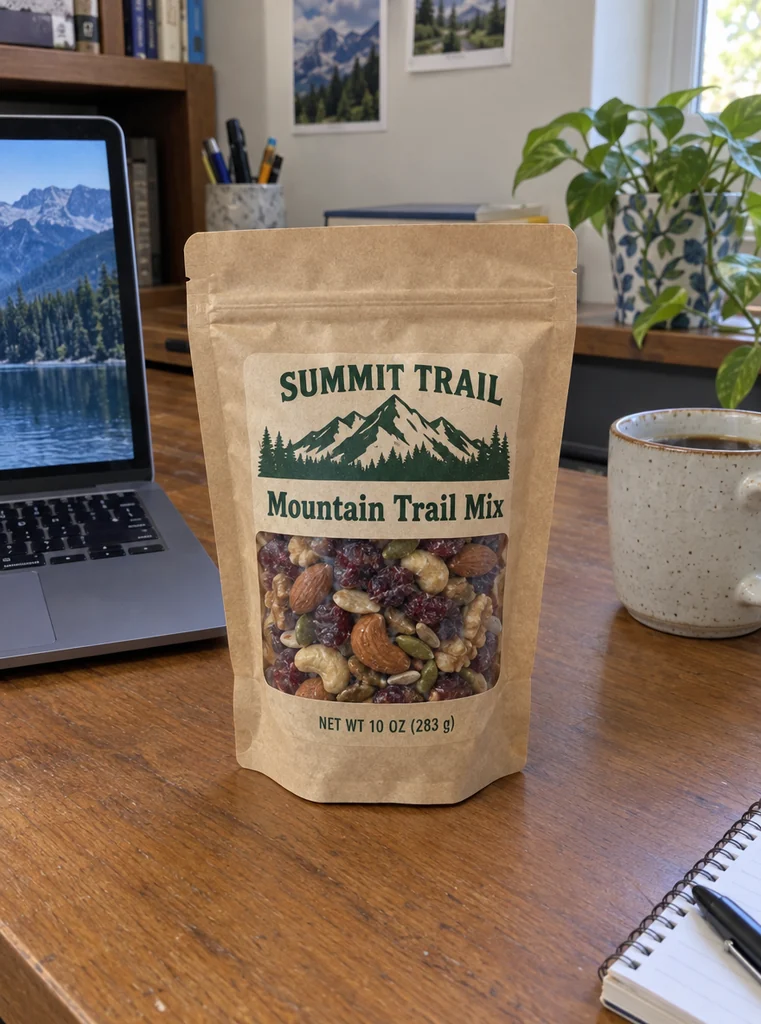
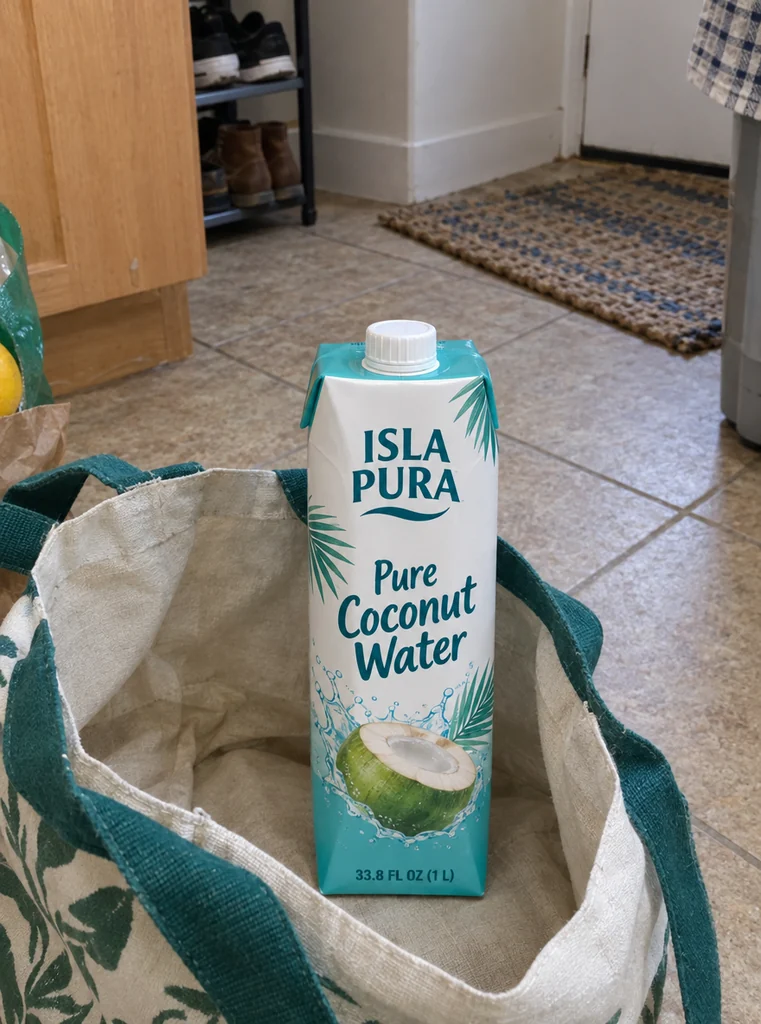
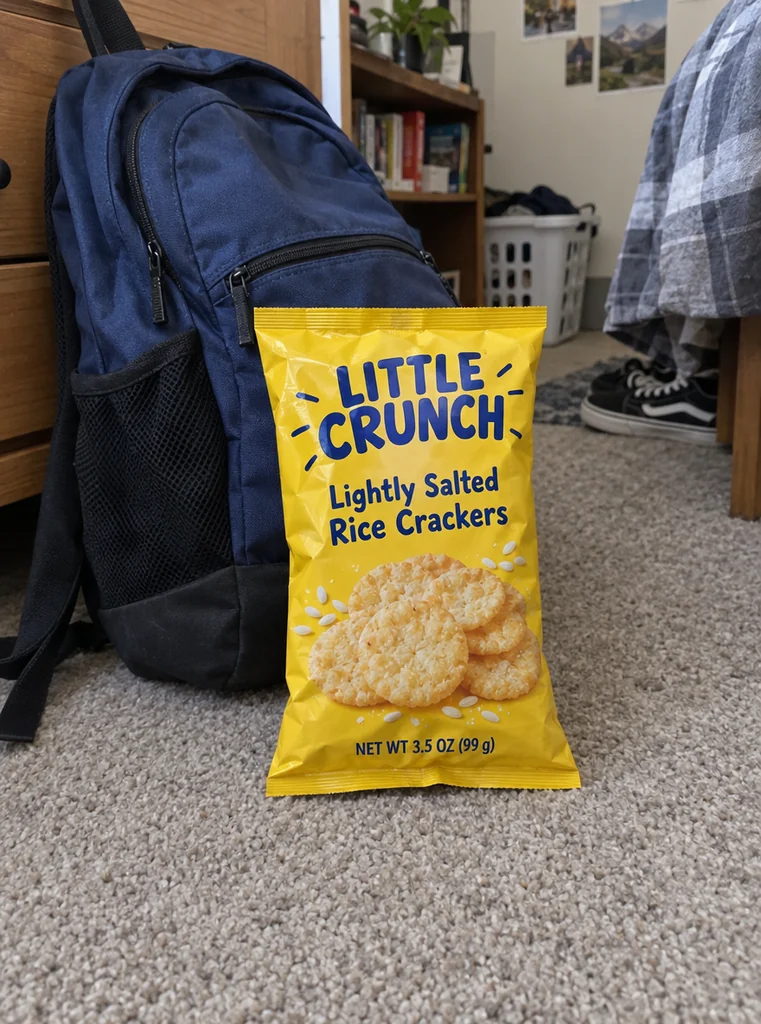
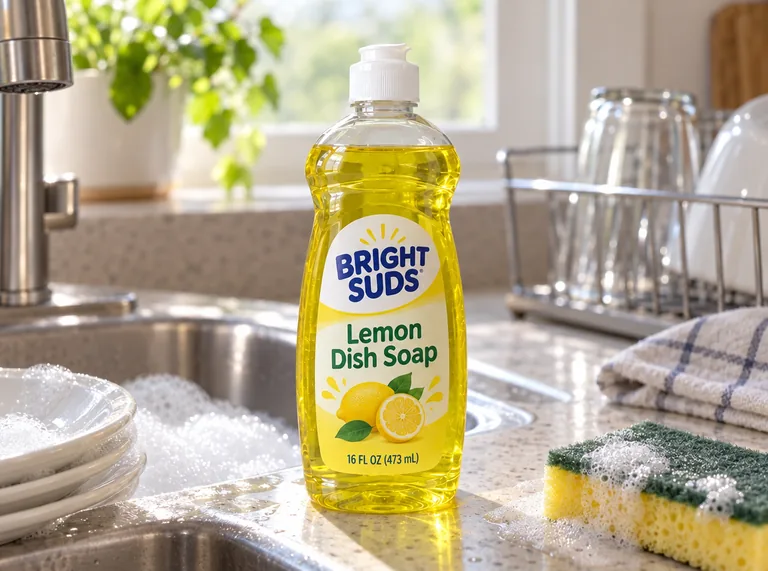
Each example starts from a simulated phone snapshot of a fictional product, then shows the new photo this tool took of it. Open one to compare the two, then make one like it with your own product.

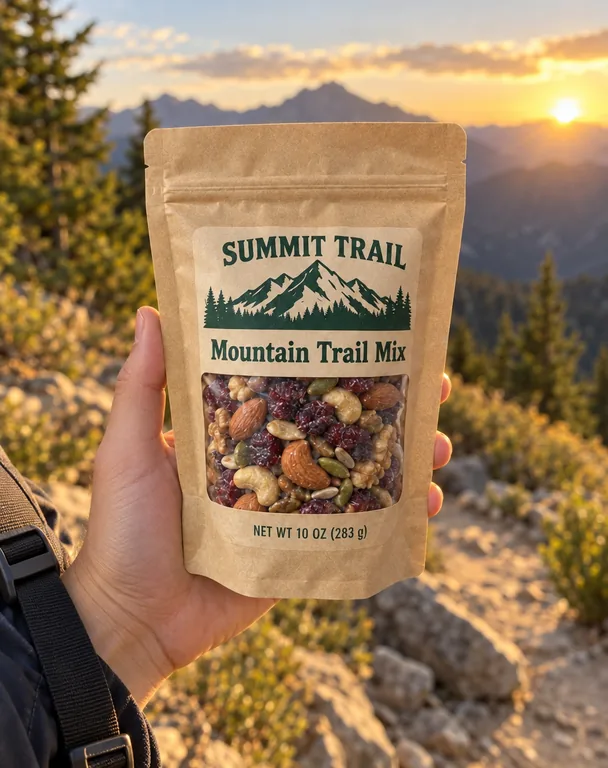
  • Trail mix in hand for , an AI-generated example made with GPT Image 2.5 Sunburst
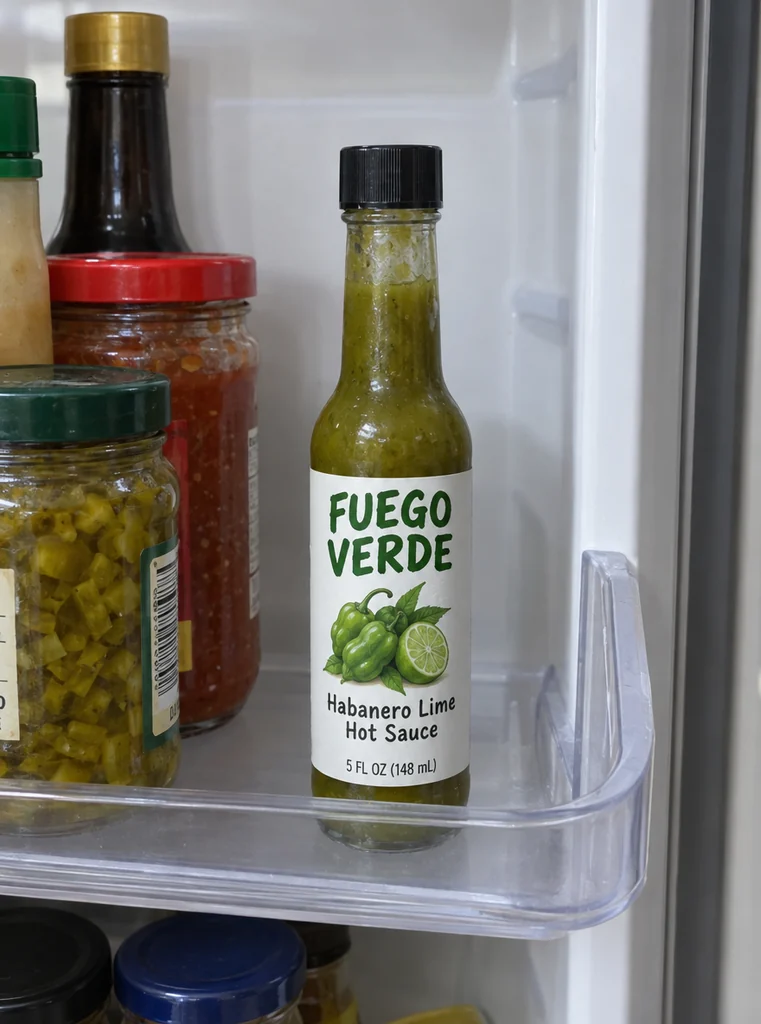
  • Hot sauce flat lay for , an AI-generated example made with GPT Image 2.5 Flare
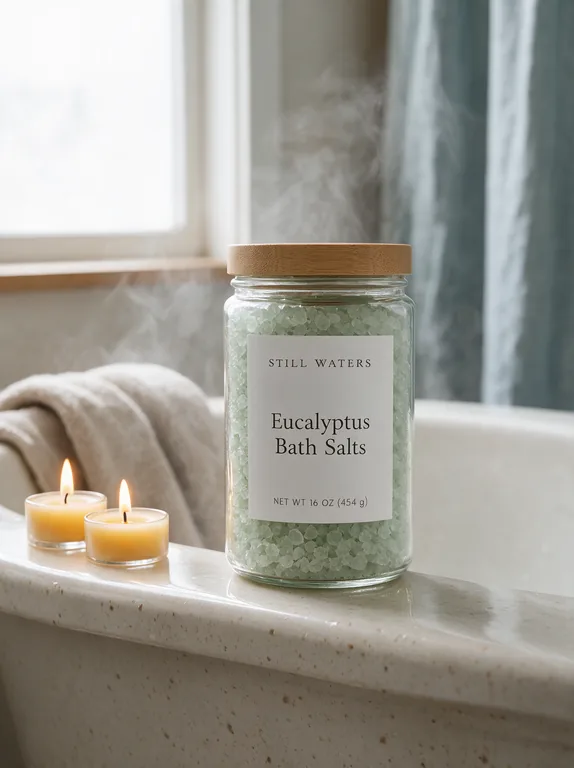
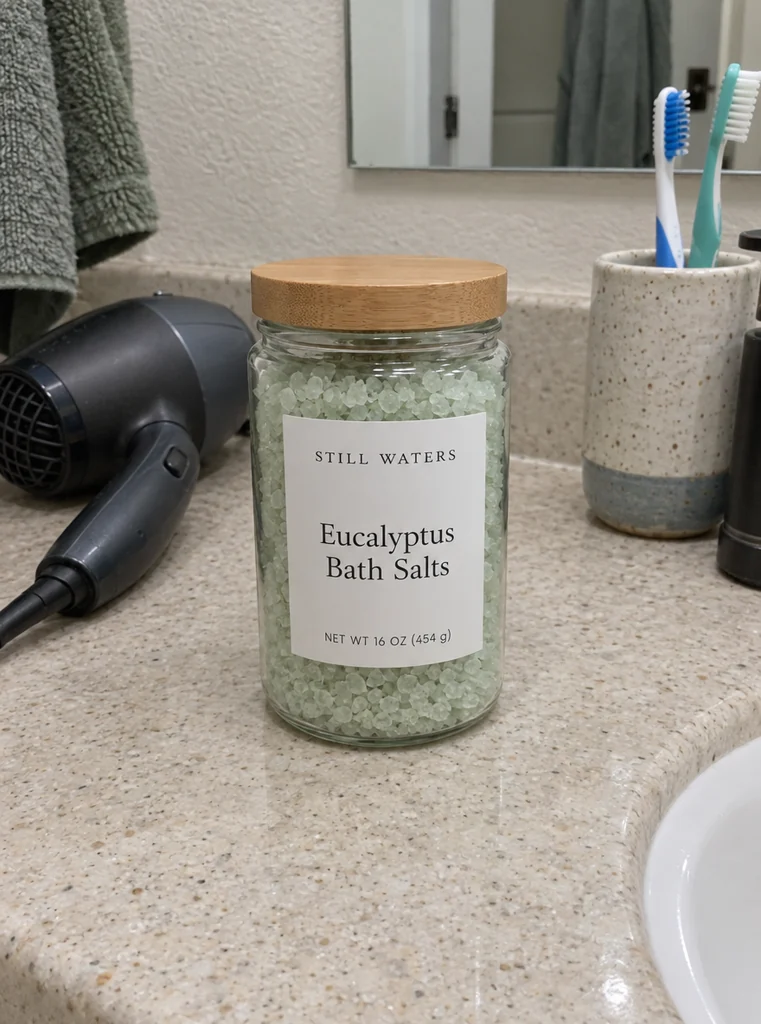
  • Bath salts in use for , an AI-generated example made with Seedream 5.0 Pro
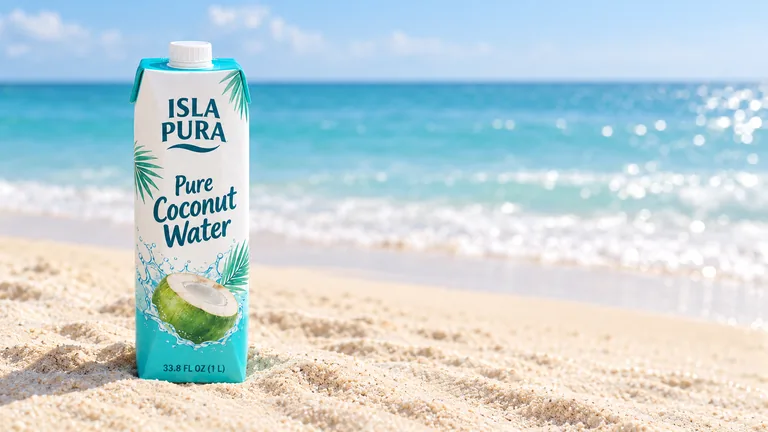
  • Coconut water banner for , an AI-generated example made with GPT Image 2.5 Sunburst
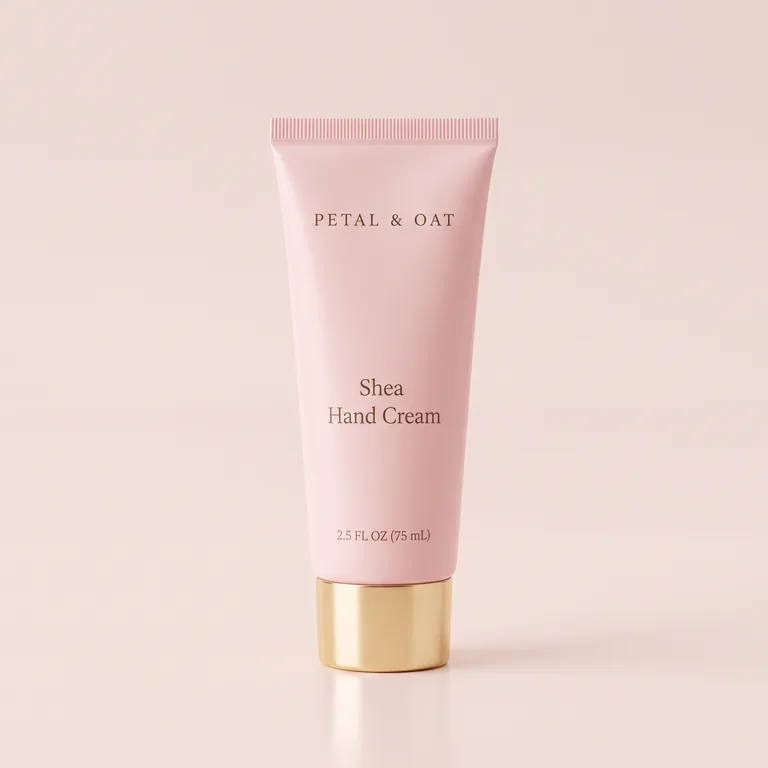
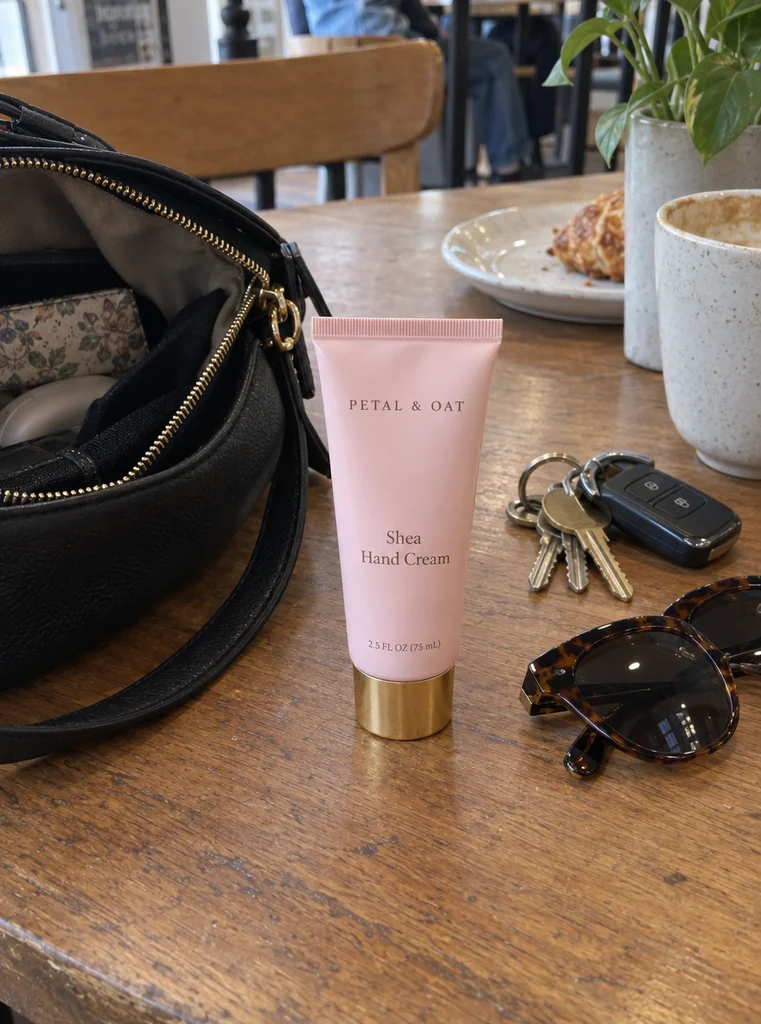
  • Hand cream studio shot for , an AI-generated example made with Nano Banana 2.1
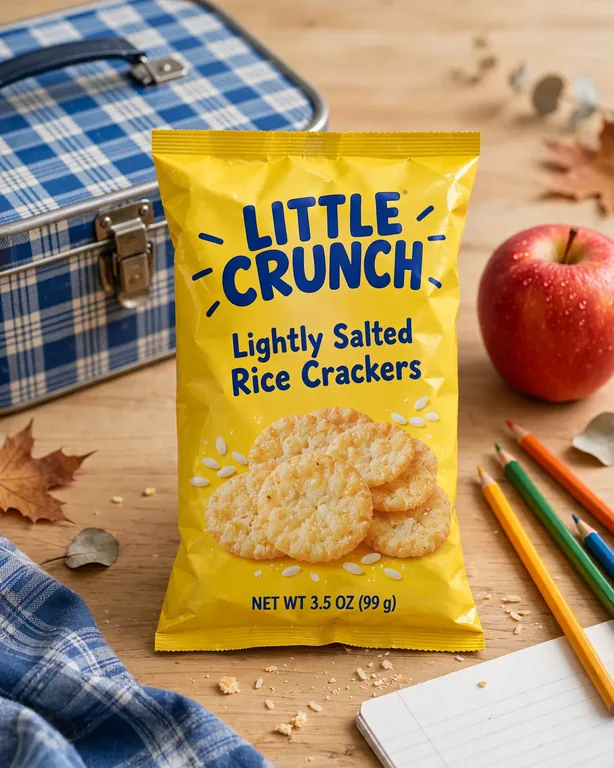
  • Back to school for , an AI-generated example made with Muse Image
  • Two photos of one bottle for , an AI-generated example made with GPT Image 2.5 Sunburst
  • Product kept exactly for , an AI-generated example made with GPT Image 2.5 Flare

AI product photography uses credits from a plan or a credit pack: 10 credits a picture with GPT Image 2.5 at 1K, 2 for a Muse Image draft, and 1 more for the cutout when you keep the product exactly. Credits for a run that fails are returned automatically. A new photo is redrawn by the model, so check the label side by side before you use it.

shots written for packaged goods
8
modes: a new photo, or your product kept exactly
2
image models, drafts from 2 credits
5
pictures a run, credits shown first
1 to 4

How AI product photography works

Three steps from a snapshot to a new AI product photo, and the Generate button shows the credits before you press it.

What AI product photography does for your product

Built for brands that already hold the product in their hands and need more photos of it than a phone on the kitchen table can give.

Bath salts in use for , an AI-generated example made with Seedream 5.0 Pro
AI-generated example · Seedream 5.0 Pro

Eight shots made for packaged goods

Studio, In use, In hand, Flat lay, Pedestal, Ad banner, Seasonal and Outdoors. Each shot turns the front label toward the camera, so the brand reads in every AI product photo, not only in the hero shot.

Hand cream studio shot for , an AI-generated example made with Nano Banana 2.1
AI-generated example · Nano Banana 2.1

A fixed instruction that guards the label

The model is told to keep the shape, proportions, materials and colors, the label design and every word, number and logo exactly, to add, remove or translate no text, to add no other brand and to leave the old background out. Your notes come after it and never replace it.

Product kept exactly for , an AI-generated example made with GPT Image 2.5 Flare
AI-generated example · GPT Image 2.5 Flare

Keep the product exactly

Switch it on and your photo is cut out, a new scene is made around it, and the product’s own pixels go back on top. The angle stays and only the background changes, for labels with small print that must not move.

Two photos of one bottle for , an AI-generated example made with GPT Image 2.5 Sunburst
AI-generated example · GPT Image 2.5 Sunburst

Front, back and sides

Add photos of the back and sides after the front, so the model sees the whole pack before it turns it for the new shot.

  • GPT Image 2.5 FlarePrecise text, fasterfrom 10 credits
  • GPT Image 2.5 SunburstPrecise text, finer detailfrom 10 credits
  • Nano Banana 2.1Many references, extra widefrom 8 credits
  • Seedream 5.0 ProPhoto real, high resolutionfrom 11 credits
  • Muse ImageLow cost draftsfrom 2 credits

Five models, credits on the button

GPT Image 2.5 Sunburst (the default here) and Flare for clean label text, Nano Banana 2.1 at 2K for fine detail, Seedream 5.0 Pro for texture and light, and Muse Image for 2-credit drafts. Make 1 to 4 pictures a run.

What is AI product photography?

AI product photography means making new photos of a real product without a studio: you start from a photo you already have, and an image model puts the product in a new setting, with new light, props or a lifestyle scene around it. It is for products that exist. For packaging that is still a flat design file, use the AI packaging mockup generator.

There are two ways to do it. The first keeps the product from your photo and replaces only what is around it, the way our AI background generator works, so the angle can’t change. The second asks the model to take the picture again, so the product can stand on a pedestal, lie in a flat lay or sit in a hand. That way changes the composition, and it redraws the product too.

This page does both. A new photo is the default, and every AI product photo opens beside the photo it came from. Keep the product exactly switches to the first way for the shots where the angle can stay.
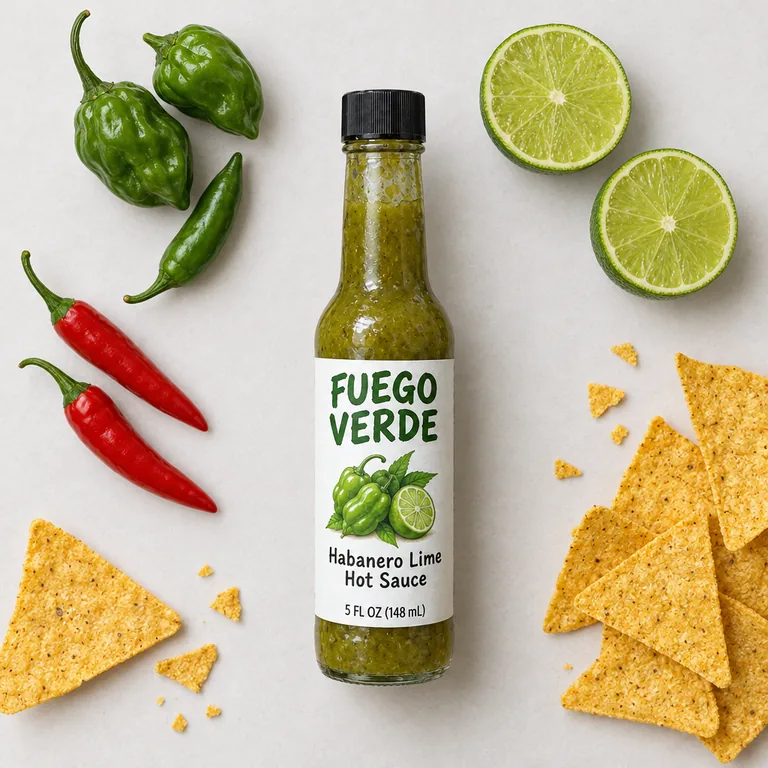
Hot sauce flat lay for , an AI-generated example made with GPT Image 2.5 Flare
AI-generated example · GPT Image 2.5 Flare

How to take the photo for AI product photography

The model can only keep what it can see, so the photo you upload matters more than the shot you pick. Put the whole product in the frame with a little room around it, sharp, with the front label facing the camera and nothing in front of it. Even light works best: daylight from a window, not a flash that leaves a glare across the label.

Aim for about 1,500 px or more on the long side; the page scales uploads down to 2048 px. A cluttered kitchen behind the product is fine, because the old background is left out of the new picture.

If the label wraps around, add photos of the back and sides after the front. The front photo goes first: it is the side the model turns toward the camera, and the one Keep the product exactly uses.

What AI changes in an AI product photo, and which mode to choose

A new photo is an edit: the model reads your product and draws it again in the new shot, and labels are where that shows. In Photoroom’s benchmark, 850 fashion products went through four image models; the best kept the product accurate in only 29% of its pictures, and logo and text distortion turned up in 20.1% of all 3,400 pictures, the most common fault (Photoroom, July 2026). Packaged goods are not fashion, but their labels are full of text.

So every AI product photo here opens Side by side with your photo. Big words and logos usually come through; check the small print, the net quantity and any claims letter by letter before a buyer sees them.

When every word must stay, switch on Keep the product exactly. Your first photo is cut out (1 more credit), GPT Image 2.5 paints only the scene around it, and our server lays the product’s own pixels back over the picture. The angle stays as you shot it, so In hand and Flat lay, which turn the product, are off in this mode. If the model draws the product somewhere else, that picture is not kept and its credits are returned.

Pick a new photo for a new composition (in a hand, from above, on a pedestal) and keep the product exactly for a crisp label in a new scene. You can use both: new photos for social posts, the exact mode where the label must be read.

Back to school for , an AI-generated example made with Muse Image
AI-generated example · Muse Image

AI product photography for Amazon: main image and other images

Amazon’s product image guide asks for a main image on a pure white background (RGB 255, 255, 255), with the product filling 85% of the image, and allows a lifestyle main image for only a few product types. Other angles and the product in use belong in the other images of the listing.

So split the work. Under any result, Original on white opens the AI background generator with your original photo, for a white main image laid out and checked against that rule. Use AI product photography for the rest: the product in use, in a hand or with its ingredients, plus ads and social posts.

Amazon also asks sellers to tag images with photorealistic people made entirely by AI (the keyword contains-synthetic-performer in the file’s metadata). None of the 8 shots asks for a person; In hand asks for only a hand and wrist, never a face. Whether a hand alone needs the tag is for Amazon to say, so read the guide before you upload an In hand photo there. Amazon reviews every image itself, and we can’t promise a listing will pass.

The 8 shots of AI product photography, and when to use each

Studio stands the product on a seamless backdrop in soft light with a reflection beneath it, a clean picture for a product page. Pedestal puts it on a display stand against a pastel backdrop with a plant beside it, an editorial look for a launch.

In use places it where it is used (a kitchen counter, a bathroom vanity or a desk) in window light. In hand holds it up in daylight like a phone photo. Flat lay shoots from straight above among ingredients or contents that suit it. Outdoors sets it on stone, wood or grass in natural light.

Ad banner switches to a wide 16:9 picture with the product on the left third and the rest left calm for a headline. Seasonal adds holiday decor: name the season or holiday in the notes, such as back to school or spring, or you get a winter holiday table.

Any shot takes a line of notes, such as a sprig of mint or late afternoon light. The shot and its instruction stay fixed, so one product in three shots still reads as one set.

Coconut water banner for , an AI-generated example made with GPT Image 2.5 Sunburst
AI-generated example · GPT Image 2.5 Sunburst

What AI product photography costs

Each picture costs credits by model and resolution. GPT Image 2.5 Sunburst and Flare take 10, 12 or 15 at 1K, 1.5K or 2K; Nano Banana 2.1 takes 8 at 1K or 11 at 2K; Seedream 5.0 Pro takes 11 at 1K or 1.5K and 22 at 2K; Muse Image takes 2 at its one size. A run makes 1 to 4 pictures and costs the credits times the pictures, plus 1 for the cutout when you keep the product exactly.

Credits come from a plan or a credit pack; plans start at 800 credits a month (pricing). Every run uses credits, and credits for a run that fails are returned automatically. Photos you add are uploaded and safety checked as you add them, and go to the image model when you press Generate.

Under each result are the next steps. Write the listing opens the AI product description generator with your original photo attached. Edit in chat opens AI Chat with the picture, to change a detail by talking, and Edit puts it back in the composer as a reference.

Who uses AI product photography

Small brands with a real product and a phone, who need photos for every channel without booking a studio.

Amazon and Walmart sellers

Photos of the product in use and in a hand for the other slots of a listing, next to a white main image.

Shopify and Etsy shops

A set of shots in one style across the store, made from the photos you already have.

Food and drink brands

A flat lay with the ingredients, a banner for the website and a seasonal shot for the next holiday.

Beauty and home brands

Creams, bath salts and sprays on a pedestal, by the bath or on a bedside table, with the label kept.

AI product photography questions

What sellers ask before their first AI product photo.

Upload a product photo

What is AI product photography?

Making new photos of a real product with AI instead of a studio: you upload a photo you have, and an image model puts the product in a new setting, light or scene. Here you pick one of 8 shots, or keep the product exactly and change only the scene.

Will the AI change my label?

It is told to keep every word, number, logo and color exactly, and big type usually comes through. A new photo is still redrawn, so small print can change: compare it side by side. When every word must stay, use Keep the product exactly.

What photo should I upload?

A sharp photo of the whole product, front label toward the camera, in even light, about 1,500 px or more on the long side, as a PNG, JPG or WebP. Add the back or sides as more photos if the label wraps around.

Can an AI product photo be my Amazon main image?

Amazon asks for a main image on pure white with the product at 85% of the image. Make that with Original on white, which opens the AI background generator, and use AI product photography for the other images.

Does it show people?

No faces. In hand shows only a hand and wrist, and no shot asks for a model or a person.

Which model should I choose?

GPT Image 2.5 Sunburst is the default and our pick for label text; it and Flare are the models for Keep the product exactly. Nano Banana 2.1 at 2K helps fine detail, Seedream 5.0 Pro gives texture and light, and Muse Image makes 2-credit drafts.

Is AI product photography free?

No. Every run calls a paid image model, so it uses credits from a plan or a credit pack, from 2 credits a picture for a Muse Image draft. Credits for a run that fails are returned. Our barcode, label and dieline tools stay free.

Can I use the photos commercially?

Yes, under the commercial license of your plan or credit pack; the Business plan covers a company. Use photos of products you have the right to show.

Take your first AI product photo

Upload a photo of your product, pick a shot, and AI product photography shows the credits before it starts.