
AI Coffee Bag Mockup Generator

Check your coffee bag mockup for words under the zipper or the valve while the front is still a file, then show the same bag on a café counter before a single bag is ordered.

  • 3 bag types, 3 colors, 3 materials
  • PNG 2048 or 4096 px, free
  • No sign-up, no watermark

AI Coffee Bag Mockup

Bag type

Your front artwork

A PNG, JPG or WebP of the flat front for the Stand-up pouch: 6.125 × 9.5 in, 1,838 × 2,850 px at 300 dpi. A file with its 0.125 in bleed works too, and the bleed is cropped before it is drawn. Nothing is uploaded.

Add your front artwork to check its shape against the Stand-up pouch.

No artwork yet? Design a coffee bag with AI

Download

Free: no sign-up, no watermark, no credits.

Your flat front goes to the AI tab, with the bag type, material, valve, color and print set. AI scenes use credits.

Top seal and closureBottom seal and gusset curveValve

A flat front view. The 1.75 in top band holds the heat seal, tear notch and zipper; the 1 in bottom band holds the seal and the gusset curve. The dashed circle is the valve’s spot, 2.5 in below the top.

Blank bag PNGs (free)

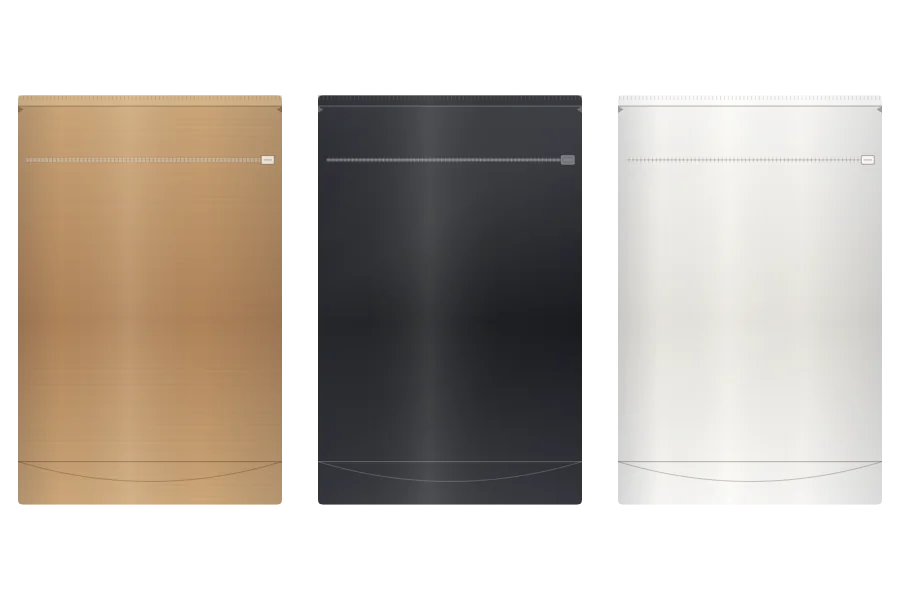
A blank kraft, black or white bag of each type, drawn with no artwork, transparent at 4096 px, so you can lay your own design on it or drop it into a layout.

Stand-up pouch

Flat-bottom bag

Side gusset bag

Your download starts at once.

Coffee bag mockup ideas made with this page

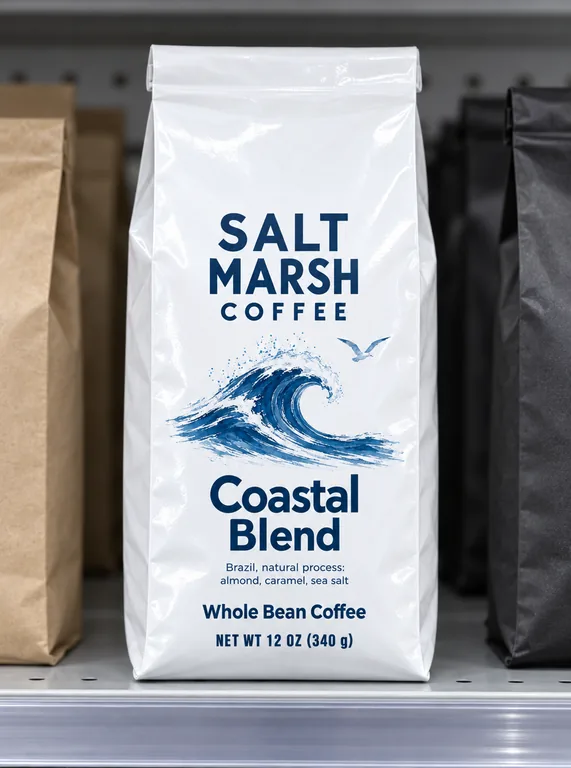
Eight bags made here, each from its own front: the three bag shapes in kraft paper, matte and gloss film, black, white and natural kraft, with a valve and without one, a sticker on a stock kraft bag, and three roasts in one row. Open a case to see the front it was made from, then try the same choices on your bag.

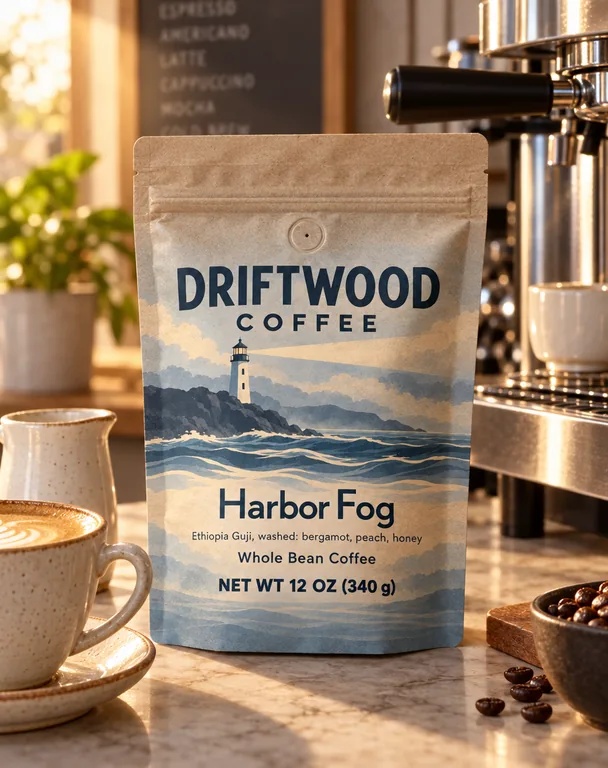
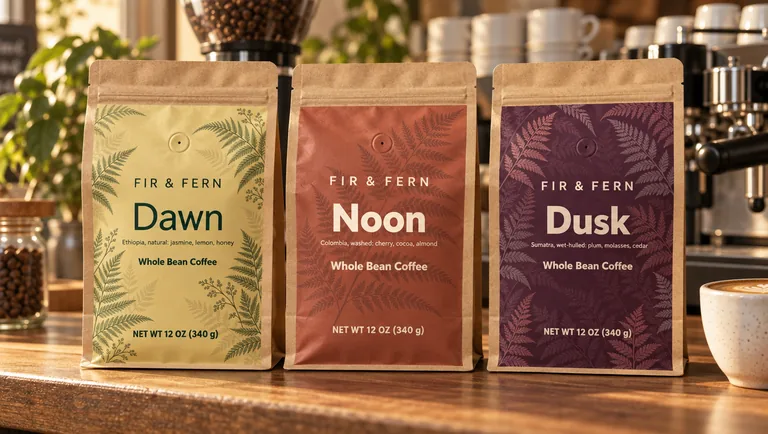
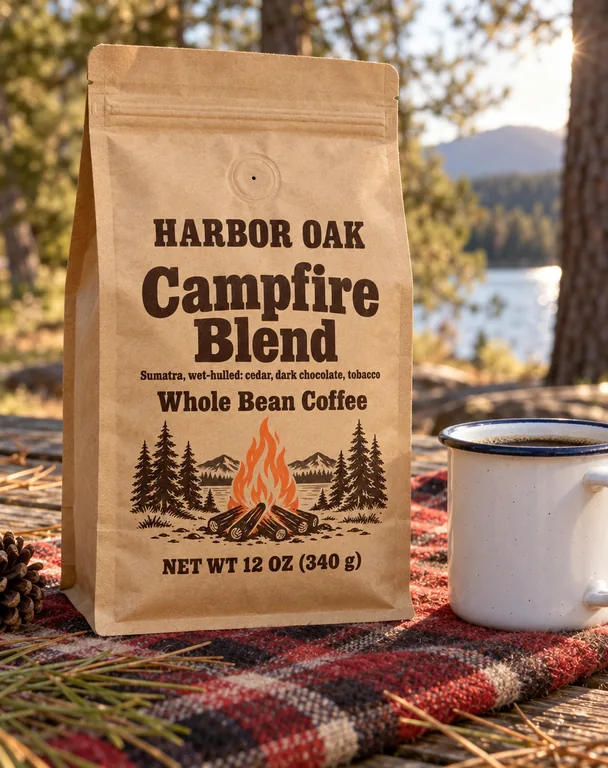
  • Stand-up pouch on a café counter, made with AI Coffee Bag Mockup
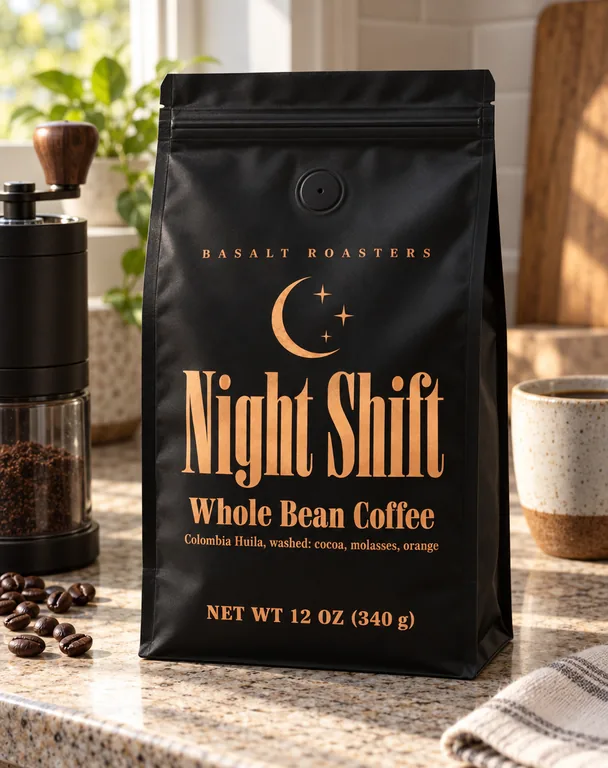
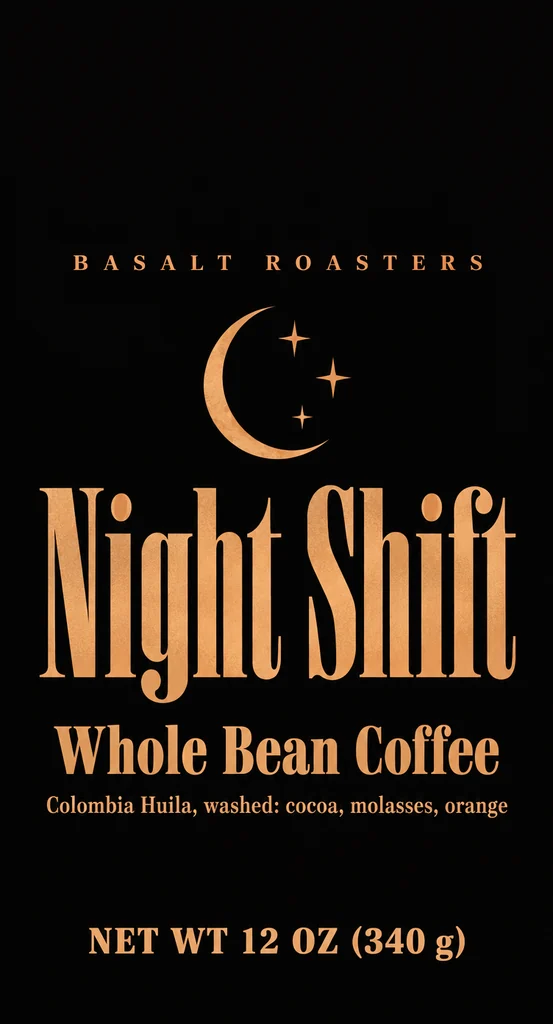
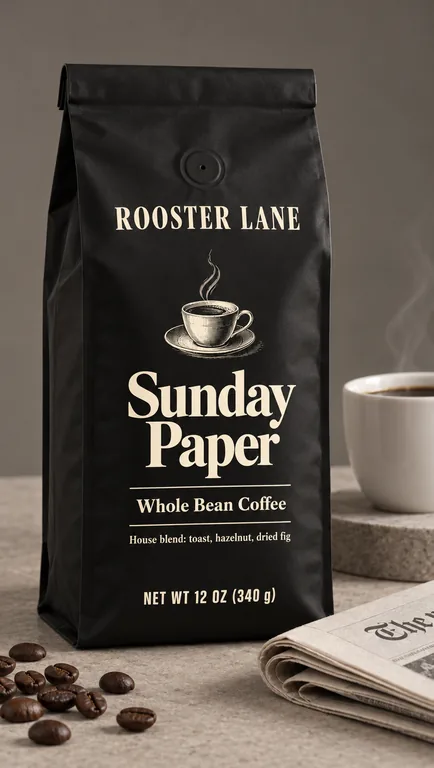
  • Matte black flat-bottom bag, made with AI Coffee Bag Mockup
  • Gloss white side gusset bag, made with AI Coffee Bag Mockup
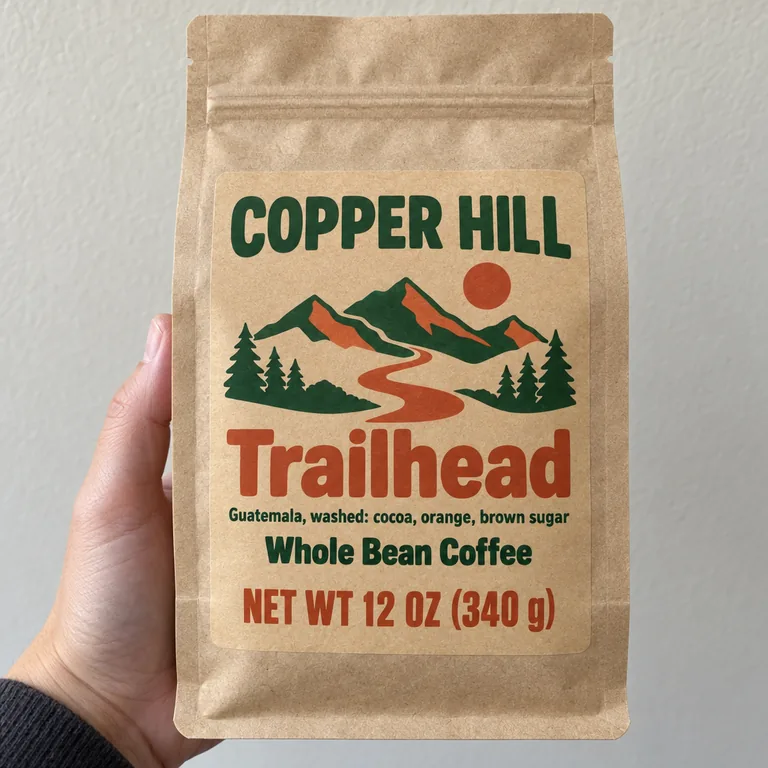
  • Sticker on a stock kraft bag, made with AI Coffee Bag Mockup
  • Three-roast lineup, made with AI Coffee Bag Mockup
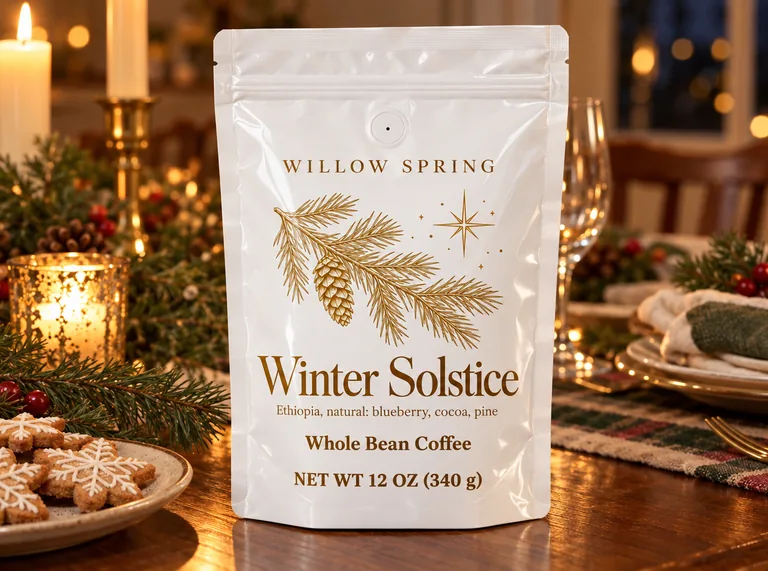
  • Gloss white pouch on a holiday table, made with AI Coffee Bag Mockup
  • Kraft flat-bottom bag outdoors, made with AI Coffee Bag Mockup
  • Matte black side gusset bag in studio, made with AI Coffee Bag Mockup

AI scenes use credits from a plan or a credit pack, and you pay only for the designs you receive; the bag front, its PNGs, the blank bags and the sticker preview are free.

credits for the bag front and the blank PNGs
0
credits a picture in an AI scene
5 to 20
transparent PNG at the largest size
4096 px
scenes, from a café counter to a kitchen
9

How to make a coffee bag mockup in three steps

Start on the free bag front: pick the shape, load the artwork and let the page show where the closure, the seals and the valve fall. The AI scene comes second, when the bag needs a place to stand.

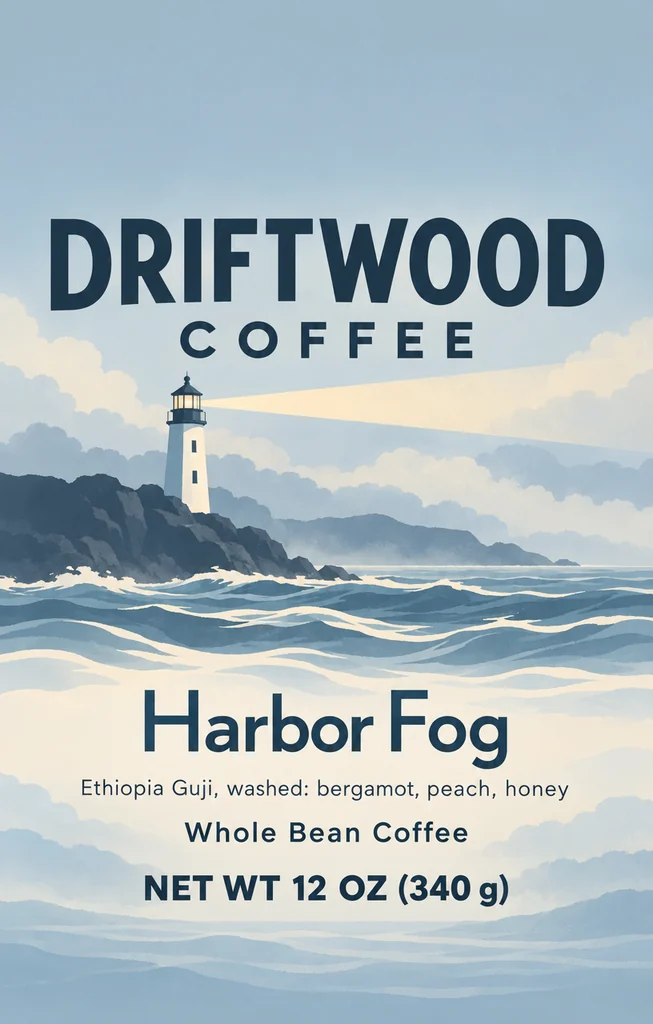
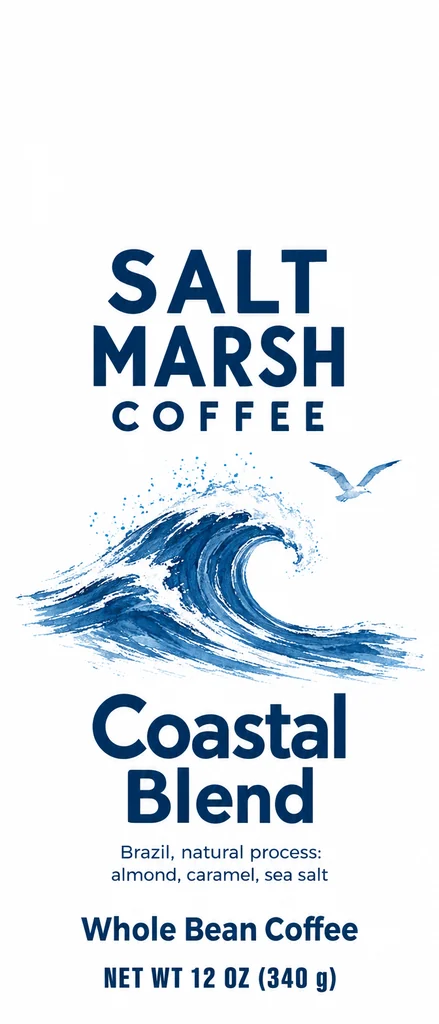
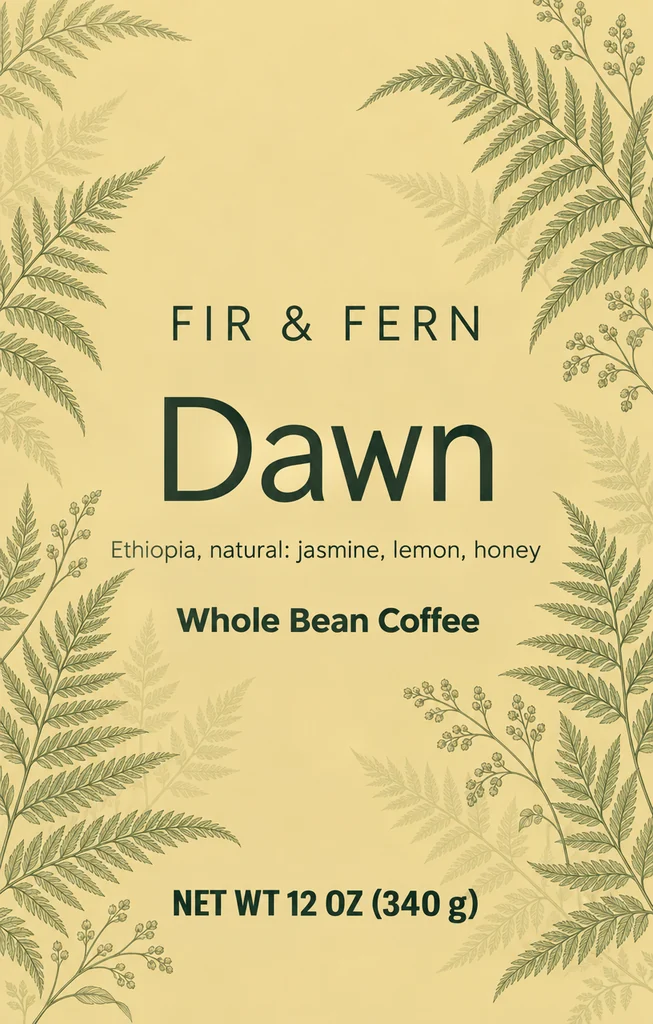
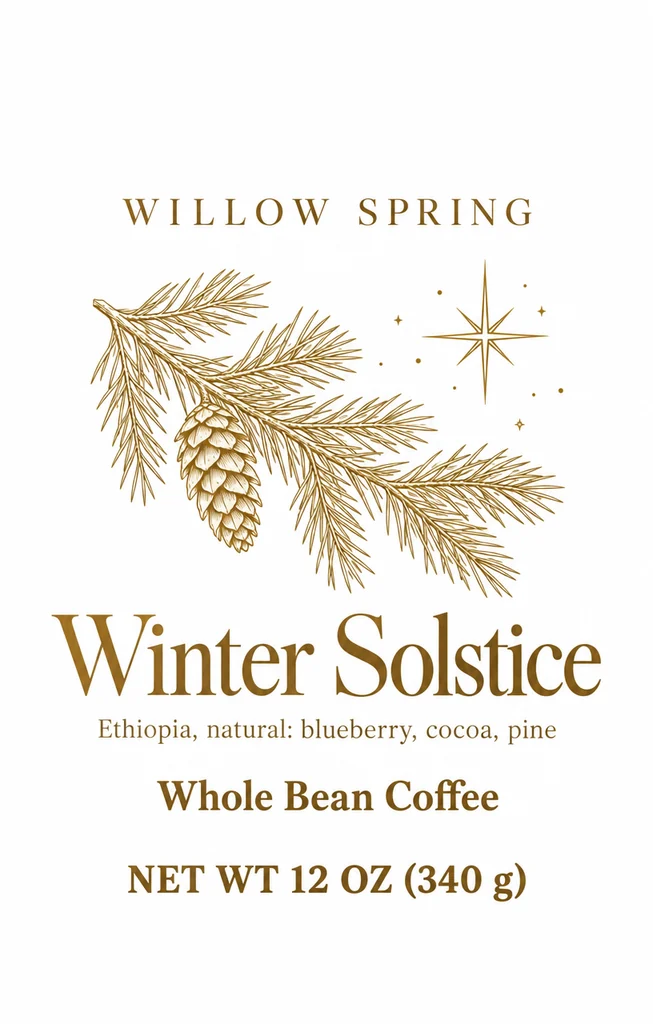
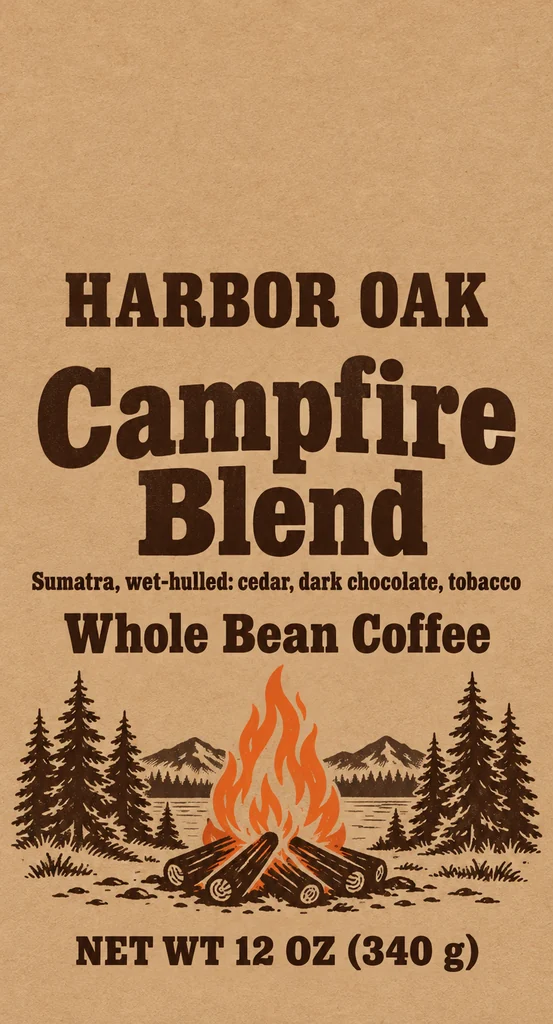
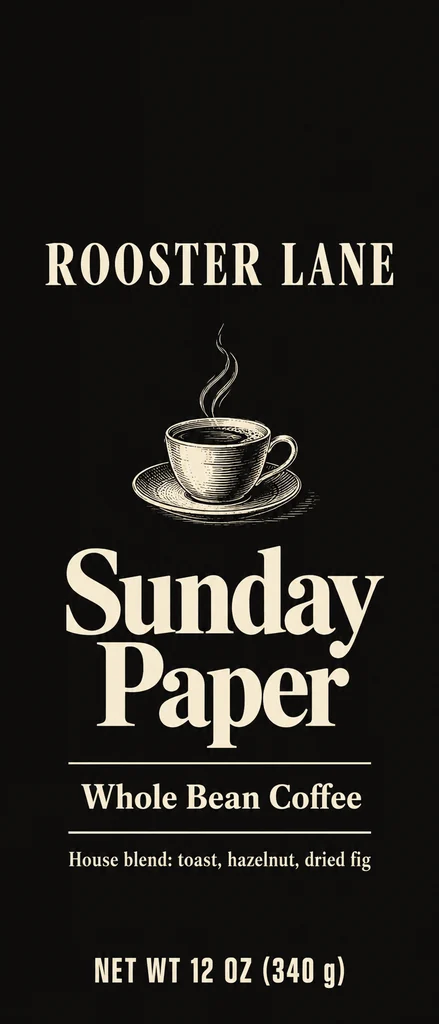
A flat stand-up coffee pouch front for a 12 oz bag, 6.125 by 9.5 inches, with the roaster name, the coffee name and NET WT 12 OZ (340 g)
Your flat front · 6.125 × 9.5 in for the pouch

What this coffee bag mockup page does for you

One flat front, seen two ways: a free bag picture at the printer’s proportions, and a photographed bag in a place you choose.

The free coffee bag front: a black stand-up pouch with a printed front, the top band and the safe area marked
Free bag front · nothing uploaded

A free coffee bag mockup in three bag types

The three bag shapes come at the measurements AI coffee bag design draws: a 6.125 × 9.5 in stand-up pouch, a 5 × 9.25 in flat-bottom bag and a 3.625 × 12.85 in side gusset bag. Choose one, add your front and the picture is free.

A flat coffee bag front with the roaster name below the valve area, and the top band, the gusset curve and the valve marked in red
The closure, seal and valve areas

The closure, seal and valve areas in view

The red areas follow each bag. The pouch and the flat-bottom bag share a 1.75 in top band for the heat seal, tear notch and zipper; the pouch adds a 1 in bottom band for the seal and the gusset curve, while the flat-bottom bag keeps a 3/16 in bottom margin. The side gusset bag has a 2 in folded top with a tin tie and the same margin below. The valve is a dashed circle 2.5 in below the top on all three.

Gloss white pouch on a holiday table, made with AI Coffee Bag Mockup

A coffee pouch mockup with the closure kept clear

The coffee pouch mockup keeps the words under the zipper and above the gusset. The pouch mockup draws both bands at the bag’s size, so the roaster name, the net weight and the tasting notes can be checked in one look.

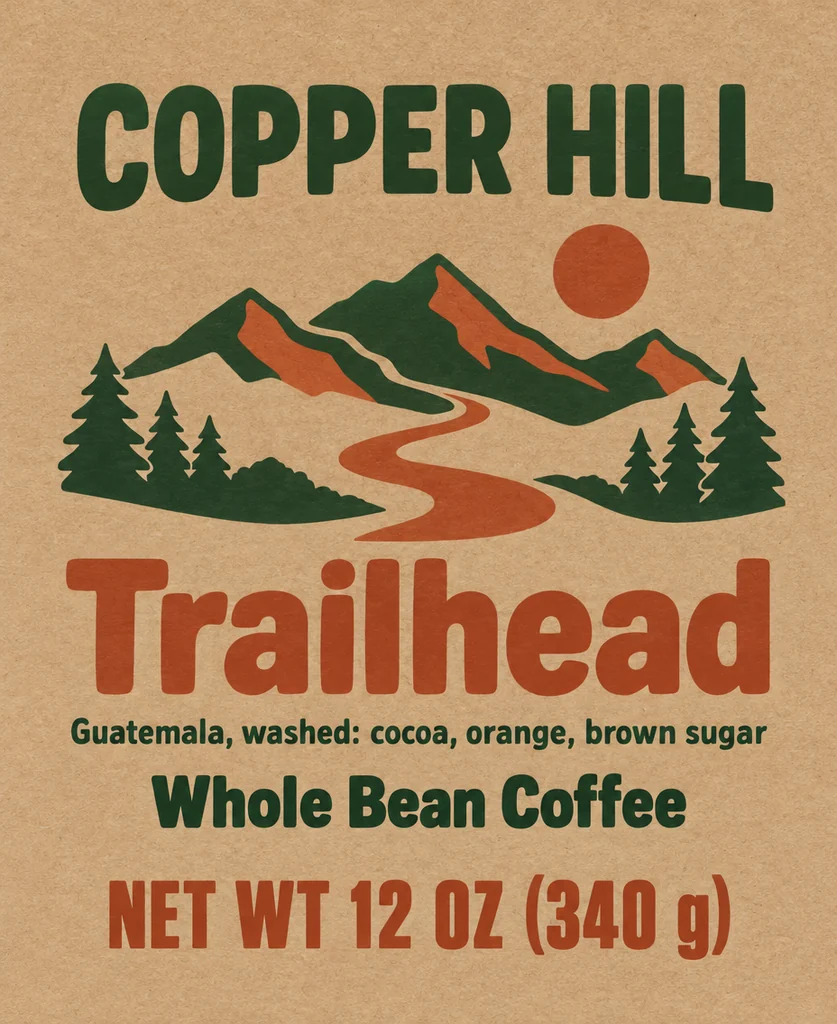
A 3.25 by 4 inch sticker with a coffee bag front design on a plain natural kraft flat-bottom bag
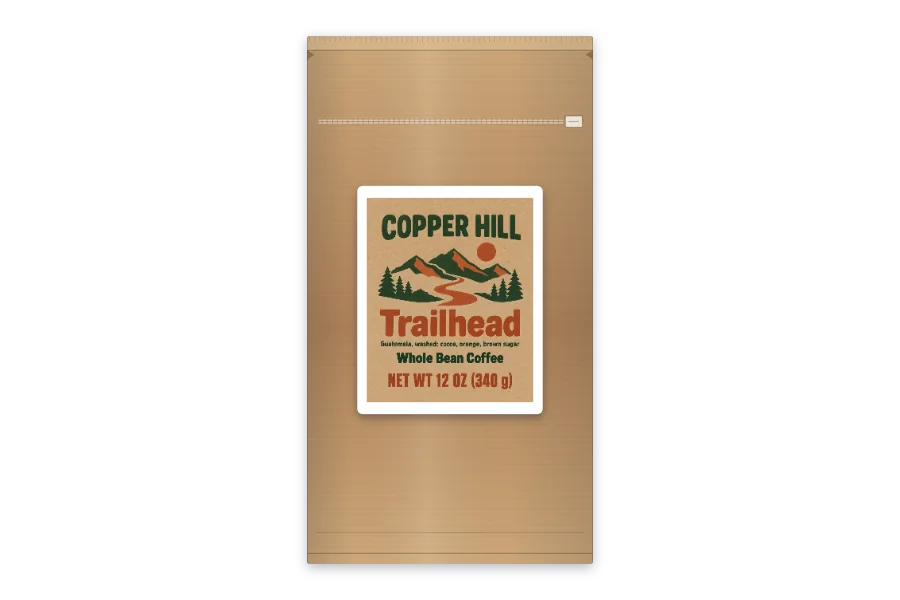
A sticker on a stock kraft bag

A sticker on a stock bag

Choose Sticker on a stock bag, set the sticker’s width and height in inches, and it is laid on the plain front in your bag color and material. The default is AI coffee bag design’s 3.25 × 4 in bag sticker; it starts below the valve when the bag has one, and the page notes when a larger sticker reaches the valve or a seal band.

Blank natural kraft, black and white coffee bags of the stand-up pouch type
Blank bags · 4096 px, transparent

Blank coffee bag PNGs

A blank pouch, flat-bottom bag or side gusset bag in natural kraft, black or white, transparent at 4096 px and made by the same painter. Lay it under a layout, a listing or a sketch.

Gloss white side gusset bag, made with AI Coffee Bag Mockup

AI scenes made to keep your words

The AI tab treats the front as final artwork: it lays it on the bag and is built to hold every word, number, logo and color, adding, removing or translating nothing. The notes change the scene around the bag, such as the cup or the light.

Matte black flat-bottom bag, made with AI Coffee Bag Mockup

Bag type, material, valve, color and print, built in

Kraft paper, matte or gloss film; a valve or none; black, white or natural kraft; the whole bag printed or a sticker on a stock one. The scene is made with those choices, so a matte black flat-bottom bag with a valve looks like that bag and not like a stock photo.

Side by side with your front

Open a result and Side by side puts your flat front beside the finished bag. The history keeps every choice, so Reuse and Try again start from the same bag.

What the free bag front shows

A coffee bag has parts a flat design file cannot show: a heat seal and a tear notch at the top, a zipper or a tin tie, a bottom seal and, on a stand-up pouch, a gusset curve. The free tab draws those parts at the bag’s own size and marks the area each one takes, so a word that lands under the zipper is visible while the bag is still a file.

The bands differ by bag. The stand-up pouch and the flat-bottom bag share a 1.75 in top band for the seal, tear notch and zipper; the pouch adds a 1 in bottom band for the seal and the gusset curve, while the flat-bottom bag keeps a 3/16 in bottom margin. The side gusset bag has a 2 in folded top with a tin tie and the same margin below. All three put the front valve 2.5 in below the top, as a 1 in circle.

The material is part of the check. Natural kraft paper shows its fiber and a warm brown; matte film flattens the light; gloss film throws a bright highlight across the front. A word that clears the bands on one bag can still sit under the valve, so the valve is marked as a dashed circle instead of being discovered at the printer.

A sticker route is here too. A plain kraft bag with a printed sticker can be shown at the sticker’s own width and height, and the link to the free label maker opens the Avery 5164 sheet of 4 × 3⅓ in labels, the nearest standard sheet to the 3.25 × 4 in bag sticker, for a test print.

A coffee pouch mockup from your own front

The coffee pouch mockup does not stretch your front to a template: the page compares its shape with the bag you chose, accepts the trim size or the trim plus AI coffee bag design’s 1/8 in bleed, and crops the bleed before drawing. The file stays in the browser.

The sticker mode is the exception: there the artwork is a sticker on a stock bag, and its width and height are yours to type, from 0.5 in up to the bag’s own margin (5.625 in wide and 9 in high at most on the pouch). The default is 3.25 × 4 in, AI coffee bag design’s bag sticker, and it starts below the valve when the bag has one.

On the pouch, the pouch mockup check answers three questions in one look: does the name clear the zipper, does the net weight sit above the gusset, and does the valve fall on a word? The flat-bottom bag and the side gusset bag have their own bands, so the check is repeated for each.

Your flat front goes to the AI tab with every choice already set; there the scene and the notes take over.

From AI coffee bag design to a product video

A bag starts with the facts that must survive print: the roaster name, the coffee name, origin, roast and the net weight, written as NET WT 12 OZ (340 g). The AI coffee bag design page draws the front at each bag size, keeps the closure clear and marks the valve; it is built to print the words you type exactly.

A front made there opens here at its bag type. In a scene under a result brings it over with the type set. The material, closure, color and print are chosen once, then a scene.

From a finished bag, the next step can be an AI product video generator for a camera move or an AI commercial generator for a short ad, all from one design.

The free tab and its downloads cost nothing. Credits cover AI coffee bag design, the scene and the videos; each button shows its price before a run, and plans start at 800 credits a month (pricing).

Kraft flat-bottom bag outdoors, made with AI Coffee Bag Mockup

A lineup of roasts in a coffee bag mockup

Two images are built to show a front and its back: add the front first and the back panel second, and the scene puts that panel on the back of a second bag, beside the front. Three images make a lineup, each front on its own bag in one row.

The bag type, material, closure and color are set once, so the three bags share a shape and a finish and differ in their fronts.

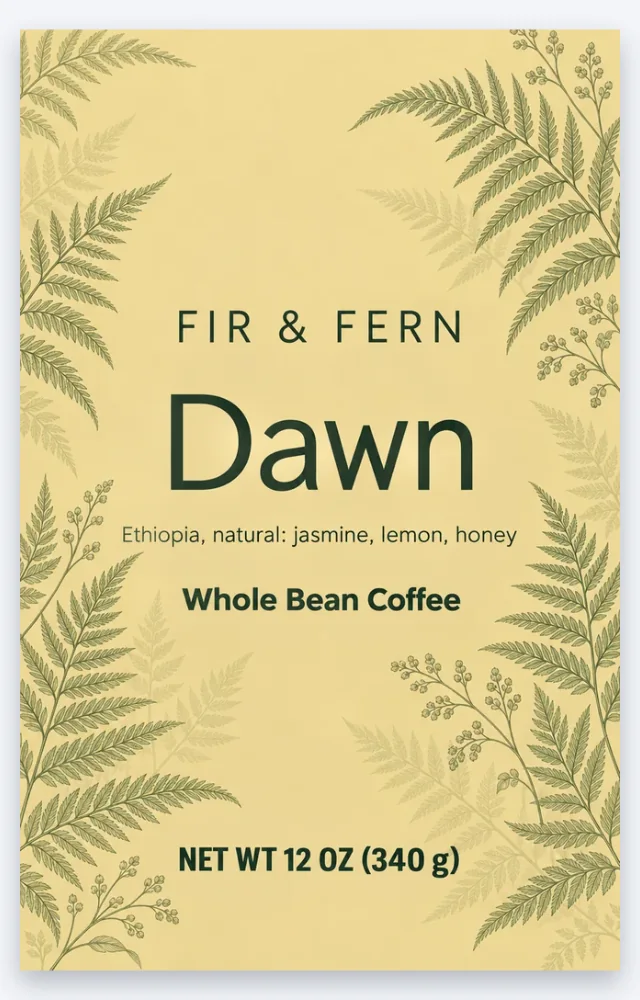
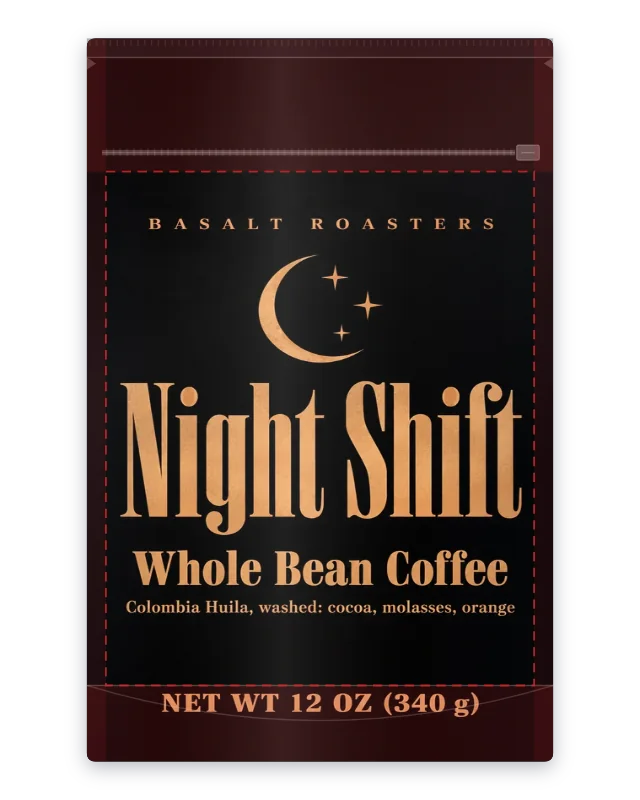
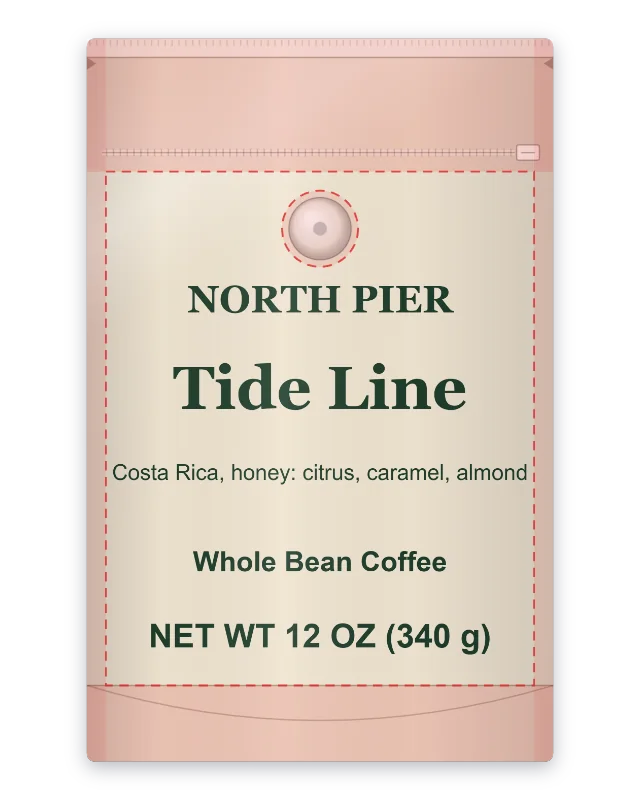
A lineup is a range picture for a store page or a wholesale sheet: it shows whether the three fronts read as one family before the roasts go on sale.

The history keeps each run and its choices, so the next front starts from the same bag and Reuse brings the whole choice back.

Three-roast lineup, made with AI Coffee Bag Mockup

A sticker, a label sheet and the coffee bag mockup screens

A sticker on a coffee bag mockup is its own route: choose the plain bag’s color and material, set the sticker’s width and height, and the picture shows it on the front. The default 3.25 × 4 in is AI coffee bag design’s bag sticker.

The link to the label maker opens the Avery 5164 sheet of 4 × 3⅓ in labels, the nearest standard sheet to that sticker. It does not carry the artwork over; it opens the sheet so you can set up a test print.

For a product page, download the PNG with no background; for a catalog grid, choose white. The free PNG is 2048 or 4096 px on the bag’s long side, and the blank bags are 4096 px; both are made in the browser and cost no credits.

The AI scene is a photograph, not a print file: the front file stays the print file, and the mockup shows it in use. Both are checked against the same front.

Matte black side gusset bag in studio, made with AI Coffee Bag Mockup

Where a coffee bag mockup helps

A few moments a coffee bag mockup answers, from a first file to a range launch.

A first look at the coffee bag mockup

A bag order starts with a file and a size. Load the front on that bag first and the closure band becomes visible in seconds; no sample bag is needed to see what sits where.

A pitch to a café or a shop

A shop asks for a coffee bag mockup of the 12 oz bag on a counter. The café scene gives the bag a counter, a cup and morning light, and the PNG goes into the deck with the net weight already on the front.

A stock bag and a sticker

A stock kraft bag and a printed sticker in the coffee bag mockup keep a small batch simple. Set the sticker to 3.25 × 4 in, look at it on the plain bag, then open the label sheet for a test print.

A pouch mockup for a range on a store page

A coffee bag mockup of a range needs the same bag shape and three different fronts. Set the bag once, add the three fronts and the lineup shows whether the roasts read as a family.

Coffee bag mockup questions

Short answers about the coffee bag mockup, the bands, the sticker, the scenes and the credits.

Make your coffee bag mockup

Is the coffee bag mockup free?

The free bag front, its PNGs, the sticker preview and the blank bags cost nothing: no sign-up, no watermark, no credits. A plan or a pack pays for scenes at 5 to 20 credits a picture, with mode and resolution setting the price, charged only for designs you receive.

Which bag types does the coffee bag mockup offer?

At 6.125 × 9.5 in the stand-up pouch is the 12 oz size, the flat-bottom bag comes at 5 × 9.25 in and the side gusset bag at 3.625 × 12.85 in. These are AI coffee bag design’s bag fronts, so a front from that page matches the bag it was drawn for.

What file does the coffee bag mockup take?

A PNG, JPG or WebP of the flat front at the bag’s size, or the same file with its 1/8 in bleed. The bleed is cropped before the front is drawn, and the file is read in the browser without an upload.

Does the coffee bag mockup show the seal, zipper, gusset and valve?

It marks what each bag has: on the pouch, a 1.75 in top band for the seal, tear notch and zipper and a 1 in bottom band for the seal and gusset curve; the flat-bottom bag shares the top band and keeps a 3/16 in bottom margin; the side gusset bag has a 2 in folded top with a tin tie and a 3/16 in bottom margin. The valve is a dashed circle 2.5 in below the top on all three, and the areas can be switched off.

Can I put a sticker on a stock bag in the coffee bag mockup?

Yes. Choose Sticker on a stock bag, set the width and height in inches, and the sticker is drawn on the plain front in your color and material. The label maker link opens the Avery 5164 sheet for a test print; it opens the sheet only and does not carry the artwork over, so set the sticker up there.

Does the coffee bag mockup scene keep the words on my front?

The AI scene starts from your front and is built to hold its words, numbers, logos and colors, adding, removing and translating nothing. Use the notes for the surroundings only: the props, the surface, the light.

Can I use the coffee bag mockup on a product page?

Yes. At 2048 or 4096 px, transparent or white, the PNG is yours, and the AI scene stays in your history; Reuse restores the bag type, material, valve, color, print and scene. A commercial license for what you make comes with plans and credit packs, and Business covers a company.

Start with your own front

Load the front you will print, see it on the pouch, the flat-bottom bag or the side gusset bag, download the coffee bag mockup PNG free, then put the same bag in a café or on a shelf.