
AI Can Mockup Generator

See your can mockup before the first can is printed: turn your own wrap on a standard, tall or sleek can, then picture the same can in a cooler full of ice or on a bar counter.

  • 3 can sizes, 3 colors, 2 finishes
  • PNG and video, free
  • No sign-up, no watermark

AI Can Mockup

Can size

Your flat wrap

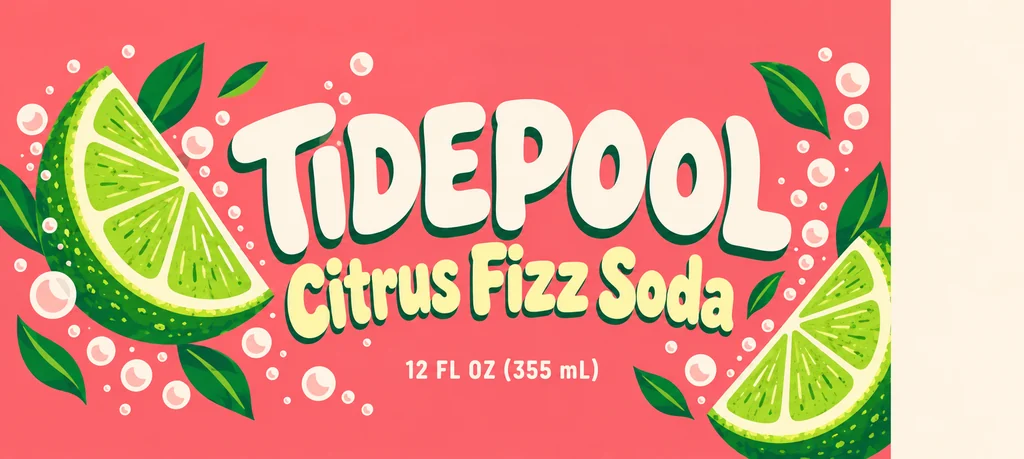
A PNG, JPG or WebP of the flat wrap for the 12 oz standard can: 8.125 × 3.625 in, 2,438 × 1,088 px at 300 dpi. A file with its 0.125 in bleed works too, and the bleed is cropped from the view. Nothing is uploaded.

Add your flat wrap to check its shape against the can size you picked.

Turn

Drag the can or use the slider to see the front, the side, the back and the seam. The lid and the base stay plain in the can color.

Download

Free: no sign-up, no watermark, no credits.

Your flat wrap goes to the AI tab, with the can size, color and finish set. AI scenes use credits.

Video

Free: made on your device, no sign-up, no watermark.

Drag the can to turn it

Blank can PNGs (free)

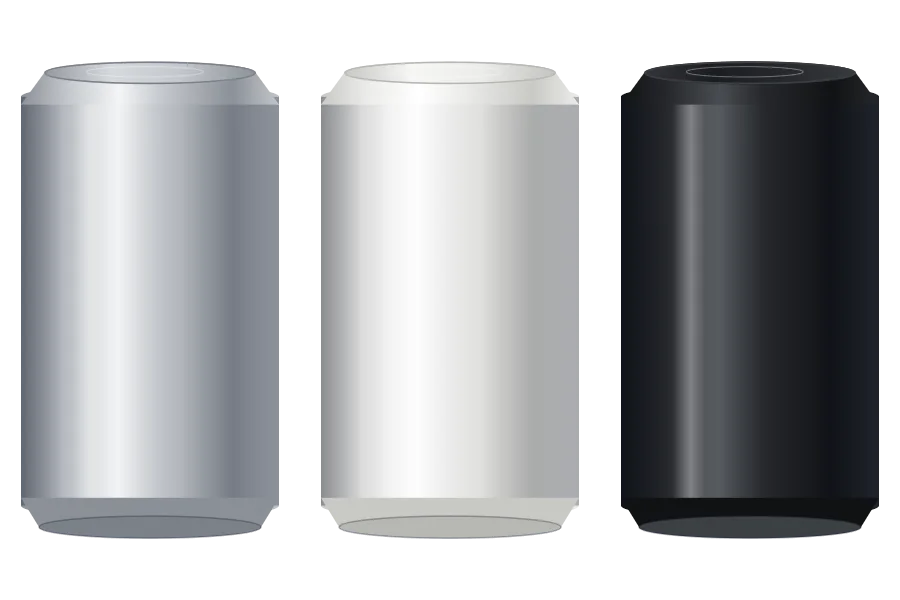
A blank can in silver, white or black at each of the three sizes, drawn with no wrap, transparent at 4096 px, so you can lay your own design on it or drop it into a layout.

12 oz standard

16 oz tall

12 oz sleek

Your download starts at once.

Can mockup ideas made with this page

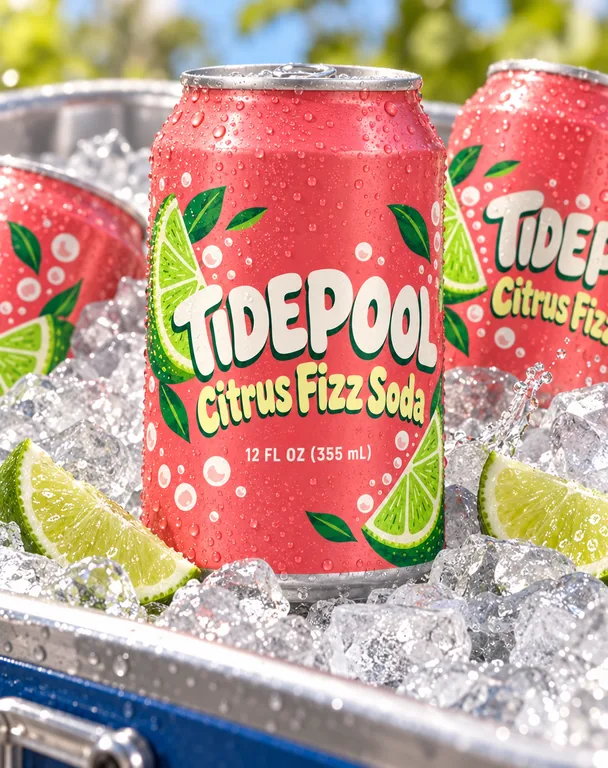
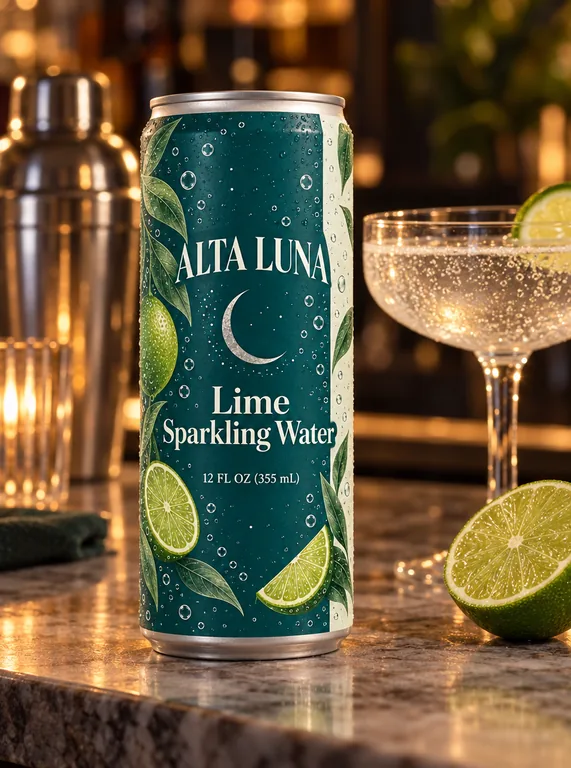
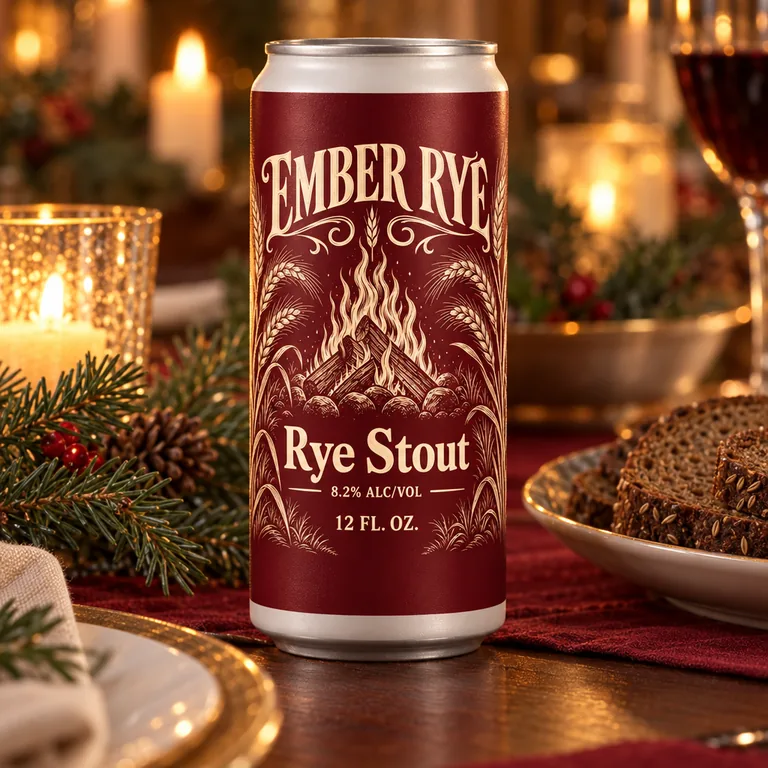
Eight can mockups made on this page: a soda in a cooler, a sparkling water on a bar, a cold brew in a kitchen, a tonic in a hand, beers on a shelf, at a picnic table and on a holiday table, and a three-flavor lineup on a shelf. Open one to see the wrap and the result together, then make one like this with your own can.

  • Citrus soda can, made with AI Can Mockup
  • Sparkling water sleek can, made with AI Can Mockup
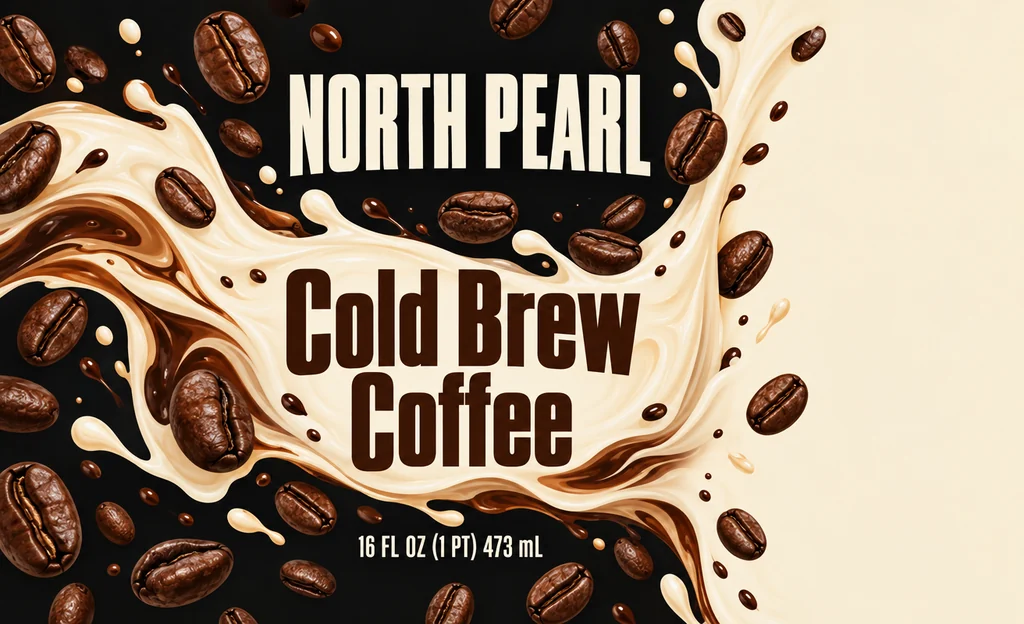
  • Cold brew can, made with AI Can Mockup
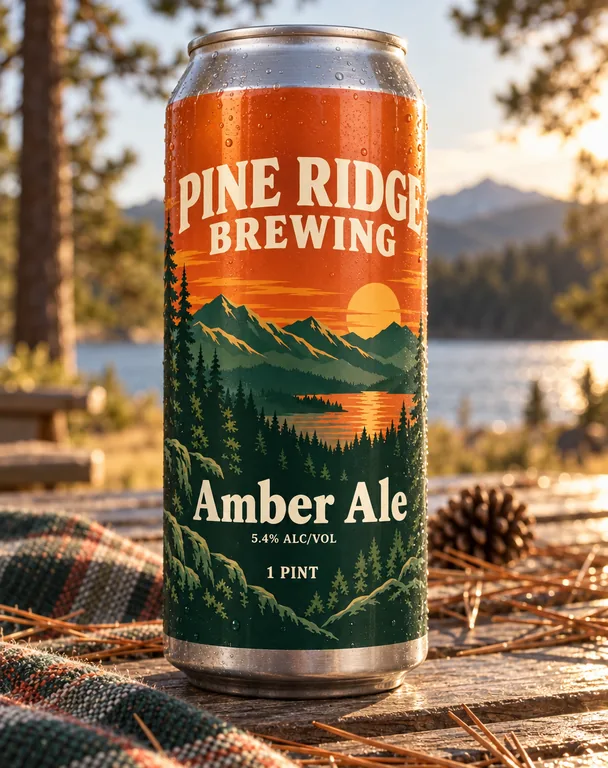
  • Amber ale can, made with AI Can Mockup
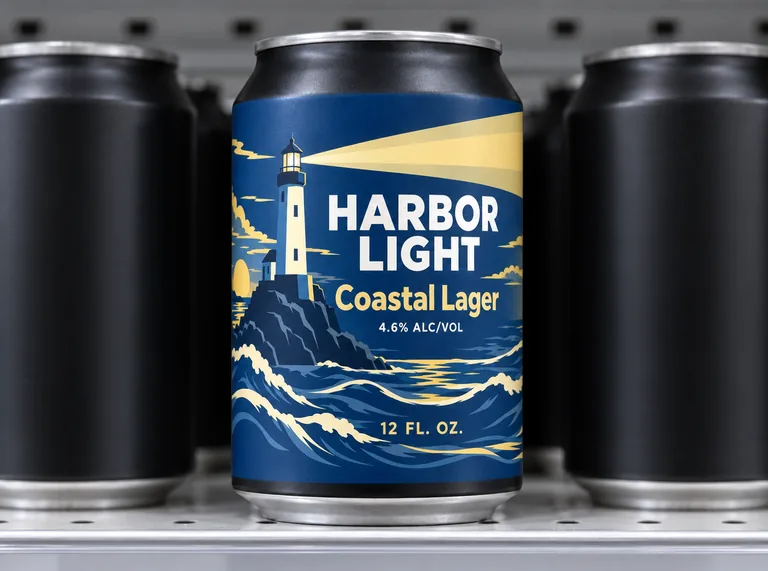
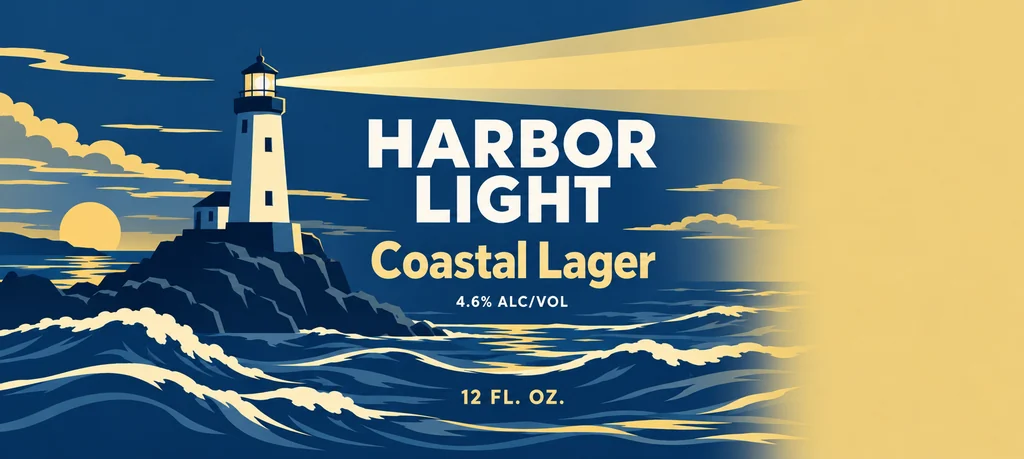
  • Lager can on a shelf, made with AI Can Mockup
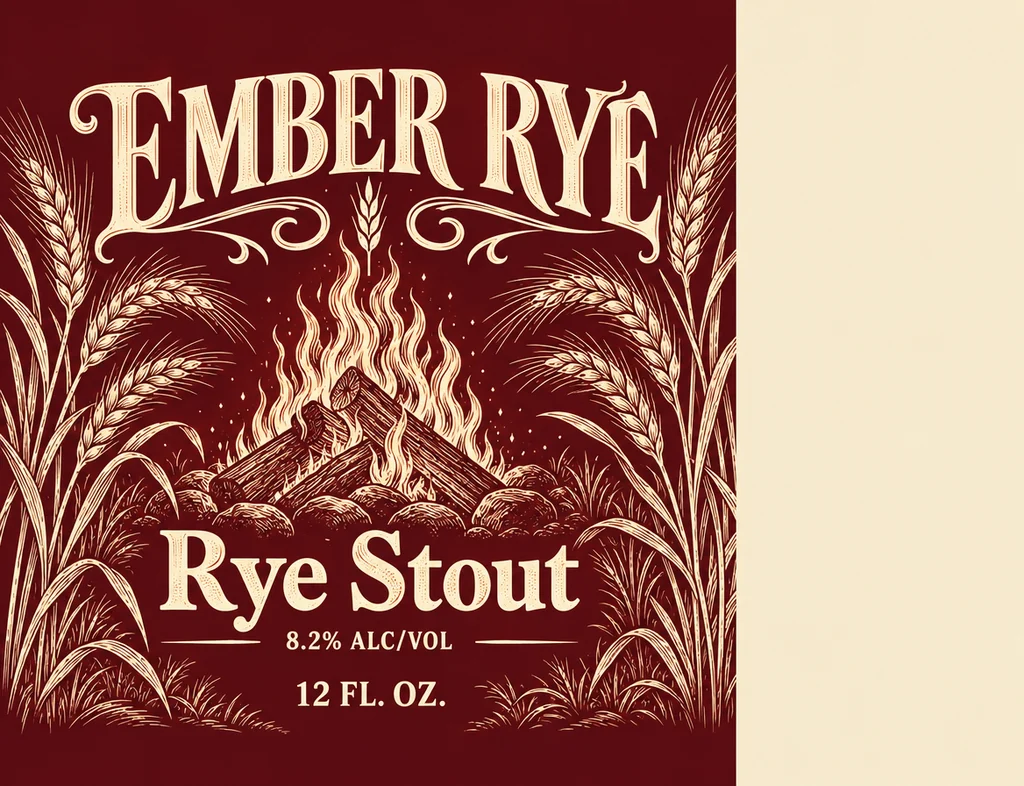
  • Stout sleek can, made with AI Can Mockup
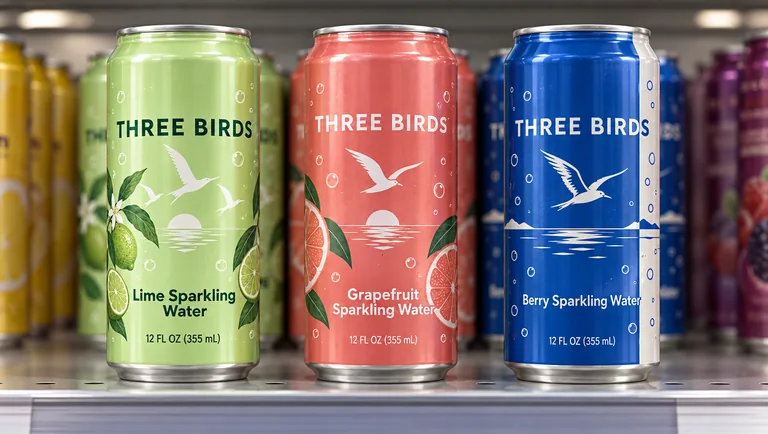
  • Three flavor lineup, made with AI Can Mockup
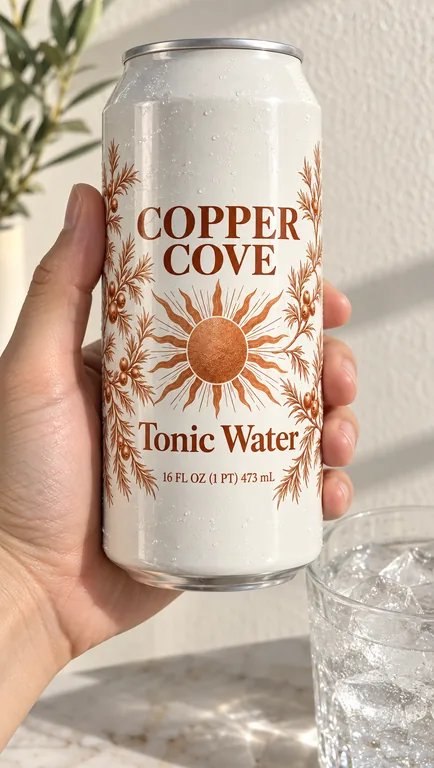
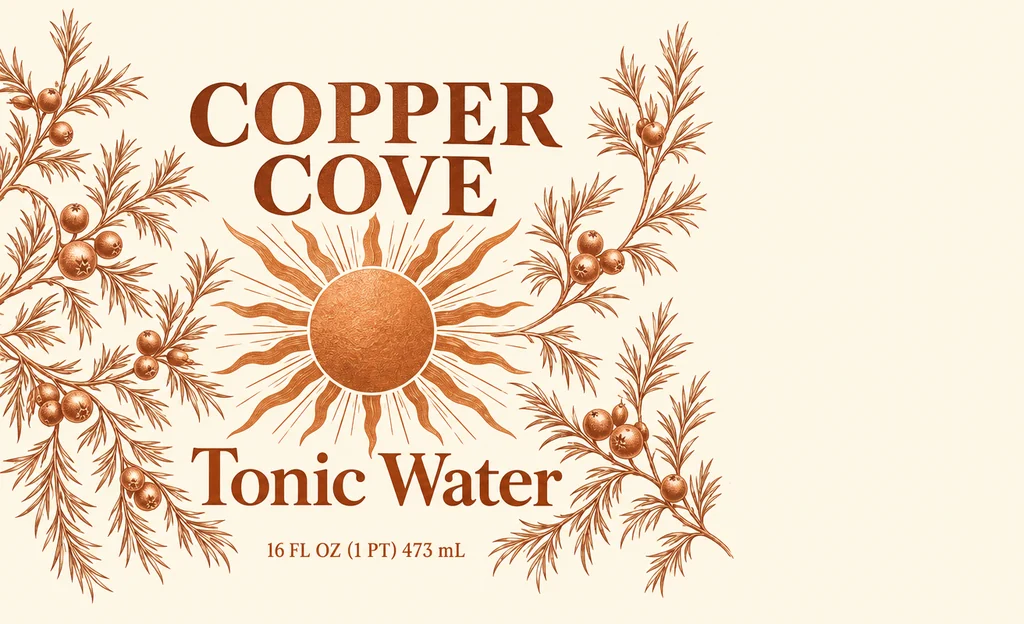
  • Tonic can in hand, made with AI Can Mockup

AI scenes use credits from a plan or a credit pack, and you pay only for the designs you receive; the can view, its PNGs, its videos and the blank cans are free.

credits for the can view and the blank PNGs
0
credits a picture in an AI scene
5 to 20
transparent PNG at the largest size
4096 px
scenes, from a cooler to a bar counter
9

From a flat wrap to a can in three steps

Start with the flat file you will print. The free can mockup view shows it on a can of the size you picked, and the AI scene shows that can in a place.

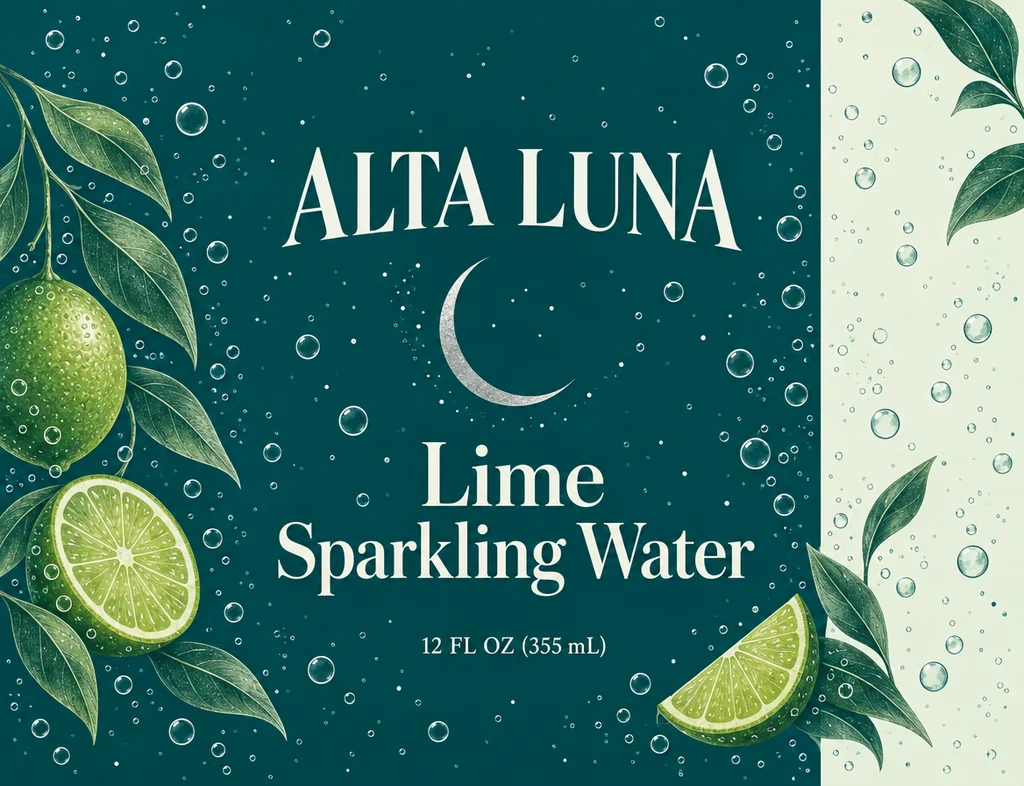
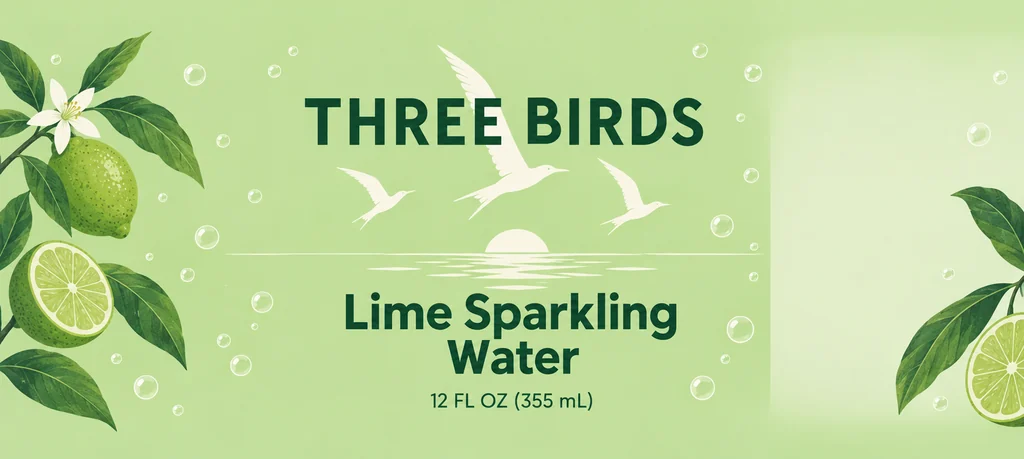
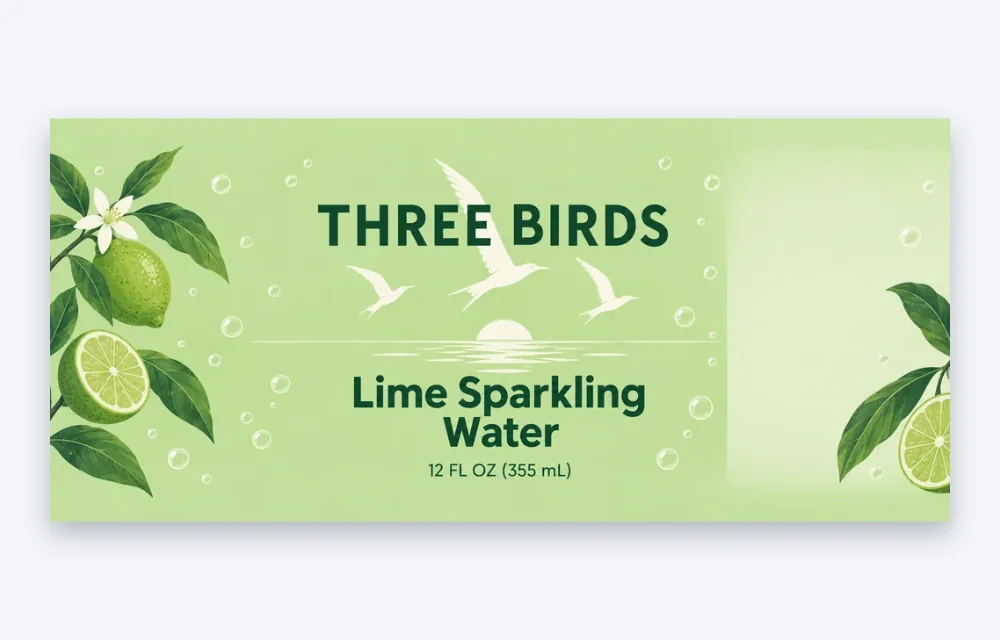
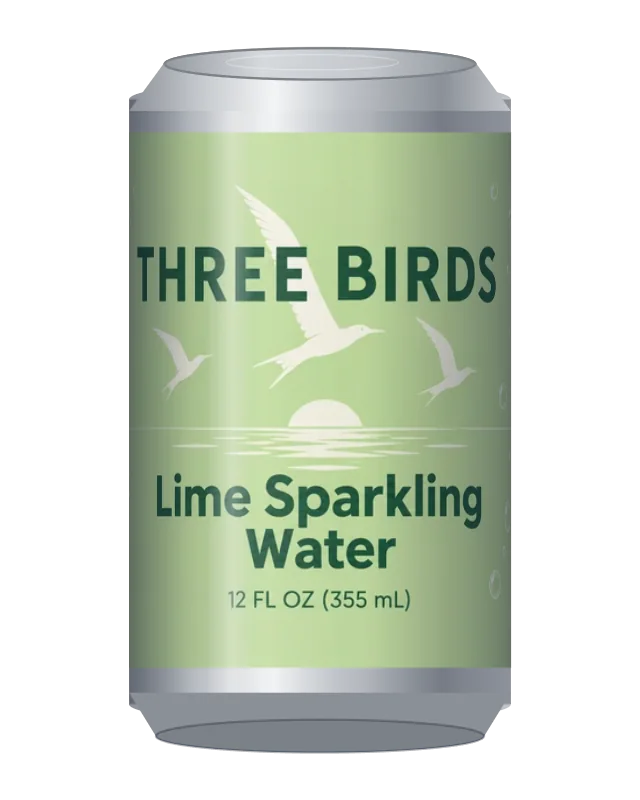
A flat 12 oz can wrap for lime sparkling water, 8.125 by 3.625 inches, with the brand, the flavor and the net contents
Your flat wrap · 8.125 × 3.625 in for the 12 oz can

Inside the can mockup page

A free can view and a generated photo from one file, without a sample can and without a design application.

The free can view: a 12 oz can in the lime sparkling water wrap, turned to the front
Free can view · drag to turn

A free can mockup in three can sizes

Three common can sizes are built in: a 12 oz standard can, a 16 oz tall can and a 12 oz sleek can, with the wrap sizes AI beer can design draws. Pick one, load your file, and the can is yours to turn at no cost.

A shape check for every wrap

The wrap sizes are 8.125 by 3.625 inches for the 12 oz standard can, 8.125 by 5 inches for the 16 oz can and 7 by 5.31 inches for the sleek one. The tab compares your file’s proportions with the size you picked and says how much wider or narrower it is. A PNG exported from AI beer can design with its 1/8 in bleed passes too, and the bleed is cropped from the view.

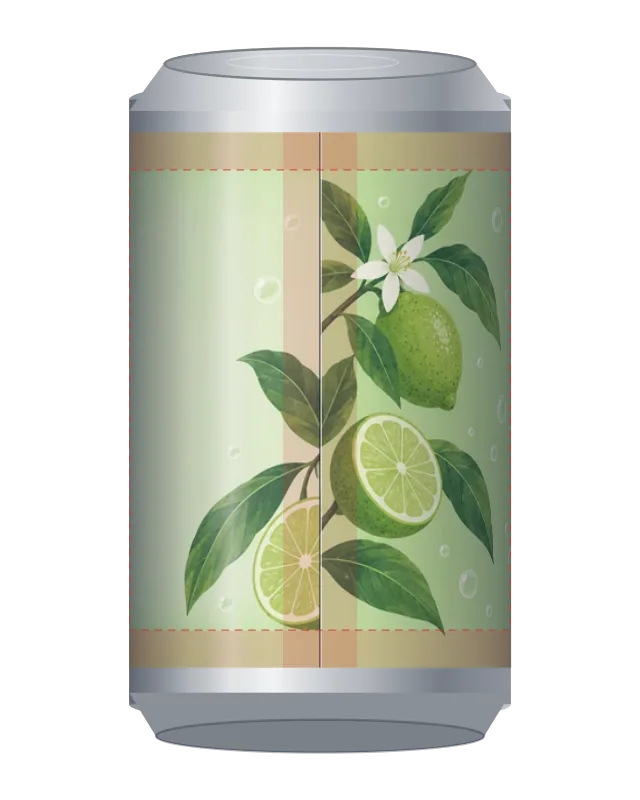
The can view turned to the seam, with the quarter inch safe area at the top, bottom and ends shown
Seam and safe area on request

Front, side, back and the seam

Turn the can by hand or with the slider, and show the seam where the wrap’s ends meet or the quarter inch safe area at the top, bottom and ends. Each column of the wrap is shaded as the can curves away, so the print sits on the metal rather than on a flat card.

PNG and turntable video, free

Download your can mockup at 2048 px for a quick file or 4096 px for detail, transparent for a product page or white for a marketplace grid. Record a six second turntable in 16:9, 9:16 or 1:1 in the browser: no sign-up, no watermark and no credits.

Blank silver, white and black cans of the 12 oz standard size
Blank cans · 4096 px, transparent

Blank can PNGs in silver, white and black

A plain can for a layout, a listing or a sketch: each of the three sizes downloads in silver, white or black, transparent at 4096 px, drawn by the same renderer with no wrap.

Stout sleek can, made with AI Can Mockup

AI drink scenes for a can mockup

The AI tab sets the can in a studio, a kitchen, on a shelf, in a hand, outdoors, on a holiday table, in a cooler packed with ice or on a bar counter. Picture the same wrap on a can wherever the drink is sold or served.

Sparkling water sleek can, made with AI Can Mockup

Can color and finish, built in

Silver, white or black, gloss or matte: choose both next to the scene. A white matte sleek can and a silver gloss one read differently in the same light, and the picture is made with the choices you set.

Side by side with your wrap

Open a result and switch to Side by side to see your flat wrap beside the can in the scene. The history keeps the can size, the color, the finish and the scene, so Reuse and Try again bring them back.

What a can mockup shows

A can mockup shows a drink as a shopper will meet it: in a cooler, in a hand, on a bar counter or on a shelf. A brand uses one on a product page, in a post, in a pitch or in a catalog while the can is still a file.

A can mockup matters while the design is still a file. A printer receives flat artwork, and until it is on metal no one can see the curve, the reflection or the size in a hand. A labeled sample needs a label run and a blank can; a picture of your file on a can takes a minute.

This page gives you two views of the same file. The free can view puts it on a can of the size you picked, with the light around the body and a check that the proportions fit. The AI scene puts the can in a place, with the props and the light of a photograph.

Use the free view to check the file and to make a product page image; use the scene for a launch, a social post or a deck. Both start from the wrap you will print.
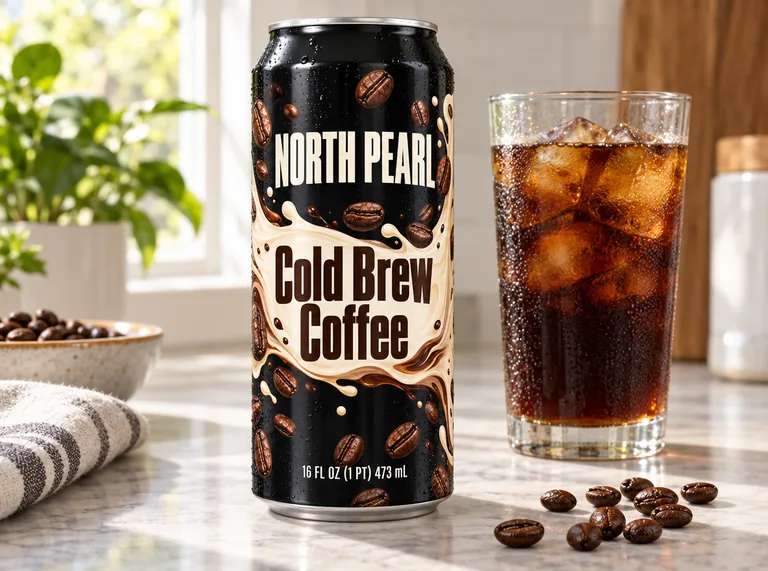
Cold brew can, made with AI Can Mockup

A soda can mockup from your own wrap

A soda can mockup template gives one angle, one size and one flavor. Here the size and the angle are yours: a 12 oz standard, a 16 oz tall or a 12 oz sleek can, turned as far as you like.

Load the flat wrap and the view fits it to that can’s wrap size. The lid and the base stay plain in the can color, and the light falls around the body, so the soda can mockup reads as a can rather than a label on a cylinder. Switch the seam and the safe area on when the file has words near the ends.

When the soda can mockup needs a place, press Put this can in an AI scene: the wrap goes to the AI tab with the can size, color and finish set, and the cooler or the bar counter gives it a setting.

From AI beer can design to a product video

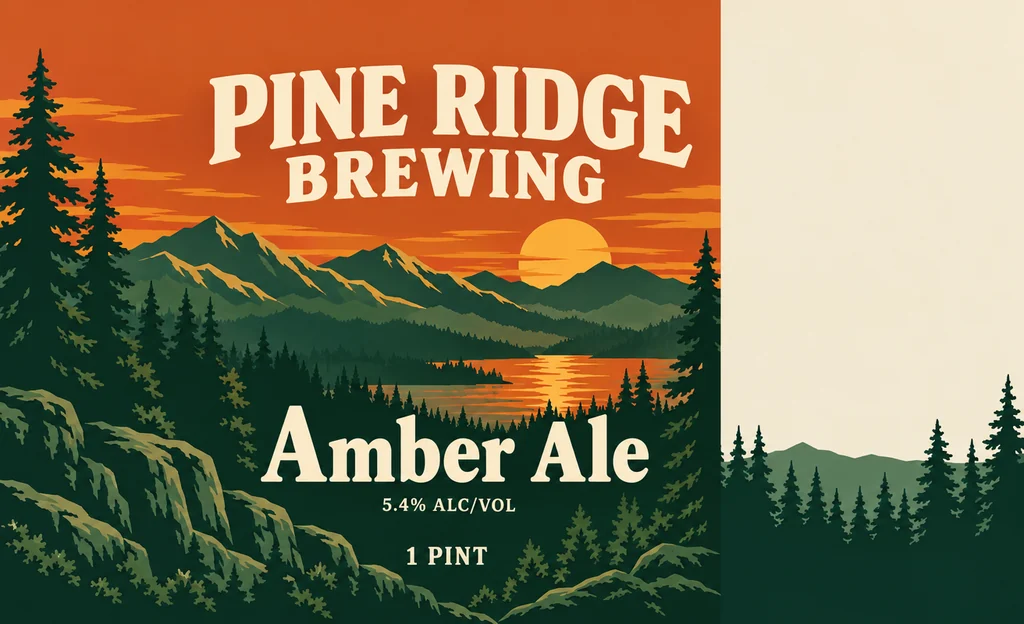
A beer can has facts to keep straight: 1 PINT on a 16 oz can and 12 FL. OZ. on a 12 oz one, the class, and the alcohol content written as ALC/VOL. The AI beer can design page draws the wrap at all three sizes with those rules in view and keeps the words you type to print.

Bring that wrap here and the can mockup opens at the size it was drawn for: press In a scene under a design, and this page comes up with the wrap ready and the can size set. Choose the color and the finish, then a shelf, a cooler or an outdoor scene.

The result goes on to an AI product video generator for a camera move, or to an AI commercial generator for a short ad: flat wrap, print file, mockup and video from one design.

The can view and its downloads stay free. AI beer can design, the AI scene and AI videos use credits, shown on the button before you generate, and plans start at 800 credits a month (pricing).

Amber ale can, made with AI Can Mockup

Soda can mockup and beer can mockup, one page

Soda, sparkling water, cold brew, energy drinks and beer share the same three can sizes, and every can mockup starts as flat artwork: a wrap label, a shrink sleeve or the art printed on the metal.

For a beer can mockup, the wrap carries the net contents, the class and the alcohol content; a shelf or a cooler photo shows the can where a buyer will see it. For a soda can mockup, the flavor and the colors lead. Both use the same view and the same scenes.

The lineup is the range in one picture: add up to two more wraps in the AI tab, each a different flavor of the same line, and the cans appear side by side in one row. It is the picture a store page needs for a family of flavors.

The size, color and finish choices keep a family consistent: the same sleek shape, the same matte finish, three labels. The history keeps each run with its choices, so the next flavor starts from the one before.

Three flavor lineup, made with AI Can Mockup

Built for the screens a can sells on

A can mockup has to fit its place. A transparent PNG drops onto a product page or a marketplace listing with no background to match; a white one suits a catalog grid. A 9:16 frame fits a story, a 1:1 a feed and a 16:9 a banner or a thumbnail.

The free PNG comes at 2048 or 4096 px, and the turntable video is a real video file that plays on a store page and in a post. Both are made in your browser, and neither touches your credits.

AI scenes use credits, and the price shows before you press Generate: 5 to 20 credits a picture by mode and resolution, and you pay only for the designs you receive. A run makes 1 to 4 pictures, and the history brings the choices back with Reuse.

The print file itself does not change: the can view shows your print file on the can, the scene shows the can in use, and the file goes to the printer as it is.

Tonic can in hand, made with AI Can Mockup

Where a can mockup helps

A few moments a can mockup answers, from a first file to a launch.

A first look at the file

Before a print run, make a can mockup: load the wrap, turn it to the seam and check the proportions. The PNG is ready the same minute, and no sample can is needed.

A client review

Send the free PNG with the wrap on the can, so a client sees the proportions before a print proof exists.

A beer can for a buyer

A buyer asks how the 16 oz can mockup looks in a store. Set it on a shelf, download the PNG and put it in the deck with 1 PINT and the alcohol content where the wrap has them.

A blank can for a sketch

No wrap yet? Draw one on AI beer can design at the size you plan and bring it back with In a scene.

Questions about can mockups

The short answers about the free can, the AI scenes, the sizes and the credits.

Make your can mockup

Is the can mockup free?

The can view, its PNGs, its turntable videos and the blank can PNGs are free: no sign-up, no watermark and no credits. An AI scene uses credits from a plan or a credit pack, 5 to 20 a picture by mode and resolution, and you pay only for the designs you receive.

Which can sizes does the can mockup offer?

Three: a 12 oz standard can with an 8.125 by 3.625 inch wrap, a 16 oz tall can with an 8.125 by 5 inch wrap, and a 12 oz sleek can with a 7 by 5.31 inch wrap. They are the sizes of AI beer can design, so a wrap from that page fits the can it was drawn for.

What file does the can mockup take?

A PNG, JPG or WebP of the flat wrap at the size above, or the same file with its 1/8 in bleed; the bleed is cropped from the view. The file is read in your browser and nothing is uploaded.

What if my wrap is the wrong shape?

The tab compares it with the can size you picked and says how far off it is, in percent, with the size in inches; the hint above the button gives the pixels. Export the file at that size and load it again.

Does the AI scene keep the words on my wrap?

Kept as you drew them: the scene is built to keep the words, numbers, logos and colors of your wrap where they are, adding, removing and translating nothing. Your notes are for the scene only, such as the props or the light.

Can I use the can mockup on a product page?

Yes. The PNG is yours at 2048 or 4096 px, transparent or on white, and the AI scene saves to your history where Reuse brings back the size, the color, the finish and the scene. Plans and credit packs include a commercial license for what you make, and the Business plan covers a company.

What if I do not have a wrap yet?

Draw one on AI beer can design at the size you need, then use In a scene: this page opens with the can size set. The blank can PNGs cover a layout before the artwork exists.

Put your wrap on the can

Load the wrap you will print, turn the can, download the can mockup PNG free, then see the same can in a cooler, on a bar counter or on a shelf.