
AI Box Mockup Generator

Know how your box mockup will look before a single one is printed: the exact box, folded from the file you will print, and the same box photographed in a kitchen, on a shelf or in an unboxing.

  • 6 box styles in 3D
  • PNG and video, free
  • No sign-up, no watermark

AI Box Mockup

Box style

Artwork

A PNG, JPG or WebP of the flat box with 0.125 in of bleed on every side: 7.804 in × 7.24 in. Nothing is uploaded. Get this dieline (free)

Download

Free: no sign-up, no watermark.

The view on screen goes to the AI tab as your design. AI scenes use credits.

Video

Free: made on your device, no sign-up, no watermark.

Blank box PNGs (free)

Each box here is drawn at its usual size with no artwork, so you can lay your own design on it or drop it into a layout. The cartons come on white board or kraft board; the mailer and the pizza box on white or brown corrugated.

Reverse tuck end

Straight tuck end

Box with lid

Drawer box

Pizza box

Mailer box

4096 px, transparent background. Your download starts at once.

Box mockup ideas made with this page

Eight box mockups made on this page: reverse tuck end cartons, a mailer, a box with lid, a drawer box, pizza boxes and a matchbox, each from its own flat artwork. Open one to see the print and the photo together, then make one like it with your own box.

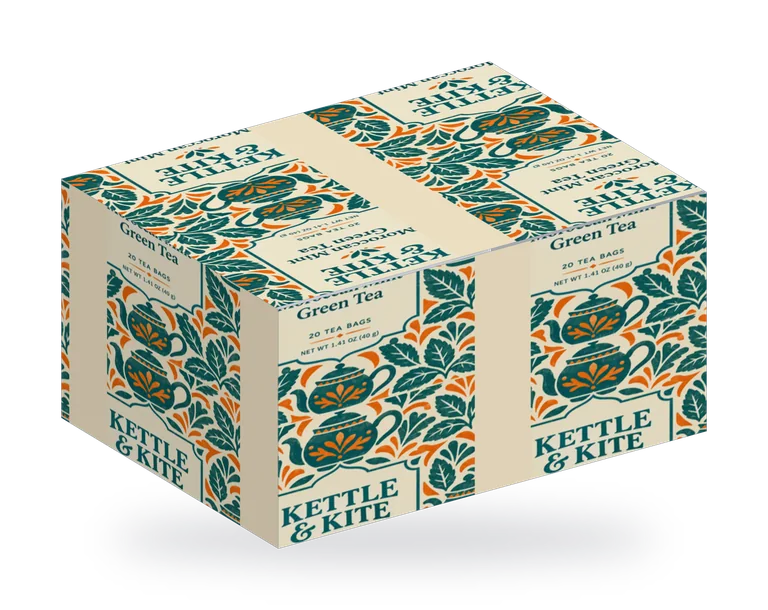
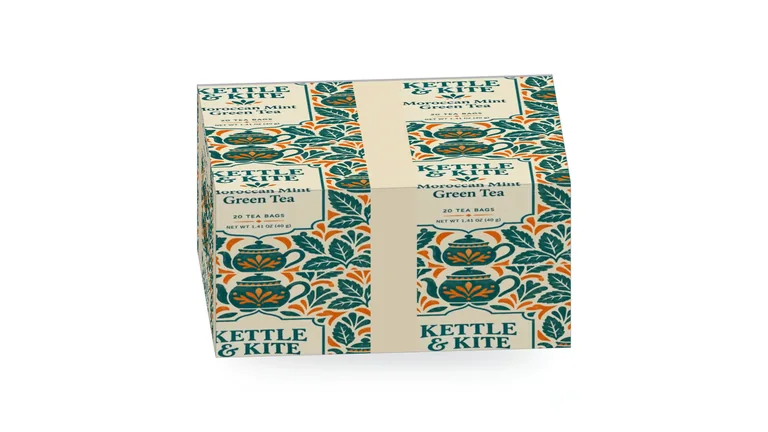
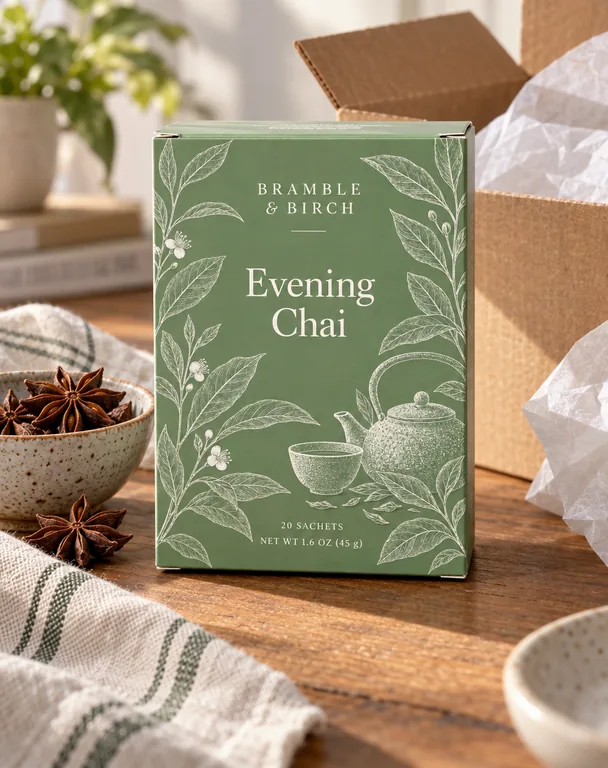
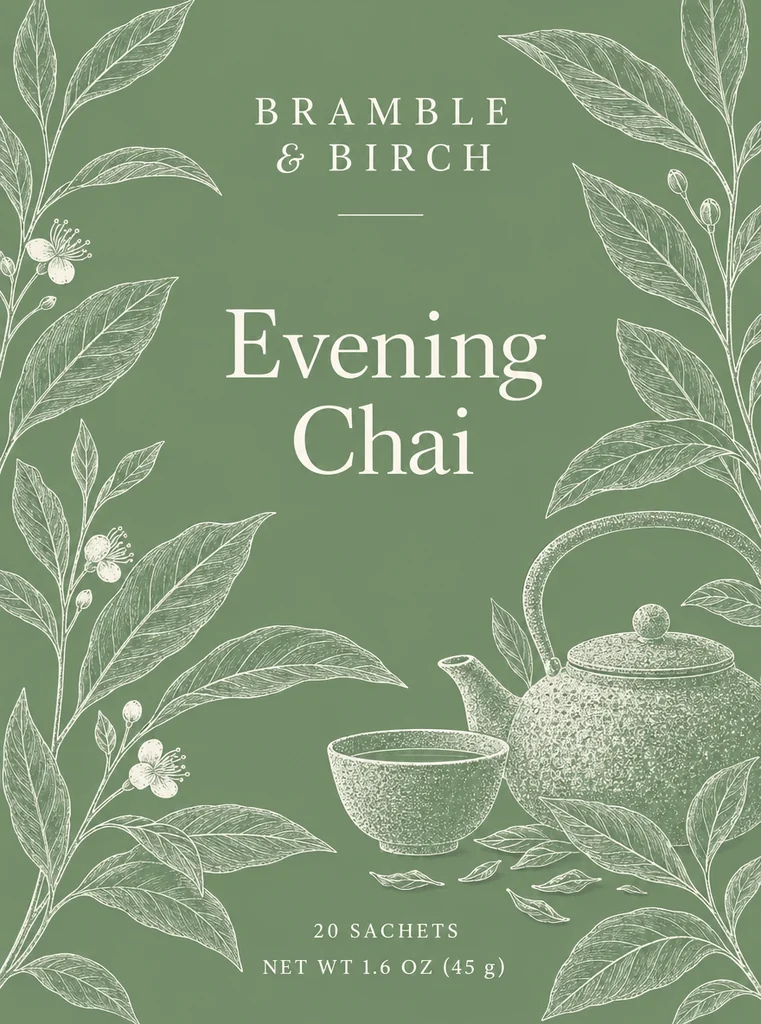
  • Tea carton, made with AI Box Mockup
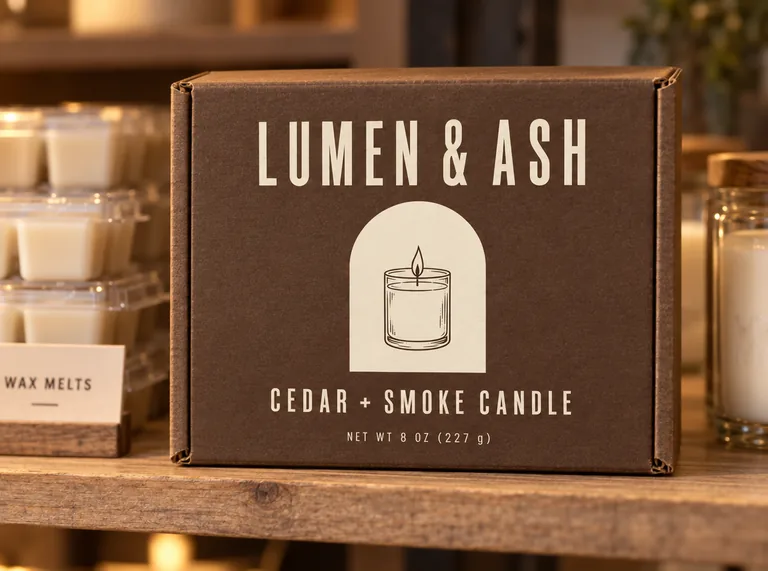
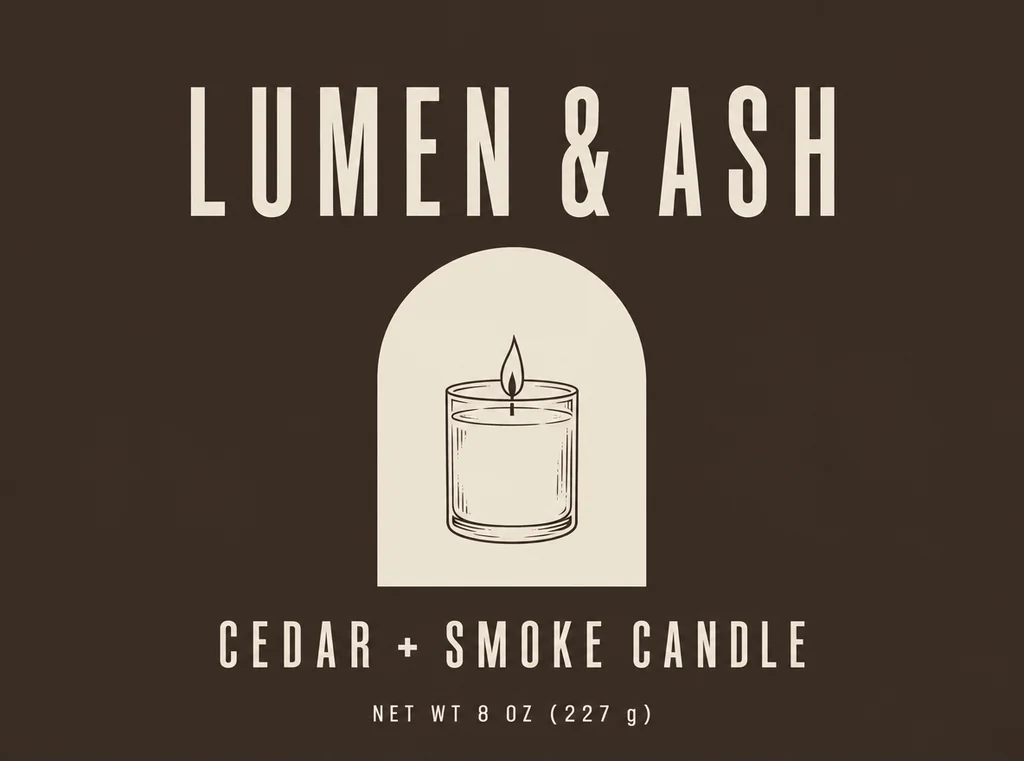
  • Candle mailer box, made with AI Box Mockup
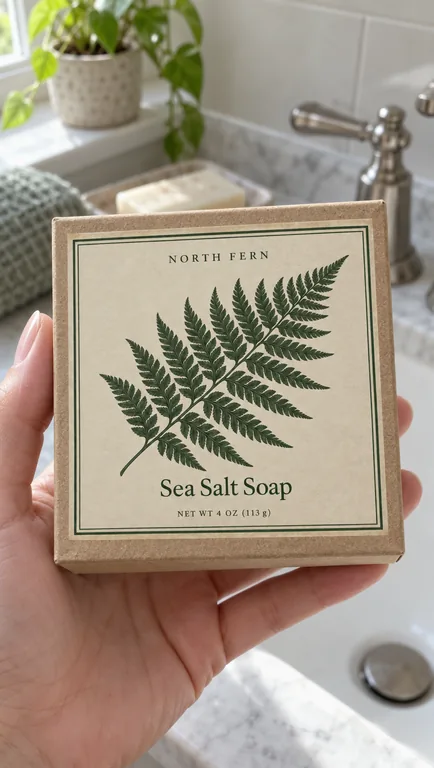
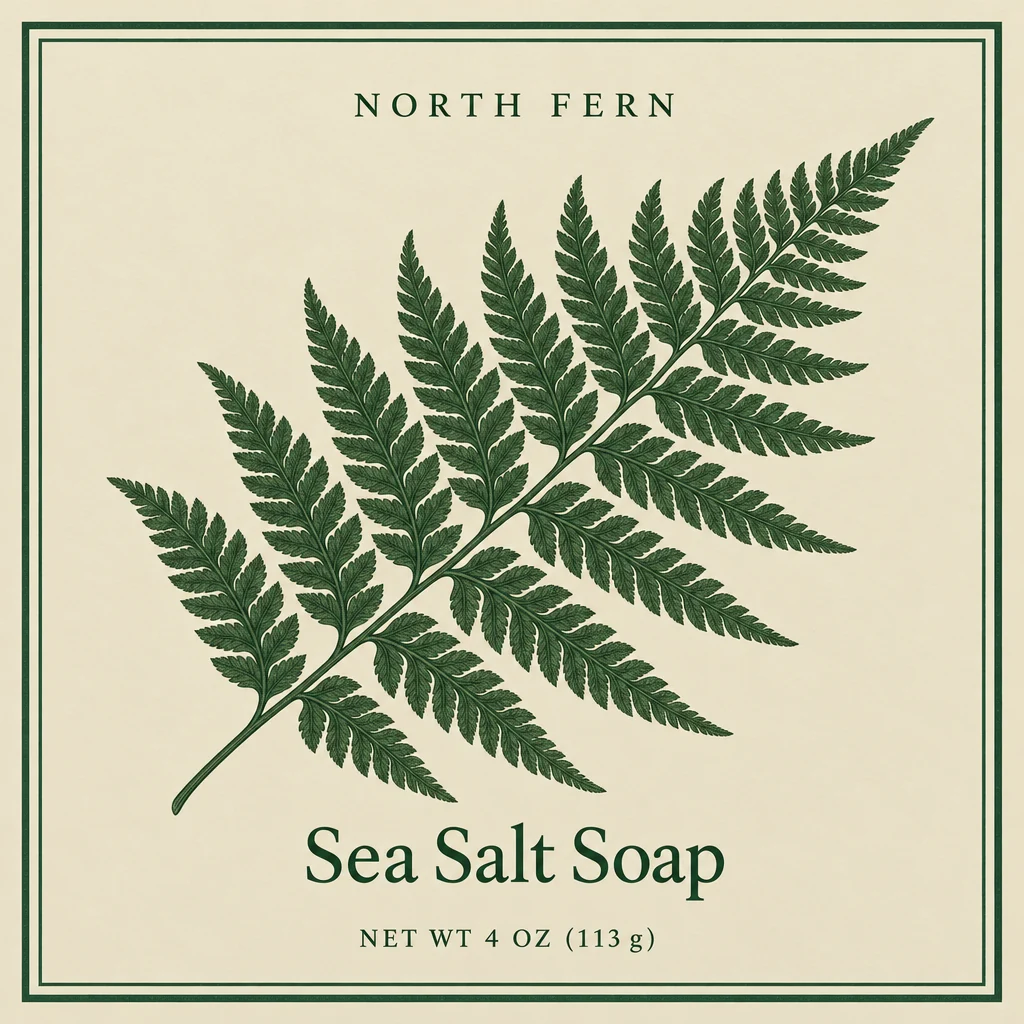
  • Soap gift box, made with AI Box Mockup
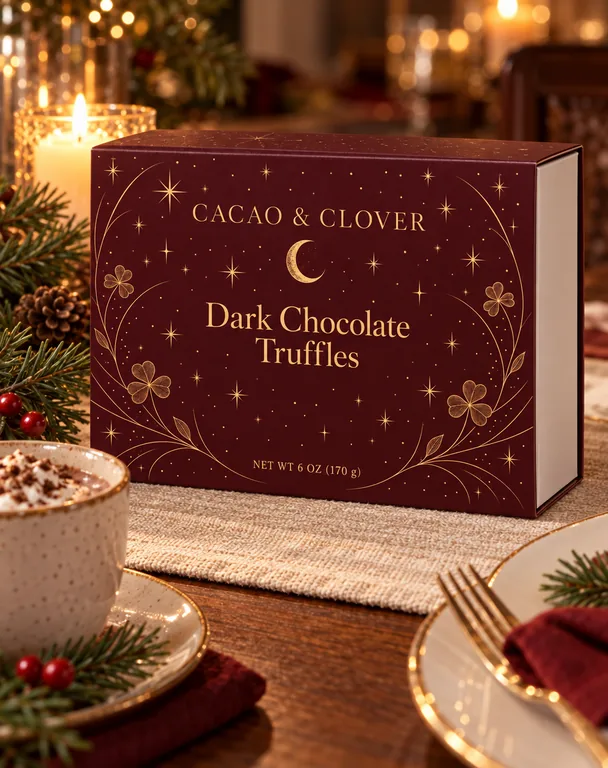
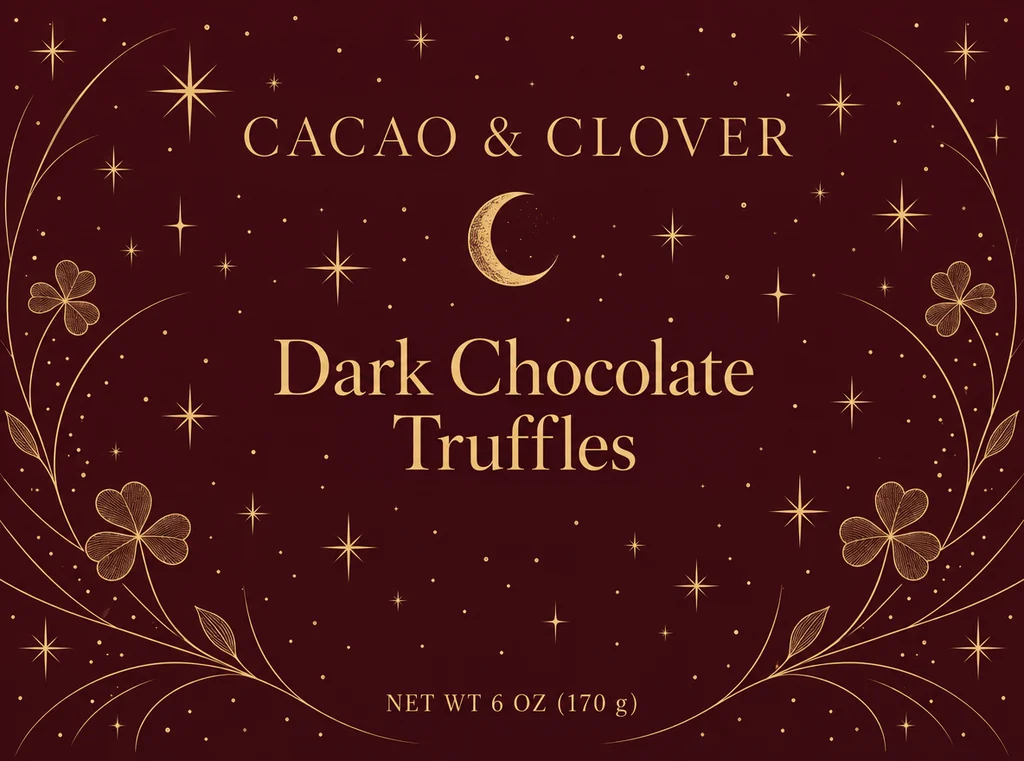
  • Truffle drawer box, made with AI Box Mockup
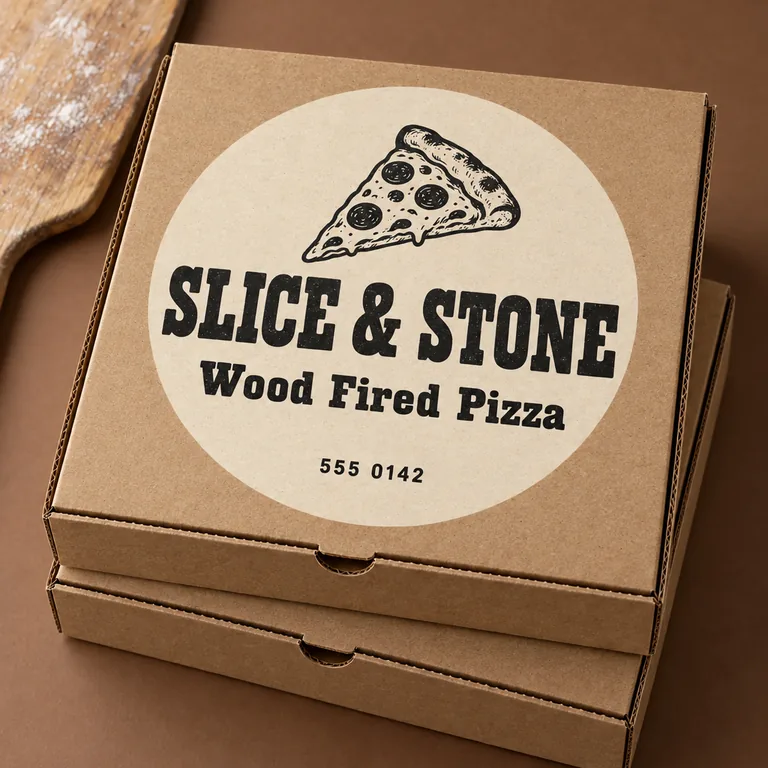
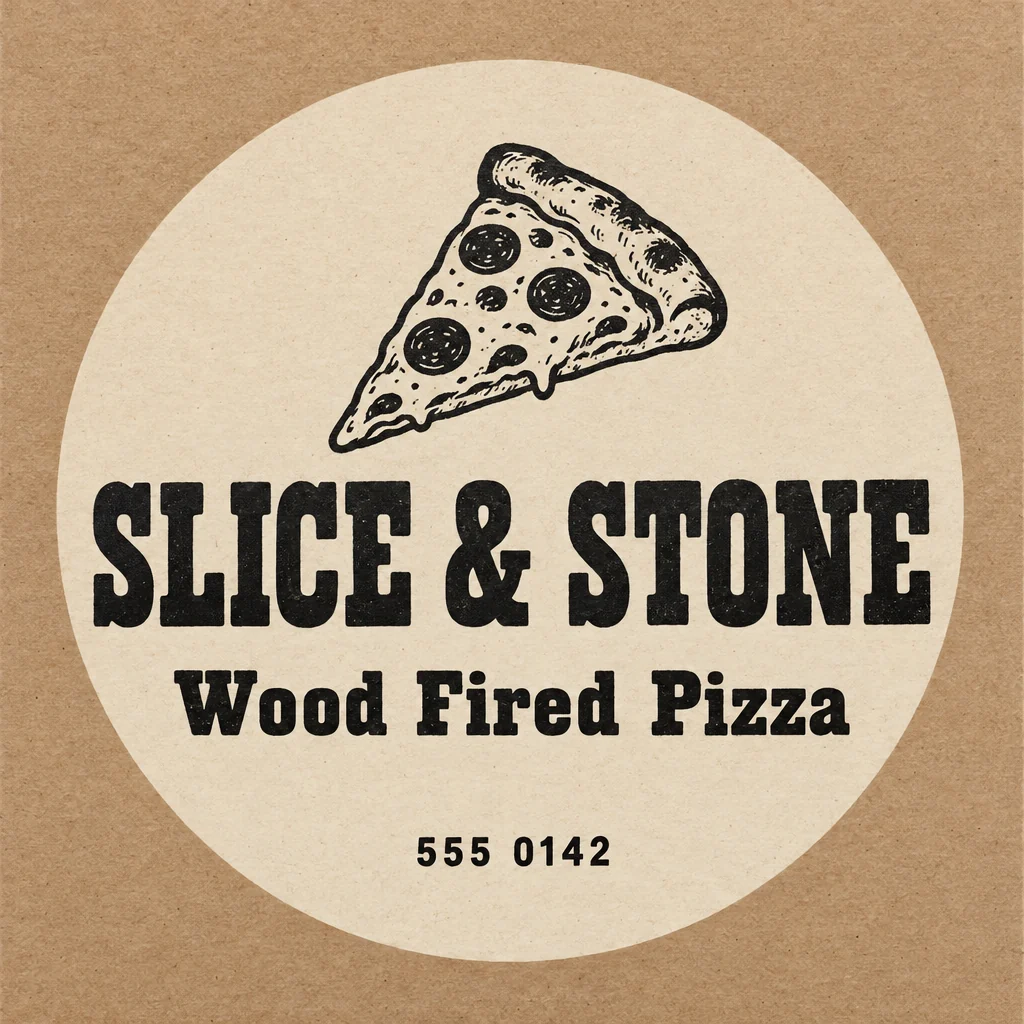
  • Pizza box, made with AI Box Mockup
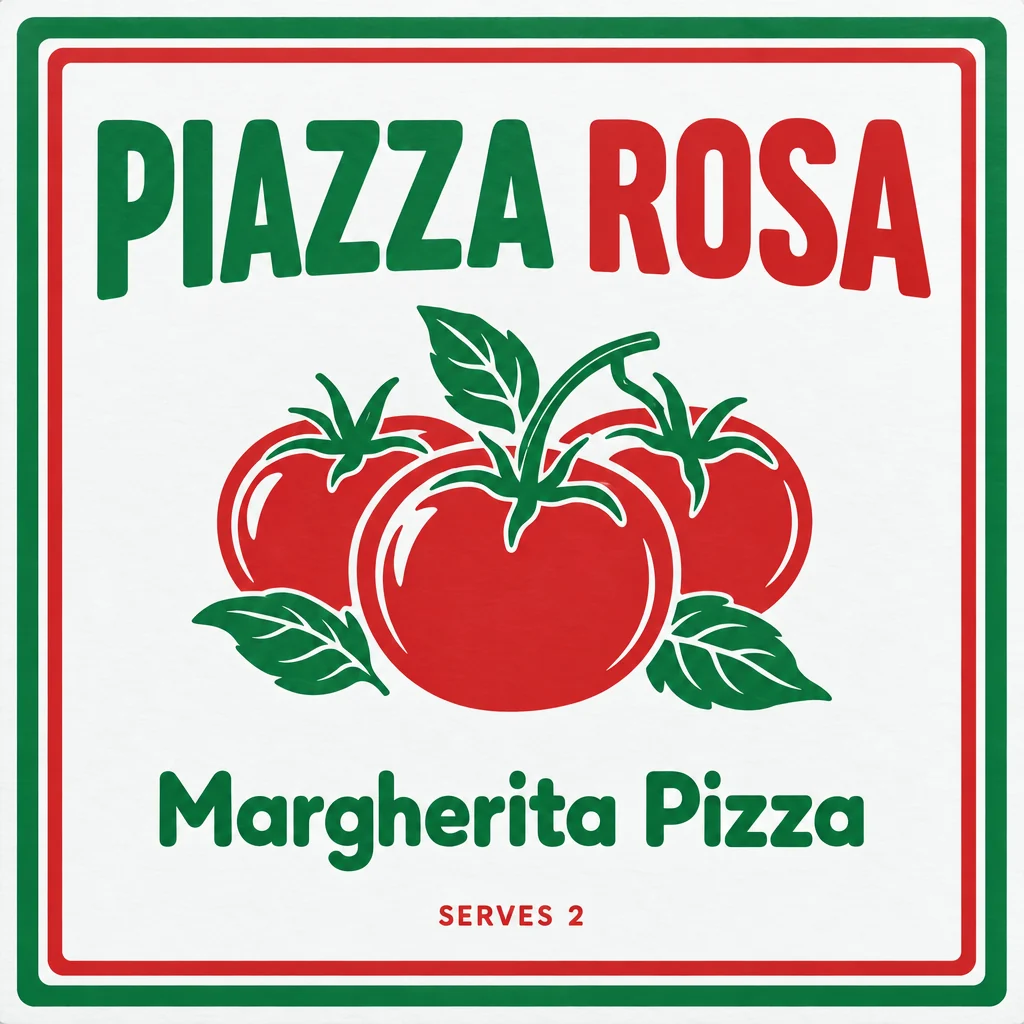
  • Pizza box, white board, made with AI Box Mockup
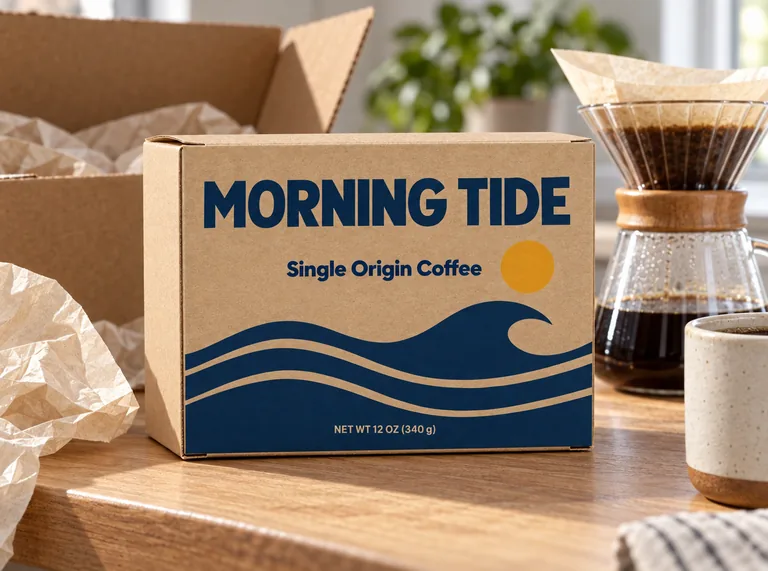
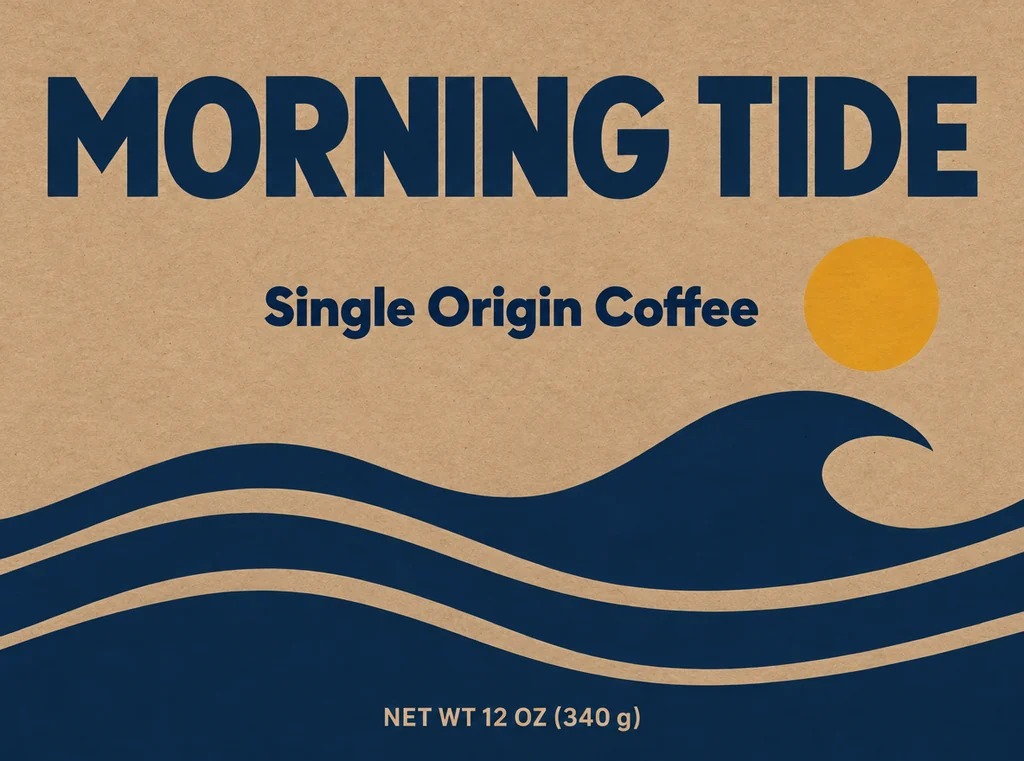
  • Coffee carton, made with AI Box Mockup
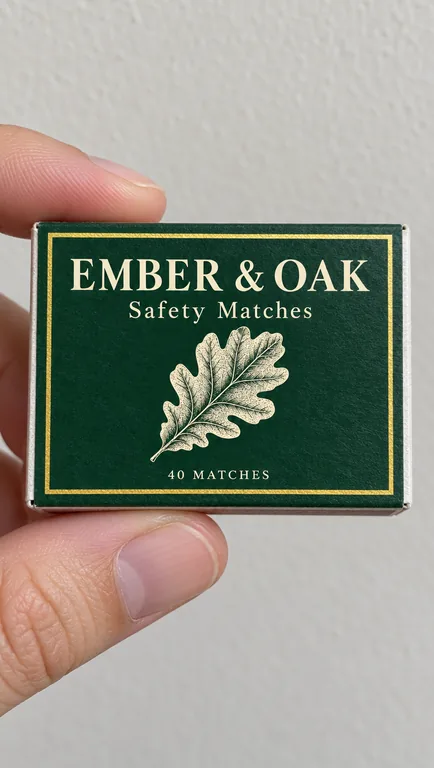
  • Matchbox, made with AI Box Mockup

AI scenes use credits from a plan or a credit pack, and you pay only for the designs you receive; the 3D box, its PNGs, its videos and the blank boxes are free.

credits for the 3D box and the blank PNGs
0
credits a picture in an AI scene
5 to 20
transparent PNG at the largest size
4096 px
scenes, from unboxing to a store shelf
8

How to make a box mockup in three steps

Your box mockup starts on the free 3D box: fold your print file there, or bring a flat design from any AI packaging page and start in the AI scene.

The flat dieline of a 4 × 3 × 2 in reverse tuck end box, with its print file area
The flat box and its print file area

What this box mockup page does for you

A free 3D box and a box mockup photo from one file, without a prototype and without learning a design application.

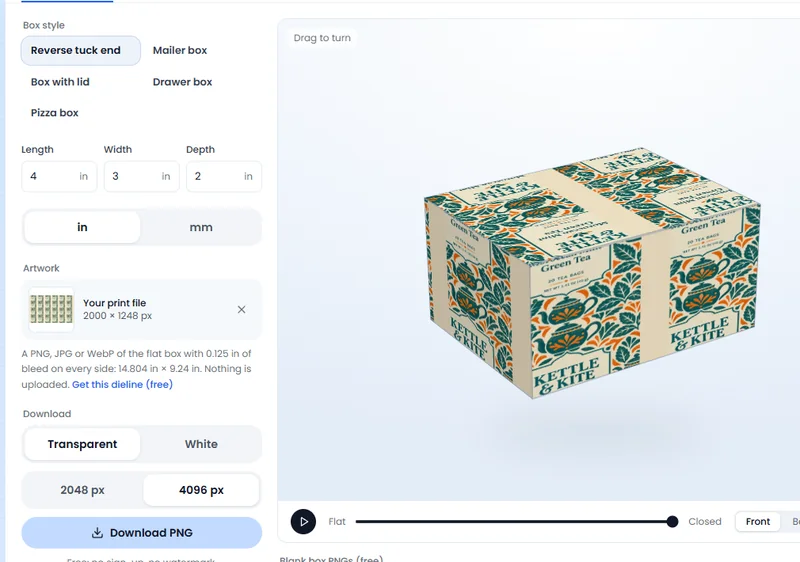
A box mockup made in the free 3D tab: a printed tea carton folded at 4 × 3 × 2 in
Free 3D box · your print file, no AI

A free 3D box at your size

The 3D box is the dieline generator’s own geometry, folded in your browser at any size from 5 to 600 mm a side. Six box styles cover the boxes small brands use every day, and a mailer or a pizza box starts at that style’s usual size.

The free 3D tab download controls: a PNG at 2048 or 4096 px, or a video
PNG and video · made on your device

Download your box mockup free, with no watermark

Your print file is read on your device, laid on the box as it prints, and the box mockup PNG downloads at once. Choose a transparent background for a product page or a white one for a marketplace image, at 2048 px for speed or 4096 px for detail.

A frame of the free 3D box turntable video
Turntable video · recorded here

Turntable and fold reveal videos

Record the finished box turning once, or the flat dieline folding up into the box while the camera comes around. The videos are made on your device, free, and either one hands the box on to an AI product video or an AI commercial when you want one.

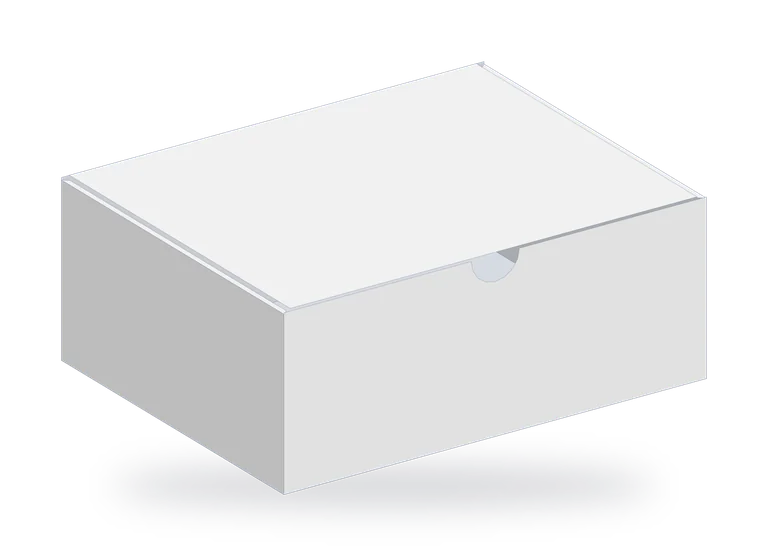
A blank white corrugated mailer box PNG from the free 3D tab, 10 × 8 × 4 in
Blank boxes · 4096 px, transparent

Blank box PNGs, white board and kraft

Need a plain box for a layout or a listing? Download a blank box mockup in each of the page’s six box styles, from the 2.5 × 1 × 4 in carton to the 14 × 14 × 2 in pizza box, transparent at 4096 px and drawn with no artwork at all.

Soap gift box, made with AI Box Mockup

AI scenes made to keep your words

The AI tab treats your flat artwork as finished: it puts it on the box and is built to keep every word, number, logo and color where it is, with nothing added, removed or translated. What you type changes only the scene, such as the props or the light. A box packaging mockup from your own file reads as your brand, not as a stock photo.

Truffle drawer box, made with AI Box Mockup

Box style and material, built in

Choose the box style and the material with one pill: a mailer on corrugated board, a carton on white board or kraft. The box mockup photo then shows the kind of box you print, without a paragraph of description.

Side by side with your artwork

An AI box mockup opens on the result, with Side by side one switch away: the flat file and the finished box together. The history keeps the product, the scene, the box style and the material, so Reuse and Try again start from the same pair.

What a box mockup is for

A box mockup shows a box as shoppers will see it: on a shelf, in a hand, on a table or in an unboxing photo. Brands use one on a product page, in a social post, in a pitch to a store or in a catalog, long before the first print run is ready.

A box mockup matters most when the box is still a flat file. The die cut is right, the artwork is right, and no one can picture the finished carton. A photo of a real prototype takes days and a print shop; a render takes a minute, and a good one shows the folds, the board and the artwork together.

This box mockup page has two ways to get there. The 3D box is the exact one: the dieline generator’s geometry, your print file and your size, with the board’s own color and light. The AI scene is photographic: the same artwork on a box in a kitchen, on a shelf, in a hand or on a holiday table, with the shadows and props of a real photograph.

Start with whichever one answers the question in front of you. For a print check and a product page image, the 3D box is the exact one. For a launch post, a lifestyle shot or a client presentation, the AI box mockup gives the box a place to live.
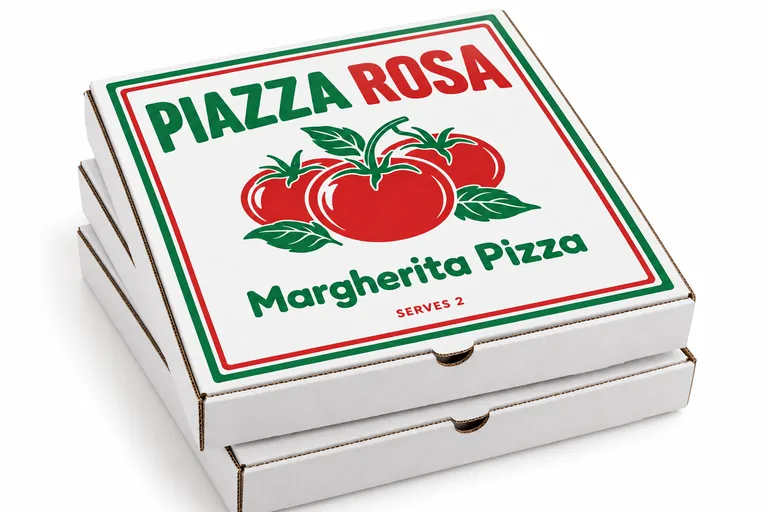
Pizza box, white board, made with AI Box Mockup

Your own box, without a design application

A box mockup template comes at one angle and one size. This one starts from yours: a 6 × 6 × 2 in gift box or a 10 × 8 × 4 in mailer box mockup folds at exactly that size, and you turn it to any angle.

Type the length, width and depth in inches or millimeters, choose the box style, and the 3D view folds that box on the generator’s dieline. This box mockup page starts from your box, your print file goes on the flat faces as it will print, including the bleed, and the PNG is yours to download with no sign-up, no watermark and no credits.

The blank box PNGs are for the other job: a layout, a listing or a quick sketch where the box comes before the design. Each of the six box styles downloads at its usual size, transparent and at 4096 px, ready to place.

When the photo needs a scene, a box packaging mockup from the same file puts the box in a kitchen or on a shelf, and the words on the box stay yours.

Coffee carton, made with AI Box Mockup

From the dieline to a product video

Not every box has a dieline yet, and that is fine. The dieline generator draws the flat box at your size for free, and AI box design draws the artwork on a carton with AI. Both hand their box to this box mockup page, and the 3D tab opens with your size and setup already in place.

The loop works the other way too. A flat design made on any AI packaging page can come here through In a scene, where it lands on a box in the photo. From the AI scene, the result goes on to an AI product video generator for a camera move, or to an AI commercial generator for a short ad.

So the same box mockup travels through four steps: dieline, artwork, mockup and video. The dieline, the 3D box and its videos are free; AI box design, the AI scene and AI videos use credits, shown on the button first.

Matchbox, made with AI Box Mockup

Mailer box mockup and pizza box mockup

Two boxes come up most in box mockups. A mailer box mockup sells the unboxing: the box arrives, the lid lifts and the tissue paper shows. Pick the mailer box in the 3D tab or in the AI scene, and the box is a one-piece corrugated mailer with its lid hinged on the back wall, as it is printed and folded.

A pizza box mockup sells the shop: the lid carries the name, the tagline and the phone number, and the walls stay plain board. Pick the pizza box and the 3D view rolls the front wall, closes the lid and shows the finished square box, while the AI scene puts the closed box on a counter, a shelf or a table.

Both box mockup styles come on corrugated board, white or brown, and both download as a blank PNG as well, so a shop with no artwork yet still gets a picture of the box it sells in. For the artwork, a mailer goes on to AI mailer box design and a pizza box to AI pizza box design, while the dieline generator draws either one at your size.

Candle mailer box, made with AI Box Mockup

Built for the screens a box sells on

A box mockup has to fit the place it will be used. A transparent PNG drops onto a product page or a marketplace listing without a background to match. A white background suits a catalog grid. A square or tall choice fits a feed, and a wide one fits a banner or a video thumbnail: the AI scene offers shapes from a tall 9:16 to a wide 21:9.

AI scenes use credits, and the page shows the price before you press Generate: 5 to 20 credits a picture, by mode and resolution, and plans start at 800 credits a month (pricing). You pay only for the designs you receive, and the 3D box, the blank boxes and the videos never touch your balance.

Print still comes from the flat file. The 3D box shows the box as it prints, the AI scene shows it in use, and the print file itself goes to the printer unchanged. That is the whole point of a mockup: a picture you can trust because it comes from the artwork you will print.

Where a box mockup earns its place

A few of the moments brands reach for a box mockup, on this page or on the way to it.

A launch without a print proof

Announce the box mockup while it is still a file. Fold the print file in the 3D tab, download the transparent PNG, then make a 4:5 AI scene and post it the same afternoon.

A shelf, a hand, an unboxing

A box mockup on a store shelf puts the box beside its competitors, a hand shows the size, an unboxing shows the lid and the tissue paper. One artwork and three scenes tell the whole story of the pack, and Side by side checks each result against the flat design.

A pitch to a buyer

When a buyer asks what the box looks like, a photo answers faster than a dieline. Set the box in a studio scene or on a shelf, download the PNG and add it to the deck. The box style and the material come along, so the picture reads as the box you quoted.

Box mockup questions

The short answers about the free 3D box, the AI scenes, the sizes and the credits.

Make your box mockup

Is the box mockup free?

The 3D box, its PNGs and its videos are free: no sign-up, no watermark and no credits. The blank box PNGs are free too. An AI scene uses credits from a plan or a credit pack, 5 to 20 a picture by mode and resolution, and you pay only for the designs you receive.

What file does the 3D box take?

A PNG, JPG or WebP of the flat box with its bleed on every side. The tab names the print file size that covers the flat box with its bleed, reads the file on your device and lays it on the box as it prints. Nothing is uploaded.

Which box styles can I get in a box mockup?

The 3D tab has six: Reverse tuck end, Straight tuck end, Box with lid, Drawer box, Pizza box and Mailer box. The AI scene takes three products, a box, a pizza box and a matchbox, with the box style and the material in one pill; a mailer is corrugated board, the cartons are board or kraft.

How big can the box be?

From 5 to 600 mm on each side, in inches or millimeters. The 3D box folds at any size in that range, and the tab names the pixel size that covers the flat box with its bleed, so your artwork covers it edge to edge.

Does the AI scene keep the words on my design?

The scene is built to keep every word, number, logo and color of your artwork where it is, with nothing added, removed or translated. The notes you add are for the scene only, such as the props or the light, and Side by side shows the flat file next to the result.

Can I use the box mockup on a product page?

Yes. The PNG is yours, at 2048 or 4096 px, transparent or on white, and the AI scene saves to your history where Reuse and Try again keep the box style, the material, the product and the scene. Plans and credit packs include a commercial license for what you make, and the Business plan covers a company.

What if I do not have a dieline yet?

Draw one free in the dieline generator, or let AI box design draw the artwork on a carton, then come back to this page and press the hand-over link. The 3D tab opens with your box and its print setup already in place.

Start with your own box

Fold the file you will print at the size you ordered, download the PNG free, then see the same box on a shelf, in a hand or in an unboxing.