


AI Product Video Generator

Give every listing and ad a moving picture: the AI product video generator brings one photo of your product to life, from a slow camera move to a cinematic ad with your model, and your label stays sharp and readable from the first frame to the last.

  • Cinematic ads with your model
  • Your label kept readable
  • 1080p MP4 with sound

AI Product Video Generator

Product video
0 / 4000

AI product video examples

Each example is a short ad for a fictional brand: a packaging design made on this site, set in a scene with a model by our AI packaging mockup generator, then brought to life here with Cinematic ad. Open one to watch it with sound next to its first frame, then make one like it with your own product.

  • Golden hour skincare ad, made with AI Product Video Generator
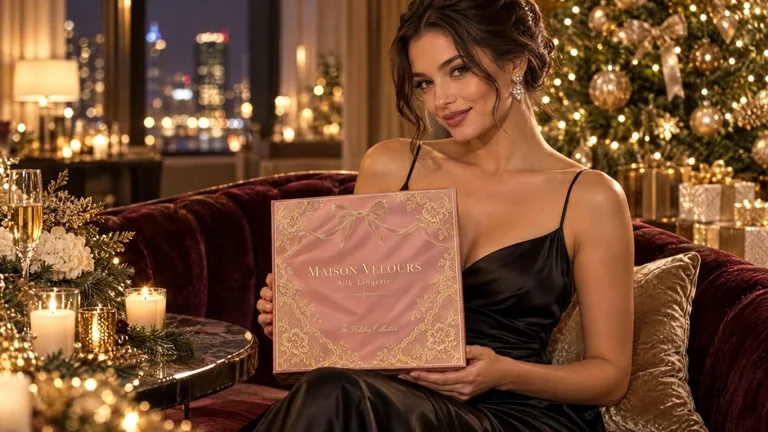
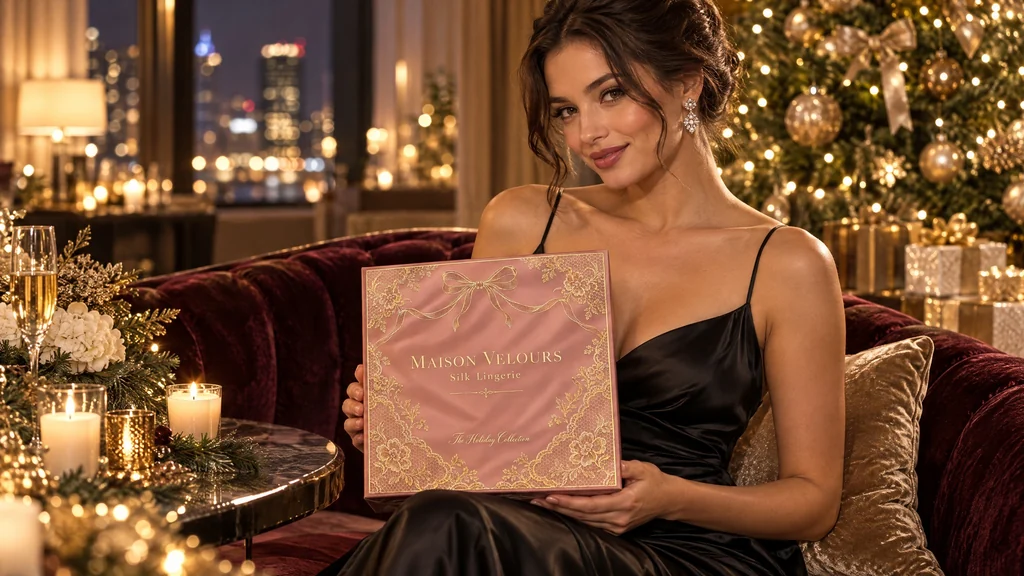
  • Lingerie gift box ad, made with AI Product Video Generator
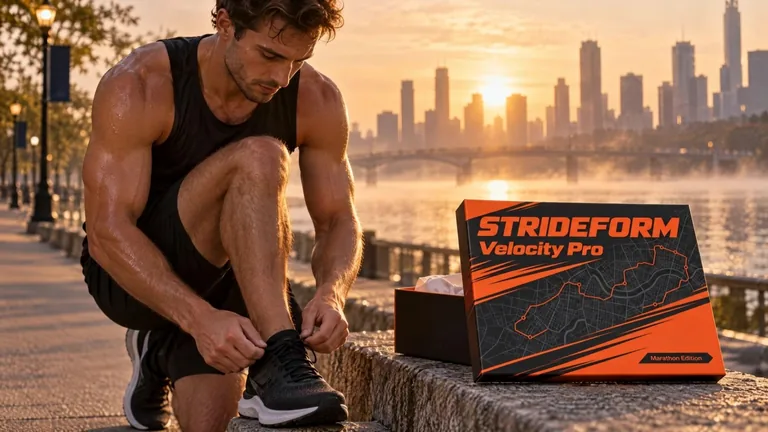
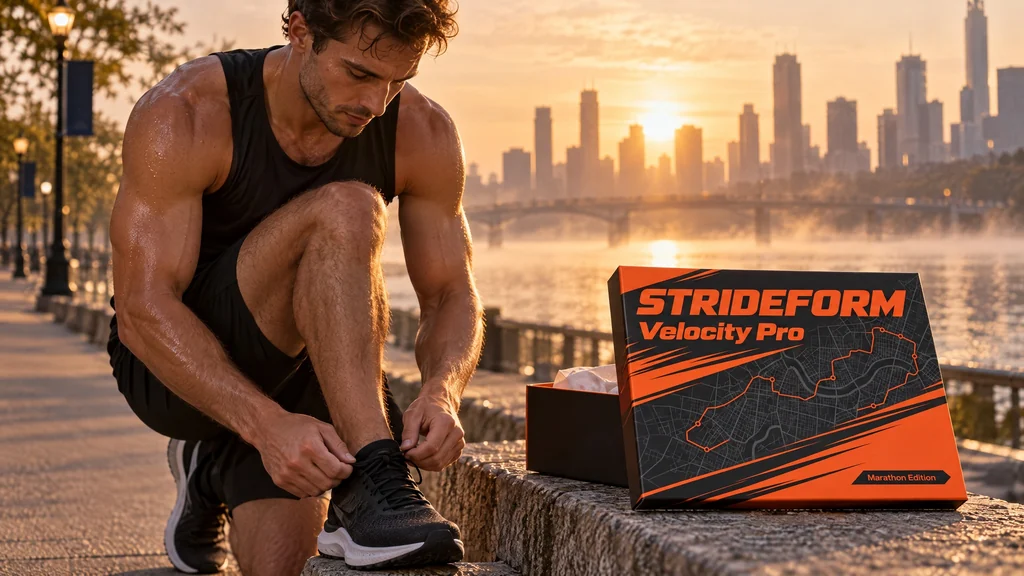
  • Marathon running shoe ad, made with AI Product Video Generator
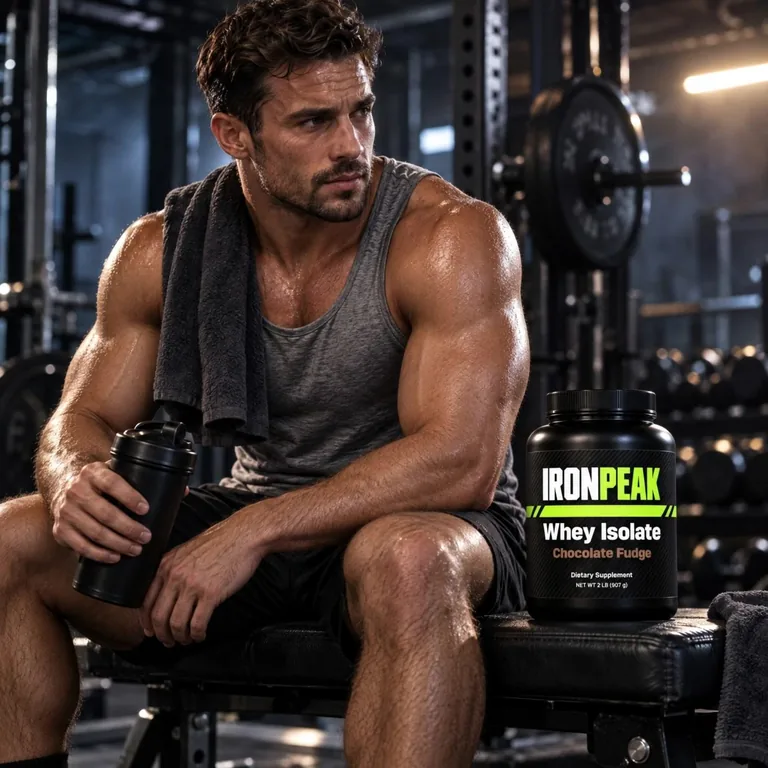
  • Gym protein ad, made with AI Product Video Generator

The AI product video generator uses credits from a plan or a credit pack: 135 credits for 5 seconds, 270 for 10 and 405 for 15, shown on the Generate button before you start. You pay only for the videos you receive. Every video arrives as a 1080p MP4 with sound and a poster, next to the first frame it came from.

camera moves, cinematic ads included
5
shapes: 16:9, 9:16 and 1:1
3
seconds a video, 1080p with sound
5 to 15
photo or design is all you need
1

How the AI product video generator works

Three steps from a still picture to a product video, with the credits on the button before you start.

First frame
First frame
Video

What the AI product video generator does for your product

Made for brands that sell a packaged product and want it to move without a film crew.

Lingerie gift box ad · Cinematic ad · 15 s

Cinematic ads with your model

Start from a picture of a model with your product, such as a serum held up in golden light or a runner lacing new shoes at dawn, and pick Cinematic ad: the people move, smile and say your line, the camera glides with them like a brand film, and the scene plays with its own sounds and music.

  • Slow push-inThe camera moves in slowly on the product.
  • Cinematic adThe people in your picture use the product in a film-like ad shot.
  • OrbitThe camera circles a little around the product.
  • Light and shadowSoft light and shadows drift across a still shot.
  • Tabletop sceneSteam, droplets or petals move around the product.

Camera moves written for packaging

Each of the 5 moves keeps the product in clear view and its front label toward the camera: a slow push-in, a cinematic ad where the people in your picture use the product, a short orbit, light and shadow drifting across a still shot, or a tabletop scene with steam, droplets or petals around the product.

First frame
First frame
Video

Your label stays readable

Every move is made to keep your product’s shape, colors, logo and printed words as they are in the first frame, so the brand name and the net quantity read the same at the end of the video as at the start.

First frame
First frame
Video

From your photo or your design

Start from a phone photo of the product, a mockup from our AI packaging mockup generator or any design you made here. Make a video sits under every AI mockup and product photo, so a new pack goes from mockup to product video in two clicks.

  • 16:9Website banner
  • 9:16Reels, TikTok, Shorts
  • 1:1Product page
  • 5 s135 credits
  • 10 s270 credits
  • 15 s405 credits

Sharp 1080p with sound for every channel

Videos come as 1080p MP4 files at 24 frames a second with sound, the scene’s own and a music bed, in the shape you pick: wide for banners and YouTube, tall for Reels, TikTok and Shorts, square for product pages and feeds.

Gym protein ad · Cinematic ad · 10 s

Ready in minutes, kept in your history

Videos arrive in about 2 to 6 minutes and stay in your history with their first frame beside them, so you can download one again, compare it with the picture it came from or make another with a different move.

What is an AI product video generator?

An AI product video generator turns a still picture of a product into a short video. You give it one image, the first frame, and it makes the next seconds: the camera moves, the light changes and the scene comes alive, while the product itself stays as it is.

This one is made for packaged goods: coffee bags, cans, jars, bottles, boxes and pouches. It starts from your own photo or design rather than a written description, so the video shows your real product and your real label.

Pick one of 5 camera moves, a shape and a length, add a note if you like, and the AI product video arrives as a 1080p MP4 with sound in your history.

Marathon running shoe ad · Cinematic ad · 15 s

Product animation without a 3D artist

Product animation used to mean a 3D model, hours of rendering and an animator. For a packaged product, much of what a store or an ad needs is simpler: the pack on a shelf as the camera moves in, a bottle catching the light, a box on a table with a few petals drifting by.

The AI product video generator makes these product animations from one picture. Orbit circles the product, Slow push-in moves in on the label, Light and shadow lets soft window light drift across a still shot, and Tabletop scene adds steam, droplets or petals around it.

For a box built from its exact dieline, start with the free 3D box in the AI packaging mockup generator or our dieline generator, then bring its picture here as the first frame.

Gym protein ad · Cinematic ad · 10 s

How to choose the first frame

The first frame shapes the video most. Use a sharp picture with the whole product in it, the front label toward the camera, a little room around it and even light. A packaging mockup in a scene works as well as a photo.

The video takes the shape you pick, and the picture is cropped to it. Drag the picture inside its frame to choose what stays in view; for a tall 9:16 video, a picture with room above and below the product works best.

A flat label or a dieline makes a flat video, so put the design on a product first with the AI packaging mockup generator and make the video from the mockup.

Which camera move to use

Slow push-in suits nearly every product and is the default: the camera moves in on the pack while soft light shifts across the scene.

Orbit suits bottles, jars, cans and boxes alike: the camera circles a little around the product while its front label stays in view.

Light and shadow keeps the camera still and lets window light and leaf shadows drift across the product, a calm loop for a product page. Tabletop scene keeps the camera almost still and adds small movement around the product, such as steam from a cup, droplets on a cold can or falling petals.

Cinematic ad is for a picture with people in it: a model holding your bottle at sunset, a runner beside your shoe box, a hand lifting your gift box. The people move naturally and use the product, the camera glides with them like a brand film, and your label stays in view. Describe the moment in your notes and put the line in double quotes, such as she smiles and says "Your glow, all evening long."

  • Slow push-inThe camera moves in slowly on the product.
  • Cinematic adThe people in your picture use the product in a film-like ad shot.
  • OrbitThe camera circles a little around the product.
  • Light and shadowSoft light and shadows drift across a still shot.
  • Tabletop sceneSteam, droplets or petals move around the product.

AI product videos for every channel

Square 1:1 suits product pages, store galleries and social feeds. Tall 9:16 is for Instagram Reels, TikTok and YouTube Shorts. Wide 16:9 fits a website banner, YouTube and a landing page.

Five seconds makes a clean loop for a product page or a social post, ten seconds gives an ad room for a slower move, and fifteen seconds tells a small story. Etsy listing videos run from 3 to 15 seconds and play without sound, so every length from this product video maker fits a listing as it is, while Reels, TikTok and Shorts play its sound.

Every video comes with its own sound: the natural sounds of its scene, a fitting music bed and the words you put in double quotes in your notes, said by your model or by a voice-over, so it is ready to post as it is.

  • 16:9Website banner
  • 9:16Reels, TikTok, Shorts
  • 1:1Product page
  • 5 s135 credits
  • 10 s270 credits
  • 15 s405 credits

What the AI product video generator costs

A video uses 135 credits for 5 seconds, 270 for 10 and 405 for 15, whichever camera move and shape you pick, and the Generate button shows the cost before you press it. You pay only for the videos you receive.

Credits come from a plan or a credit pack: plans start at 800 credits a month, and a 500-credit pack works without a plan (pricing). 800 credits make 5 five-second videos with sound.

In your history, Reuse opens a video’s settings again, so you can try another camera move on the same first frame.

Who uses the AI product video generator

Small brands with a product to sell and no film crew.

Shopify and Etsy shops

A short loop for each product page and listing, made from the photos you already have.

Beauty and skincare brands

A model holding your serum in golden light, in a tall video for Reels and TikTok.

Fashion and gift brands

Your gift box in the hands of a model in an evening gown, for the holiday season.

Sportswear and nutrition brands

A runner beside your shoe box at dawn or an athlete with your protein tub in the gym.

AI product video generator questions

What sellers ask before their first product video.

Upload a product photo

What is an AI product video generator?

A tool that turns one picture of a product into a short video with a camera move. Here you upload a photo or a packaging design, pick one of 5 moves, a shape and 5, 10 or 15 seconds, and get a 1080p MP4 with sound.

Does the video keep my label and logo?

Each camera move is made to keep your product’s shape, colors, logo and every printed word as they are in the first frame. Big type and logos come through clearly, and a sharp first frame keeps small print crisp.

What picture should I start from?

A sharp photo or mockup with the whole product in it, the front label toward the camera and even light, as a PNG, JPG or WebP. For a cinematic ad, a picture of your model with the product works best. Drag it inside the frame to choose what the video shows.

Can the video show a model using my product?

Yes. Start from a picture with the model and the product in it, your own photo or one made with the AI packaging mockup generator, pick Cinematic ad and describe the moment in your notes, such as a first sip or a toast, with any line to say in double quotes.

Do the videos have sound?

Yes. Every video has the natural sounds of its scene and a fitting music bed, and it can talk: put the words in double quotes in your notes, and your model says them on camera or a voice-over reads them, in English or Chinese. Ready for Reels, TikTok, Shorts and your store.

Can I make a product animation from a flat design?

Yes. Put the design on a product with the AI packaging mockup generator first, use the mockup as the first frame, and pick Orbit or Slow push-in for the product animation.

How long does a video take?

Usually 2 to 6 minutes, longer videos taking longer. You can keep working on another page; the video waits in your history.

How many credits does a product video use?

135 credits for 5 seconds, 270 for 10 and 405 for 15, from a plan or a credit pack, shown on the Generate button before you start. You pay only for the videos you receive. Our barcode, label and dieline tools are free.

Can I use the videos commercially?

Yes, under the commercial license of your plan or credit pack; the Business plan covers a company. Use pictures of products and people you have the right to show.

Make your first AI product video

Upload a photo of your product or its packaging, pick a camera move, and the AI product video generator shows the credits before it starts.