

AI Bottle Mockup Generator

A bottle mockup before the print run: judge the curve, the glass and the label in place, before the printer the free view turns your file on the bottle you chose, and the AI tab sets that bottle in a dinner table, a bathroom counter or a store shelf.

  • 6 bottle types, 4 colors, 5 closures
  • PNG and video, free
  • No sign-up, no watermark

AI Bottle Mockup

Bottle type

Your flat label

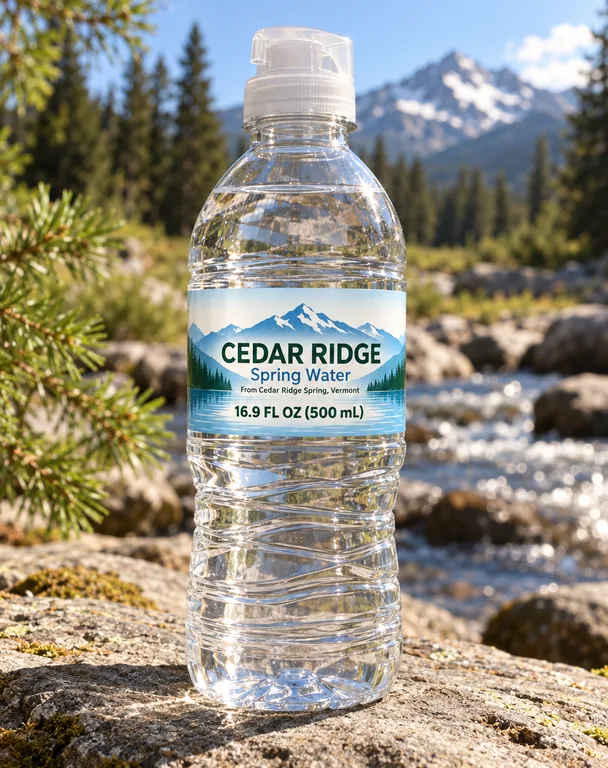
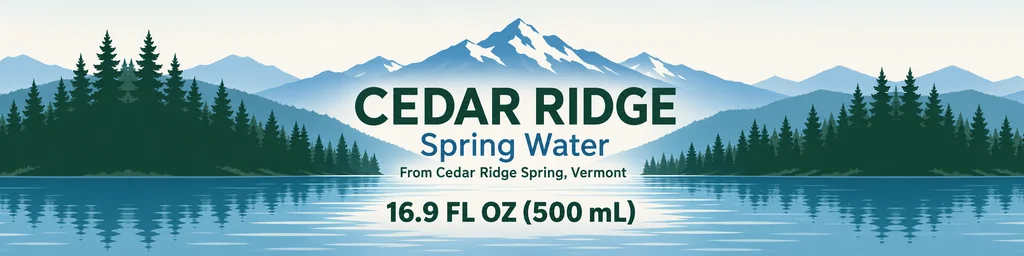
A PNG, JPG or WebP of the label for the Water bottle: 8 × 2 in, 2,400 × 600 px at 300 dpi. A file with its 0.125 in bleed works too, and the bleed is cropped from the view. Nothing is uploaded.

Add your flat label to check its shape against the bottle type you picked.

Turn

Drag the bottle or use the slider to see the front, the sides and the back. The label sits on the body and the rest of the bottle stays plain.

Download

Free: no sign-up, no watermark, no credits.

Your flat label goes to the AI tab, with the bottle type, color and closure set. AI scenes use credits.

Video

Free: made on your device, no sign-up, no watermark.

Drag the bottle to turn it

Blank bottle PNGs (free)

A blank bottle of each type in the colors it comes in, drawn with no label, transparent at 4096 px, for a layout or a sketch.

Water bottle

Wine bottle

Dropper bottle

Hot sauce bottle

Juice bottle

Small round bottle

Your download starts at once.

Bottle mockup ideas made with this page

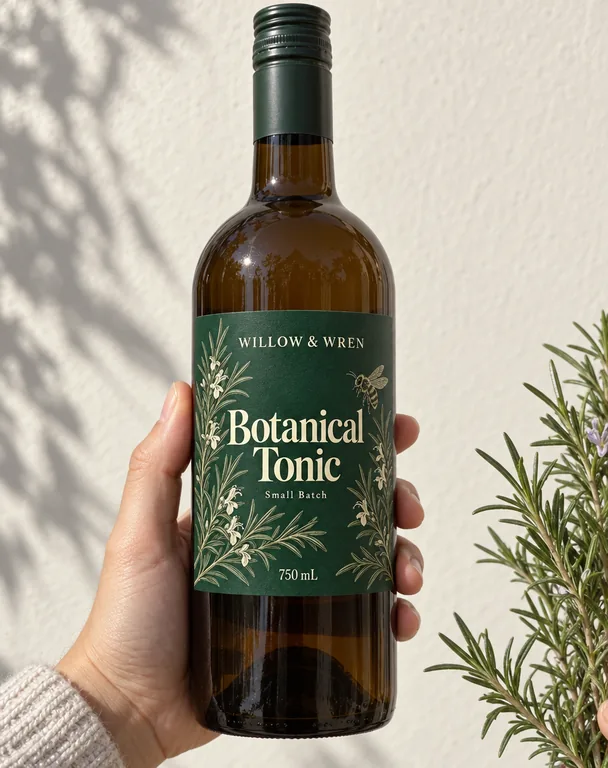
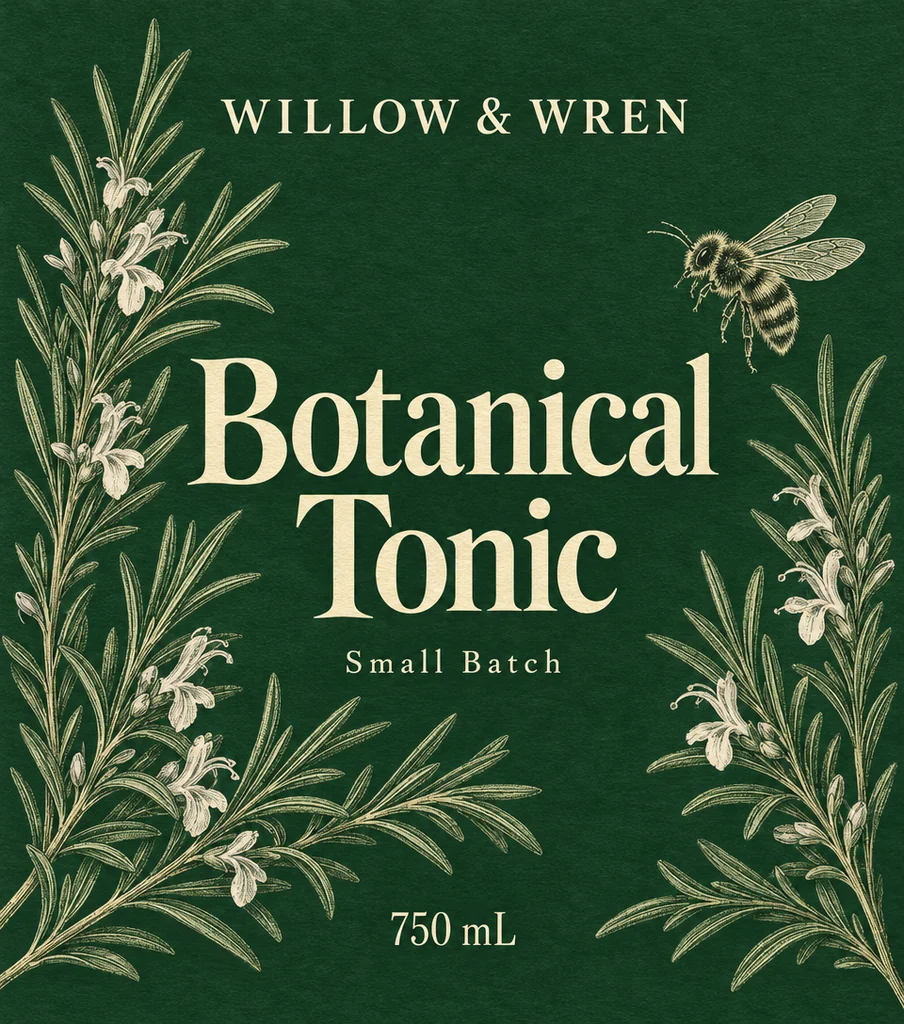
Eight bottle mockups made on this page: a water bottle outdoors, a dropper bottle on a bathroom counter, hot sauce in a kitchen, a juice bottle on a shelf, a wine pair on a dinner table, a spring water in a studio, a three-flavor lineup on white, and a botanical bottle in a hand. Open one to see the label and the result together, then make one like this.

  • Water bottle outdoors, made with AI Bottle Mockup
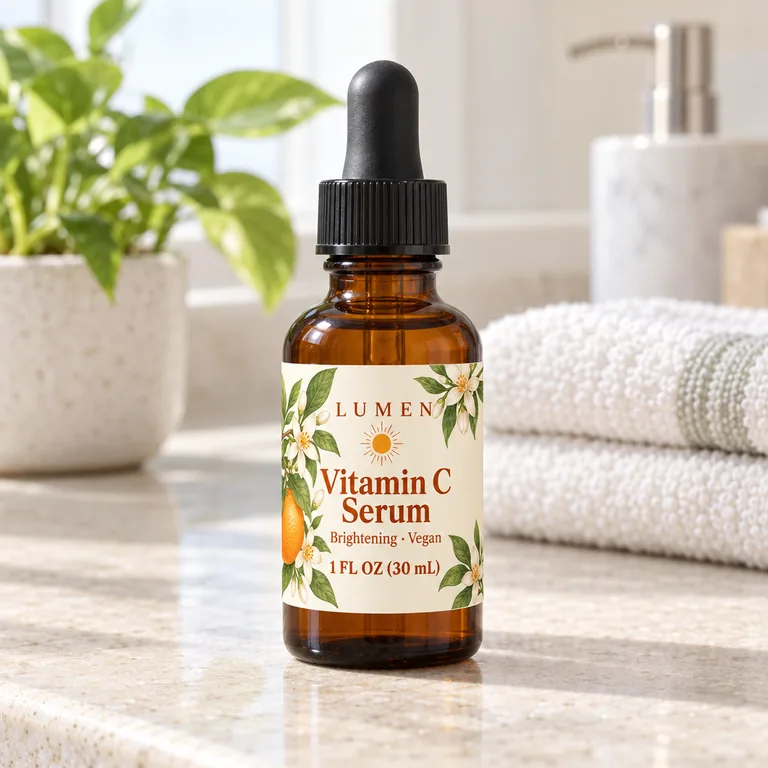
  • Dropper bottle on a bathroom counter, made with AI Bottle Mockup
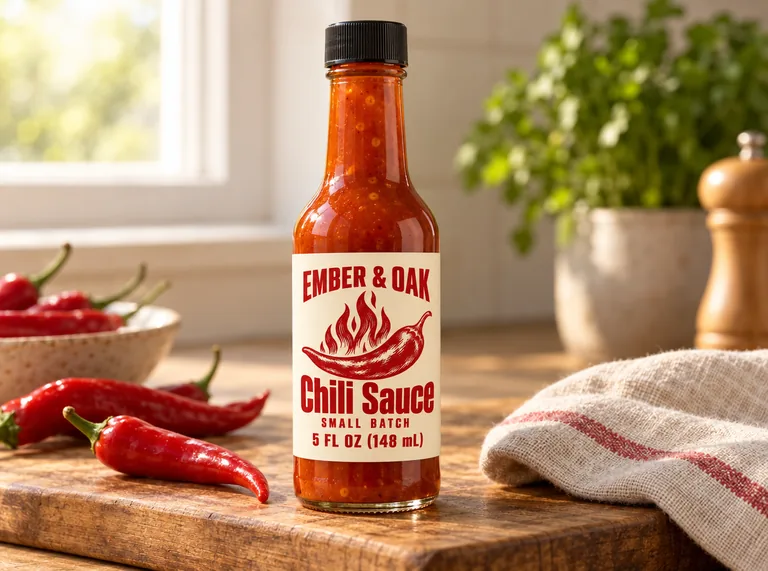
  • Hot sauce bottle in a kitchen, made with AI Bottle Mockup
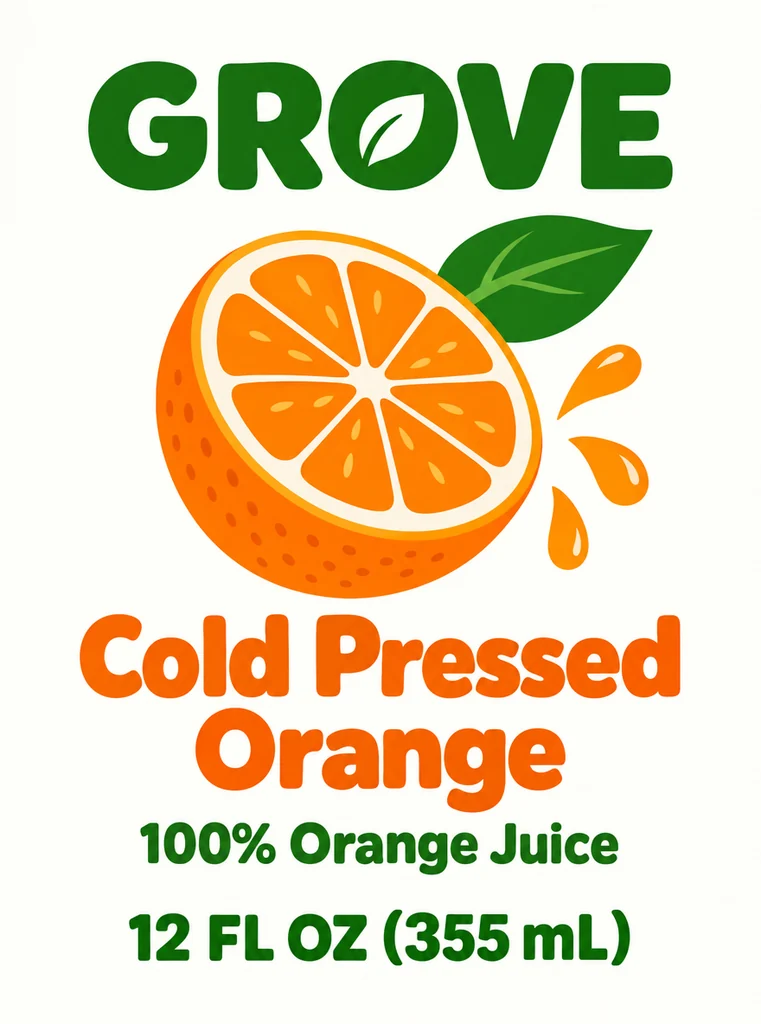
  • Juice bottle on a shelf, made with AI Bottle Mockup
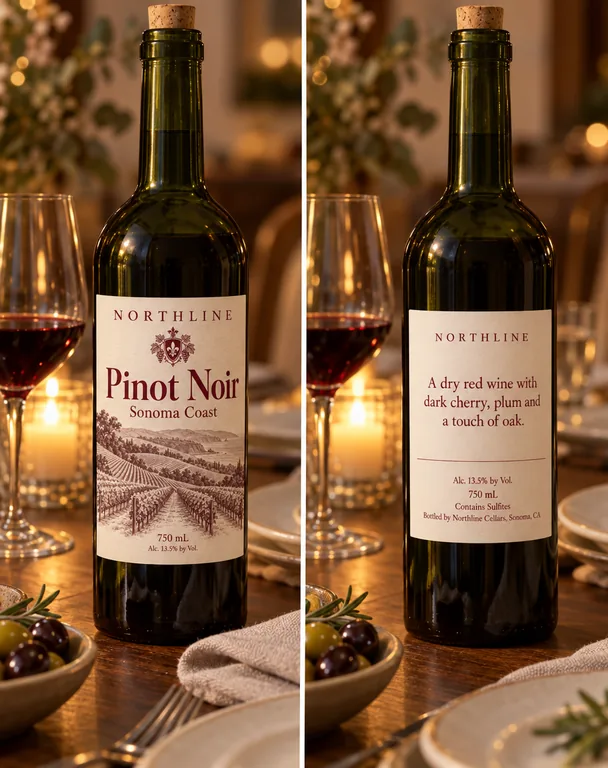
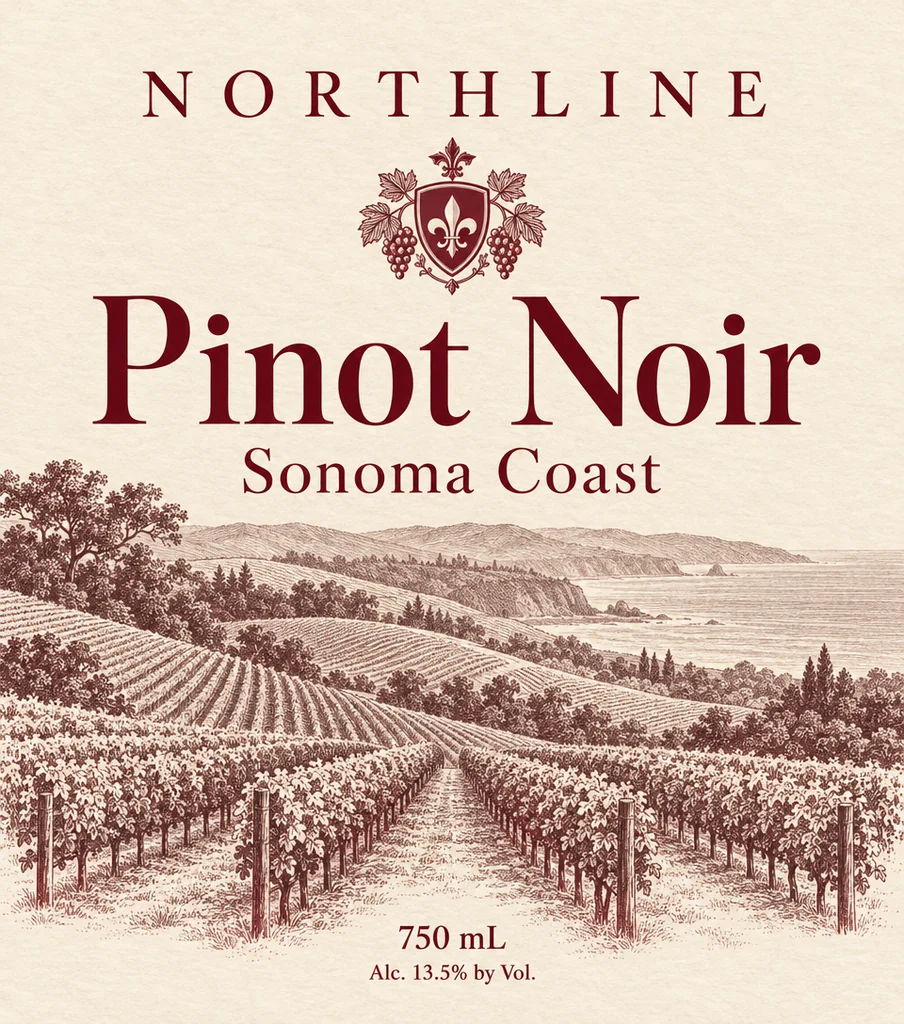
  • Wine bottle on a dinner table, made with AI Bottle Mockup
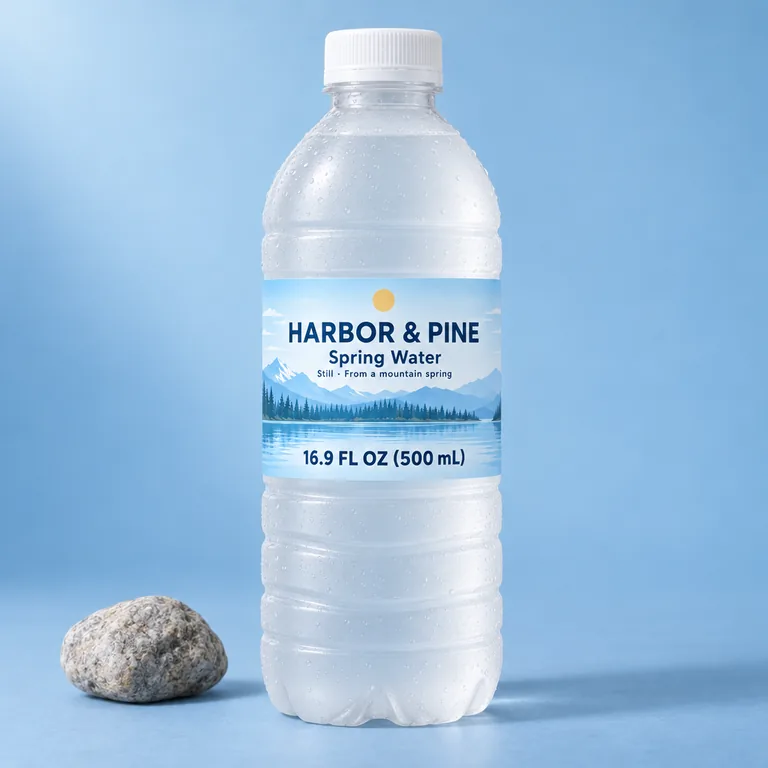
  • Spring water in a studio, made with AI Bottle Mockup
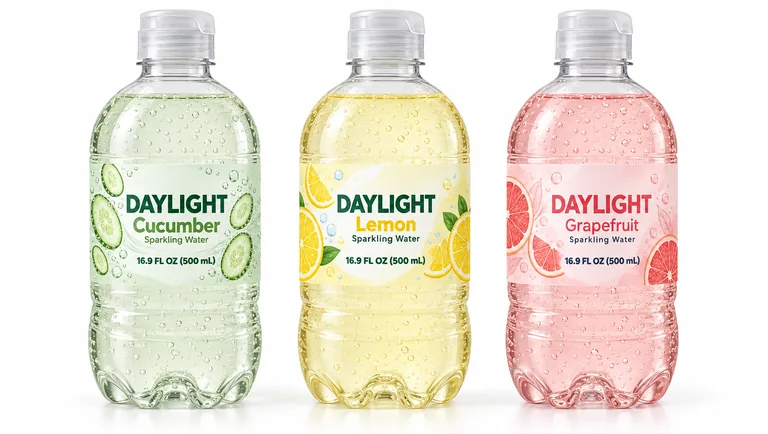
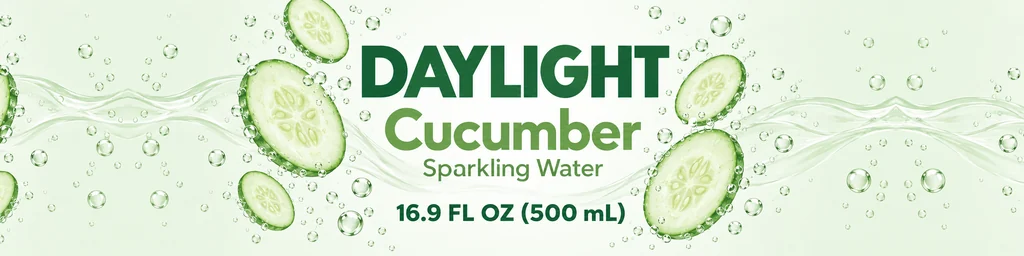
  • Three sparkling water flavors in a row, made with AI Bottle Mockup
  • Botanical tonic held in one hand, made with AI Bottle Mockup

The bottle view, its PNGs, its videos and the blank bottles cost nothing. An AI scene costs 5 to 20 credits a picture from a plan or a pack, and you pay only for the designs you receive.

credits for the bottle view and the blank PNGs
0
credits a picture in an AI scene
5 to 20
transparent PNG at the largest size
4096 px
scenes, from a dinner table to a store shelf
9

From a flat label to a bottle in three steps

The file you send to the printer is the one this page starts from. On a bottle of the type you choose, the free tab shows how it sits; the AI tab puts that bottle somewhere real.

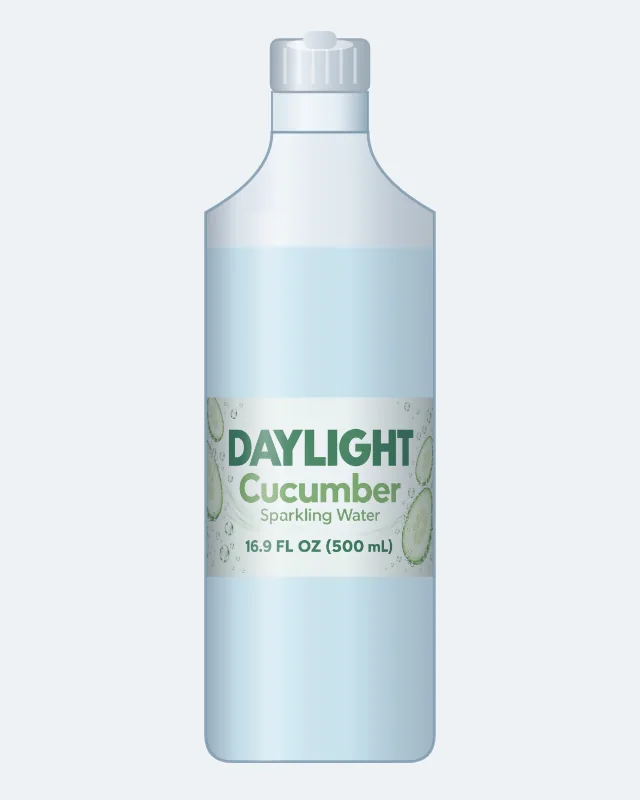
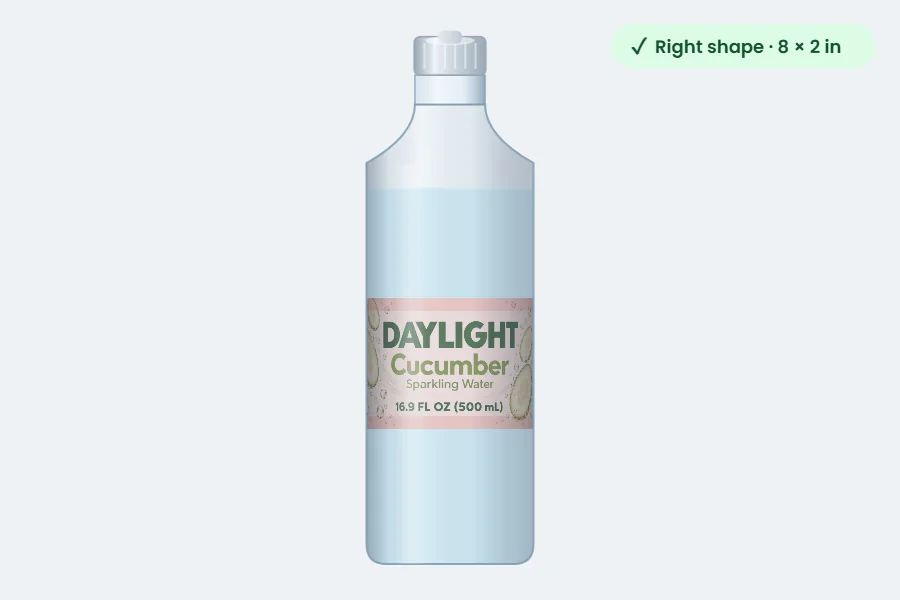
A 16.9 oz water bottle in its wrap label, turned to the front in the free bottle view
Free bottle view · drag to turn

Inside the bottle mockup page

One file, two ways to see it: a free bottle you control and a photograph made for you.

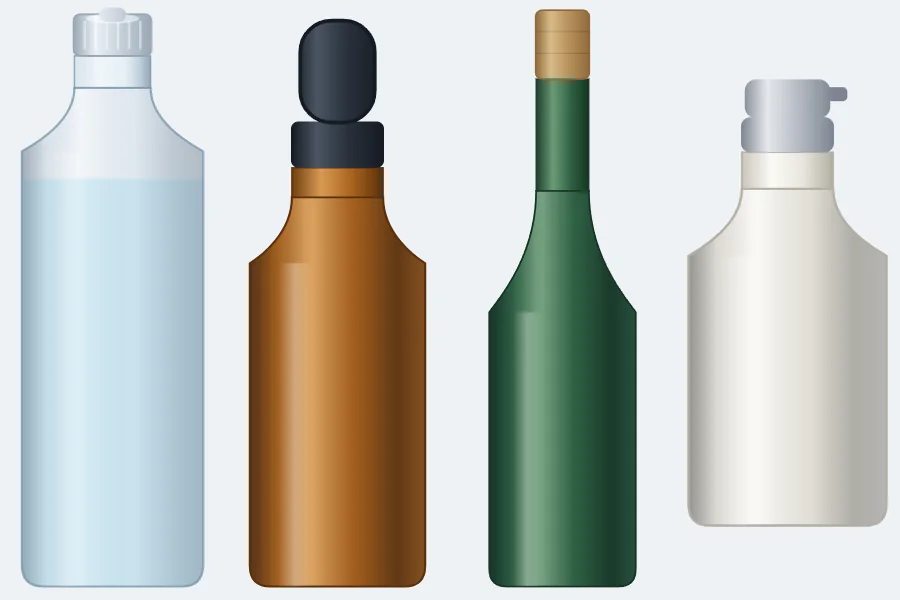
A blank clear water bottle, an amber dropper bottle, a green wine bottle and a white lotion bottle
Blank bottles · 4096 px, transparent

A free bottle mockup in six bottle types

The water bottle carries a wrap, the wine bottle a front and a back, and the dropper, hot sauce, juice and small round bottles a label on the body. Choose a shape, add the artwork, and the bottle turns without a charge.

A bottle label with its safe area shaded and a green check that its shape fits
Shape check · 1% either way

A shape check for every label

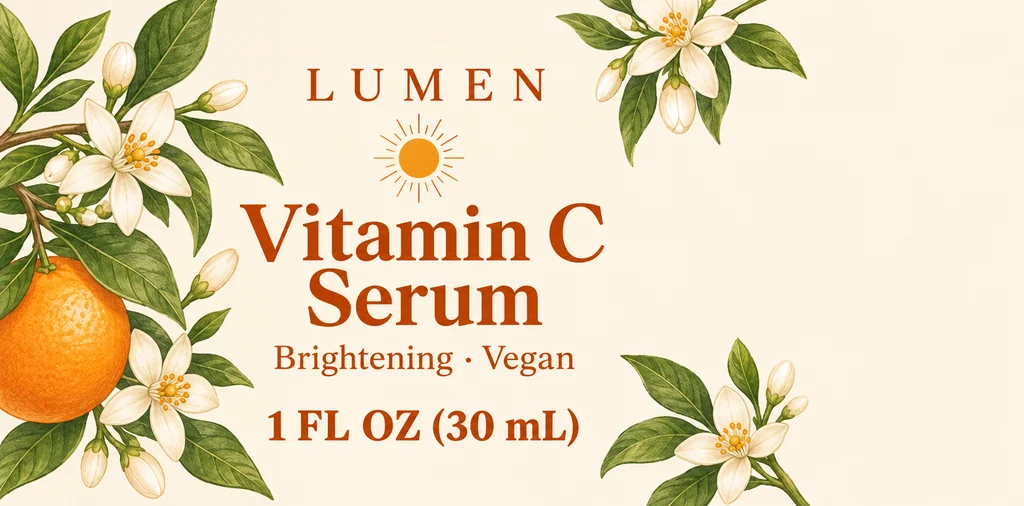
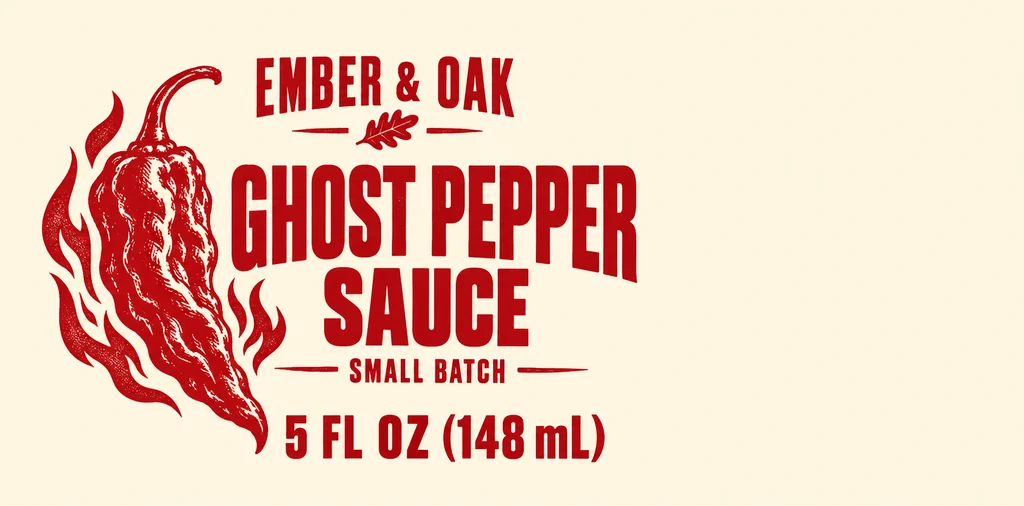
Every type has its own label size, taken from the pages that draw them: 8 by 2 inches for the water wrap on a bottle 8.05 inches around, 3.5 by 4 for AI wine label design’s front on a 9.47 inch Bordeaux, 3 by 1.5 for the dropper, 4 by 2 for the hot sauce, 3 by 4 for the juice and 3 by 2 for the small round bottle. The check measures your file against that shape within 1 percent and reports the difference, so a stretched picture is caught before it reaches a product page. A print PNG from AI bottle label design that includes the 1/8 in bleed is accepted, with the bleed hidden in the view.

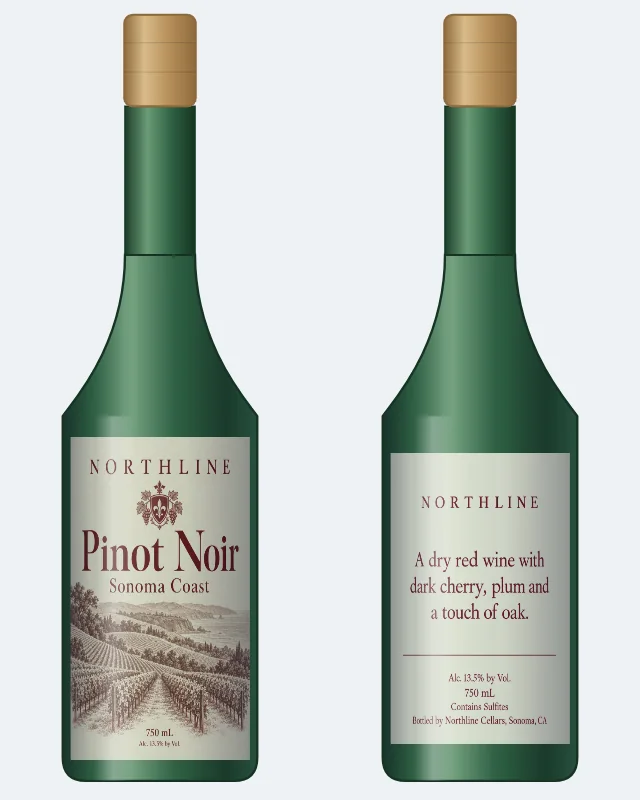
A wine bottle with its front label, and the same bottle turned to show its back label
Wine bottle · front label and back label

A wine bottle with its front and back

Wine carries two labels in this bottle mockup, and they are often different sizes. Choose AI wine label design’s front, or one of the wine label maker’s pairs, and load each side; the view checks the front against the front’s size and the back against the back’s, and draws each at its real size on the bottle.

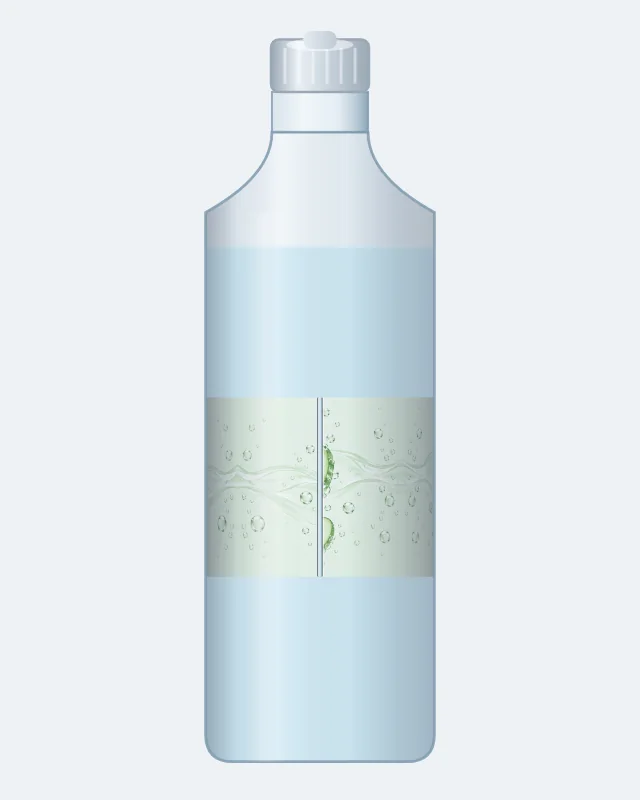
The water bottle wrap turned to the back, where its two ends meet, with the seam shown
Seam on request · where the wrap’s ends meet

The wrap’s seam, on request

An 8 inch wrap on a bottle 8.05 inches around leaves a thin gap where the two ends meet at the back. The bottle mockup seam toggle draws that meeting line; the safe area toggle shades the 3/16 inch a printer’s blade can reach, and 1/4 inch at the water wrap’s ends.

Botanical tonic held in one hand, made with AI Bottle Mockup

Bottle color and closure, built in

The bottle can be clear, amber, green or white, in the material its type uses. Closures follow the shape and the color follows the closure: a screw or flip cap on a water or juice bottle, a cork or screw cap on wine, a dropper cap on the dropper, a screw cap or cork on hot sauce, a screw cap or pump on the small round bottle.

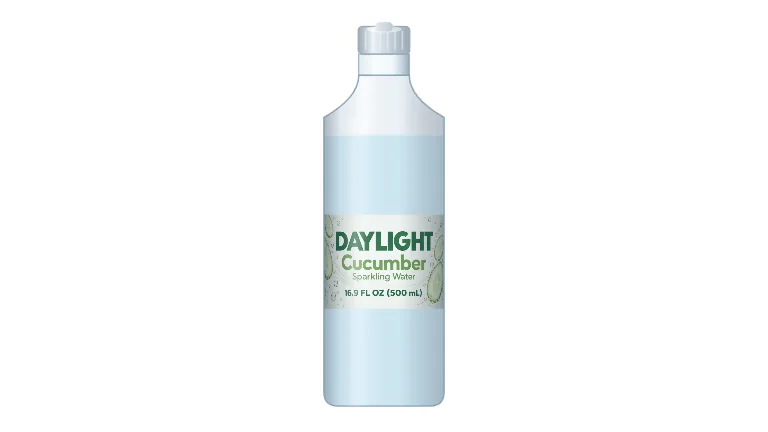
A frame of the turntable video, the water bottle on a white background
Turntable video · 6 s, 16:9, 9:16 or 1:1

PNG and turntable video, free

The bottle mockup PNG is a 4:5 picture at 2048 or 4096 px, on a transparent or a white background. The turntable is a real video file at 16:9, 9:16 or 1:1, made by the browser on your device. An account, a watermark and a credit charge are all absent.

Blank bottle PNGs

No artwork yet? For a bottle mockup, a blank bottle of each type, in the colors it comes in, downloads at 4096 px with a transparent background, drawn with no label.

Spring water in a studio, made with AI Bottle Mockup

AI bottle scenes

Where does the bottle live? A dinner table, a bathroom counter, a store shelf, a hand, a studio, the outdoors, a kitchen, a holiday table or a plain white set. The AI tab draws the bottle you chose into that place, with props and light around it, and you pay only for the designs you receive.

What a bottle mockup shows

A bottle mockup is how a drink or a product looks when a shopper meets it: on a dinner table, on a bathroom counter, on a shelf or in a hand. The picture serves a product page, a post, a pitch or a catalog while the bottle exists only as a file.

Why not wait for a sample? A printer needs flat artwork, and a flat file hides the curve of the glass, the color of the plastic and the size of the bottle in a hand. A labeled sample means a label run and a blank bottle. A picture of your own file on a bottle takes a minute.

A bottle mockup also catches the file before the printer does, and that bottle mockup is the one thing the AI tab is asked to place. The proportions, the safe area and the way a wrap closes are visible in the free view, where a mistake costs nothing to fix.

Then the same file goes into a scene for the launch, the social post or the deck. The starting point never changes.
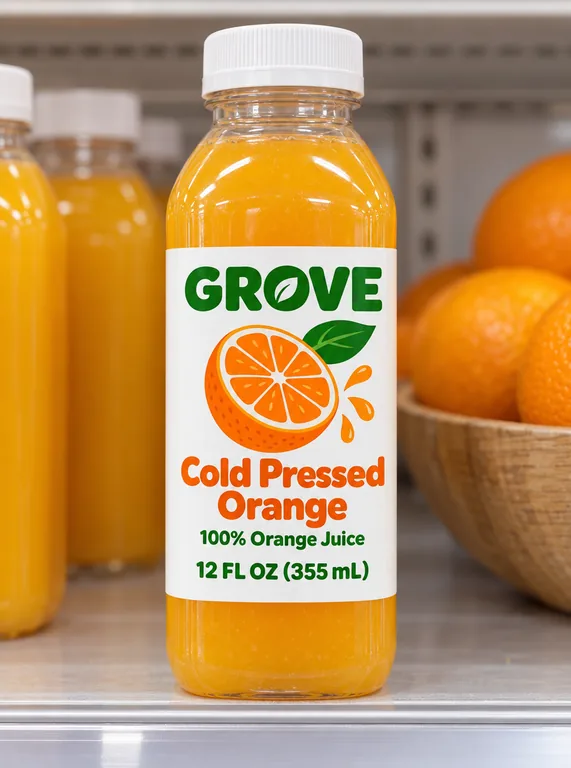
Juice bottle on a shelf, made with AI Bottle Mockup

A water bottle mockup from your own label

These are labeled drink bottles, the kind sold with a printed wrap: clear or white plastic, with a screw or flip cap. The wrap is read in your browser and fitted to the bottle’s label size, the rest of the bottle keeps its color, and the light follows the curve, so the water bottle mockup reads as a bottle rather than a label on a cylinder.

The 8 inch wrap sits on a bottle 8.05 inches around, so its two ends nearly meet at the back; the seam toggle shows where. A water bottle mockup for an event, a launch or a gift can carry a name, a date and a short line, with the net contents in its own field.

For a setting, the button under the download hands the label to the AI tab together with the bottle type, color and closure. The place comes from the outdoor scene, the dinner table or the store shelf.

From AI bottle label design to a product video

A water bottle label has facts to keep: the drink, the flavor, the net contents and the spring or source when it names one. The AI bottle label design page draws wraps and fronts for water, droppers, sauces, juice and small round bottles, built to keep the words you type to print.

That label can come straight here. In a scene under a design opens this page with the label loaded and the bottle type already set; then choose the color and the closure, and pick a setting.

From there, a camera move belongs to an AI product video generator, and a short ad to an AI commercial generator. The label, the print file, the mockup and the video all come from one design.

The view, its PNGs and its video downloads are free. Plans and packs price the AI runs in credits, and the button shows the count before you start.

A wine bottle mockup with a front and a back label

A wine bottle mockup carries more than one label. The front names the wine, and the back holds the description, the alcohol content, the net contents and the bottler. A picture of the front alone hides half of the design.

Load the pair from the wine label maker, which builds both sides from one set of wine facts, or choose AI wine label design’s front. The maker’s classic pair is 3.5 by 5 inches in front and 3.5 by 4.5 in back; the Bordeaux pair 4 by 4.5 and 4 by 4; the Avery pair 4 by 3.33 on each side. Each side is checked against its own size, not the other’s.

The wine bottle’s girth is 9.47 inches, from a 750 mL Bordeaux bottle measured at 3.015 inches across. Turn the bottle and the back label comes around on its own side.

Wine bottle on a dinner table, made with AI Bottle Mockup

Glass, plastic, color and closure

A bottle mockup label changes character with the bottle under it. The same artwork reads cooler on clear glass and warmer on amber; white glass quiets a loud color. Choose the color the product comes in, and the closure the bottle takes.

A glass bottle mockup for a syrup, a hot sauce bottle mockup for a small batch sauce, a juice bottle mockup for a cold pressed drink, a dropper bottle mockup for a tincture: the same page draws them all, at their own label size.

Hot sauce bottle in a kitchen, made with AI Bottle Mockup

Built for the screens a bottle sells on

The picture has to suit the place where it will appear, and this page keeps that in view. With nothing to match, a transparent PNG sits on a product page or a marketplace listing; a catalog grid prefers white. Stories take a 9:16 frame, feeds a 1:1, banners and thumbnails a 16:9.

The free file arrives at 2048 or 4096 px, and the turntable plays on a store page and in a post. The browser makes both, and neither costs a credit.

The AI scene is built to keep the label as you drew it, on the bottle and nowhere else: the bottle carries the design, the background carries no other brand, and the label’s words and numbers stay where they are.

Each AI picture costs 5 to 20 credits by mode and resolution. A run gives 1 to 4 pictures, and Reuse brings the choices back from the history.

Three sparkling water flavors in a row, made with AI Bottle Mockup

The small round bottle

The small round bottle has a 3 by 2 inch front, for a face serum, a body lotion, a syrup or a perfume oil. Its label sits centered on the body, and it takes a screw cap or a pump.

A square front does not fit it: the check reports how far off the file is and in which direction, before the picture is made. For a jar, a pouch or a box, the AI packaging mockup generator and the AI box mockup page have the product.

The label stays on the body: the free view shows the flat file where it will print, and the AI scene begins from that same file.

Dropper bottle on a bathroom counter, made with AI Bottle Mockup

Where a bottle mockup helps

A few decisions a bottle mockup makes easier, from a first file to a launch.

A first look at the label

Ahead of the print run, a bottle mockup starts with the label: turn it to the seam or the back and judge the proportions. A PNG is waiting within the minute, without a sample bottle.

A client review

A free PNG with the label on the bottle invites a talk about proportions before any print proof.

A water bottle for an event

A water bottle mockup for a wedding, a launch or a party names the bottle. Load the wrap, set the color and the closure, then put the bottle in the place where the event happens.

A blank bottle for a sketch

Before a label exists, AI bottle label design can draw one at the size you plan; then In a scene brings it back. A blank bottle PNG starts the layout even earlier.

Questions about bottle mockups

Sizes, shapes, the wine pair and the credits, answered for the bottle you are about to load.

Make your bottle mockup

Is the bottle mockup free?

Nothing on the free tab costs anything: turn the bottle, download PNGs and record the turntable without an account, a watermark or credits. A scene costs 5 to 20 credits by mode and resolution, from a plan or a pack, and you pay only for the designs you receive.

Which bottles does the bottle mockup offer?

Six: a water bottle, a wine bottle, a dropper bottle, a hot sauce bottle, a juice bottle and a small round bottle. AI wine label design’s front and the wine label maker’s three pairs set the wine sizes; the other labels come from AI bottle label design at the size each bottle takes.

How does a wine bottle mockup show the back label?

Choose the pair and turn the bottle with the slider or by dragging; the back comes around and passes its own check.

What file does the bottle mockup take?

Load the flat label as a PNG, JPG or WebP, either at the size above or with the 1/8 in bleed; the view trims the bleed away. Your browser reads the file, and it never leaves your computer.

What if my label is the wrong shape?

Pick a bottle type and the bottle mockup check reports how far your file is from that label, as a percentage and in inches or millimeters; the hint under the button gives the pixel size. Re-save the file at that size and add it once more.

Can I use the bottle mockup on a product page?

Yes. Download it at 2048 or 4096 px, transparent or on white. Each AI scene stays in your history, and Reuse brings back the bottle, its color, its closure and the setting. Every plan and pack carries a commercial license for your finished work, and Business and Enterprise add a company license.

Where do I get the label?

Start on AI bottle label design at the size you plan, then press In a scene under the result; the bottle arrives set. Until then, a blank bottle PNG keeps the space in a layout.

Put your label on the bottle

The print file comes first: load it, turn the bottle, save the bottle mockup PNG for free, and let AI place that bottle on a dinner table, a bathroom counter or a store shelf.