
AI Paper Bag Mockup Generator

A paper bag mockup answers what a flat file cannot: how the paper, the gusset and the handle read at the size you ordered, and how the bag looks once it is carried out of the shop.

  • 7 bag sizes in 3D
  • PNG and video, free
  • No sign-up, no watermark

AI Paper Bag Mockup

Bag size

Gift bag sizes
Shopping bag sizes

Paper, handle and finish

The laminate does not change the 3D bag; it goes with it into the AI scene.

Artwork

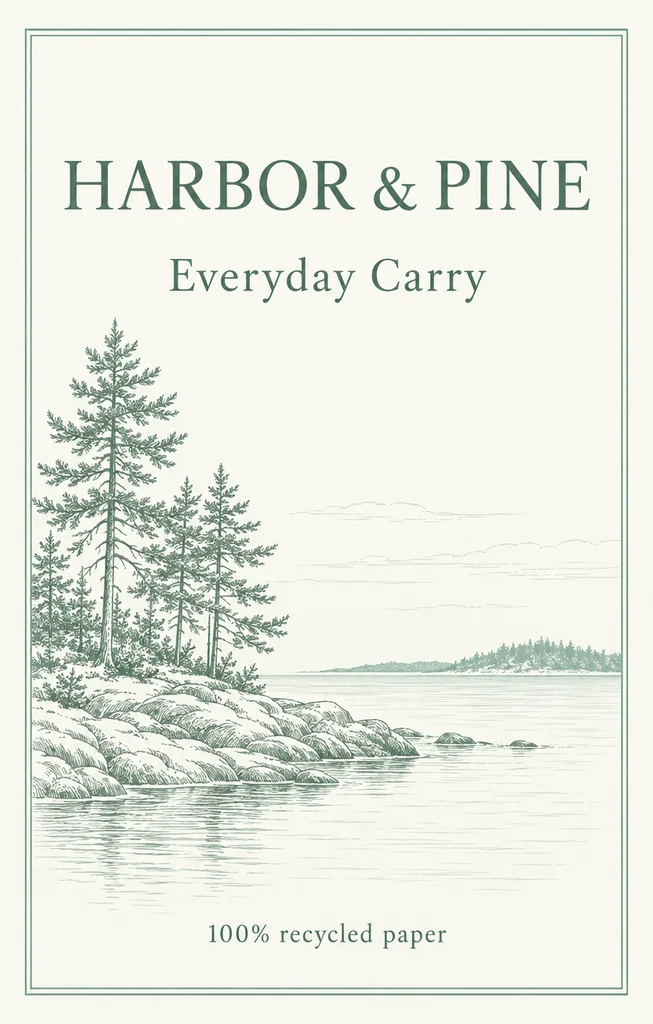
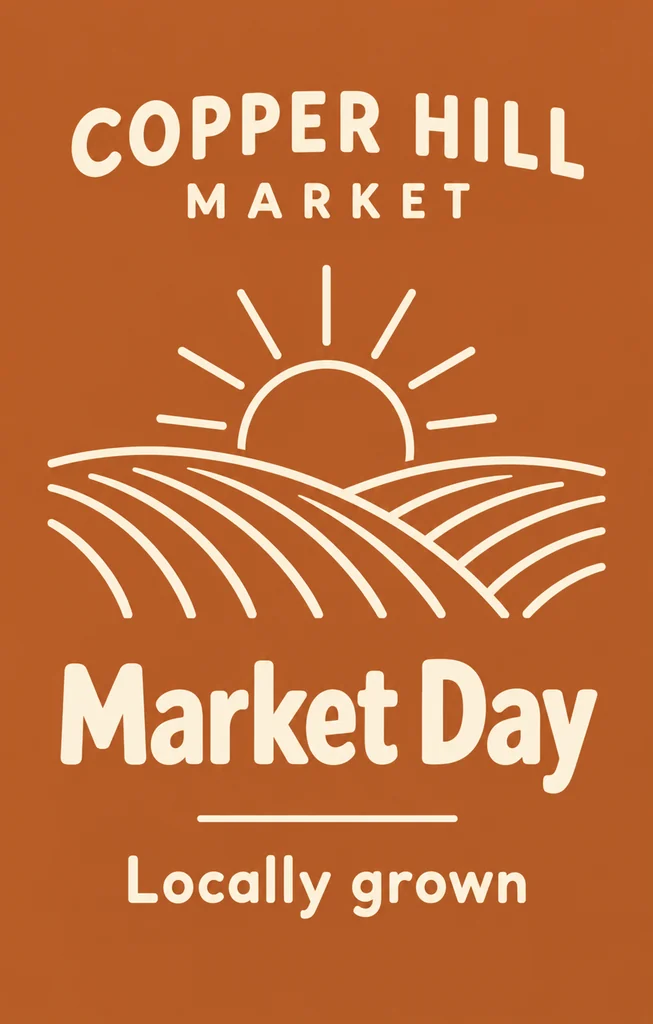
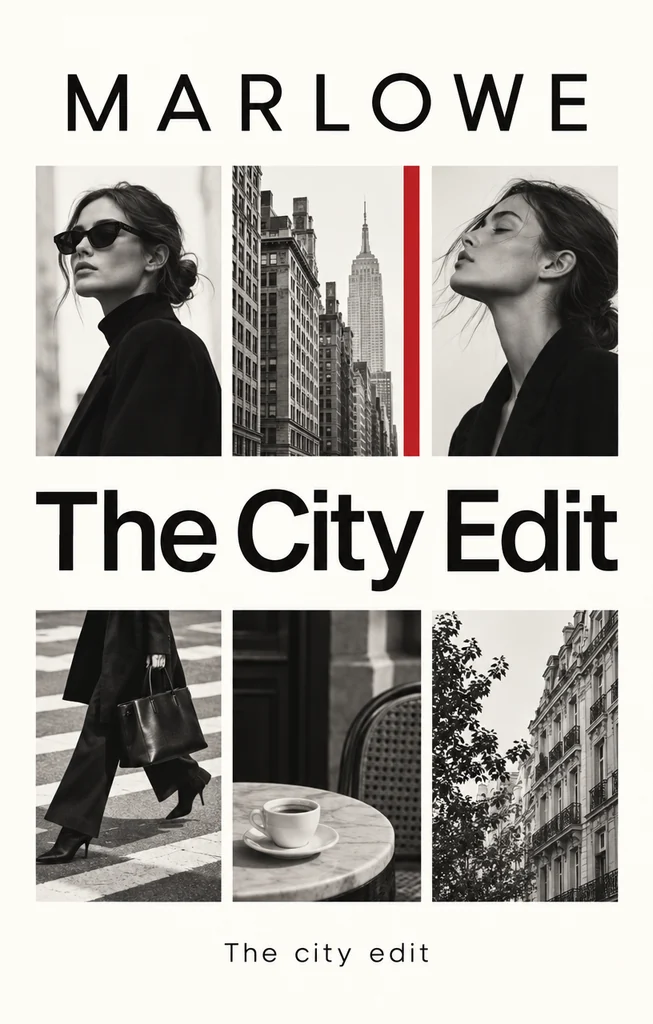
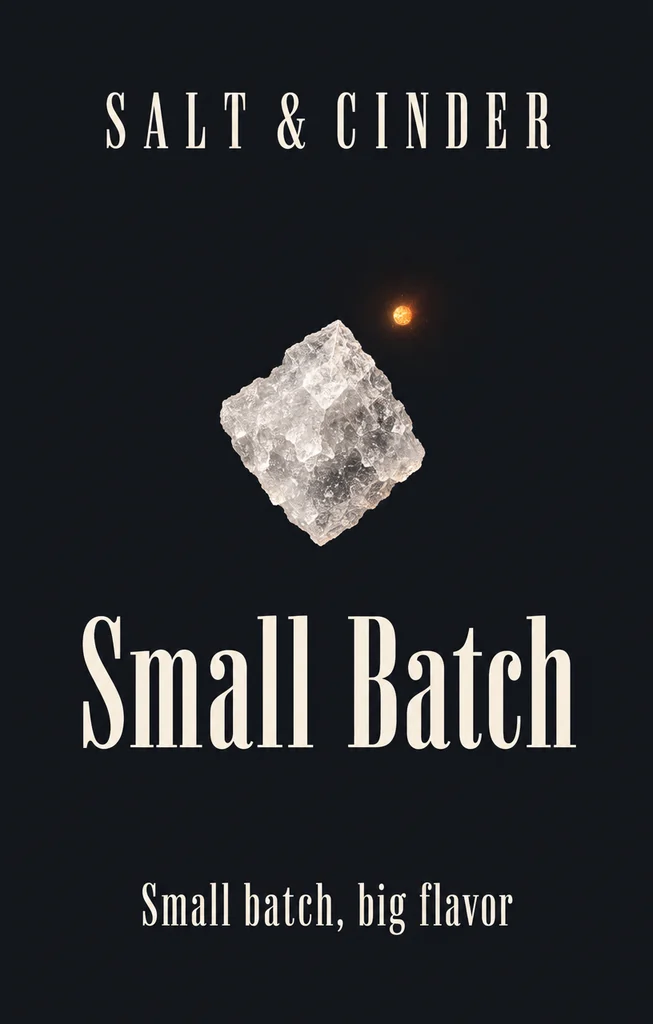
A PNG, JPG or WebP of the whole dieline sheet as the paper bag template exports it: Print setup → PNG, with Dimensions and title block and Each panel’s size off. With its 0.125 in bleed and its 0.197 in white margin it is 8983 × 4822 px at 262 dpi. Nothing is uploaded.

Download

Free: no sign-up, no watermark.

The closed bag on a white ground goes to the AI tab with the paper, handle and finish set. AI scenes use credits.

Video

Free: made on your device, no sign-up, no watermark.

Drag to turn

Blank paper bag PNGs (free)

A blank white or kraft bag at a few of the page’s sizes, with no artwork, transparent at 4096 px, so you can lay your own design on it.

Your download starts at once.

Paper bag mockup ideas made with this page

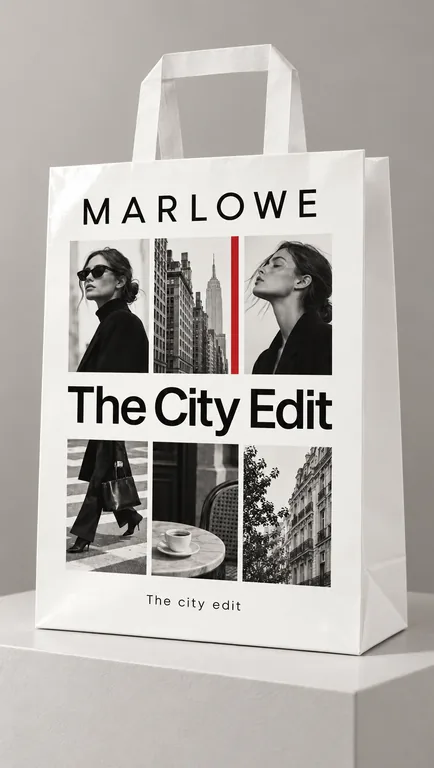
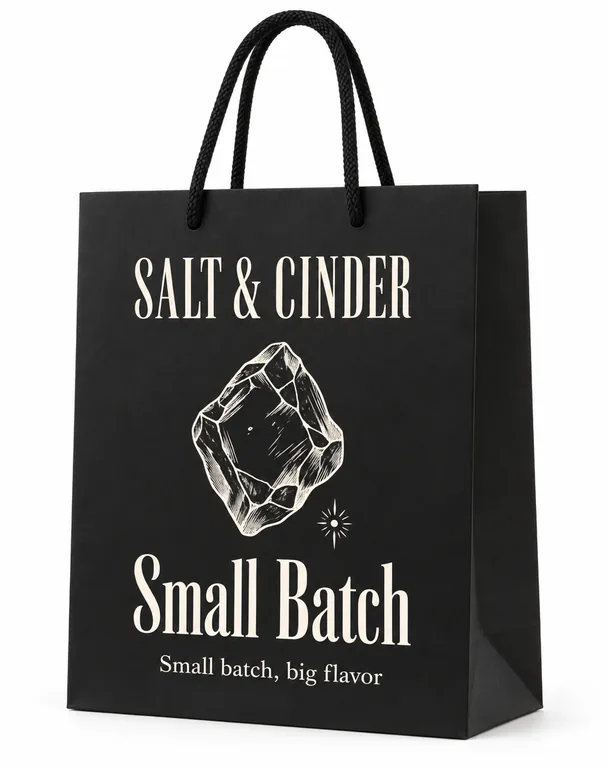
Eight paper bag mockups made here: white, kraft and black paper, twisted paper, flat paper, cotton rope and ribbon handles, matte and gloss laminate, each from its own flat front. Open one to see the print and the photo together, then make one like it with your own bag.

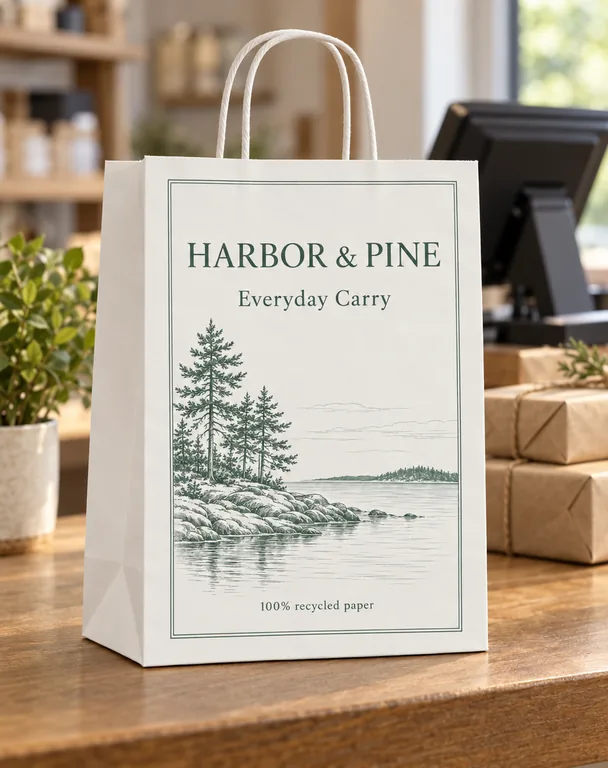
  • White bag on a shop counter, made with AI Paper Bag Mockup
  • Kraft bag held in one hand, made with AI Paper Bag Mockup
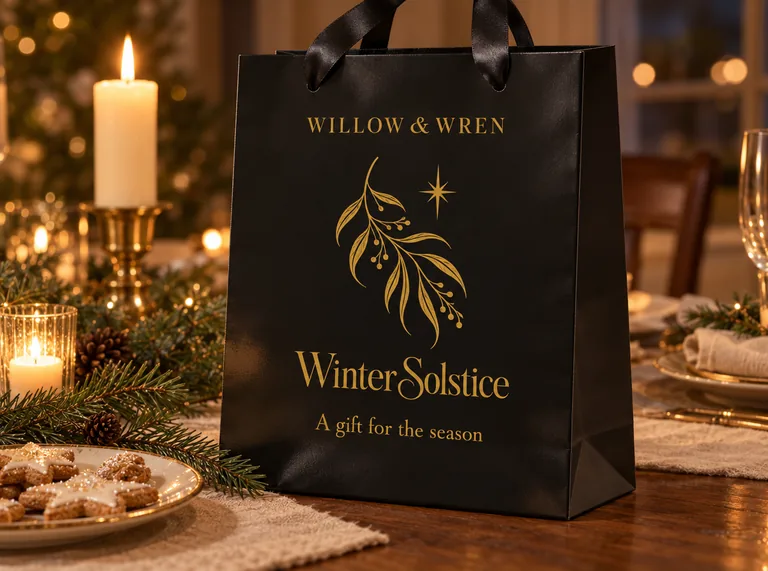
  • Black bag with a ribbon on a holiday table, made with AI Paper Bag Mockup
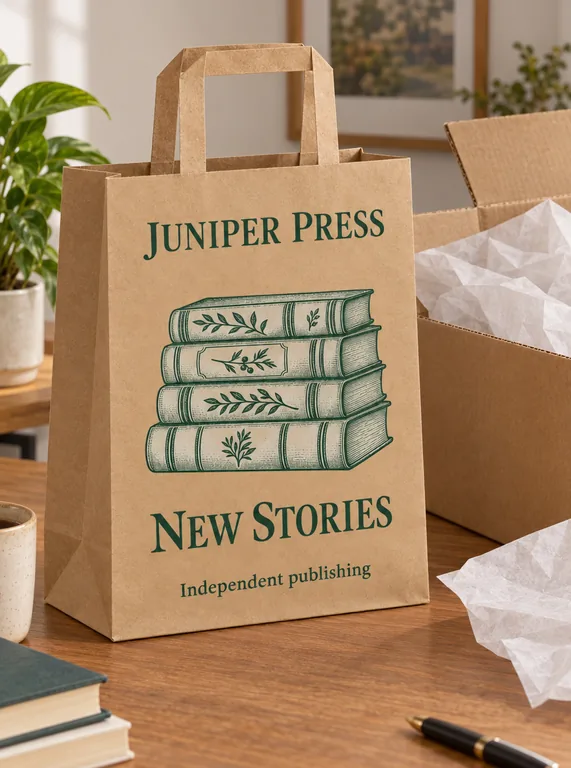
  • Kraft bag in an unboxing, made with AI Paper Bag Mockup
  • White bag in a studio, made with AI Paper Bag Mockup
  • Black bag on white, made with AI Paper Bag Mockup
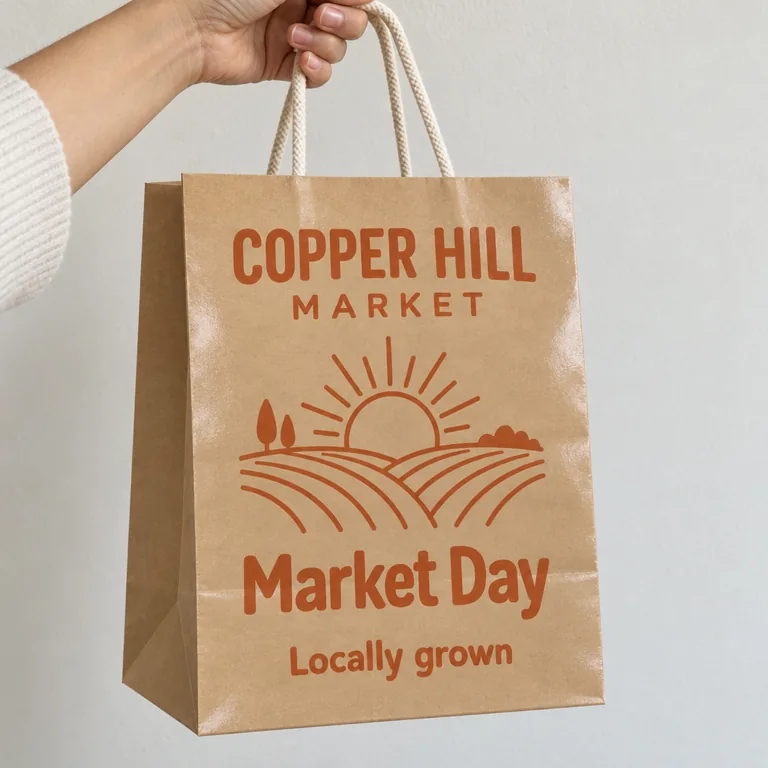
  • Kraft bag at a farmers market, made with AI Paper Bag Mockup
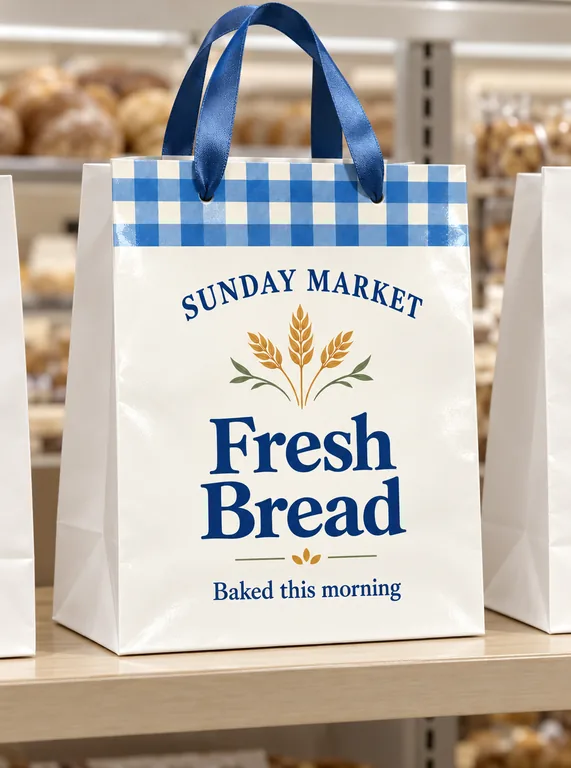
  • White bag on a shop shelf, made with AI Paper Bag Mockup

Scenes come out of your credit balance, whether a monthly plan or a one-off pack filled it. The free side of the page (the 3D bag, its PNGs and videos, and the blank bags) is not charged.

credits for the 3D bag and the blank PNGs
0
credits a picture in an AI scene
5 to 20
transparent PNG at the largest size
4096 px
scenes, from a shop counter to a holiday table
8

How to make a paper bag mockup in three steps

Set the size, add the artwork, then choose a place. The first two steps are free and happen in the browser; the third is the AI scene.

A printed paper shopping bag at 10 × 5 × 13 in with a twisted paper handle, made in the free 3D tab
Free 3D bag · your print file, no AI

What this paper bag mockup page does for you

The free tab gives the bag its shape and its pixels. The AI tab gives it a place to be seen.

Seven starting sizes, or your own

The four gift sizes and three shopping bag mockup sizes are shortcuts, not limits: the fields take any width, gusset and height up to 600 mm a side. A mug bag and a grocery bag use the same construction; only the numbers change.

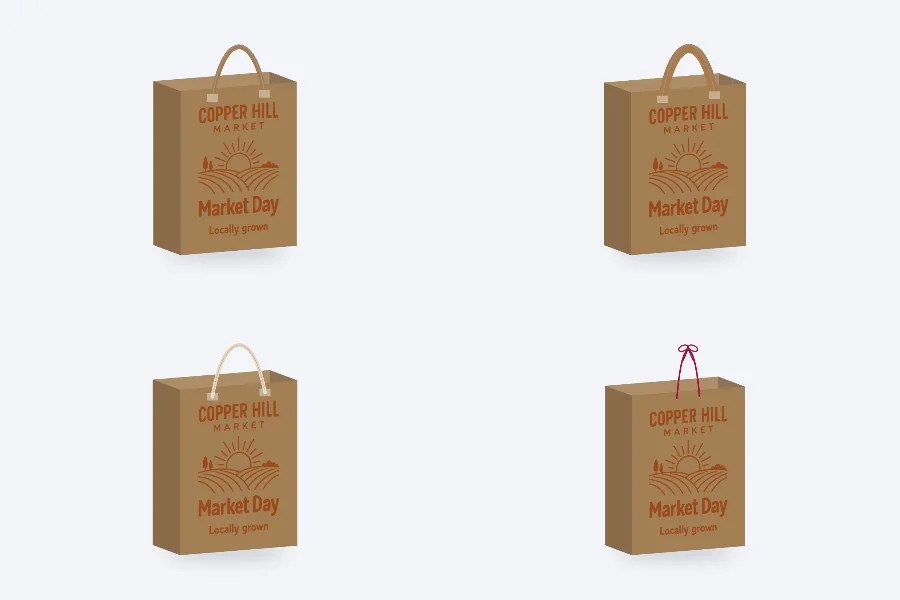
The same paper bag drawn with twisted paper, flat paper, cotton rope and ribbon handles
Four handles · drawn on the bag

Four handles that suit the paper

Twisted paper, flat paper, cotton rope or a ribbon through the template’s holes. The handle sits at the top of the bag and follows the angle you turn it to; the paper is white, kraft or black, and the finish is chosen for the AI scene.

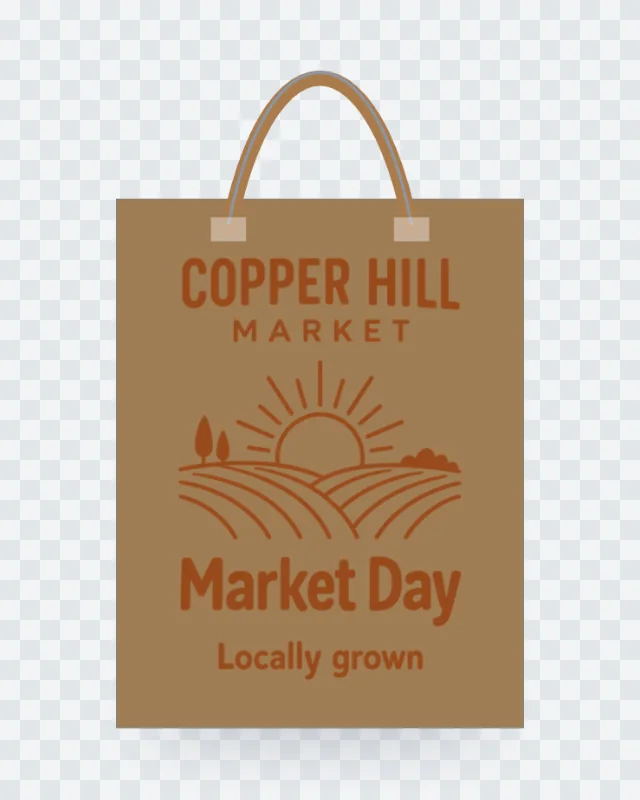
A transparent paper bag mockup PNG on a checkerboard, downloaded from the free 3D tab
Transparent PNG · 2048 or 4096 px

A print file where it will print

The whole dieline sheet lands on the front and back panels and is clipped at every fold. A front design fits inside the panel instead, never stretched, and is repeated on the back. The PNG comes out 2048 or 4096 px on its long side, with a clear ground or a white one.

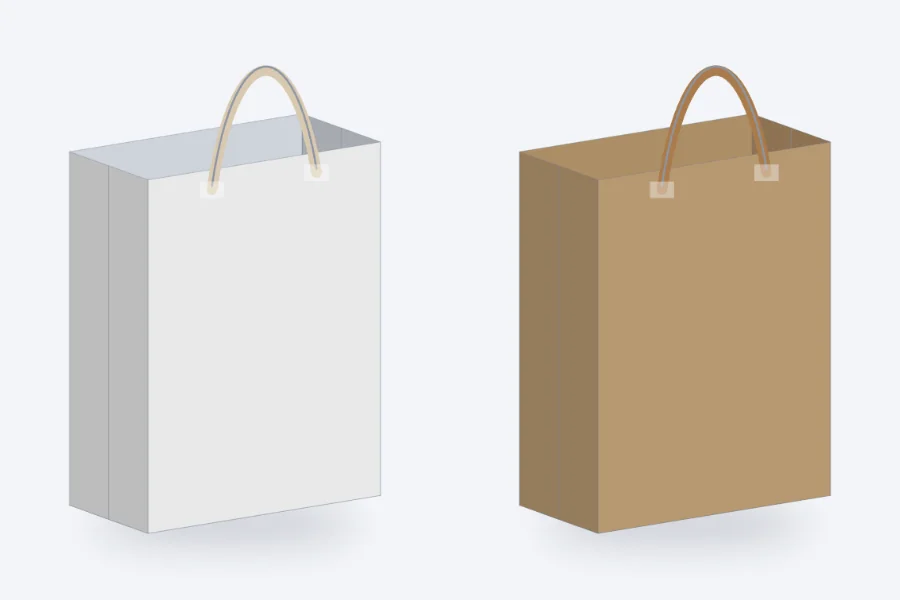
A blank white paper bag and a blank kraft paper bag
Blank bags · white and kraft paper

Blank bags to draw on

White and kraft bags at four sizes, 4096 px and transparent, with no artwork. Use one as a base for a layout, a size chart or a listing image when the printed bag is not ready yet.

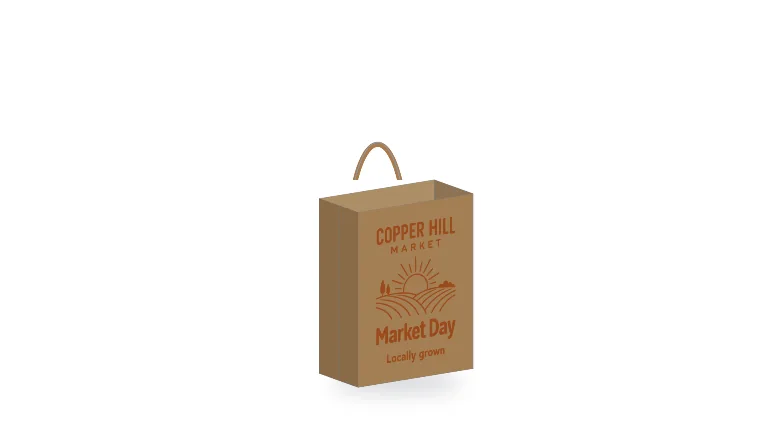
A frame of the free 3D paper bag turntable video
Turntable video · recorded here

A short video of the bag

Choose a turntable or a fold reveal, one of three frames (wide, tall or square) and a white, gray or dark ground; the recording runs on your device and downloads when it stops. Afterward the bag can go on to an AI product video or a commercial.

Kraft bag held in one hand, made with AI Paper Bag Mockup

Scenes for a bag in use

A shop counter, a hand, a store shelf, an unboxing, a holiday table, a studio, a white background or outdoors. The paper, handle and finish are set with the place, so the scene starts from the bag you built.

Kraft bag in an unboxing, made with AI Paper Bag Mockup

A history you can return to

Each scene keeps its place, paper, handle and finish. Reuse fills the composer with the same choices, and Try again starts the same run. Nothing on the 3D side is metered: the bag, the stills and the recordings are outside the credit balance.

What a paper bag mockup is for

A flat print file shows ink on paper. A paper bag mockup shows the object: the fold at the base, the gusset, the turn-in at the top and the handle change how the design reads, and a buyer sees the bag before it exists.

Use the 3D bag to check proportions and the placement of the print file. Use a scene when the bag needs a setting, such as a launch post, a lookbook, a marketplace listing or a pitch to a shop. The two answer different questions: geometry and place.

The free tab of this paper bag mockup is exact about the sheet. The AI tab is a photograph, with light, props and a background. Start with the question in front of you, and move between the tabs when the question changes.

A paper bag mockup also keeps a design decision visible: a handle that is too wide, a front that is too tall or a color that disappears on kraft all show up before a printer is involved.
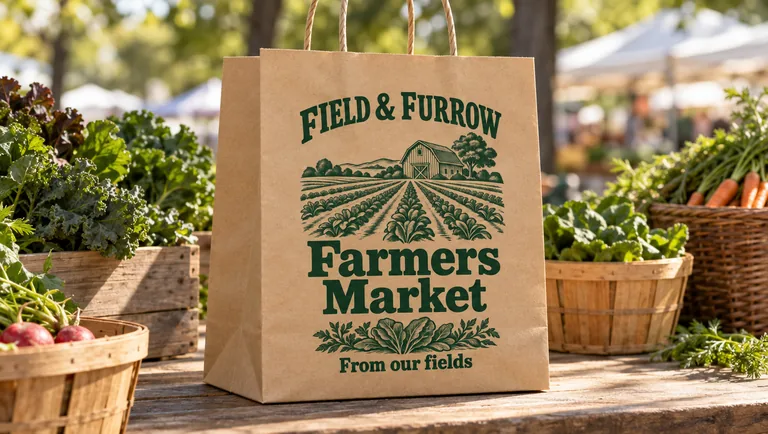
Kraft bag at a farmers market, made with AI Paper Bag Mockup

Shopping bag mockup sizes

The three shopping bag mockup sizes are 8 × 4.75 × 10 in, 10 × 5 × 13 in and 16 × 6 × 12 in inside. They are common US sizes, not a rule; type the width, gusset and height of the bag you ordered and the sheet follows.

Width is the face, gusset is the side and height runs from the base to the top edge. The sheet grows with the numbers; the 3D tab keeps one board thickness, so the flat size follows the bag.

A size chart is a good use of two exports: put the small gift bag and the large shopping bag at the same scale, name each file with its size, and let a customer see what fits.

The AI scene does not use the measurements; it shows a bag, not a ruler. Keep the 3D PNG for size, and use the scene for the impression.

White bag on a shop shelf, made with AI Paper Bag Mockup

Gift bag mockup with a ribbon

Scale a paper bag down and change its handle, and you have a gift bag mockup; the construction does not change. The four gift sizes cover jewelry, candy, a book and a small present; the ribbon holes in the template become a ribbon handle in the 3D tab.

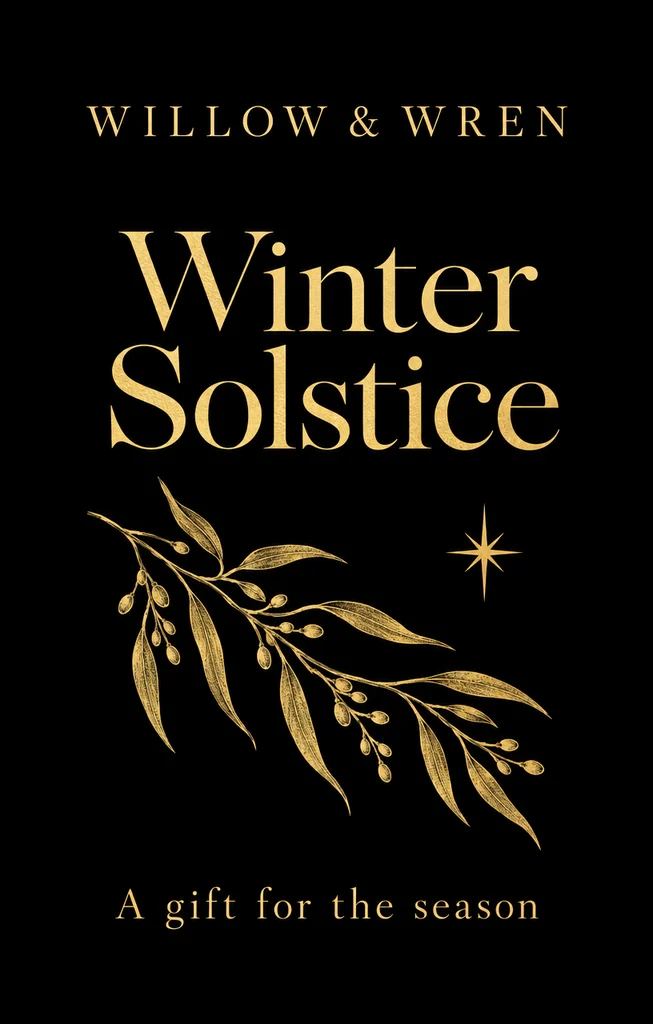
The ribbon is drawn through the two holes, so it sits at the top the way a real one does. The gift bag mockup on black paper with gold ink and a ribbon is one example; white and kraft paper take the same treatment.

For a season, put the bag on a holiday table with a sprig and a plate; for a shop, keep the counter simple. The picture should show the bag, not a second brand.

Black bag with a ribbon on a holiday table, made with AI Paper Bag Mockup

From the paper bag template to a video

The paper bag template draws the flat sheet at your size and exports the PNG that the 3D tab takes. Its card and 3D toolbar open this page with the bag’s size, its paper and its ribbon holes already set.

A front from AI packaging design does not travel here on its own: add it on this page’s AI tab with Add your artwork. The page does not pull results in from other pages; the file is yours to add.

After a recording, the bag can go to an AI product video or an AI commercial with the still as the first frame. The 3D bag and its video stay free; the AI videos use credits.

White bag in a studio, made with AI Paper Bag Mockup

Where a paper bag mockup appears

A product page wants a clear or white PNG; a feed wants a square or upright frame; a banner wants a wide one. The scene’s shapes run from 9:21 to 21:9, with 9:21 in Quality only.

A PNG with no background sits on a listing without a backdrop to match, and a white ground works in a catalog grid. Use the same bag in both and the listing stays consistent.

The PNG is exported at 2048 or 4096 px on its long side, clear or white. Each size gets its own file name, so a shop can pick the one it needs.

The AI scene shows the bag in a place, not to scale. Keep the measurements in the 3D tab and the flat file; use the scene for the mood.

Black bag on white, made with AI Paper Bag Mockup

Where a paper bag mockup earns its place

A few of the moments a shopping bag mockup or a gift bag mockup is reached for.

Before the first print run

A bag can be shown before it is printed: fold the file, export a clear PNG, and build a 4:5 scene for the launch post.

A size comparison for customers

Export the small gift bag and the large shopping bag at the same pixel height; the 3D tab writes each size into the file name, so the pair is easy to label.

A gift set that looks finished

A ribbon handle, kraft paper and a holiday table turn a plain front into a gift; the same bag without the ribbon is the everyday version.

Paper bag mockup questions

The short answers about this paper bag mockup: the free 3D bag, the AI scenes, the files and the credits.

Make your paper bag mockup

Is the paper bag mockup free?

Nothing on the free side asks for an account: the 3D bag, the stills, the recordings and the blank bags arrive without a watermark or a credit charge. The price is 5 to 20 credits a picture, according to mode and resolution. A run is charged for the pictures it returns.

What file does the 3D bag take?

Two kinds. The whole print file is the paper bag template’s PNG: Print setup → PNG, with Dimensions and title block and Each panel’s size off, the whole sheet with its bleed and 5 mm margin. Front artwork mode takes one front design, fits it inside the panel and repeats it on the back by default. Nothing is uploaded.

Which sizes are ready?

Four gift bags, from 3 × 1.5 × 4 in to 5 × 1.5 × 7.5 in, and three shopping bags: 8 × 4.75 × 10, 10 × 5 × 13 and 16 × 6 × 12 in. Type any other width, gusset and height and the bag folds at that size.

Does the AI scene keep the words?

The scene starts from the artwork you send, with the paper, handle and finish set. The result is a photograph built around the bag you designed; compare it with your file in Side by side before you use it.

Which handles can I choose?

Twisted paper, flat paper, cotton rope and ribbon. The ribbon uses the two holes the template cuts; the others are drawn on the top edge. The handle is part of the 3D bag and follows the view.

Can I use the bag mockup on a product page?

Yes. The PNG is yours at 2048 or 4096 px on its long side, clear or white, and the AI scene lands in your history. Commercial use is included with every plan and pack; a whole company is covered at Business.

What if I have no dieline?

Draw one free in the paper bag template, or start with a front design and use front artwork mode. The template’s Mockup with your artwork button opens this page with the bag’s size, paper and ribbon holes set.

How many images can one run make?

One to four, in a shape from 9:21 to 21:9 (9:21 in Quality only), at 1K, 2K or 4K. The price is per picture, and the button shows the total before you press it.

Start with your own bag

Type the size you ordered, add the file, and take the free PNG. The AI tab is there when the bag needs a counter, a hand or a table around it.