
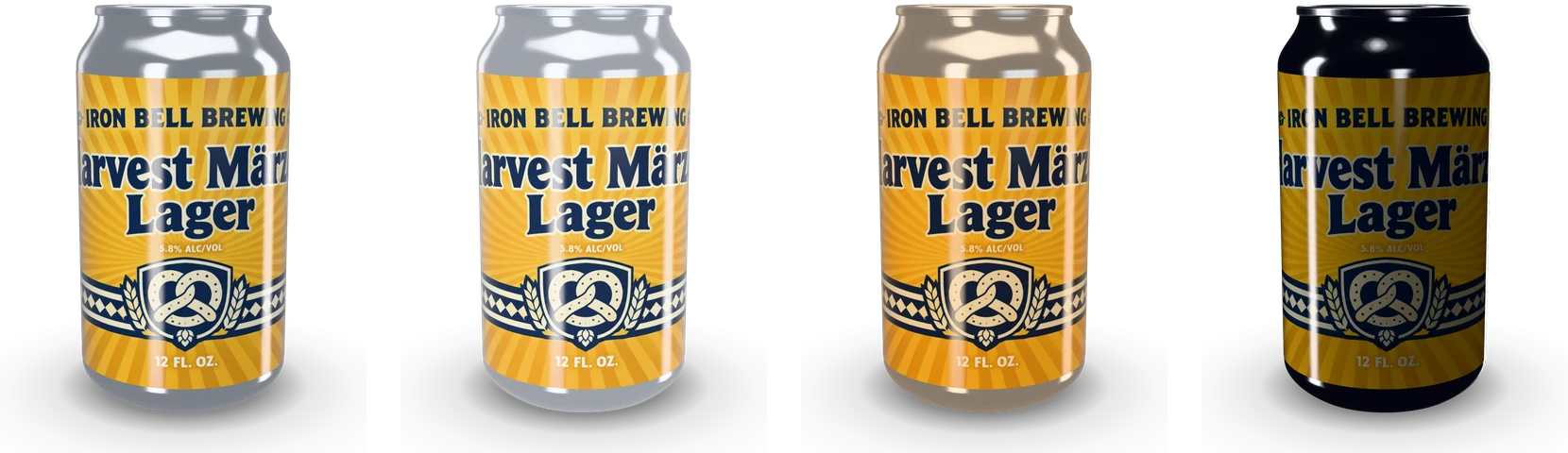
Free Can Mockup in 3D

This free can mockup builds the can from its real size and lays your wrap on it at the print size, so the seam, the neck and the metal sit exactly where they will on the shelf.

  • Free, no sign-up, no watermark
  • 8 cans or your own size
  • Your print file placed 1:1
  • PNG, JPG and WebP up to 8K

Free Can Mockup

Can

Print

A label round the wall, its ends meeting at the back.

in
in
0 in

Artwork

PNG, JPG or WebP, or drop it on the can

Samples

Can wraps made with AI beer can design

300 dpi PNG with the trim, the 1/8 in bleed, the safe area and the seam.

Color and finish

Download

1638 × 2048 px

Put this can in an AI scene

Send your wrap and this can to AI can mockup: a photo-real scene on a bar, a beach or in a cooler, made from your words.

Loading the 3D viewer…
common can sizes, from 250 ml slim to 500 ml
8
the longest side of a download
8192 px
picture shapes, from 1:1 to 9:16
5
one full turn in the turntable video
6 s

How to make a free can mockup

Four steps from a flat wrap to a picture of the can.

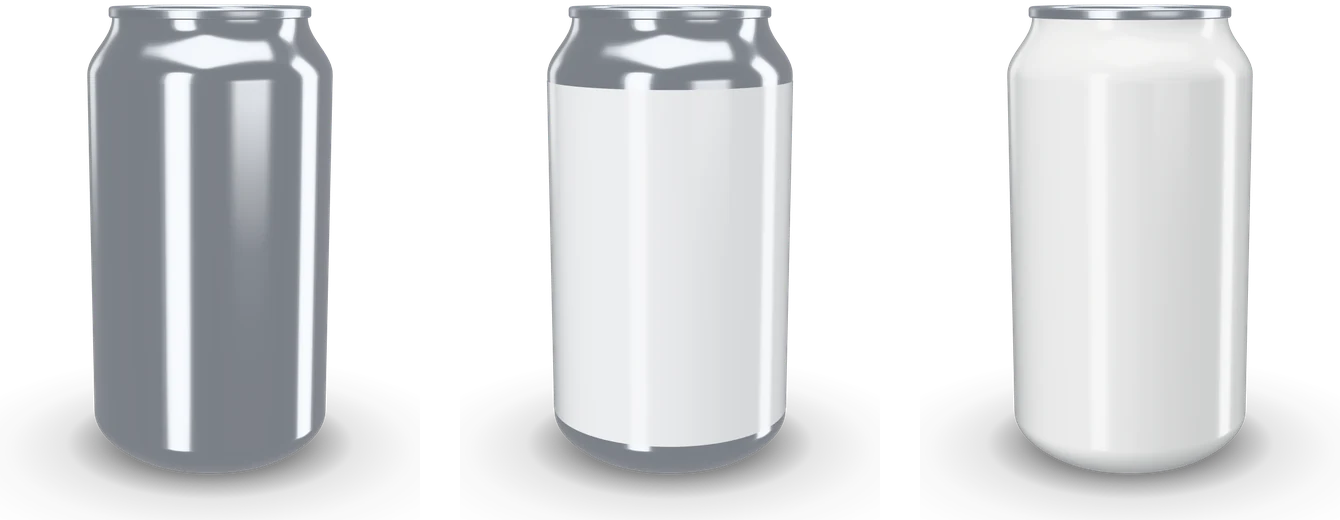
A bare aluminum can, the same can with a blank wrap label and a printed white can

What this free can mockup does differently

It starts from the can itself, so every picture describes a can you can actually print.

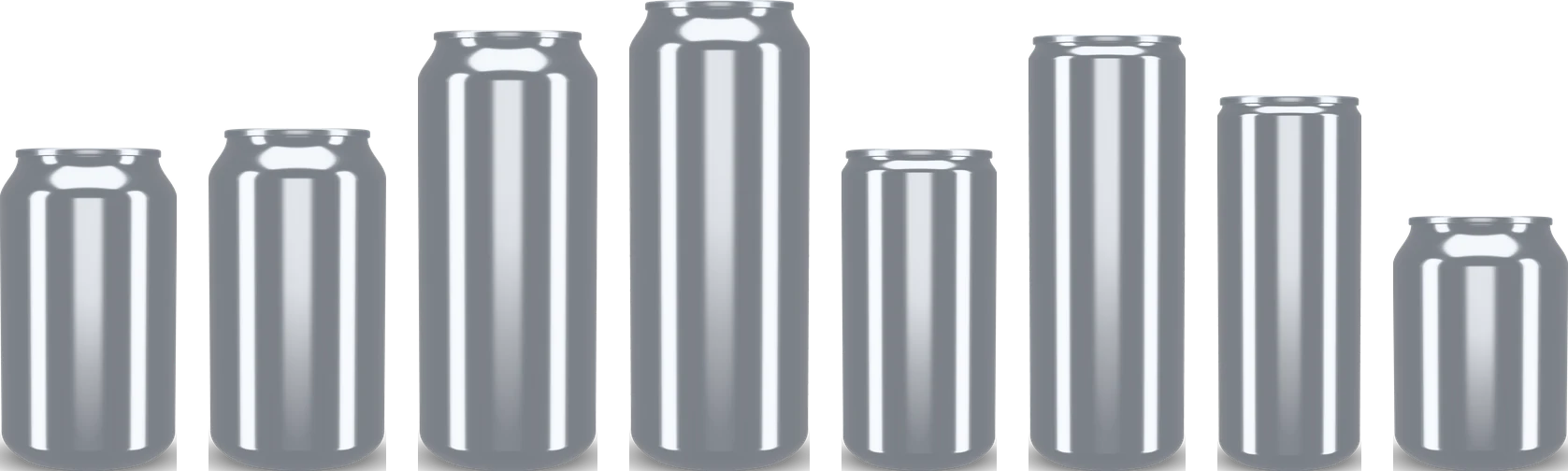
Eight common beverage cans to scale, from the 250 ml stubby to the 500 ml standard

Real cans, and any size you type

The eight cans carry the diameter and height of the common aluminum beverage cans, from the 66 mm standard to the 53 mm slim. Type any other diameter, height and end, and the neck and bottom are drawn to match.

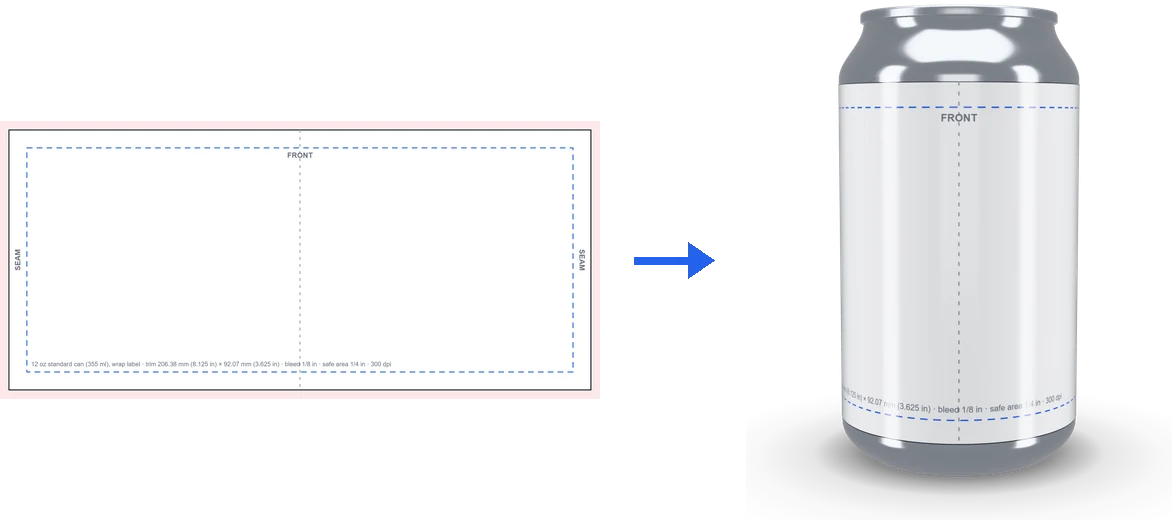
The can wrap template at its print size and the same template on the can

A millimeter of artwork is a millimeter of can

Across your file runs the circumference, down it the wall and the neck, so the artwork sits as the printer will put it. A file carrying 1/8 in bleed is trimmed to its edge, and a 300 dpi template comes in the size on screen.

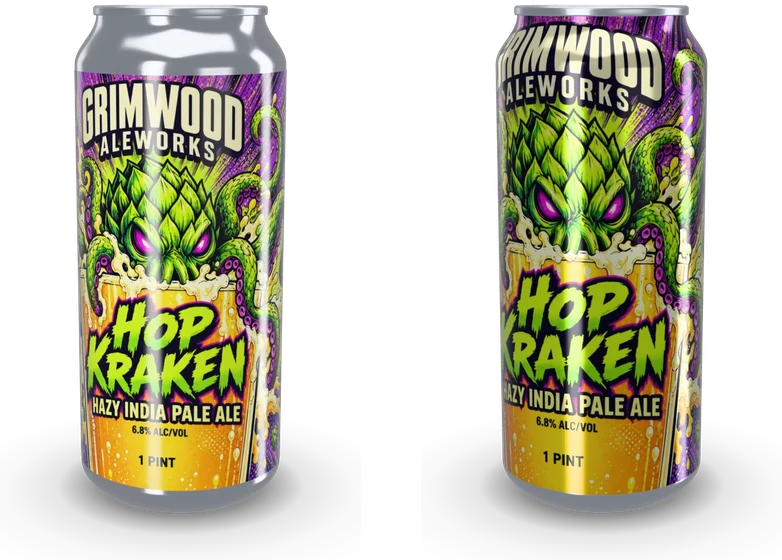
One design as a wrap label on a 16 oz can and as a printed can

Wrap labels and printed cans

A wrap label sits on the wall with metal above and below and a gap where its ends meet, on paper, gloss, matte or clear film. A printed can carries the ink over the wall and up the neck, on bare metal or a white basecoat.

One can in the soft, bright, warm and dark studios

Studio light and a real lens

Four studios give the long upright highlights of a product photo, and the light turns around the can. The lens runs from 24 to 100 mm, and a view you like is saved for later.

What a free can mockup shows that a flat wrap can’t

A flat wrap shows every word at once. A can shows about a third of it from the front and hides the seam at the back, so a layout that reads well flat can turn its logo onto the side.

A free can mockup answers what a flat file leaves open: what the shopper sees first, whether the name fits the curve, and how the metal looks around the label.

The can sizes and where the numbers come from

Beverage cans come in a few body diameters. The standard can is 66 mm across and takes 330 ml at 115.19 mm tall, 355 ml (12 oz) at 122.22 mm, 473 ml (16 oz) at 157.23 mm and 500 ml at 167.84 mm. The sleek can is 57.4 mm across, the slim 53 mm, and the stubby is a standard body cut down to 90.93 mm.

The end, the lid, is named in the can trade’s shorthand: the first digit is inches and the next two sixteenths, so a 202 end is 53.98 mm. Standard and sleek cans take a 202 end and slim cans a 200, which gives a sleek can its short neck.

Wrap labels and printed cans, and how each one prints

Small breweries often put a pressure sensitive label on a blank can: 8.125 × 3.625 in on a 12 oz can, 8.125 × 5 in on a 16 oz can and 7 × 5.31 in on a 12 oz sleek, a little shorter than the circumference so the ends meet with a small gap. A wrap label in this free beer can mockup starts on these sizes.

A printed can is decorated before it is filled, the ink running over the wall and up into the neck, so here the top of your file climbs the neck as it will in print.

Making artwork that fits: template, bleed and seam

Start from the template: the artwork area at 300 dpi with the trim, a 1/8 in bleed, a 1/4 in safe area, the front’s center and the seam. Keep the brand name and the legal lines inside the safe area; the middle of the file is the front of the can.

Files from AI beer can design land 1:1 on its three can sizes, with or without bleed, as does any file at the template’s shape. The panel says whether a file matches, or by how much it is wider or narrower.

Light, finish and camera for a beer or soda can

Aluminum is a mirror, so a can takes its look from the light around it. The soft studio keeps colors true, bright suits white and pastel cans, warm flatters amber beers, and dark gives black cans thin rim highlights. Turn the light to move a highlight off the logo.

Gloss shows crisp reflections, satin and matte soften them, and brushed stretches them along the can. A lens of 70 mm and up keeps the can straight like a catalog shot; a short lens gives a bold, wide view.

Exporting a free soda can mockup for a shop, a pitch or social media

The stage takes the shape of the picture, so what you see is the file: square for a shop’s main image, 4:5 for a feed, 16:9 for a slide and 9:16 for a story.

PNG and WebP keep a transparent background with the contact shadow; JPG takes the background color you pick, or white. Sizes run from 1024 to 8192 px, and the turntable video records one full turn at 1080 px.

From a free beer can mockup to a photo scene

When the free can mockup looks right, Put this can in an AI scene sends your wrap and the can’s size, color and finish to AI can mockup, which sets the same can on a bar, a beach or in a cooler.

To design the wrap itself, start in AI beer can design, then check the file on the can here.

Who uses a free can mockup

One can, a different question for each person who opens it.

Craft breweries

Check a new label on a 16 oz can before the print run, then post the release on social media the same day.

Soda and energy drink brands

Compare ink on bare metal with a white basecoat in a free soda can mockup, and show a buyer a clean product shot.

Packaging designers

Send the client a turntable video and a transparent PNG from the same file, at the can’s true proportions.

Students and makers

See how a flat pattern wraps a cylinder, and why the circumference sets the width of every can wrap.

Free can mockup FAQ

Short answers to the questions the panel raises most.

Make a can mockup

Is this free can mockup really free?

Yes. Every can, setting and download is free, with no sign-up and no watermark, and the pictures are yours to use anywhere.

Which can sizes are there?

Eight common cans from the 250 ml slim to the 500 ml standard, the 12 oz, 16 oz and 12 oz sleek among them, plus any size you type.

What size should my can wrap file be?

The template button gives the exact size for the can and print type on screen. For a wrap label on a 12 oz can that is 8.125 × 3.625 in, 2438 × 1088 px at 300 dpi, plus 1/8 in bleed on each side if your printer asks for it.

Why does my artwork meet at the back?

A can is round, so the two ends of the wrap meet at the seam, which the mockup puts at the back. Keep the front in the middle of your file and nothing important near the ends.

Can I download a transparent PNG?

Yes. Leave the background transparent and choose PNG or WebP: the can and its soft shadow come out on a clear background.

Does this work as a free soda can mockup as well as a beer can?

Yes. A printed can on bare metal or white suits soda and energy drinks, and a wrap label on a blank can suits craft beer, seltzer and coffee.

Is my artwork uploaded?

No. The can is drawn in your browser and your file stays on your device. It is uploaded only if you sign in and send it to AI can mockup.

Make your free can mockup

Pick a can, drop in your wrap and download the picture or a turntable video. Then put the same can in a photo scene with AI can mockup.