


AI Coffee Cup Mockup Generator

A coffee cup mockup that looks like the first day of your café: your cup, its lid and its sleeve in a barista’s hand, on the counter or out on the street, every word printed as you drew it.

  • Paper cups and clear cold cups
  • Lids, sleeves and carriers
  • 8 café and street scenes, or Auto

AI Coffee Cup Mockup

0 / 4000

Coffee cup mockup ideas made with this page

Eight coffee cup mockups made on this page: kraft cups in a barista’s hand, iced coffee on the street, a cup with its own sleeve, a black cup in the studio, two cups in a carrier, a holiday cup, a large cold cup outdoors and a white cup for a shop photo. Open one to see the design and the cup together, then make one like this.

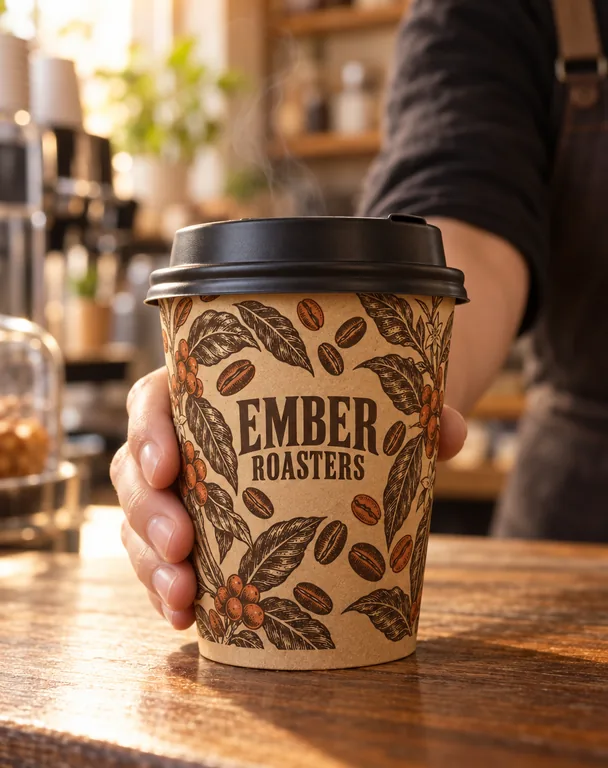
  • Kraft cup in a barista’s hand, made with AI Coffee Cup Mockup
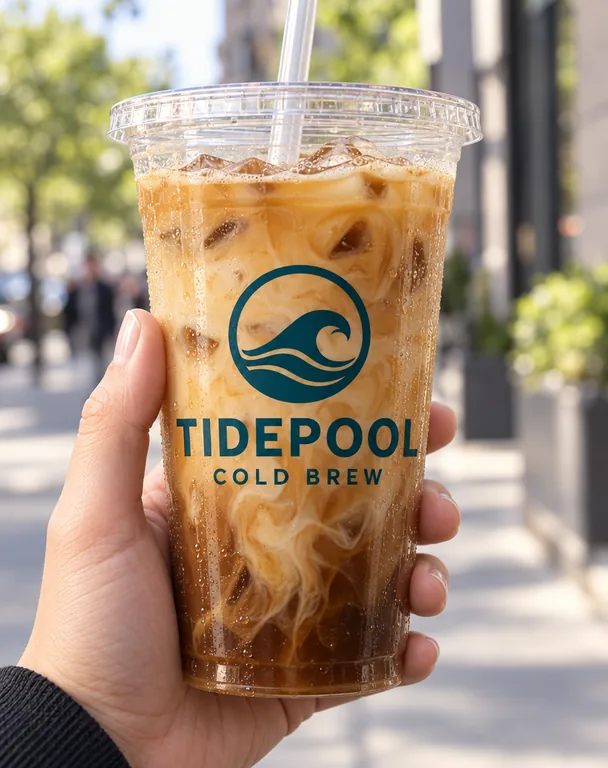
  • Iced coffee cup on the street, made with AI Coffee Cup Mockup
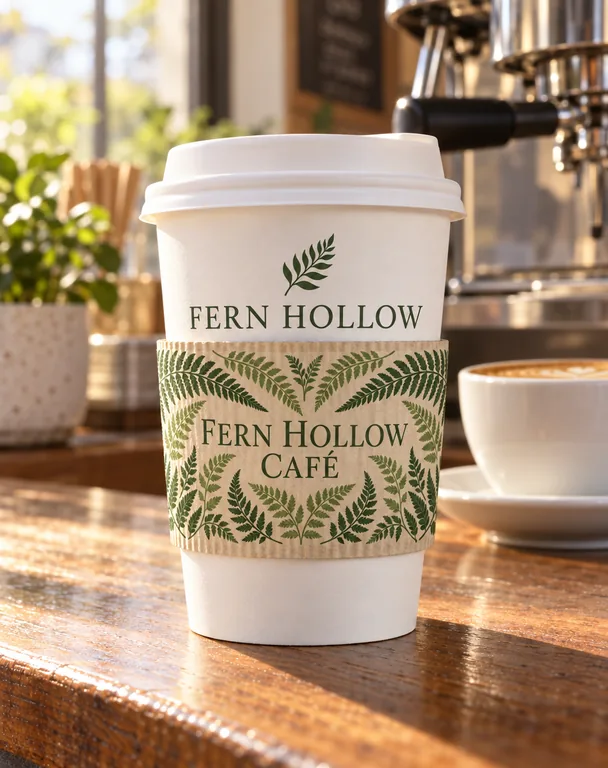
  • Cup with its own sleeve, made with AI Coffee Cup Mockup
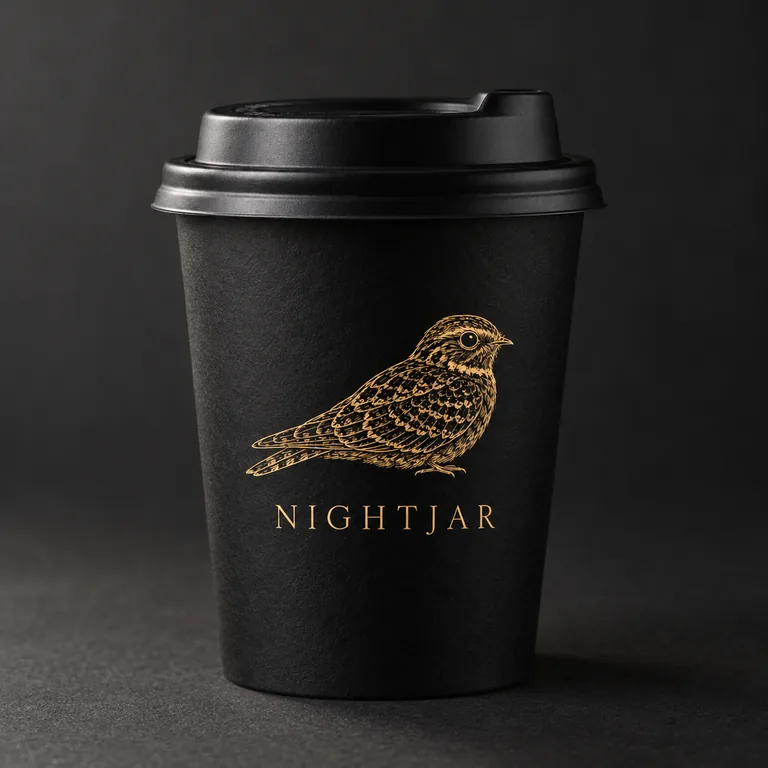
  • Black cup with a gold logo, made with AI Coffee Cup Mockup
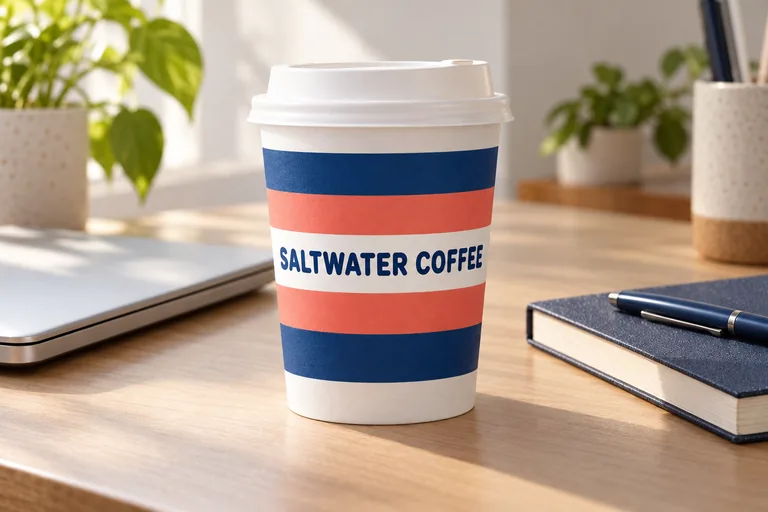
  • Striped cup on a work desk, made with AI Coffee Cup Mockup
  • Holiday coffee cup, made with AI Coffee Cup Mockup
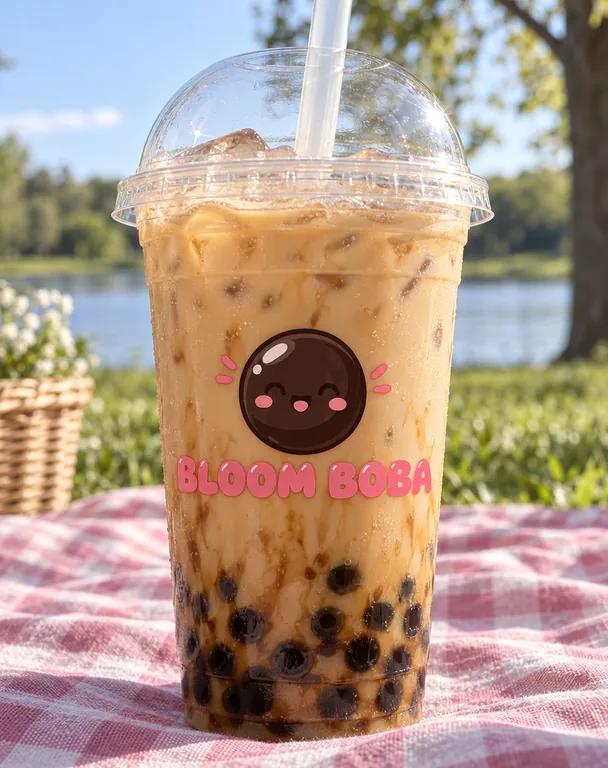
  • Bubble tea cup outdoors, made with AI Coffee Cup Mockup
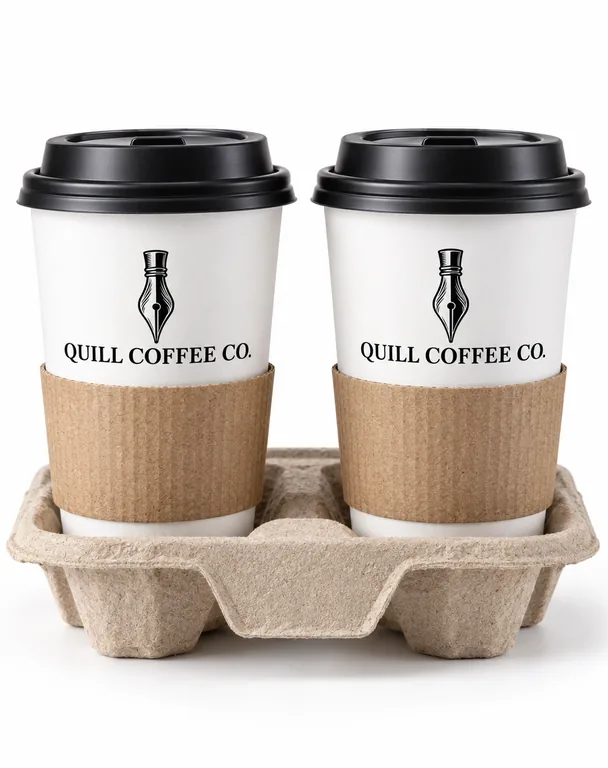
  • Two cups in a carrier, made with AI Coffee Cup Mockup

AI scenes use credits from a plan or a credit pack, and you pay only for the designs you receive.

cups: takeaway paper and clear plastic
2
scenes, from a barista’s hand to the street
8
images a run: the cup and its sleeve
2
pictures a run
1 to 4

How the AI coffee cup mockup works

Start with the flat file you will send to the cup printer: a whole wrap or a front.

What this coffee cup mockup generator does for you

Made for cafés, roasters and drink brands that need the cup to look real before the first carton of cups is printed.

Striped cup on a work desk, made with AI Coffee Cup Mockup

Paper cups and clear cold cups

A takeaway paper cup in 8, 12 or 16 oz, in white, natural kraft or black paper, with a white or black sip lid; or a clear plastic cup in 16 or 24 oz with a dome lid or a flat lid and a straw, the iced coffee showing through wherever the print leaves the plastic clear.

Cup with its own sleeve, made with AI Coffee Cup Mockup

A coffee cup sleeve mockup with its own design

Add the sleeve’s artwork as a second image and it goes on a corrugated sleeve around the cup, the cup’s print above and below it, neither design copied onto the other. Or pick With sleeve for a plain one.

Black cup with a gold logo, made with AI Coffee Cup Mockup

Every word of the cup kept

The cup design is image 1, shown as it is: the same name, the same type and the same colors, wrapped around the cup or printed on its front, never redrawn into another logo.

Iced coffee cup on the street, made with AI Coffee Cup Mockup

Café and street scenes

A barista handing the cup over the counter, the café counter itself, a cup carried on a city street, a work desk, a picnic outdoors, a holiday table, a studio backdrop or plain white for a shop photo, with no signs, menus or other lettering in the picture.

A coffee cup mockup from your cup printer’s file

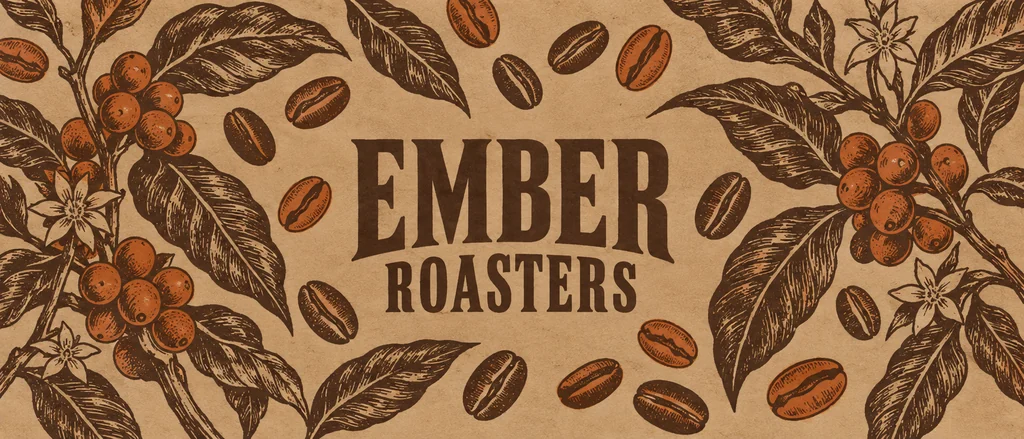
Cup printers usually ask for one of two files: a wrap, the whole printed band laid flat (wider than it is tall), or a front design, a logo and a few words placed on one side. Add either one. A coffee cup mockup made from a wide wrap shows the part of the band that faces the camera, its two ends meeting at the back; a front design sits on the side you see.

Make the mockup from the same file you will print, at the size you will order: an 8 oz cup is short and wide, a 16 oz cup tall, and the same logo reads differently on each. Pick the size, the paper and the lid, and the cup in the picture is the one your customers will hold.

The holiday cup above was made from a wrap of pine branches and stars: the band runs around the cup and the name sits on the side facing the table, the way the printed cup will stand on a counter.
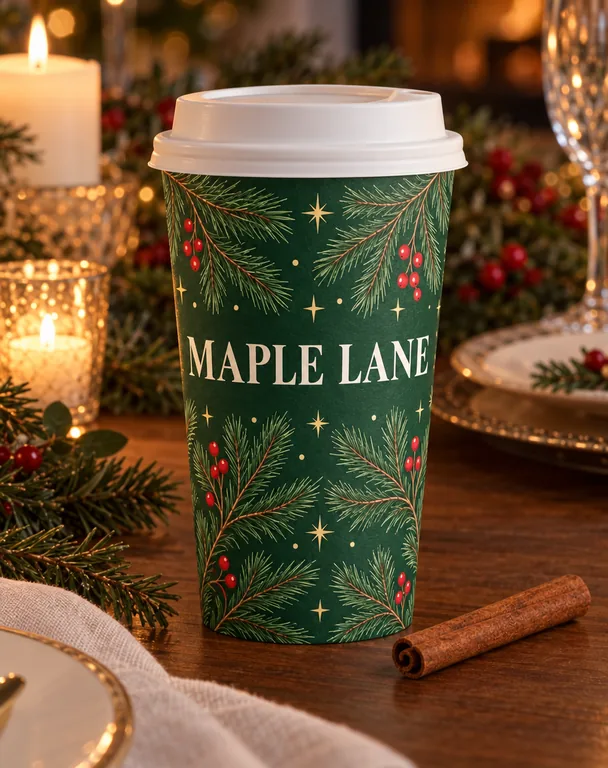
Holiday coffee cup, made with AI Coffee Cup Mockup

Paper cup mockup or plastic cup mockup

A paper cup mockup suits hot drinks: white paper shows bright colors, natural kraft gives a roastery feel, and black paper makes a gold or white logo stand out. The lid is a sip lid in white or black, and a sleeve can go around the middle.

A plastic cup mockup suits iced coffee, cold brew, smoothies and bubble tea: the clear cup shows the drink inside, so a design printed on it lets the color of the drink through wherever the plastic stays clear. A dome lid makes room for cream or a topping; a flat lid comes with a straw.

Many cafés use both, a paper cup for hot drinks and a clear cup for cold ones, with the same logo. Make one of each from the same design and they read as one shop.

Bubble tea cup outdoors, made with AI Coffee Cup Mockup

A coffee cup sleeve mockup, or a cup carrier

A printed sleeve is the cheapest way to brand a plain cup: the cups stay stock, and the sleeve carries the name. Add the sleeve’s artwork as a second image and the coffee cup sleeve mockup shows it wrapped around the middle of the cup, over the cup’s own print.

Two in a carrier shows the cups as an order to go: two of the same cup side by side in a molded pulp carrier, as a café hands them over. It suits a delivery menu, a launch post or a pitch to an office that orders coffee for meetings.

Two cups in a carrier, made with AI Coffee Cup Mockup

Where a coffee cup mockup works for you

Opening a café: put the logo on the cup before you order a thousand of them, and show the owners or the investors the cup in a barista’s hand. Launching a roastery or a new blend: show the cup next to the bag. Running a market stall or a food truck: a cup on a street scene says takeaway at a glance.

Shop photos and menus need clean pictures: White gives a plain background for a delivery app or a web shop, Studio a soft backdrop in a color that suits the design. A launch post wants a scene: the café counter, a desk or a holiday table.

Printers and agencies use a cup mockup to show a client the design on the cup before the proof, and to compare two designs on the same cup in the same light.

Cup sizes, lids and how the print sits on a cup

Takeaway paper cups come in common sizes: 8 oz for a flat white or a small coffee, 12 oz for most coffees, 16 oz for a large one. Clear cold cups come in 16 and 24 oz for iced drinks. A cup tapers from rim to base, so a wrap printed for it is a curved band; the picture shows that curve as the cup has it.

Your print sits flat on the cup and follows its curve, lit only by the light in the scene, so a white logo on a black cup stays white and nothing glows. Keep small words large enough to read at arm’s length, and keep the brand name away from the seam at the back.

Coffee cup mockup files, and what a picture costs

Each picture downloads as a PNG at 1K, 2K or 4K, ready for a menu, a web shop, a post or a client deck, and you can generate 1 to 4 at a time to compare angles and scenes. A result can go on to a product video in our AI product video generator.

Each picture costs 5 to 20 credits depending on the mode and resolution you pick, and the button shows the total before you start. Plans start at 550 credits a month (see pricing), and you pay only for the designs you receive. For the bag the coffee comes in, try the AI coffee bag mockup; for mugs, the AI mug mockup.

Who uses the AI coffee cup mockup

Anyone with a cup design to show before the cups are printed.

New cafés

The logo on a kraft cup in a barista’s hand, for the opening post and the investors’ deck.

Iced drinks and bubble tea

A clear cold cup with the drink showing through, in 16 or 24 oz, on the street or outdoors.

Roasters and coffee carts

A plain stock cup with a printed sleeve, the cheapest way to brand a cup, shown before the sleeves are ordered.

Printers and agencies

Cups in a carrier or on white for a client review, two designs compared in the same scene.

Coffee cup mockup questions

What people ask before they make a coffee cup mockup.

Make a coffee cup mockup

What cups can I show?

A takeaway paper cup in 8, 12 or 16 oz, in white, kraft or black paper with a white or black sip lid, or a clear plastic cold cup in 16 or 24 oz with a dome lid or a flat lid and a straw. Leave it on Auto and the cup follows your design.

Should I upload a wrap or a front design?

Either. A design much wider than it is tall is read as the whole wrap and goes all the way around the cup; a square or tall design goes on the front. Upload the same file you will send to the cup printer.

Can I make a coffee cup sleeve mockup?

Yes. On a paper cup, add the sleeve’s artwork as the second image and it is printed on a corrugated sleeve around the middle of the cup, with the cup’s own design above and below it. With sleeve adds a plain sleeve when you have no sleeve design.

Does the mockup change my design?

No. The design is kept as you drew it: the same words, logo and colors, printed on the cup and lit by the scene. Your notes set the props and the light, never the design.

Can I show two cups together?

Yes. Two in a carrier shows two of the same cup side by side in a molded pulp carrier, as a café hands an order over.

Which scenes are there?

A barista’s hand, the café counter, a city street, a work desk, a picnic outdoors, a holiday table, a studio backdrop and plain white, or Auto, where your notes or the design pick the place.

How much does an AI coffee cup mockup cost?

Each picture costs 5 to 20 credits from a plan or a credit pack, shown on the button before you start, and you pay only for the designs you receive.

Can I use the pictures for my café and my shop?

Yes. Plans and credit packs include a commercial license for what you make, and the Business plan covers a company.

Make your coffee cup mockup

Add your cup design, pick a paper or a clear cup, its lid and sleeve and a scene, and generate. The AI coffee cup mockup shows the credits before it starts.