
Free 3D Mockup Generator

This 3D mockup generator builds your package the way it is made and lays your print file on it where it prints, so the box, bag, can or bottle you turn here is the one you will order.

  • Free, no sign-up, no watermark
  • 6 packages in 3D
  • Your print file, 1:1
  • PNG, JPG, WebP and video

3D Mockup Generator

Loading the 3D viewer…
Open the free box mockup on its own page
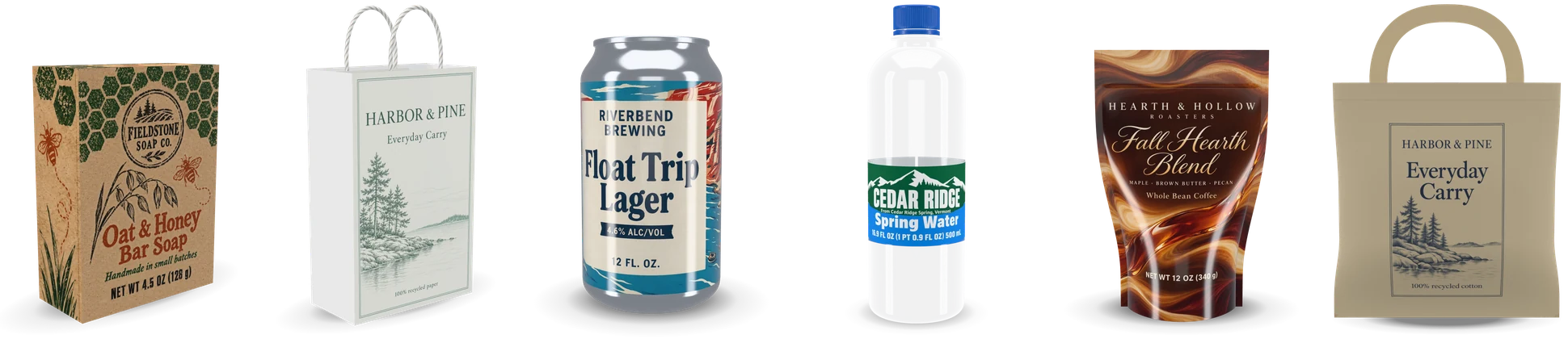
packages: box, bag, can, bottle, pouch, tote
6
the longest side of a download
8192 px
studios of light, from soft to dark
4
your print file on the model
1:1

How to make a 3D mockup

Four steps from a flat design to a 3D mockup of the package.

A box, a paper bag, a can, a water bottle, a coffee pouch and a tote bag, each a free 3D mockup with its own design

Six free 3D mockups in one generator

Each 3D mockup is modelled from how its package is made, at its real size, so every picture is of a package a printer can make.

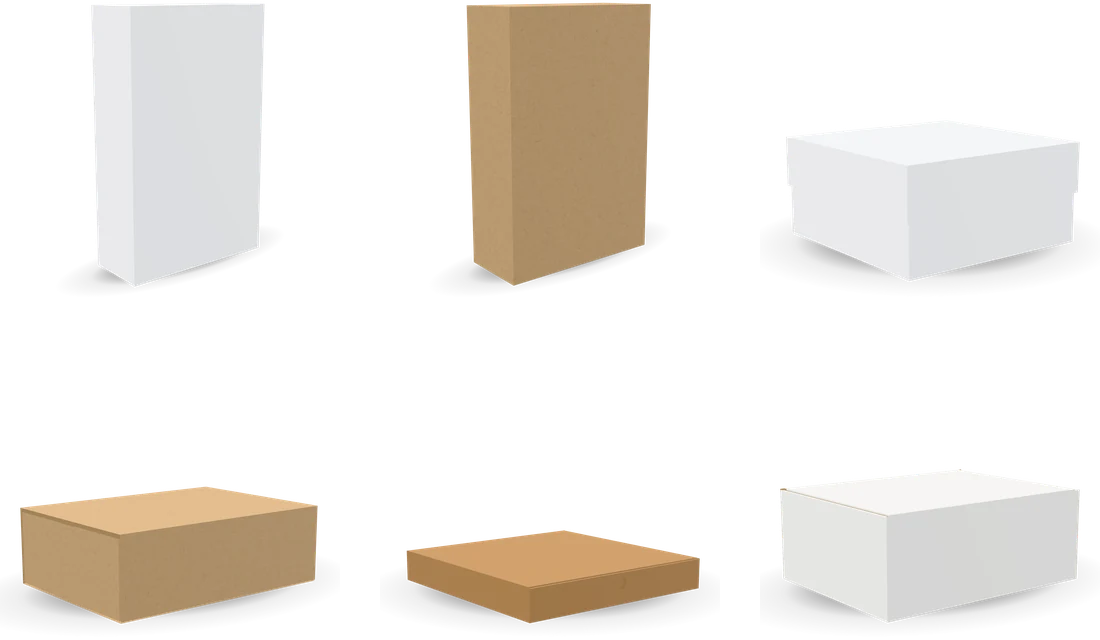
Blank reverse tuck end, straight tuck end, lid, drawer, pizza and mailer boxes

Boxes folded from their dieline

Reverse and straight tuck end boxes, a box with lid, a drawer box, a pizza box and a mailer box at any size, folded from the dieline generator’s own dieline on white or kraft board or corrugated.

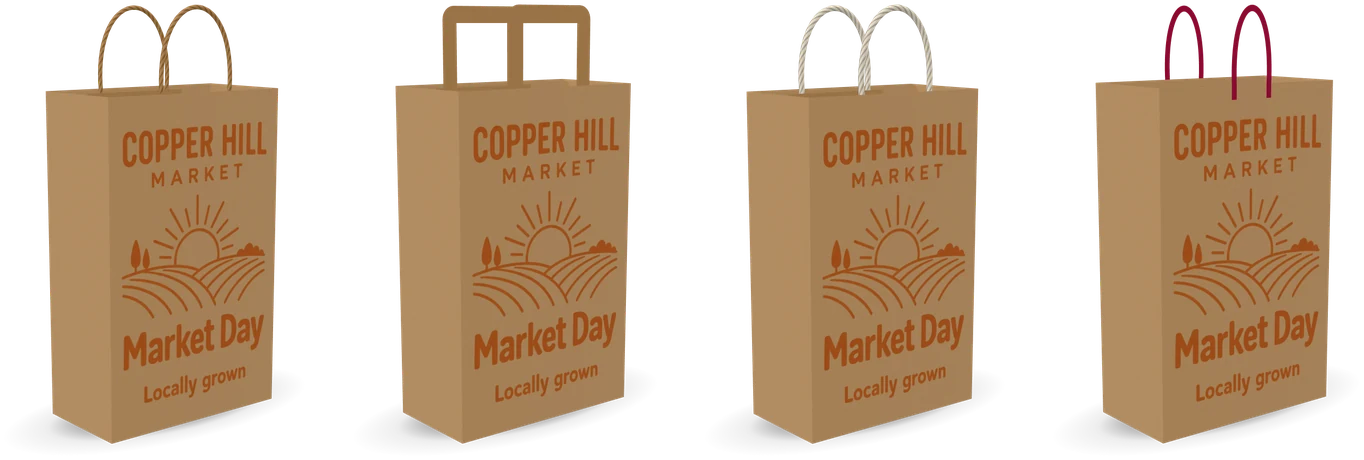
One kraft paper bag with a twisted paper, flat paper, cotton rope and ribbon handle

Paper bags with real handles

Any gift or shopping bag folded from the paper bag template, on white, kraft or black paper, with a twisted paper, flat paper, cotton rope or ribbon handle standing above it.

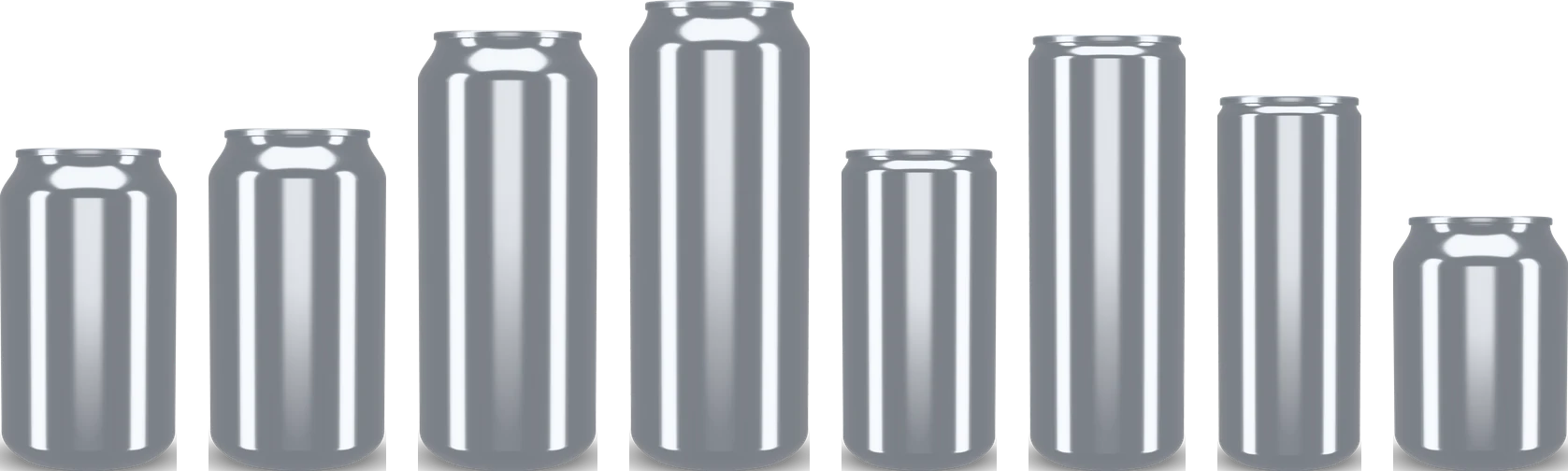
Cans of eight standard sizes side by side

Cans at their real sizes

Eight cans from the standard size charts, with a wrap label on paper or film or a printed can on bare metal or a white basecoat, the metal, the lid and the tab your pick.

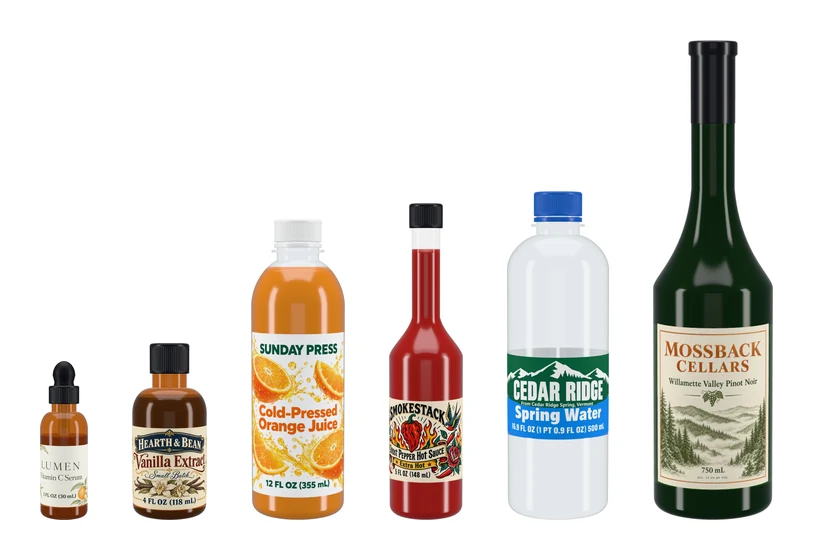
A water bottle, a wine bottle, a dropper, a sauce, a juice and a general bottle with their labels

Bottles in glass and PET

A water bottle, a wine bottle, a dropper, a sauce, a juice and a general bottle, in clear or tinted glass or clear PET with the liquid inside, and the closure each one takes.

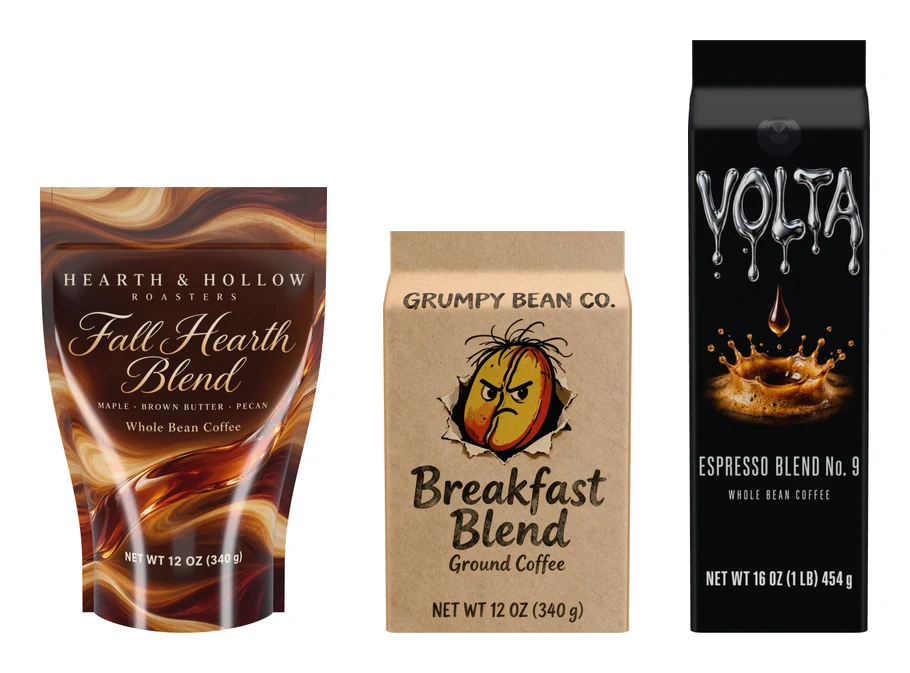
A stand-up pouch, a flat-bottom bag and a side gusset bag

Coffee bags and pouches

A stand-up pouch, a flat-bottom bag and a side gusset bag, filled, in kraft paper or matte or gloss film of any color, printed all over or with a sticker, the valve where you want it.

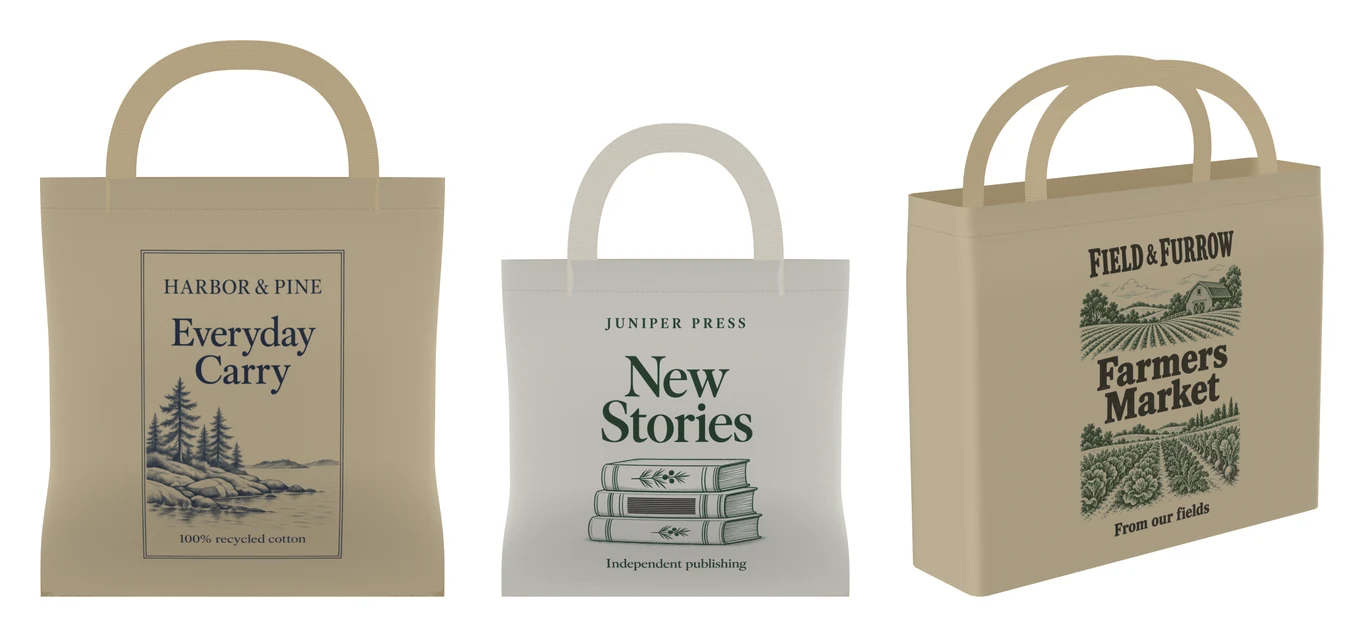
A small, a standard and a large canvas tote with their prints

Tote bags in canvas

A small and a standard flat tote and a large tote with a gusset, in natural, black, white, navy or olive canvas with hand handles or shoulder straps and a visible weave.

What a 3D mockup shows that a flat design can’t

A flat design shows every panel side by side. On the package the front meets a side at a fold, a label wraps round a curve, a bag stands under its handles, so a logo can land on an edge or a line of words can turn out of sight.

A 3D mockup answers what the flat file leaves open: whether each part carries the right piece of the design, how the colors run round the corners and curves, and how the package reads from the three quarter view a shopper sees first.
Your print file, 1:1

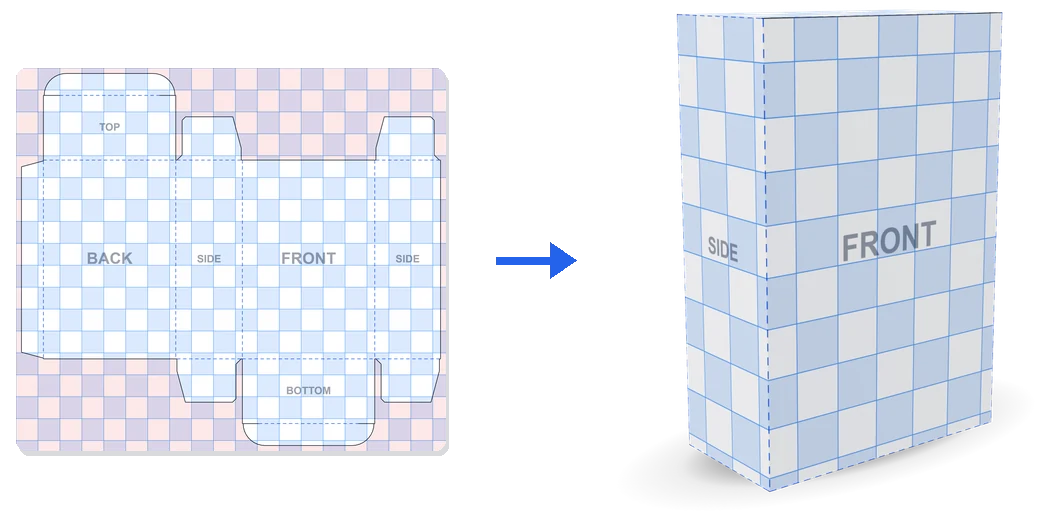
Each 3D mockup takes your file the way the printer will: a box or a bag takes the print file of its flat sheet with the bleed, and every panel shows the part inside its own cut and fold lines; a can or a bottle takes its label at its print size; a coffee bag and a tote take their front or print area.

Every page gives a template at the size on screen, so a design made on it goes straight back on the model. A paper bag also takes its front alone, and a can, a bottle, a coffee bag or a tote a label or a front of any shape, placed without being stretched.

A box print template covered in half inch squares and the same squares running around the folded box

Materials, light and lens

The materials in each 3D mockup are the ones the packages are made of: white and kraft board, corrugated, white, kraft and black paper, aluminum, clear and tinted glass, PET, paper, gloss, matte and clear labels, gloss and matte pouch film, and canvas. On kraft the print sits on the brown, as it does at the printer.

Four studios set the light: soft keeps colors true, bright suits white packs, warm flatters kraft and dark makes gloss and glass shine. A lens of 70 mm and up keeps a package straight like a catalog shot, and a low view makes it look bold on a shelf.

Export a free 3D mockup

The stage takes the shape of the picture: square for a shop’s main image, 4:5 for a feed, 16:9 for a slide and 9:16 for a story. PNG and WebP keep a transparent background with the soft contact shadow, JPG takes the background color you pick, and the longest side goes up to 8192 px.

A turntable video records one full turn on your device; the box and the paper bag also record a fold reveal, the flat sheet folding into the package. Nothing is uploaded and nothing carries a watermark.

From a 3D mockup to a photo scene or a video

When the package looks right, each page sends it on to its AI mockup page, such as AI box mockup or AI paper bag mockup, which sets it on a shelf, in a hand or at an unboxing with your design kept as it is.

A box or a paper bag can also start a short AI video: Make a product video and Make an ad send it as the first frame to the AI product video generator or the AI commercial generator.

Who uses a free 3D mockup

One generator, a different package for each person who opens it.

Small brands and makers

See the soap box, the coffee bag or the sauce bottle before ordering a run, and post the launch picture the same day.

Packaging designers

Proof a design on the package it is made for and send the client a square picture and a turntable video.

Online sellers

Make a clean 3D mockup on a transparent background for a listing while the packs are still at the printer.

Shops, cafés and brewers

Try the logo on a paper bag, a can and a tote one after another and pick the look before anything is printed.

3D mockup FAQ

Short answers to the questions the generator raises most.

Make a 3D mockup

Is this 3D mockup generator free?

Yes. Every package, size, material and download is free, with no sign-up and no watermark, and the pictures are yours to use anywhere.

Which packages can I make a 3D mockup of?

Boxes in six styles, paper bags and cans at the size you type, and six bottles, three coffee bags and three tote bags at their standard sizes.

What file should I upload?

The print file of the package, a label or a front, as a PNG, JPG or WebP. Each page gives a template at the size on screen, so your design lands where it prints.

Can I download a free 3D mockup with a transparent background?

Yes. Turn the background off and choose PNG or WebP: the package and its soft shadow come out on a clear background, up to 8192 px.

Can I make a video?

Yes. Every 3D mockup records a turntable video on your device, and the box and the paper bag also record a fold reveal.

Is my file uploaded?

No. The package is drawn in your browser and your file stays on your device. A picture is uploaded only if you sign in and send it to an AI mockup or AI video page.

Make your 3D mockup

Pick a package, drop in your design and download the picture or a turntable video, free.