
AI Packaging PSD

Change a word on the label without redrawing it: AI Packaging PSD takes the flat design you have and hands back a file you can edit line by line.

  • Every line of type editable
  • Each picture on its own layer
  • Dieline as locked guides
  • Opens at print size

AI Packaging PSD

AI packaging PSD

Packaging design

Upload a design

A flat packaging design: PNG, JPEG or WebP.

What it is

A label, a bag front, a can wrap or one panel of a box: every line of type comes back as editable text.

Split into layers

About two minutes. You pay only for the layered files you receive.

Your packaging design, in layers

Upload a flat design, or press Layered PSD under any AI packaging result. You get a PSD with a clean background, each picture on its own layer and the words as type you can edit.

AI Packaging PSD uses credits from a plan or a credit pack: 50 credits for one face and 120 for a whole box, and you pay only for the layered files you receive. Each file comes with a hidden copy of the original under its layers.

credits for a face: label, bag front or can
50
credits for a whole box on its dieline
120
locked guides: cut line, creases, bleed, safe area
4
packaging PSD samples to download
8

How to make a packaging PSD

Three steps from a flat picture to a layered file you can edit, and about two minutes of waiting in between.

Replace the designA flat packaging design: PNG, JPEG or WebP.

What a packaging PSD from AI Packaging PSD gives you

A layered file is only useful when the parts you want to change are parts of their own. These are the parts this tool separates.

Editable type

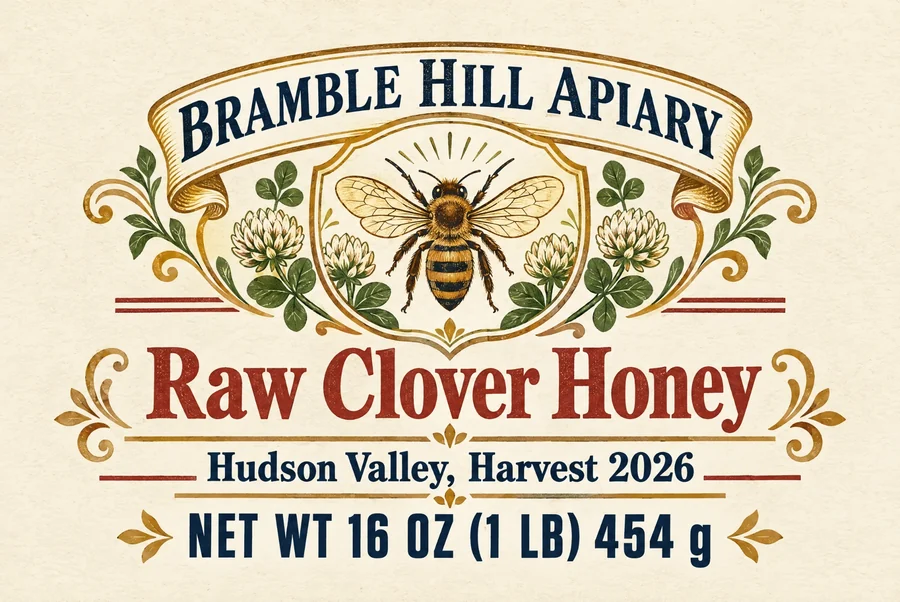
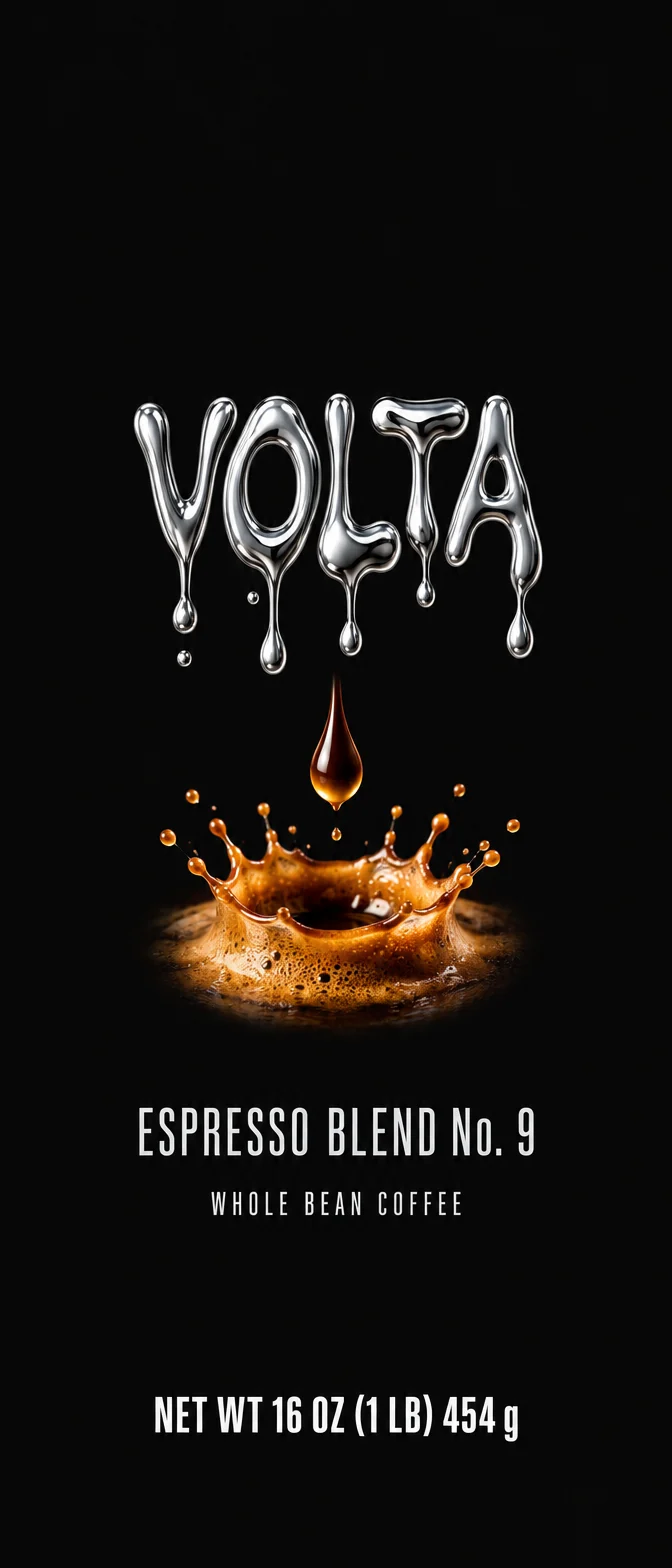
NET WT 16 OZ (1 LB) 454 g

Oswald-Bold · 106 px

  • Raw Clover Honey
  • Hudson Valley, Harvest 2026

Every line of type, editable

On one face, each line comes back as a real type layer with its words, font, size, color, letter spacing and alignment. Double click to change a flavor, a weight or a date; the net quantity line is a layer of its own.

Each picture on its own layer

Illustrations, photos, patterns and the logo each sit on a layer, named for what they are. The background behind them is filled in, so moving or deleting a picture leaves a clean ground, not a hole.

The dieline as locked guides

A design made on this site keeps its shape: the file gets a locked Dieline group with the cut line, creases, bleed and safe area, drawn from the same box or label size the print files use.

3 in2 in

2048 × 1370 px · 683 dpi

Opened at its printed size

The resolution is written into the file, so a 3 by 2 inch label opens as 3 by 2 inches, ready to check against a proof. An uploaded design opens at 300 dpi.

Packaging PSD samples

Eight packaging PSD files made with this tool, from labels to whole boxes. Sign in to download them free and look at the layers before you make your own.

7 layers · 3 editable lines · dieline guides · 25.3 MB

Honey jar label

A 3 by 2 inch honey jar front: the crest and ornaments on layers, the words as editable type, the cut line and safe area locked on top.

7 layers · 4 editable lines · dieline guides · 7.7 MB

Coffee bag front

A side gusset coffee bag front: the ground, the logo and the artwork on layers, the words as editable type.

10 layers · 5 editable lines · dieline guides · 9.5 MB

Craft beer can

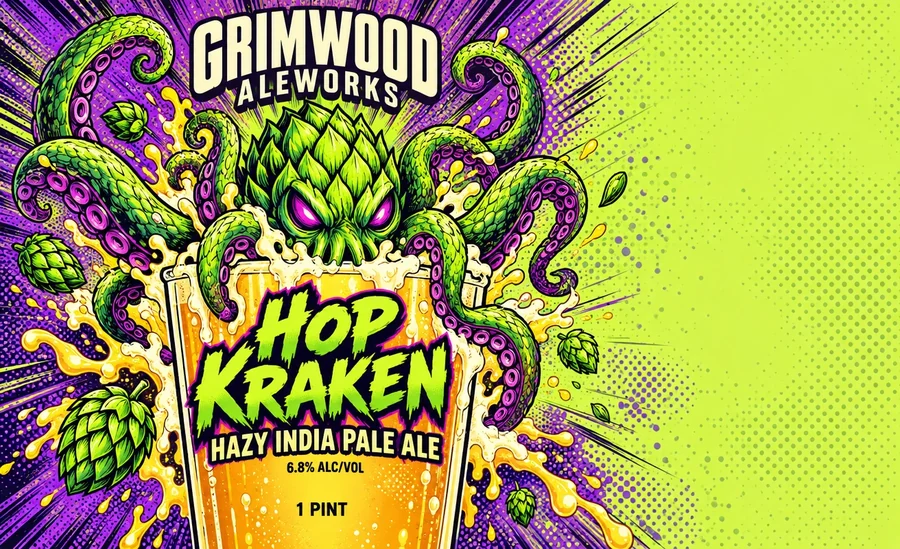
A 16 oz beer can wrap: the illustration and the badges on layers, the words as editable type.

15 layers · dieline guides · 34.6 MB

Soap box dieline

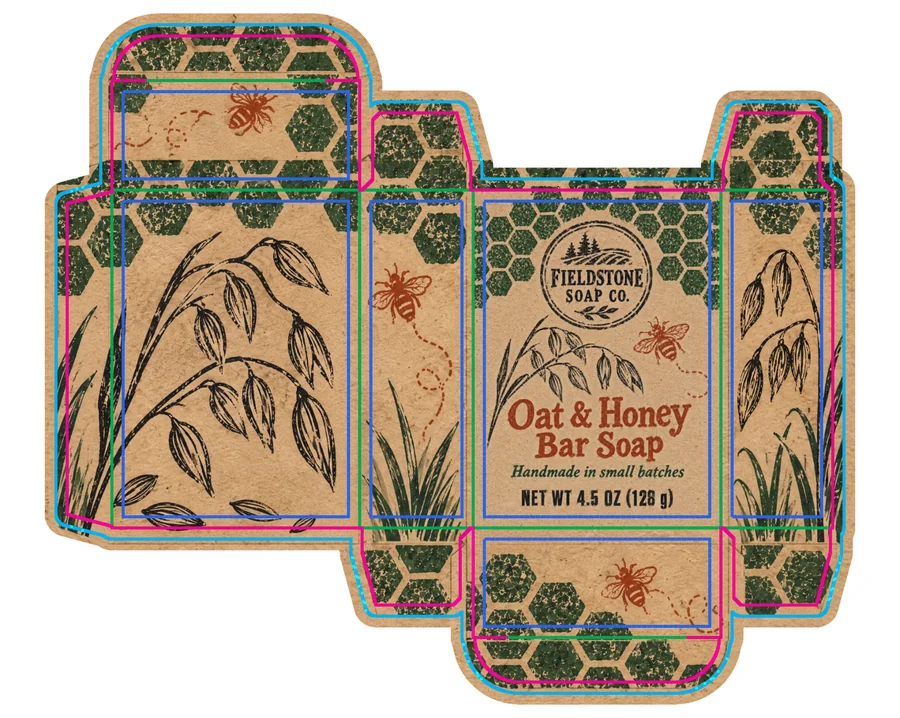
A reverse tuck soap box on its dieline: every stamped motif a named layer, with cut lines, creases, bleed and safe area locked on top.

9 layers · dieline guides · 37.9 MB

Gift box with lid

A mug box with a lid on its dieline: the pictures of every panel on named layers over a filled ground, guides locked on top.

9 layers · 4 editable lines · dieline guides · 19.7 MB

Pizza box lid

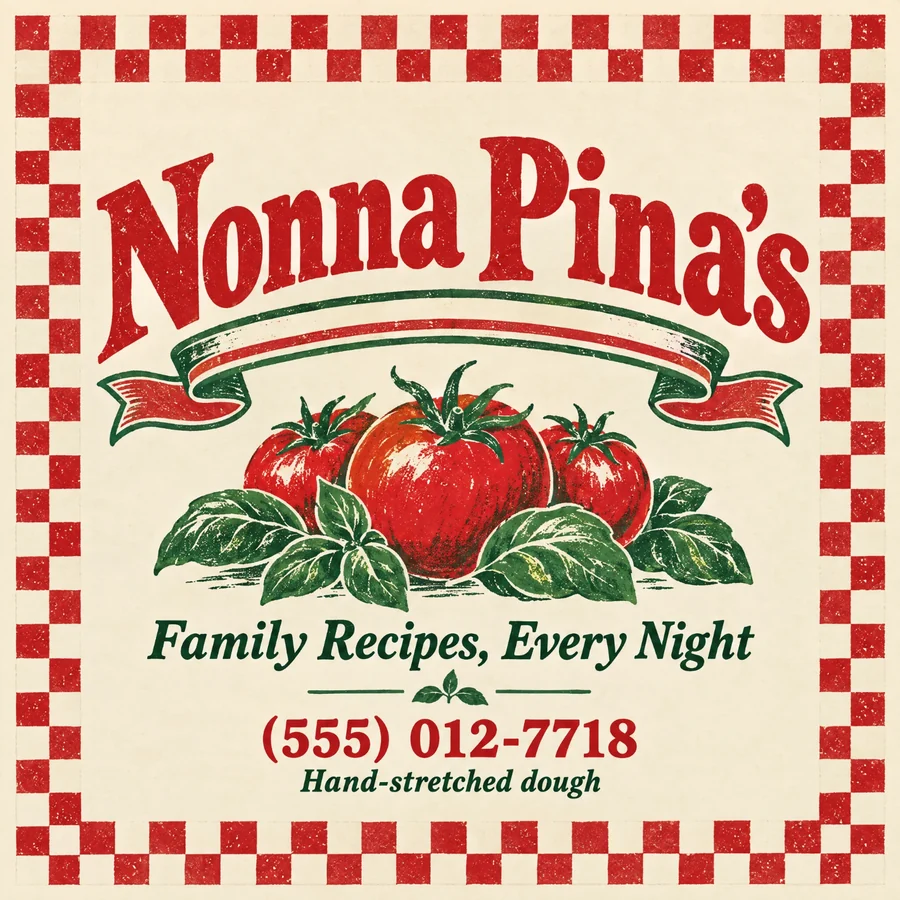
A 14 inch pizza box lid: the illustration on layers, the words as editable type, guides locked on top.

7 layers · 3 editable lines · dieline guides · 16.5 MB

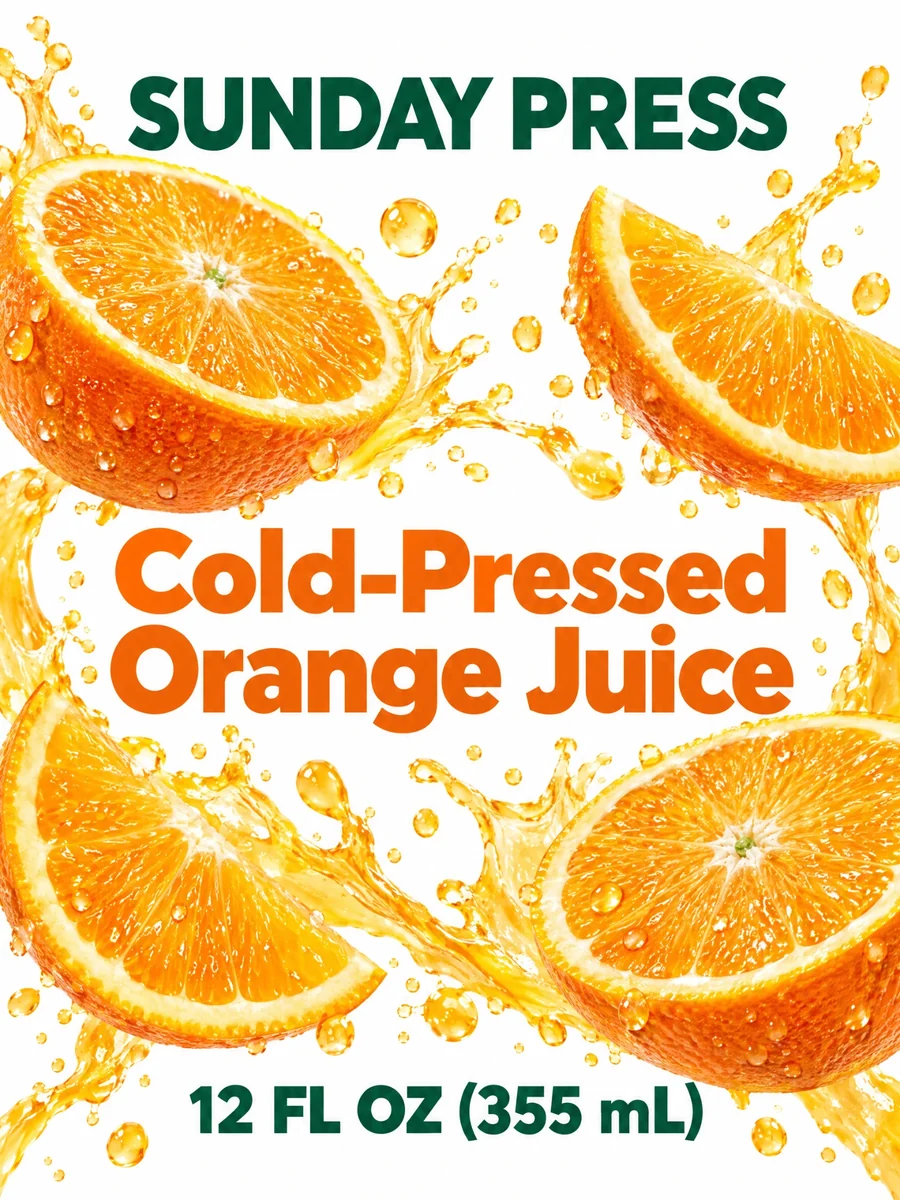
Juice bottle label

A juice bottle front label: the fruit and the artwork on layers, the words as editable type.

11 layers · 4 editable lines · dieline guides · 8.3 MB

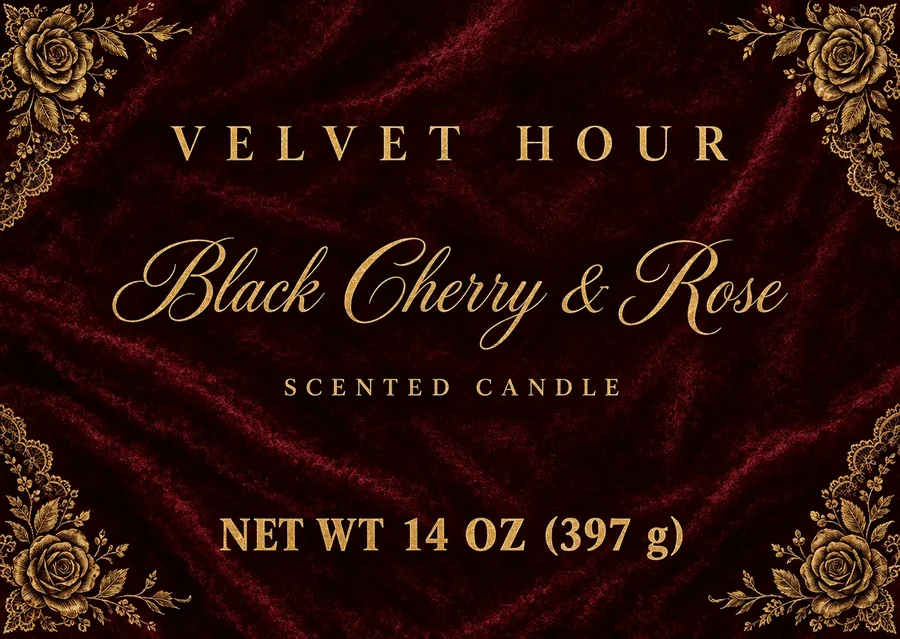
Candle jar label

A candle jar front label: the frame and the artwork on layers, the words as editable type.

What a packaging PSD is and why layers matter

A packaging PSD is a layered design file for a box, a bag, a label or a can. Flat pictures are fine for a preview, but a printer, a client or your own next batch always needs a change: a new flavor, a corrected weight, another language. In a flat picture every change means repainting; in a layered file the word is a layer you click and type over.

AI Packaging PSD rebuilds that file from the picture you have. It finds the background, each illustration, each photo and each line of type, fills in what was hidden behind them, and returns a PSD in which each part can be moved, recolored, replaced or turned off.

This makes editable packaging out of a design that was never layered: an AI result from this site, a mockup screenshot from a client, an old file whose layers were lost, or a design you bought as a flat image.
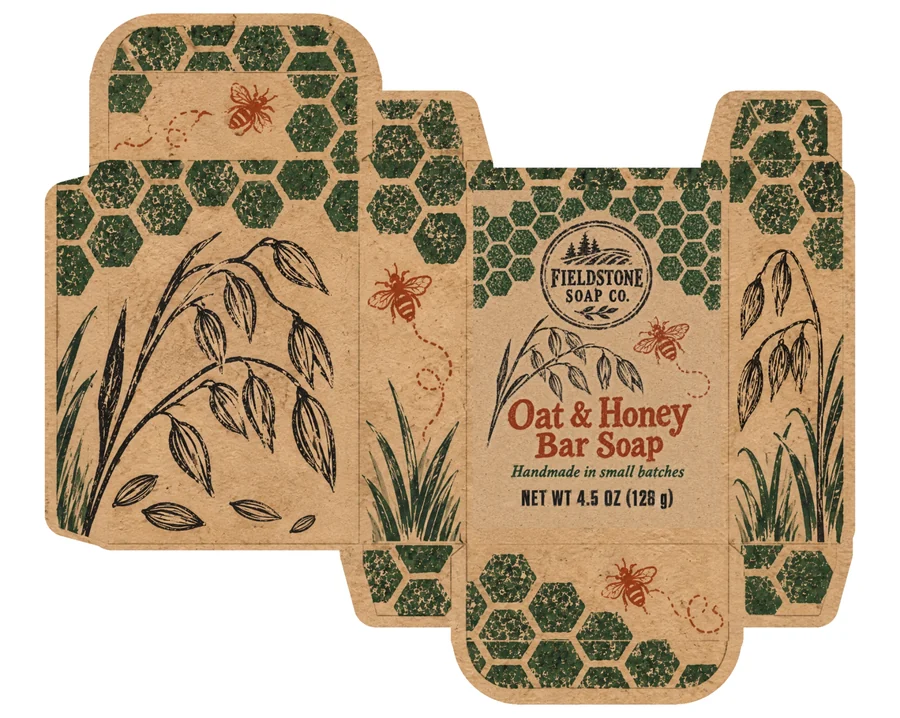
Layers

  • Dieline (do not print)
  • Original (for reference)
  • Net weight text
  • Handmade batch description text
  • Oat & Honey Bar Soap text
  • Fieldstone Soap Co. logo
  • Bottom flap bee illustration
  • Front panel small bee illustration
  • Middle panel bee illustration

One face or a whole box: which to pick

Pick One face for a label, a pouch or bag front, a can or bottle wrap, a sleeve, or a single panel of a box. This kind gives the most editable file: the words come back as type, each with its own font and size, so text changes take seconds.

Pick Whole box for a flat box on its dieline, with all its panels in one picture. Each element on each panel comes back as its own named layer over a filled background, ready to move or swap; the words stay as pictures, exactly as they look, so the box keeps every detail of the lettering.

A result from this site picks for you: a whole box result is split as a whole box, and every label or face as one face. You can change the kind before you press Make the PSD.

Packaging PSD from your AI designs

Every result on the AI packaging and label pages has a Layered PSD button. It opens this page with the design, its box style or label type and its size, so the file knows exactly where the cut line, the creases, the bleed and the safe area are.

Those four guides go into a locked group at the top of the layers, named Dieline (do not print), in the colors printers expect: magenta for the cut, green dashes for creases, cyan for bleed and blue dashes for the safe area. Hide the group before you export the artwork, or keep it on to check that no word sits on a fold.

The file opens at the size the design is printed at, read from the same numbers as the print PDF, so measurements in Photoshop match the real box or label.

Using a packaging PSD as a packaging PSD template

Once a design is in layers it works as a packaging PSD template for a whole range. Keep the background and the pictures, change the type layers for each flavor, size or scent, and export each version. The net quantity, the product name and the claims are separate layers, so a range of six labels is six edits, not six redesigns.

For a new size, open the PSD next to a dieline of the new size, move the layers onto its panels, and keep the locked guides as your check.

Fonts, resolution and what opens where

Each type layer names its font. When the font is installed, Photoshop sets the words in it; when it is not, Photoshop asks which font to use and keeps the size, color and spacing. The fonts named are open web fonts you can install from the same family name.

Layers are as sharp as the design that went in, up to 2048 pixels on the long side for one face and about 2K for a whole box. The original sits at the bottom of every file, hidden, so you can compare any layer with what you uploaded.

Who uses a packaging PSD

Anyone who has a flat design and needs to change it, print it or hand it on in layers.

Brands with a product range

Turn one approved label into a layered file and make every flavor, scent or size from it by editing type layers.

Designers handing files to printers

Send a packaging design PSD with a locked dieline group, so the printer sees cut lines, creases and bleed on top of the artwork.

Agencies reworking old packaging

Recover editable packaging from a flat file whose layers were lost, and change only what the client asked for.

Makers and small shops

Fix a typo or update a weight on a label you made with AI, without generating the whole design again.

Packaging PSD questions

Make a packaging PSD

What is a packaging PSD?

A packaging PSD is a layered design file for packaging: the background, each picture and each line of type on layers of their own. This tool makes one from a flat picture of your design.

Can I edit the text in the file?

Yes, on one face every line of type is a real type layer: double click it and type. On a whole box the words stay as pictures, each on its own named layer, so they can be moved or replaced.

How much does a packaging PSD cost?

One face costs 50 credits and a whole box 120 credits, from a plan or a credit pack. You pay only for the layered files you receive: if a run does not finish, its credits come back.

Does the file include the dieline?

When the design is one of your AI results from this site, yes: a locked Dieline group with the cut line, creases, bleed and safe area, at the design’s print size. An uploaded picture has no size we know, so it opens at 300 dpi without guides.

Which apps open the file?

Photoshop and any app that reads layered PSD files. Type layers keep their words and settings in Photoshop; other apps show them as pictures of the same words.

Can I use a packaging PSD as a template for other products?

Yes. Keep the background and pictures, edit the type layers for each version, and the file works as a template for a whole range.

Are the packaging PSD samples free?

Yes, the eight packaging PSD samples on this page download free once you sign in, so you can see the layers before you make your own.

Make your packaging PSD

Upload a flat design or bring one of your AI results, and get a layered file with editable type in about two minutes.