
Free Sticker Mockup in 3D

This free sticker mockup cuts your design along its own outline, the way a die cutter would, and shows it in real vinyl: holographic shimmer, brushed silver, clear film or a soft matte finish, turning in your hand.

  • Free, no sign-up, no watermark
  • Die cut along your design
  • 5 vinyls, holographic and silver too
  • PNG, JPG and WebP up to 8K

Free Sticker Mockup

Sticker

3 in

The sticker is 3 in × 2.25 in.

Sticker design

PNG, JPG or WebP, or drop it on the stage. A clear background is cut along the design.

Samples

Stickers made with AI sticker generator

Vinyl

Holographic vinyl: a rainbow sheen moves over the white and light parts as you turn it.

Where it goes

35%
0°

Drag to turn the sticker, scroll or pinch to zoom.

Download

1638 × 2048 px

Put this sticker in an AI scene

Send your sticker, its vinyl and its cut to AI sticker mockup: a photo-real scene on a laptop, a water bottle, a car or a package, made from your words.

Loading the 3D viewer…
vinyls, matte to holographic
5
cuts: die cut, circle, square, rectangle
4
the longest side of a download
8192 px
one full turn in the turntable video
6 s

How to make a free sticker mockup

Four steps from a flat design to a picture of the sticker.

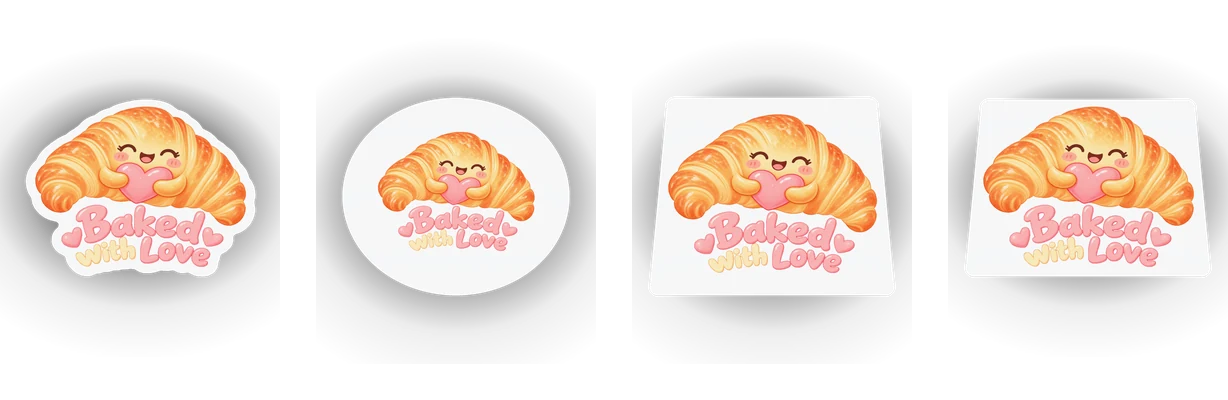
One sticker design cut along its outline, as a circle, as a square and as a rectangle

What this 3D sticker mockup does differently

Most sticker templates are a flat shape on a photo. Here the sticker is built in 3D from your own design.

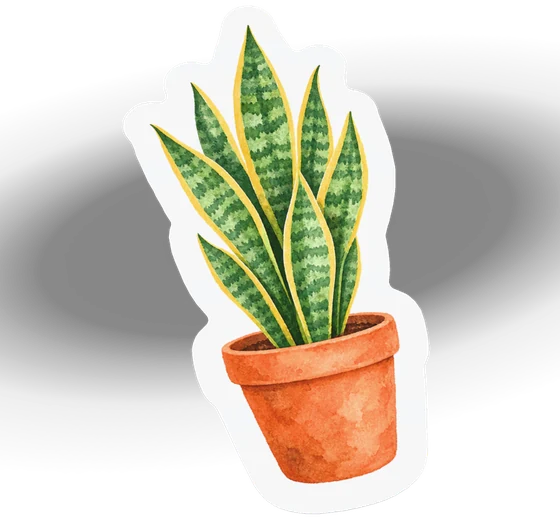
A die cut sticker whose white border follows the outline of the design

A real die cut, from your design

The cut line follows the outline of your design with the border you pick, the same cut AI sticker generator makes for print, so the mockup shows the sticker you will order.

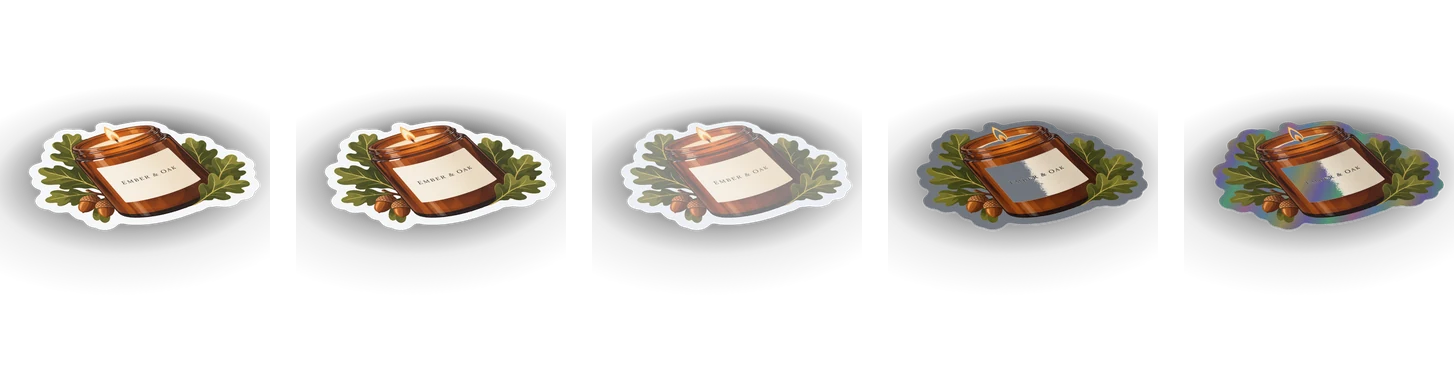
Close views of matte, glossy, clear, silver and holographic vinyl catching the light

Five vinyls in real light

Holographic vinyl throws a rainbow as it turns, silver vinyl shines where the design is white, clear vinyl lets the laptop or the bottle show through, and matte and glossy catch the light as they do in hand.

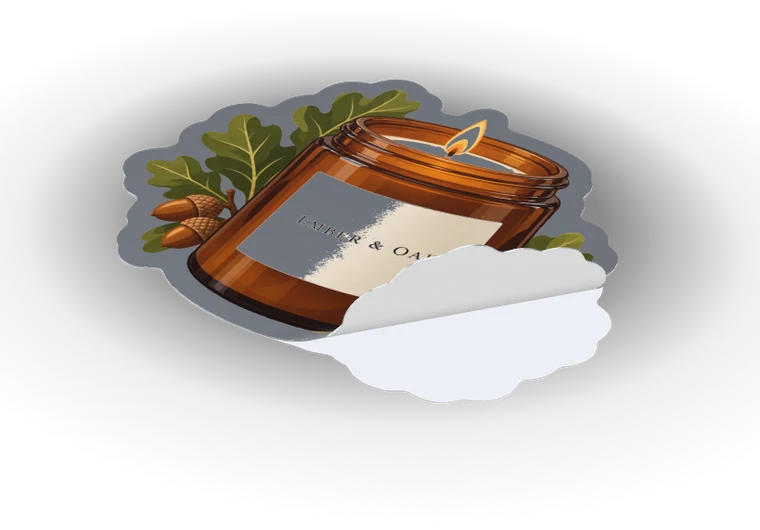
A silver sticker with one corner peeling up off its white backing paper

A corner peeling off its backing

Lift a corner off the backing paper, up to half the sticker, and the sticker curls the way vinyl does, its white back showing.

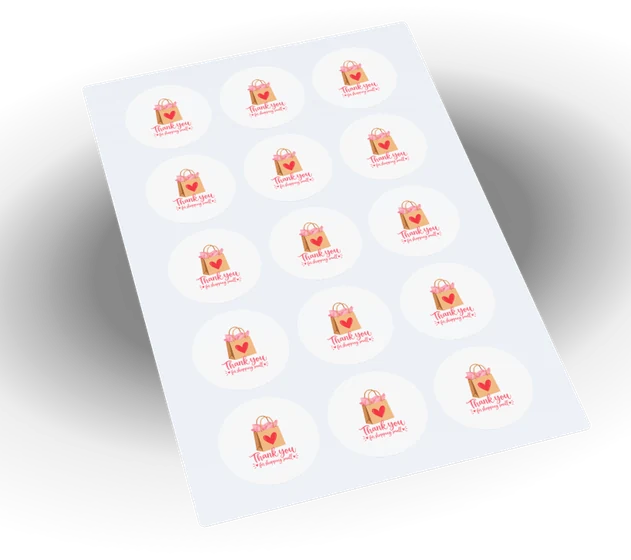
A kiss-cut sheet holding rows of the same sticker on one backing

A kiss-cut sheet in one click

Put the sticker on a sheet and it fills a 4 × 6 in or letter backing in neat rows, the gap and margin a printer leaves.

What a free sticker mockup shows that a flat file can’t

A sticker design on a screen is a flat picture. Printed, it becomes a piece of vinyl with an edge, a border and a finish that catches the light, stuck on something people carry. This free sticker mockup shows that piece of vinyl before you order it.

Turn it and you see how the border reads, whether a thin line survives the die cut, and how big the sticker sits on a laptop or a bottle at the size you plan.

Die cut, circle, square or rectangle

A design with a clear background is cut along its own outline, the border round it 1/16 to 1/4 in, and small specks left out, the way AI sticker generator cuts a sticker for print. A photo or a design on a solid background is cut as its rectangle.

A circle, a square or a rectangle with rounded corners holds the design inside with the border you pick. The panel gives the sticker’s size in inches or millimetres; pick 2, 3 or 4 in, or any size from 1 to 8 in.

A blank sticker mockup for any shape

Pick Blank to see the sticker with nothing printed on it: a die cut, a circle, a square or a rectangle in the vinyl you choose. It is a quick blank sticker mockup for a shop listing, a quote or a template you finish later.

A holographic sticker mockup and a silver sticker mockup

Holographic and silver vinyl don’t take white ink: wherever a design is white or very light, the vinyl itself shows. A holographic sticker mockup here shimmers in a rainbow across those parts as you turn it, and a silver sticker mockup shines brushed metal there, while the colors of the design stay printed on top.

Turn the light in the panel and the sheen moves with it, the way it does in a shop window. Clear vinyl does the opposite: where the design has no color, the laptop or the bottle shows through.

On a laptop, a water bottle or a sheet

Stick the sticker on a closed 13 in laptop in silver or graphite, or wrap it round a 24 oz water bottle in steel, black, white or sage; move it across, up or round, and turn it. On a sheet it repeats in rows on a 4 × 6 in or letter backing.

To print stickers at home or for a cutter, the sticker sheet maker lays out the same design on a printable sheet.

Light, camera and export

Pick a soft, bright, warm or dark studio, turn the light, set the lens and drag to turn the sticker. Download a square, portrait or wide picture up to 8192 px, PNG and WebP with a clear background, or record the sticker turning in a short video.

Everything happens in your browser: the design isn’t uploaded, there is no sign-up and no watermark.

From a free sticker mockup to a photo scene

When the sticker looks right, Put this sticker in an AI scene sends it with its vinyl and cut to AI sticker mockup, which sets it in a photo-real scene on a laptop, a car window or a package.

Who uses a free sticker mockup

One sticker, a different question for each person who opens it.

Sticker shops and artists

Show a new design in holographic and matte vinyl in one listing, and post a turntable video of it.

Brands and small businesses

Check a logo sticker for the packaging or the laptop lid before ordering a roll.

Print shops

Send a customer the sticker cut to its real shape and size, with the border they asked for.

Event and merch teams

Make a sheet of the event sticker and a picture on a water bottle from the same file.

Free sticker mockup FAQ

Short answers to the questions the panel raises most.

Make a sticker mockup

Is this free sticker mockup really free?

Yes. Every cut, vinyl, surface and download is free, with no sign-up and no watermark, and the pictures are yours to use anywhere.

How is the sticker cut?

A design on a clear background is cut along its outline with a border of 1/16 to 1/4 in; a photo is cut as its rectangle. You can pick a circle, a square or a rectangle instead.

Which vinyls are there?

Matte, glossy, clear, silver and holographic. On silver and holographic vinyl the design’s white parts show the metal or the rainbow; on clear vinyl the surface shows through.

Can I make a blank sticker mockup?

Yes. Pick Blank and choose the cut, the size and the vinyl: the sticker shows with nothing printed on it.

Can I download a transparent PNG?

Yes. Turn the background off and choose PNG or WebP: the sticker and its soft shadow come out on a clear background.

Is my design uploaded?

No. The sticker is drawn in your browser and your file stays on your device. It is uploaded only if you sign in and send it to AI sticker mockup.

Make your free sticker mockup

Drop in your design, pick the cut and the vinyl, and download the picture or a turntable video. Then put the same sticker in a photo scene with AI sticker mockup.