
Sign In

AI Logo Background Remover

A logo background remover that reads your logo the way a designer does: the background colour comes out of every edge, the holes in letters go see-through, the shapes you want stay, and every size and format comes in one go.

  • 1 credit a logo
  • PNG, WebP and SVG
  • Letter holes see-through
  • Up to 20 logos at a time

AI Logo Background Remover

The AI logo background remover uses credits from a plan or a credit pack: 1 credit a logo, and you pay only for the designs you receive. Every file, colour and the touch-up brush come with each logo, and a logo you worked on before opens again without another credit.

credit a logo
1
files from one logo
6
px, the largest PNG
3000
logos in one batch
20

How to make logo transparent

Three steps take a logo from its old background to every file you need.

Coffee shop logo on beigeYour logo

What this logo background remover does

Made for logos: flat colours, thin letters and the shapes inside them.

Juice logo on pale yellow, background removed
On a dark page
On a light page

Edges with no pale fringe

Each edge pixel is worked out from the background’s colour, so that colour comes out of the anti-aliased edge. Letters sit cleanly on a dark page with no white or grey halo.

Honey brand wordmark on white, background removed
See-through
Soda badge on cream, background removed
Kept

Letter holes see-through, shapes kept

The holes in O, A and B go see-through, while white type inside a badge stays. Click any shape on the preview to switch it, one by one.

Tea brand mark on grey, background removed
Original
Black
White

Black, white or any colour

Turn the logo into one colour for a dark package, an embossed stamp or a single-colour print. Parts in the background’s colour are cut out, so white type in a badge still reads.

Honey brand wordmark on white, background removed
SVG, one colour
The SVG at 4 × its size

An SVG traced from your logo

Your logo is traced into an SVG in one colour, with smooth curves and sharp corners, for print, embroidery, laser cutting and any size on screen.

What an AI logo background remover does

A logo usually arrives on a background: white from a document, a brand colour from a slide, black from a dark website. An AI logo background remover lifts the logo off it, so it sits on any package, page or photo with only the logo showing.

Logos need more care than photos. Their edges are soft by a pixel or two, their letters have holes, and their colours are flat. This logo background remover finds the logo with AI, then works every edge and every hole out from the background’s colour, so nothing of the old background is left in the letters.
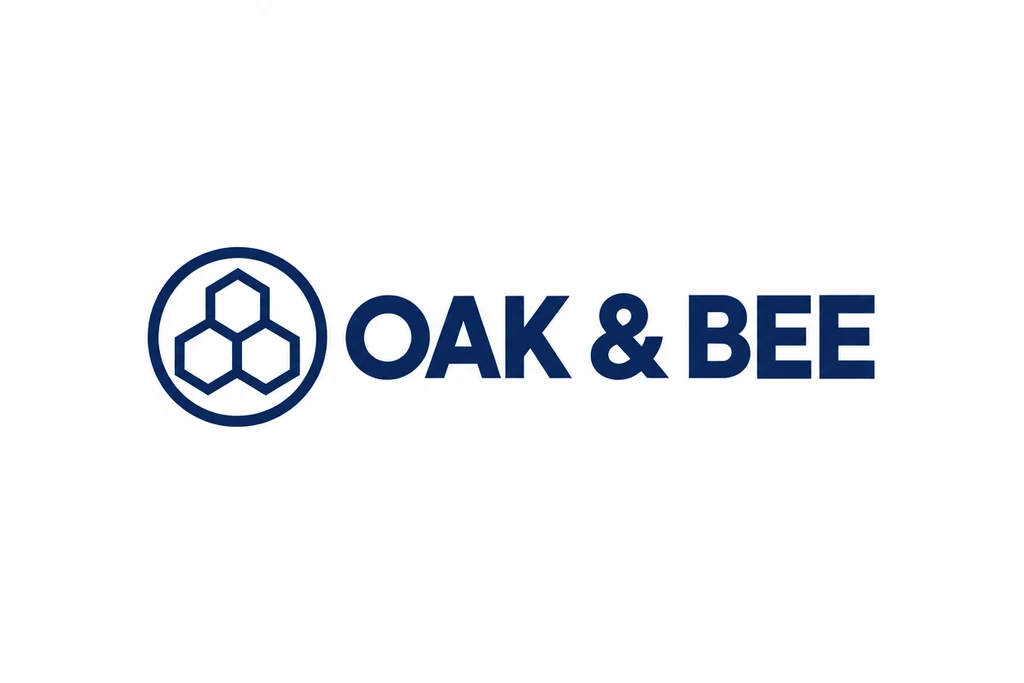
Honey brand wordmark on white, the logo as it was
Before
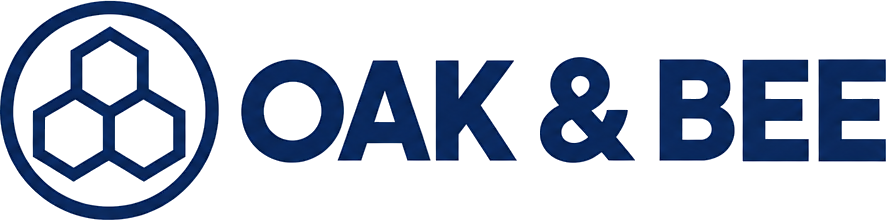
Honey brand wordmark on white, background removed
After

Clean edges on any page

When a dark logo was made on white, each edge pixel is part logo and part white. Cut out as it is, that edge shows as a thin pale line on a dark page. The page works out how much of each edge pixel is logo, takes the white out, and keeps the logo’s own colour to the last pixel.

The same works the other way: a white logo on black comes off clean, with no grey rim, ready for a light box or a coloured label. Preview the result on clear, white, black or your brand colour, at Fit or at Actual size, before you download.

White candle logo on black, the logo as it was
Before
White candle logo on black, background removed
After

Holes in letters, and shapes you keep

Areas inside the logo in the background’s colour are found one by one: the holes in O, A, B, 8 and the gaps in a ring, and white type or a white circle inside a solid badge. Holes in letters go see-through by default; type inside a solid shape stays.

Each one is outlined on the preview when the pointer is over it. Click to switch it between see-through and kept, or use All see-through, Keep all and Reset. Every file follows your choice.

A logo transparent background in every format

Each logo comes as a trimmed PNG at its own size, PNGs 512, 1000 and 3000 px on the long side, a WebP and an SVG. Tick the files you need; several download as one ZIP, and Download all makes every logo’s files at once.

A one-colour logo’s large PNGs are drawn from its traced outline, so a small logo still gives a sharp 3000 px file. A logo of several colours is enlarged smoothly, and its row says so.

Long side 3000 pxLong side 1000 pxLong side 512 pxCoffee shop logo on beige, background removed

Making logo files for print and production

The SVG is a single path in one colour, filled so that holes stay open, ready for a printer, an embroidery shop, a laser cutter or a vinyl plotter. Use it at any size; the curves stay smooth.

For packaging, take the transparent logo into the AI packaging design generator or the AI label generator with one click from the result.

Getting the best result

Use the largest logo you have; the logo background remover works at up to 4096 px. A logo on one plain colour gives the cleanest edges. A logo in a photo or on a pattern is cut out by the AI, and the touch-up brush clears anything left or brings a part back.

Add up to 20 logos at once and they are worked on two at a time. The button shows the total before you start: 1 credit a logo. A logo you worked on before, here or on the other cutout pages, opens again without another credit.

Honey brand wordmark on white, background removedSoda badge on cream, background removedCoffee shop logo on beige, background removedWhite candle logo on black, background removedTea brand mark on grey, background removedJuice logo on pale yellow, background removed

Up to 20 logos at a time

Who it is for

Anyone who needs a logo transparent background for a package, a page or a print.

Brand owners

One logo in every colour and size for the website, labels, boxes and social posts.

Packaging and label designers

A client’s logo lifted off a document or a screenshot, ready to place on a dieline.

Print and merch shops

A one-colour SVG for screen printing, embroidery, stamps and engraving.

Online sellers

A transparent logo for listings, watermarks, inserts and thank-you cards.

Agencies

Twenty client logos in one batch, each with the same set of files.

Event and sponsor teams

Sponsor logos on white, black and brand colours for banners, badges and slides.

Logo background remover questions

Remove a logo background

What does the AI logo background remover cost?

1 credit a logo, from a plan or a credit pack, and you pay only for the designs you receive. Every file, colour and touch-up comes with the logo.

Which files do I get?

A trimmed PNG at the logo’s own size, PNGs 512, 1000 and 3000 px on the long side, a WebP and an SVG in one colour. Tick the ones you need.

Are the holes in letters see-through?

Yes. Holes in letters go see-through by default, white type inside a solid badge stays, and you can click any shape on the preview to switch it.

Can I make logo transparent and turn it white or black?

Yes. Pick Black, White or Any colour and every file comes in that colour, the parts in the background’s colour cut out.

Is the SVG a real vector?

Yes: one path traced from your logo, in one colour, with smooth curves and sharp corners, that prints at any size.

What if my logo is on a photo or a pattern?

The logo background remover cuts it out with AI, and the touch-up brush clears anything left behind or brings a part of the logo back.

How many logos can I do at once?

Up to 20, two at a time, with every logo’s files in one ZIP.

Do I pay again for a logo I worked on before?

No. A logo you already worked on, here or on the other cutout pages, opens again without another credit.

Make your logo transparent with the AI logo background remover

Clean edges, see-through holes and every file a brand needs.