
Sign In

AI Transparent Background Maker

This AI transparent background maker gives your product photos a clean cutout at their own full size, so a packshot is ready for any page, ad or label in seconds.

  • Full-size transparent PNG
  • Clean edges on packaging
  • Erase and restore brush
  • Up to 20 photos at once

AI Transparent Background Maker

The AI transparent background maker uses credits from a plan or a credit pack: 1 credit a photo, and you pay only for the designs you receive. A photo you cut out before opens again without another credit.

credit a photo
1
photos in one batch
20
longest side kept from your photo
6000 px
file types: full, trimmed, square and WebP
4

How to use the transparent background maker

Three steps take a photo from a desk to a transparent PNG.

Drop product photos here

JPG, PNG or WebP, up to 20 photos at a time. You can paste a photo too.

Stand-up pouch, the photo as it wasStand-up pouchReady

What this transparent background maker does

Built for products and packaging: the cutout keeps your photo’s detail, its edges and its size.

Carton box on a transparent backgroundYour photo’s full size

The transparent PNG keeps your photo’s own pixel size.

Your photo’s own size

The cutout is laid over your original photo in the browser, so a 4000 px photo gives a 4000 px transparent PNG, up to 6000 px on the long side, with the product’s own sharp pixels inside the edge.

Amber glass bottle on a transparent background
Amber glass bottle
Metal tin on a transparent background
Metal tin
Carton box on a transparent background
Carton box
Plastic bottle on a transparent background
Plastic bottle
Stand-up pouch on a transparent background
Stand-up pouch

Clean edges on real packaging

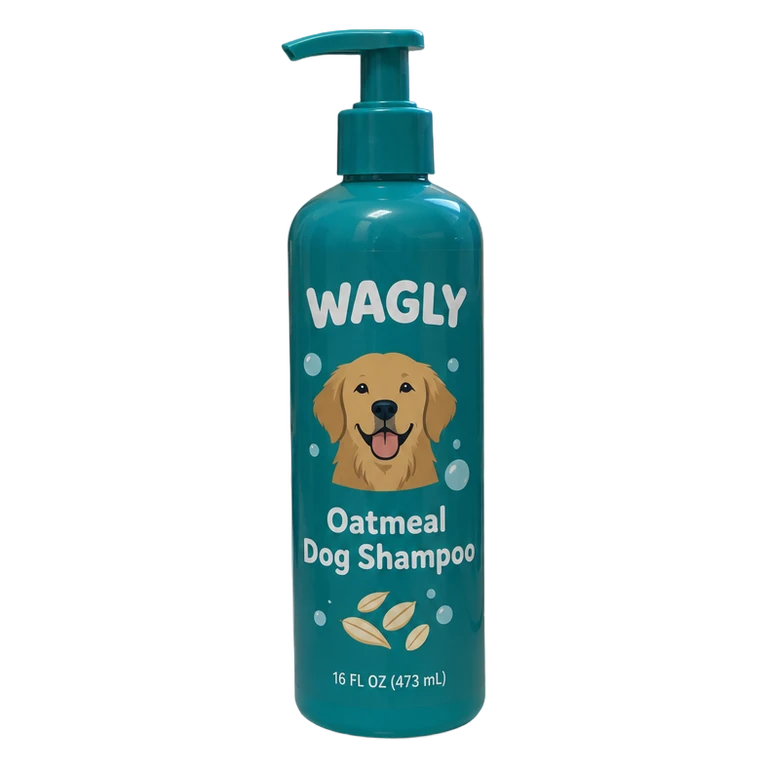
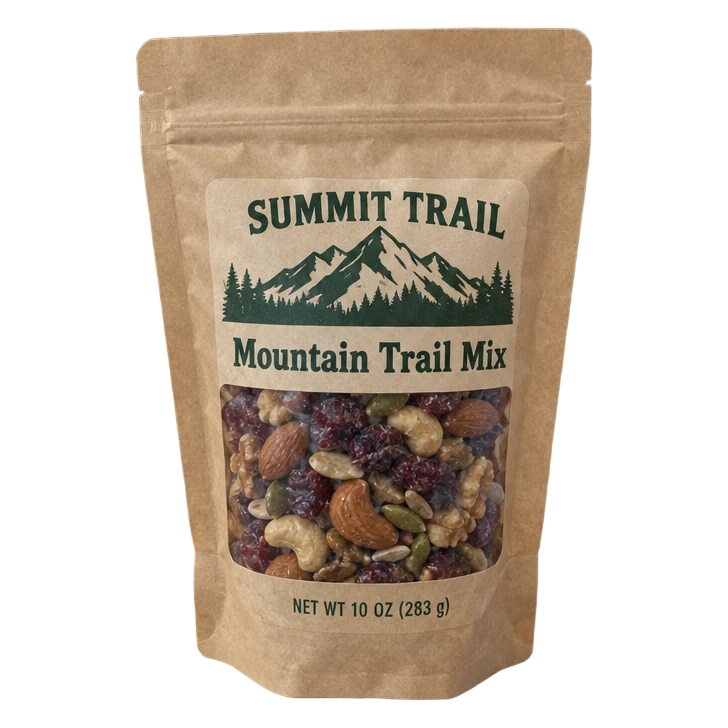
Amber glass, metal tins, cartons, plastic bottles with pumps and stand-up pouches all come out with straight box edges, whole caps and seals, and the background’s color taken out of the edge.

Plastic bottle on a transparent background
EraseRestore

An erase and restore brush

Paint over a stray shadow or a prop to clear it, or over the product to bring a detail back from the photo. Undo, redo and the brush size are right beside the picture.

Stand-up pouch on a transparent background

PNG, trimmed to the product

Square PNG with a margin

The file each job needs

A full-size PNG for design apps, a PNG trimmed to the product for layouts, a square PNG with an even margin for shop grids, and a smaller WebP for the web, each with a transparent background.

What a transparent background maker does

A transparent background maker keeps the product and turns everything around it clear, so the picture sits on any color, scene or layout. The clear parts are stored in the PNG’s alpha channel, which design apps, web pages and most shop builders read.

For products the edge decides the result: a box needs straight sides, a bottle a clean cap and shoulder, a pouch its seals and corners. This AI transparent background maker is tuned for that kind of photo.

Make image transparent at full size

Add the photo at the largest size you have. The background is taken out, then the cutout is laid over your original in the browser, so the PNG you download has the photo’s own pixel size and the product’s own detail.

To make image transparent files for print, keep the full-size PNG; for a web page, the WebP is lighter with the same clear background. Both come from the same cutout.

Make background transparent on glass and shiny packaging

Glass bottles and jars, foil and glossy film reflect the room around them. The transparent background maker keeps those reflections as part of the product and takes out only the background, so a bottle still looks like glass on a new page.

Shoot the product on a plain surface with some space around it, and nothing touching it. A hand, a box behind it or a prop leaning on it can read as part of the product; the erase brush clears it in a stroke.

Preview on white, black or your brand color

Switch the preview between the checkerboard, white, black and a color of your choice. White shows any trace of the old background, black shows light edges, and your brand color shows how the cutout will sit in a layout.

The preview never changes the file: the PNG stays transparent, ready for whatever goes behind it.

Metal tin on a transparent background

White

Metal tin on a transparent background

Black

Metal tin on a transparent background

Color

A transparent PNG maker for a whole catalog

Add up to 20 photos at once and the transparent PNG maker works through them, two at a time, showing each one as it finishes. Download the photo you are looking at, or every finished photo in one ZIP.

Every cutout you make stays in Recent cutouts, so you can download it again later without another credit.

What to do with a transparent product photo

Put it on a new background with the AI background generator, which opens with the same photo and its cutout. For whole new shots of the product, use AI product photography.

Place it on a label or a box design, an ad, a social post or a product page. A trimmed PNG drops straight into a layout; a square PNG lines up in a shop grid.

Who uses a transparent background maker

Anyone who needs the product without its room.

Online sellers

Product photos for shop pages, marketplace listings and comparison grids, all cut out the same way.

Packaging designers

Packshots of a jar, a box or a bottle to place in mockups, sell sheets and presentations.

Brand and social teams

Products for ads, banners and posts in the brand’s colors, without a studio shoot.

Small food and beauty brands

Photos from a kitchen table or a counter turned into clean product images.

Print shops and makers

Transparent product art for labels, stickers, flyers and catalogs.

Agencies

A whole client catalog cut out in batches of 20, ready for every channel.

Transparent background maker questions

Remove a background

What does the transparent background maker cost?

One credit a photo, from a plan or a credit pack, and you pay only for the designs you receive. The button shows the total before you start, and a photo you cut out before opens again without another credit.

What size is the transparent PNG?

Your photo’s own size, up to 6000 px on the long side (about 16 megapixels on an iPhone or iPad). The cutout is laid over your original photo in your browser.

How do I make an image transparent if a bit of background is left?

Choose Erase and paint over it, or Restore to bring back part of the product. Undo and redo step through your strokes, and the download includes them.

Which file should I download?

The full-size PNG for design apps and print, the trimmed PNG for layouts, the square PNG for shop grids, and the WebP for the web. All four keep the background transparent.

Can I make many backgrounds transparent at once?

Yes. Add up to 20 photos, press the button once, and download them one by one or all in one ZIP.

Does it work on glass and shiny packaging?

Yes. Glass, foil and glossy film keep their reflections as part of the product, and only the background is taken out.

What photos work best?

One product in the photo, all of it in the picture, with a little space around it and nothing touching it. JPG, PNG and WebP photos all work.

Can I put the cutout on a new background?

Yes. Put it in a new scene opens the AI background generator with the same photo and its cutout, so you go straight to the background.

Make a transparent product photo with the AI transparent background maker

Full-size transparent PNGs of your products, touched up and ready for any page.