
PACK AI STUDIO vs Canva: Packaging Design
PACK AI STUDIO, the more specialized packaging AI design agent: dielines at any size, compliant labels and barcodes, shop photos and video.
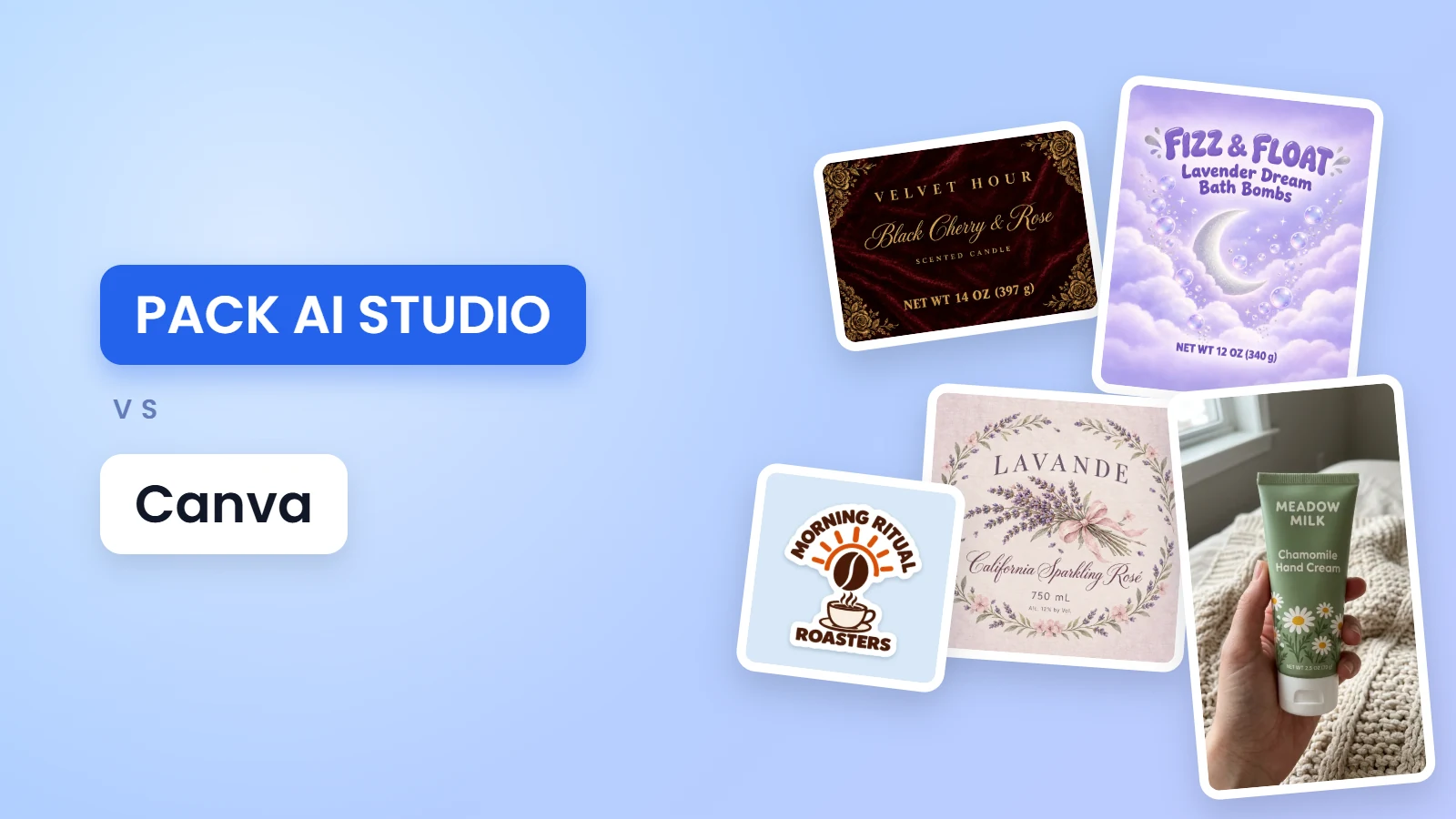
PACK AI STUDIO vs Canva for packaging design is a specialist against a generalist. PACK AI STUDIO is the all-in-one packaging AI design agent, specialized in packaging, labels and product visuals: it knows the rules a label has to follow, the size of the Avery sheet you print on and the dieline your printer cuts, and its AI designs boxes, bags, cans and labels at that exact shape, up to 4K. Canva packaging design starts from templates in a general design editor. Below, the two side by side.
PACK AI STUDIO vs Canva for packaging at a glance
| PACK AI STUDIO | Canva | |
|---|---|---|
| What it is | The all-in-one packaging AI design agent, specialized in packaging, labels, product visuals and video | A general online design tool |
| Packaging design | AI designs folding cartons, pouches, cans, mailer and gift boxes and labels at their print shape | Packaging templates you customize in its editor |
| Box templates | A free dieline generator for tuck end, lid and drawer boxes at any size, with board thickness and 30+ checks, plus 33 ready templates | Dieline guides for its printed mailer box |
| Labels | A free label maker on 12 Avery layouts, AI label design for wine, candles, supplements and any product | A label maker with templates and custom sizes |
| Nutrition facts | A free generator in all 6 FDA formats, with rounding and percent daily values worked out | Nutrition templates |
| Barcodes | 9 formats at true print size, GS1 check digits, SVG, PDF, EPS and PNG, free | A linked barcode generator |
| Print files | Free print PDFs with bleed, cut and crease lines; label PDFs with a CutContour layer; vectors throughout | PDF Print with bleed; CMYK on paid plans |
| Plans | From $14.90 a month for 800 credits; the free tools stay free | Pro US$18 a month for one person |
Where PACK AI STUDIO stands out
Every tool asks what a pack needs
A general editor starts from a blank canvas. PACK AI STUDIO starts from the pack: each page asks what the product is, how big the box or label is, which board or sheet you print on and what the label must say by law, then works to that. The AI pages carry their own types, such as five coffee bag styles from a stand-up pouch to a drip bag sachet, three beer can wraps, mailer box panels and gift box lids, so a design starts at the right proportions instead of being cropped to fit later.
Box templates at any size, engineered to close
Instead of a fixed list of box sizes, the dieline generator draws the box you need from its inside size and your board. It adds the board's thickness where the folds take it, sets the tuck so the lid closes square, and names each style by its ECMA code, the system printers use for cartons. More than 30 checks catch a tuck deeper than the box, flaps that collide, a glue flap too narrow, thin bleed or grain running the wrong way, before a single sheet is cut.

Labels that print where you expect them
The label maker lays labels out on 12 Avery sheets, from 5160 address labels to 3 inch rounds, with margins and spacing measured from Avery's own templates, so a home print lines up with the cut. Each label carries a bleed and a safe area, and the files are vector PDF, SVG, PNG and Cricut, free. The sticker sheet maker draws a cut line around your art and packs stickers onto a letter sheet, a precut Avery sheet or Cricut's Print Then Cut area.

The rules a food label has to follow
When the label has to be legal, the rules are built in. The nutrition label generator makes all 6 FDA formats under 21 CFR 101.9 from your values, rounds each nutrient the way the regulation says and works out the percent daily values. AI designs for a label or box type place the net quantity in the bottom 30 percent of the front with letters sized by the panel's area, as 21 CFR 101.7 requires. The barcode generator computes every check digit and keeps the quiet zones of the GS1 General Specifications, at true print size.

AI that knows what a label is
On AI wine label design and the other label pages, you pick the label's type and size and the AI draws at that exact shape, with a dashed safe line so no word lands on the cut. Wine labels keep the type sizes of 27 CFR 4.38, and the words you put in double quotes go into the brief letter for letter. The result opens in the label maker with its bleed and cut line, ready for Avery sheets or a print shop.

Ready for your shop and your feed
Packaging is only half of a launch. The AI background generator cuts your product out and saves files to each marketplace's own rules, a pure white Amazon main image included, then reads every file back to check it. AI product photography shoots your real product again in eight setups, from a studio white to in hand. For social posts, the AI product video generator makes a 9:16 clip with sound from one picture, and the AI commercial generator films a short ad where your model speaks your lines. Descriptions for Amazon, Shopify and Etsy and 20 slogans a run come from the writing tools.

Change it by saying it
There are no layers to drag. On Pro and higher plans, tell the Pack AI Agent "make the label cream with deep green type", draw a circle where the barcode should sit, or attach a photo of the jar it will wrap, and it makes the new version, checking that every word you quoted is spelled right.
Files you can take anywhere
Dielines in PDF, SVG and DXF open in any design app. Label PDFs carry trim and a CutContour layer that cutting machines read, and label PNGs come at 300 dpi. Barcodes and nutrition facts come as SVG, PDF and EPS vectors that stay sharp at any size, AI art goes up to 4K and videos come as 1080p MP4 files. The free tools need no sign-up and add no watermark.
Using Canva and PACK AI STUDIO together
Already have a design in Canva? Download it as a PNG and bring it in: add it as a reference on an AI page to build the whole box around it, fold it onto a free 3D box mockup, or place it on a label in the label maker and print on Avery sheets.
Who PACK AI STUDIO is for
- Food, drink, candle and supplement makers whose labels have to meet the rules.
- Shops that print at home on Avery sheets or with Cricut Print Then Cut.
- Brands that order boxes from a printer and need a dieline at their own size.
- Sellers who need the pack, the listing photos and the social video from one place.
What PACK AI STUDIO costs
The dieline generator, label maker, nutrition label generator, barcode generators, sticker sheet maker and every template are free, with no sign-up and no watermark. AI uses credits: Basic $14.90, Pro $29.90, Business $49.90 and Enterprise $129.90 a month (800 to 10,000 credits), or 500 credits for $9.90. Every paid plan and pack includes commercial use. See pricing.
Questions about PACK AI STUDIO
Why choose PACK AI STUDIO for packaging design?
Because it is specialized in packaging and does the whole job in one place: dielines at any size with the board's thickness built in, labels made to FDA and TTB rules, barcodes to the GS1 standard, AI art at the exact print shape up to 4K, shop photos, social videos and an AI Agent.
Can I make a box template at any size?
Yes. The free dieline generator draws tuck end, lid and drawer boxes at any size from your inside measurements and board, with 30+ checks and PDF, SVG and DXF files.
Can I make a nutrition facts label for free?
Yes. The nutrition label generator makes all 6 FDA formats from your values, with rounding and percent daily values, and downloads PDF, SVG, EPS and PNG free.
Can I use a Canva design on PACK AI STUDIO?
Yes. Download it from Canva as a PNG, then add it as a reference for AI, fold it on a 3D box or place it on a label sheet.
Can PACK AI STUDIO make vertical videos for social media?
Yes. Pick 9:16 on the AI product video generator for a 5, 10 or 15 second clip with sound, ready for Reels, TikTok and Shorts.
What file types does PACK AI STUDIO give me?
Dielines in PDF, SVG and DXF; labels in PDF with a CutContour layer, SVG, PNG and Cricut files; barcodes in SVG, PDF, EPS and PNG; AI pictures up to 4K with print PDFs for boxes and labels; videos as MP4.
More comparisons
Start with the free label maker or dieline generator, or design the whole pack with AI packaging design.