
PACK AI STUDIO vs Pacdora: 2026 Comparison
PACK AI STUDIO, the more complete packaging AI design agent: free dielines, AI art on your dieline, 3D boxes and 1080p video.
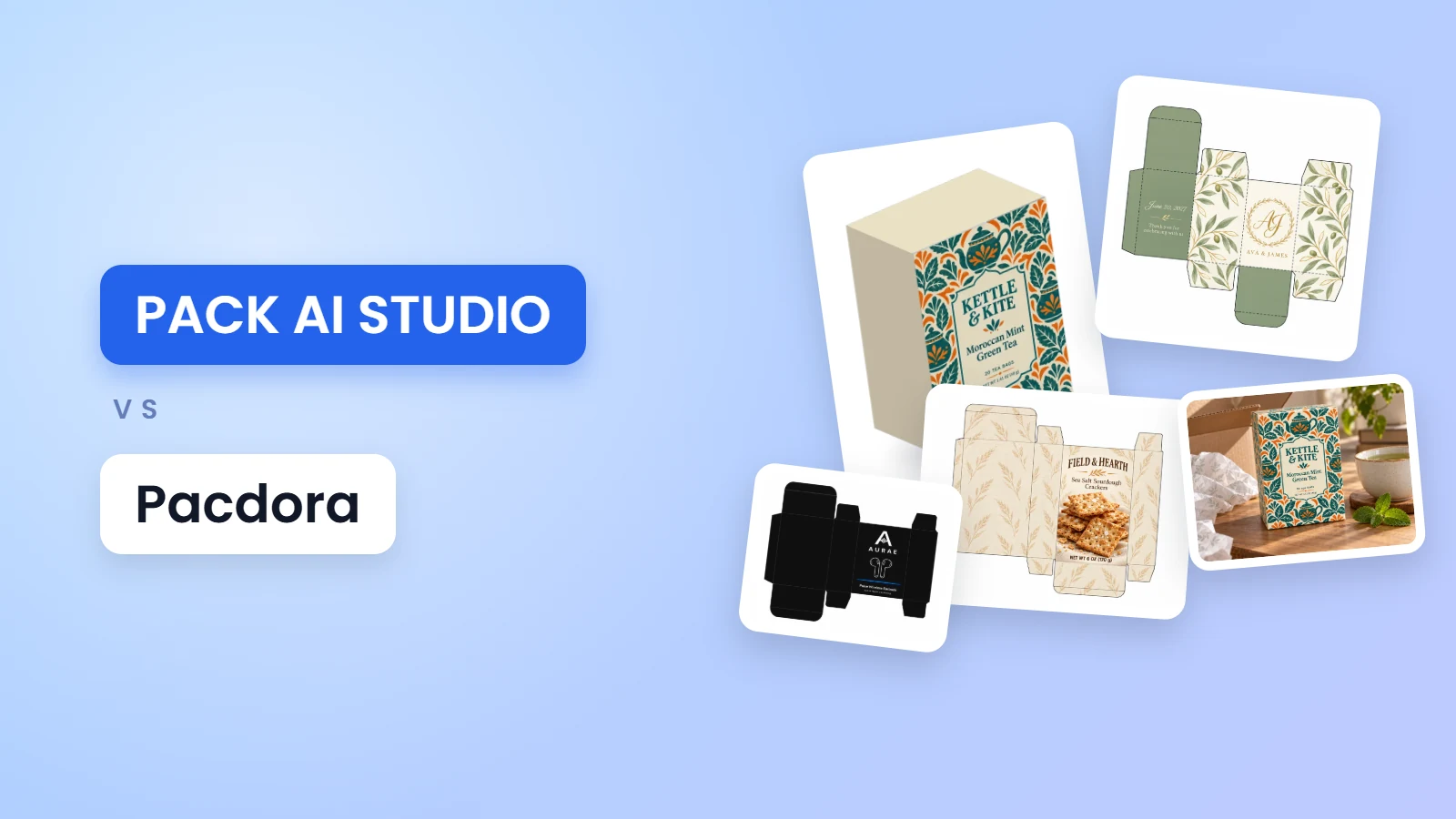
PACK AI STUDIO vs Pacdora comes down to how much of the job you want done in one place. PACK AI STUDIO, the all-in-one packaging AI design agent, is built around the file that goes to print: free dieline, label, nutrition facts and barcode tools that follow the published standards, and AI that paints your artwork straight onto your box's dieline at up to 4K, then folds it in 3D, films it and lets you change it by chatting. Pacdora is a 3D mockup and dieline template platform. Below, the two side by side.
PACK AI STUDIO vs Pacdora at a glance
| PACK AI STUDIO | Pacdora | |
|---|---|---|
| What it is | The all-in-one packaging AI design agent, specialized in packaging, with free standards based print tools | A 3D mockup and dieline template platform |
| Dieline generator | Free, no sign-up: tuck end boxes, boxes with a lid and drawer boxes at any size, board thickness built in, 30+ checks | Dielines from size, paper thickness and material |
| Dieline files | PDF, SVG and DXF on every plan, free tools included, no watermark | AI, PDF and DXF on its Pro and Business plans |
| AI on the box | The whole box painted on your dieline, with a print PDF that keeps the art under the cut and crease lines | AI art drafted onto a 3D mockup or a product image |
| 3D and video | A free 3D box from your print file, a free turntable or fold reveal video, and AI product videos and ads with sound | Packaging video from its 3D models |
| Labels and nutrition facts | A free label maker on 12 Avery layouts, nutrition facts in 6 FDA formats, AI label design for wine, candles, supplements and more | Barcode and QR code generators |
| Paid plans | From $14.90 a month for 800 credits; Pro $29.90 for 2,000 credits | Pro $34 a seat a month, or $199 a year |
| Commercial use | Every paid plan and credit pack; a company license on Business and Enterprise | Business plan |
Where PACK AI STUDIO stands out
Dielines engineered to fold square
A dieline only works if the box closes. The free dieline generator builds the thickness of your board into every panel: inside sizes gain one board thickness in length and width and two in depth, the panel across from the glue flap is one thickness narrower, and the tuck is inset so the lid closes square. The box styles follow the ECMA code that printers use to name cartons, such as reverse tuck end A20.20.03.01 and straight tuck end A20.20.01.01, and the trays of lid and drawer boxes follow B40.20.00.00.

Before you download, more than 30 checks look for the mistakes that cost a print run: a tuck deeper than the box, dust flaps that hit the far wall, a glue flap too narrow to hold, thin bleed, board too heavy for the style or grain running the wrong way. Cut, crease and bleed come on their own layers in PDF, SVG and DXF, a box too big for your printer splits into pages you tape together, and 33 ready templates, from playing card boxes to perfume cartons, open at their real sizes.
Your artwork painted on the dieline itself
Many AI tools hand you a picture of a box. On AI packaging design, AI food packaging design and AI gift box design you can choose the whole box instead: the AI works from your exact dieline and paints every panel in its place. Each panel's name is turned the way that panel reads on the closed box, so the front stands upright once folded, and every word on the main panel ends above its bottom fold, so nothing slides onto a flap. The print PDF lays the artwork under the cut and crease lines, clipped to the bleed, at up to 4K, 3,840 pixels on the long side.

Add your logo and it stays your brand's mark; write the product name or a claim in double quotes and it goes into the brief letter for letter; pick Quality mode for the finest detail or Fast mode for drafts up to three times quicker. You pay only for the designs you receive.
From flat file to 3D box to video
See the box closed before you print it. The AI packaging mockup generator has a free 3D box tab: choose a reverse or straight tuck end, a box with a lid or a drawer box at any size from 5 to 600 mm a side, add your print file, then turn and fold it on screen and download a PNG of 2,048 or 4,096 pixels on a clear or white background. The same tab records the box as a video on your own device, free: a six second turntable or a seven second fold reveal that folds the flat dieline into the box, in 16:9, 9:16 or 1:1.

Want the box somewhere real? The AI scene tab sets your design on a box, pouch, can or bottle in eight scenes, from a white studio to an unboxing, and keeps every word. One click under the result takes it to the AI product video generator for a 1080p video with sound, or to the AI commercial generator for an ad with a model, cuts and spoken lines.
The lines a retail box must carry
A carton that holds food, drink or supplements carries required lines. When you design for a box or label type, PACK AI STUDIO places the net quantity in the bottom 30 percent of the front and sizes its letters by the panel's area, as 21 CFR 101.7 sets out. The nutrition label generator draws all 6 formats of 21 CFR 101.9, ready to place on a side panel, and the barcode generator gives you a UPC or EAN at true print size with the check digits and quiet zones of the GS1 General Specifications.
Ask the agent to fix the box
On Pro and higher plans, a box design can be talked into shape. Open it in the Pack AI Agent, circle the logo that sits too close to the flap and ask for it in the middle of the front, or attach a photo of your product and ask for the panels to match its colors. The agent makes the new version, checks that the words you quoted came out right and keeps every version in your history, ready to fold in 3D or film.
Made to be easy to use
The tools run in the browser with no install and no sign-up for the free ones, in English and Chinese, and the tool pages are checked against the WCAG 2.2 AA accessibility rules. Your designs stay private and are never used to train AI. Pro and higher plans get the first-priority queue, the Pack AI Agent and early access to new models.
Who PACK AI STUDIO is for
- Brands that order boxes from a printer and need a dieline at their own size, with the art already on it.
- Food, drink and supplement makers whose cartons need the net quantity, nutrition facts and a barcode right.
- Makers who print at home: dielines that tile onto letter or A4 pages, and labels on Avery sheets.
- Sellers who need the box on screen: 3D views, scenes, turntable videos and ads from the same design.
- Designers: start from an accurate dieline in SVG or DXF and finish in the app you already use.
What PACK AI STUDIO costs
The free tools stay free: the dieline generator, label maker, nutrition label generator, barcode generators, sticker sheet maker, the 3D box and its videos, and every template, with no sign-up and no watermark. AI runs use credits: plans are Basic $14.90, Pro $29.90, Business $49.90 and Enterprise $129.90 a month (800, 2,000, 3,500 and 10,000 credits), with yearly prices from $119 a year, and a pack of 500 credits costs $9.90. A picture is 5 to 20 credits, and a run that doesn't finish gives its credits back. See pricing for every plan.
Questions about PACK AI STUDIO
Is the PACK AI STUDIO dieline generator free?
Yes. The dieline generator is free with no sign-up: enter the inside size and the board, check it in 3D and download PDF, SVG or DXF without a watermark.
Can PACK AI STUDIO design packaging from my logo?
Yes. Add your logo, a sketch or product photos as references, write what to print in double quotes, and the AI designs the front panel or the whole box on its dieline. Your logo is kept as your brand's mark.
Can I make a video of my box?
Yes, two ways. The 3D box tab of the AI packaging mockup generator records a turntable or a fold reveal of your print file for free, and the AI product video generator turns a picture of the box into a 1080p video with sound and a camera move.
Can I change a box design by chatting?
Yes, with the Pack AI Agent on Pro and higher plans: mark the spot on the design, say what to change, and it makes the new version.
Does PACK AI STUDIO make nutrition facts labels?
Yes, in all 6 FDA formats, with rounding and percent daily values worked out for you and files in PDF, SVG, EPS and PNG, free.
What file formats does PACK AI STUDIO export?
Dielines in PDF, SVG and DXF; labels in PDF with a CutContour layer, SVG, PNG and Cricut files; barcodes in SVG, PDF, EPS and PNG; AI designs up to 4K with print PDFs for boxes and labels; videos as MP4.
More comparisons
- Best AI packaging design tools in 2026
- PACK AI STUDIO vs Canva for packaging design
- PACK AI STUDIO vs Packify
Start with the free dieline generator, or describe your packaging on AI packaging design and see it on your own dieline.