
PACK AI STUDIO vs Adobe Illustrator
PACK AI STUDIO, the faster packaging AI design agent: dielines built from your board, AI art on the dieline, FDA panels, and files that open in Illustrator.
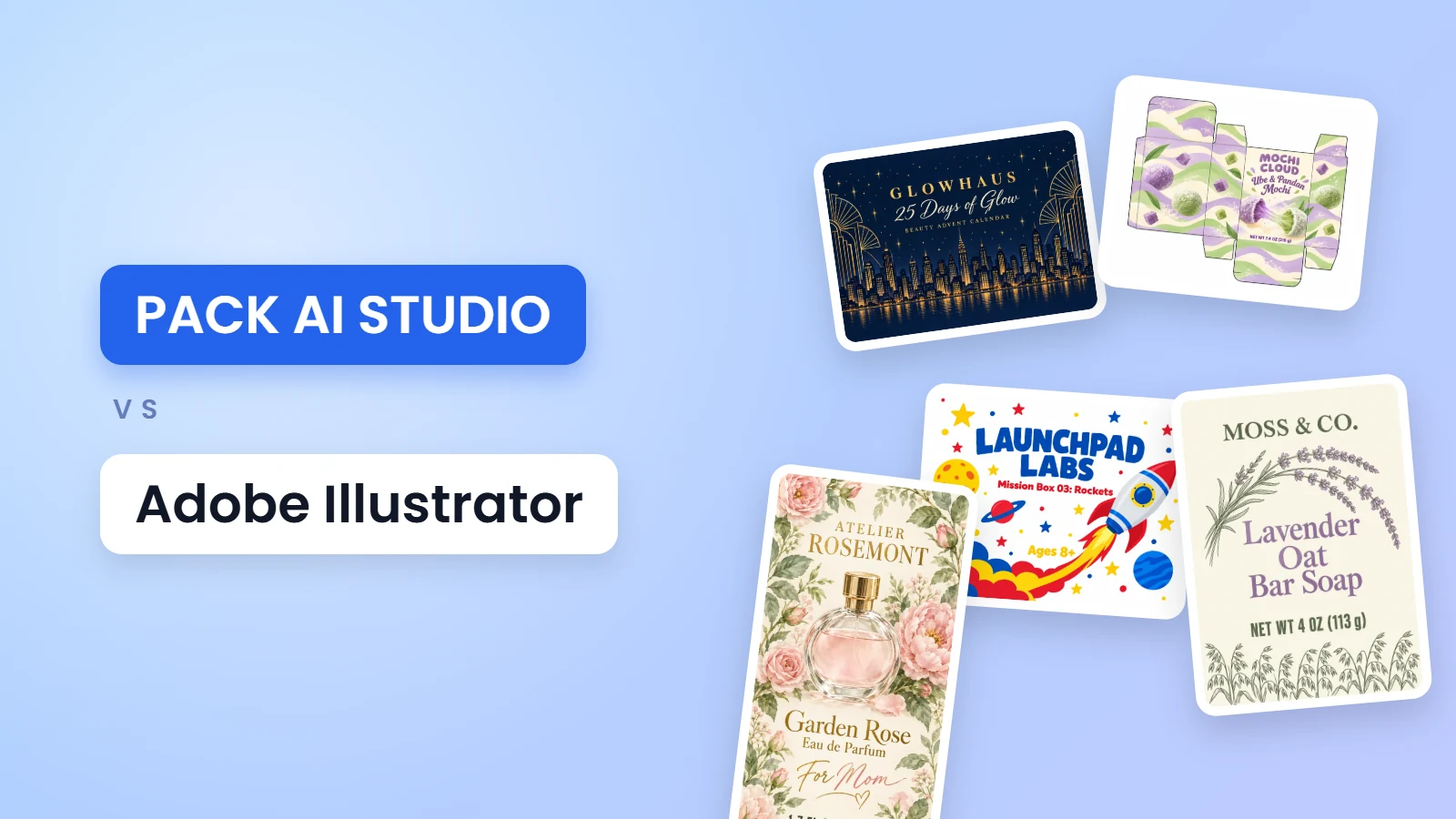
PACK AI STUDIO vs Adobe Illustrator is less a contest than a question of where your hours go. PACK AI STUDIO, the all-in-one packaging AI design agent, specialized in packaging, labels and product visuals, does the packaging-specific work in seconds: a dieline built from your inside size and board, artwork painted on that dieline at up to 4K, Nutrition Facts and barcodes drawn to their rules, and files with named layers that open in Illustrator. Adobe Illustrator is a vector design app for desktop and iPad, sold by subscription. Below, the two side by side.
PACK AI STUDIO vs Adobe Illustrator at a glance
| PACK AI STUDIO | Adobe Illustrator | |
|---|---|---|
| What it is | The all-in-one packaging AI design agent, specialized in packaging, labels and product visuals | A vector design app for desktop and iPad |
| Dielines | Generated from the inside size and board in seconds, with the board's thickness built in, 30+ checks and separate cut, crease, bleed, safe and glue layers | Drawn with the Pen or Shape tools on a separate locked layer, or started from a manufacturer's template |
| AI | The whole box painted on its dieline, and labels at their print shape, up to 4K | Generative vector features such as Text to Vector Graphic and Generative Expand, using generative credits |
| 3D and video | A free 3D fold of the dieline, a free 3D box from your print file with turntable and fold reveal videos, and AI product videos with sound | Extrude & Bevel and Revolve 3D effects, and a Mockup panel that places vector art on a photo |
| Files | Production PDF with spot colors, SVG with named layers at true size, DXF for cutting tables | PDF including PDF/X-1a, X-3 and X-4, SVG, DXF, PNG and other formats |
| Price | The dieline, label, nutrition and barcode tools are free; AI plans from $14.90 a month | US$22.99 a month on an annual plan, or US$34.49 month to month; a 7-day free trial |
Where PACK AI STUDIO stands out
A dieline built from numbers, not drawn line by line
Enter the inside length, width and depth and your board, and the free dieline generator draws the whole carton: every panel, flap and tuck in place, with the board's thickness built in. Change one number and the whole dieline redraws, bleed and safe margin included.

The files are ready for production. In the PDF every kind of line, from the cut and crease to the bleed, safe area and glue area, has its own spot color set to overprint and its own layer, with names and dimensions on a Notes layer and the text outlined. The SVG keeps the same named layers at true size in millimeters, and the DXF carries CUT, CREASE, BLEED, SAFE, GLUE and NOTES layers with true arcs for a cutting table. The generator also shows which way the board's grain should run: across the longest crease, so panels stay flat and creases don't crack.
First designs for the whole carton
On AI food packaging design, AI gift box design and AI packaging design, choose the whole box and describe the product. The AI paints every panel of your dieline in one picture, up to four designs a run, at up to 4K, with your logo kept as your brand's mark and every word in double quotes set letter for letter.

The print PDF sets that artwork on its own layer, named "AI artwork (RGB)", under the cut and crease layers and clipped to the bleed. In Illustrator you can lock the lines and build your final type and vectors over the art, right where it sits.
Regulated panels as clean vectors
The nutrition label generator draws all 6 FDA formats of 21 CFR 101.9 with type that never drops below the minimums: 8 point for nutrients, 16 point for Calories and 22 point for its number, with 7-point bars, a 3-point rule and quarter-point hairlines. Each value is rounded by its own FDA rule.

The download is a vector SVG, PDF or EPS with every letter outlined, so it places in Illustrator at its true size with no fonts to install. The barcode generator works the same way: UPC and EAN at the nominal size of the GS1 General Specifications, 0.33 mm for the narrowest bar at 100%, scaled from 80 to 200% with the quiet zones kept.

Fold it before the proof
The dieline generator folds the box in 3D, from flat to closed, on the same hinges as the flat file, so you can see which side of the board ends up inside before anything is cut.

To hold a real one, print it at actual size across Letter or A4 pages, with 1 in and 25 mm squares to check the scale and corner marks to tape; a box with a lid whose pieces each fit a page prints every piece whole. When the art is ready, the free 3D box in the AI packaging mockup generator folds your print file and records a turntable or a fold reveal video on your own device.
Labels, photos and video in the same place
The same site designs the labels that go with the box: wine, candle, supplement and coffee bag pages each offer their own types at print size. AI product photography shoots the finished pack in eight setups, and the AI product video generator turns a picture of it into a 1080p video with sound.
Changes by conversation
On Pro and higher plans, the Pack AI Agent edits a design by chat. Attach the flat front and ask for the same layout in your new brand colors, or circle a line and type what it should say. It checks the quoted words on every version and keeps each one in your history.
Using Adobe Illustrator and PACK AI STUDIO together
Most packaging jobs can use both:
- Make the dieline here and open its PDF or SVG in Illustrator: cut, crease, bleed, safe area and glue arrive on separate layers at true size.
- Generate first designs on that dieline, open the print PDF and build the final art over the AI artwork layer.
- Place the Nutrition Facts and the barcode from their EPS or SVG files as vectors.
- Export the finished art as a PNG, fold it on the free 3D box, or bring it to the Pack AI Agent to try colorways.
Who PACK AI STUDIO is for
- Brand owners who need a carton or a label without learning a vector editor.
- Packaging designers who want an accurate dieline and the regulated panels to start from, then finish in the app they know.
- Small teams that need first ideas for a whole range in minutes.
- Makers who test a box on a home printer before ordering samples.
What PACK AI STUDIO costs
Dielines, Nutrition Facts, barcodes, labels and the 3D box are free, with no sign-up and no watermark. AI designs use credits, 5 to 20 a picture by mode and resolution. Plans run from Basic at $14.90 a month for 800 credits to Enterprise at $129.90 for 10,000, with yearly prices from $119 a year, and every paid plan includes commercial use. See pricing.
Questions about PACK AI STUDIO
Can I open PACK AI STUDIO dielines in Adobe Illustrator?
Yes. The dieline generator's PDF and SVG open in Illustrator at true size, with cut, crease, bleed, safe area and glue on their own layers. The DXF suits cutting tables.
Are the cut and crease lines spot colors?
Yes. In the production PDF they are separate spot colors set to overprint, each on its own layer, the way print shops expect them.
Can I work on the AI artwork in Illustrator?
Yes. The box's print PDF keeps the AI artwork on its own layer under the cut and crease lines, so you can lock the lines, add your own type and vectors over it, or swap in a final version.
Does PACK AI STUDIO make Nutrition Facts as vector files?
Yes. The nutrition label generator downloads SVG, PDF and EPS with the letters outlined, in all 6 FDA formats, free.
Do I need to know Illustrator to use PACK AI STUDIO?
No. Enter the sizes, describe the design and download; every tool runs in the browser.
Which box styles does the dieline generator draw?
Reverse and straight tuck end boxes, boxes with a lid and drawer boxes at any size, plus 33 ready templates, from tarot card boxes to jewelry drawer boxes.
More comparisons
- Best AI packaging design tools in 2026
- PACK AI STUDIO vs Pacdora
- PACK AI STUDIO vs Kittl for label design
- Best label design software in 2026
Make your first dieline free in the dieline generator, then let AI packaging design paint it.