
PACK AI STUDIO vs Kittl: Label Design
PACK AI STUDIO, the more print-ready packaging AI design agent: labels on real Avery sheets, food label rules, die-cut stickers and boxes on dielines.
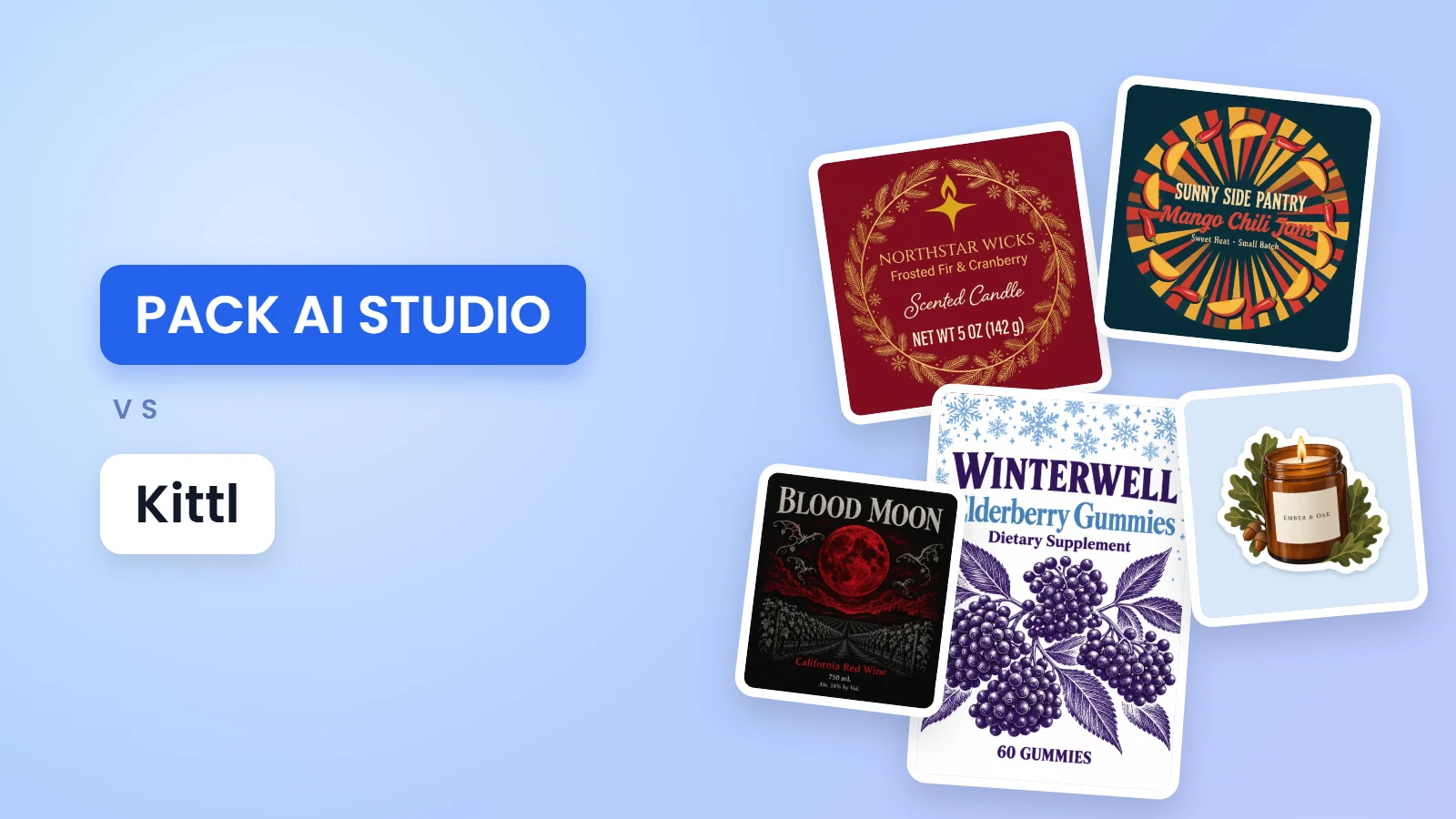
PACK AI STUDIO vs Kittl comes down to where your design ends up. PACK AI STUDIO, the all-in-one packaging AI design agent, specialized in packaging, labels and product visuals, is built for the label that gets printed, cut and stuck on a jar: it knows your Avery sheet, the wording a food label needs and the cut line a sticker follows, and its AI designs at the label's exact shape, up to 4K. Kittl is an AI design platform with an editor, templates, mockups and AI generation. Below, the two side by side.
PACK AI STUDIO vs Kittl at a glance
| PACK AI STUDIO | Kittl | |
|---|---|---|
| What it is | The all-in-one packaging AI design agent, specialized in packaging, labels and product visuals | An AI design platform with an editor, templates, mockups and AI generation |
| Label design | A free label maker on 12 Avery sheets, wrap labels sized from the container, and AI label design by type and size | Label templates and label mockups, printed at home or by a print service |
| Stickers | An AI sticker generator with its own cut line, and a free sticker sheet maker for Letter sheets, precut Avery sheets and Cricut | Sticker mockups |
| Boxes | A free dieline generator at any size, and AI that designs the whole box on its dieline | A gallery of packaging box templates |
| AI | Designs at the print shape up to 4K, product photos, product videos and ads with sound, slogans and listings, and the Pack AI Agent | Image, vector and video generators and an agent |
| Print files | Label PDFs with bleed and a CutContour layer, 300 dpi PNGs, SVGs and Cricut files | PNG, JPEG, SVG, PDF and MP4; CMYK in PDF and JPEG |
| Plans | From $14.90 a month for 800 credits; the label tools are free | Pro $19 a month per editor, or $14 a month billed yearly |
Where PACK AI STUDIO stands out
Labels sized for the jar in your hand
Most labels go around something. In the label maker, enter the diameter of a jar, bottle or candle glass (or the distance around it) and the height of its straight side, and it works out the label: the width is the distance around less a small gap, or plus an overlap if you want the ends to meet. Then it lays the label on your Avery sheet, starting at any position on a sheet you already used, with a test page and a printer offset you set once.

Every label keeps 1/8 in of bleed and a safe area for its words, and the PDF and SVG come with the text outlined, so they print the same from any computer. Add a CutContour line and a print-and-cut machine follows your shape.
The words a food label has to carry
A jar of jam or a bag of cookies sold in the US needs more than a name. The food label maker builds the ingredient list from your recipe, heaviest first with sub-ingredients in parentheses, as 21 CFR 101.4 sets out. It declares the nine major food allergens by name, sesame included, and names tree nuts by kind. It also prints the cottage food statement your state asks for, word for word, for all 50 states and DC.

Each check measures the real letters: 1/16 in for the ingredient list and the address, the net weight sized by the label, the product name in bold. When a recipe changes, change the amounts and the list reorders itself before the next batch.
AI that designs at the label's real shape
Pick the label on an AI page and the design starts at that shape. AI candle label design offers a jar front, a full wrap and a tin lid, where the net weight is sized for the whole lid as 16 CFR 500.21 counts it. AI supplement label design covers bottle wraps, tub fronts, pouches and stick packs, and the AI label generator has seven label types, five of them at the exact size of an Avery sheet.

Words you put in double quotes go into the design letter for letter, and the dashed safe line keeps them off the cut. Choose Quality mode for the finest detail at up to 4K, or Fast mode for drafts up to three times quicker, and open the result in the label maker with its bleed and cut line, ready for the sheet.
Die-cut stickers, from the drawing to the sheet
The AI sticker generator draws your sticker on a clear background, then makes its cut line in your browser for free: a white border from 1/16 to 1/4 in, smoothing a blade can follow, any size from 1 to 10 in. Each sticker downloads as a 300 dpi PNG, a print PDF with a CutContour line and an SVG of the cut.

The free sticker sheet maker then packs up to 20 designs onto Letter sticker paper, precut Avery circles and squares, or Cricut's Print Then Cut area of 6.75 × 9.25 in, with a QR code or barcode on any sticker you like.
From the label to the whole pack
When the label is done, the rest of the pack is on the same site. The free dieline generator draws tuck end boxes, boxes with a lid and drawer boxes at any size, with the board's thickness built in, and AI gift box design paints the whole box on that dieline. Coffee bags, beer cans, food pouches and mailer boxes each have an AI page with their own shapes.
Slogans and listings, checked before you print
The AI slogan generator writes 20 lines a run for 1 credit: 8 for the front of the pack, 6 brand taglines and 6 ad lines, each kept to a length that fits.

Each line is checked: your brand name kept exactly, no ® or ™ you didn't ask for, and a note with its source when a line makes a health or nutrient claim. Send a line straight onto the label, or into the AI product description generator for Amazon, Shopify and Etsy listings.
One conversation for every change
On Pro and higher plans, the Pack AI Agent takes your label as it is: ask for the scent name larger and the lid color matched to the wax, circle the corner where the barcode goes, or attach a photo of the tin. It makes the new version, checks every quoted word on it and keeps each version in your history.
Photos and video for the launch
AI product photography shoots your real jar again in eight setups, from a pedestal display to a holiday scene, and the AI product video generator turns one picture into a 1080p clip with sound, 9:16 for Reels and TikTok.
Using Kittl and PACK AI STUDIO together
Made your artwork in Kittl? Download it as a PNG or SVG and bring it in. Place it in the label maker to add a barcode, a Nutrition Facts panel and the bleed, then print it on your Avery sheet. Or open it in the sticker sheet maker for a cut line and a Cricut layout, or add it as a reference on an AI page to build the whole box around it.
Who PACK AI STUDIO is for
- Candle and soap makers who need jar wraps and tin lids that fit the first time.
- Cottage food bakers whose labels need the ingredients, allergens and their state's statement.
- Supplement and cosmetic brands printing bottle wraps and tub labels.
- Sticker shops and Etsy sellers cutting on a Cricut or ordering die-cut sheets.
- Brands that sell online, who need the label, the box, the photos and the video from one place.
What PACK AI STUDIO costs
The label maker, food label maker, nutrition label generator, barcode generators, sticker sheet maker and dieline generator cost nothing, with no sign-up and no watermark. AI is paid in credits: 5 to 20 credits a picture, 1 credit for 20 slogans, on Basic $14.90, Pro $29.90, Business $49.90 or Enterprise $129.90 a month, or 500 credits for $9.90. You pay only for the designs you receive, and every paid plan and pack includes commercial use. See pricing.
Questions about PACK AI STUDIO
Can PACK AI STUDIO print labels on Avery sheets?
Yes. The free label maker lays labels out on 12 Avery sheets with margins measured from Avery's templates, starts at any position and has a test page to line up your printer.
How do I size a label that wraps around a jar or candle?
Enter the container's diameter or the distance around it and the height of its straight side in the label maker, and it works out the width with a gap or an overlap at the ends.
Does PACK AI STUDIO check allergens on a food label?
Yes. The food label maker finds the nine major food allergens in your ingredients, names tree nuts and shellfish by kind and writes the Contains line.
Can I make die-cut stickers for Cricut?
Yes. The sticker sheet maker draws the cut line around your art and lays the sheet out within Cricut's Print Then Cut area, free. No art yet? The AI sticker generator draws it.
Can I bring a Kittl design into PACK AI STUDIO?
Yes. Download it as a PNG or SVG, then place it in the label maker, the sticker sheet maker or an AI page as a reference.
Can I sell products with these labels?
Yes. The free tools' files are yours to print, and every paid plan and credit pack includes commercial use of AI designs; Business and Enterprise add a company license.
More comparisons
- Best label design software in 2026
- Best AI packaging design tools in 2026
- PACK AI STUDIO vs Canva for packaging design
- PACK AI STUDIO vs Adobe Illustrator for packaging design
Start with the free label maker, or describe your label on the AI label generator and see it at its real size.