
Packaging Design: A 7-Step Guide
Packaging design in seven steps: write the brief, size the box, list what the label must say, design the art, set it on the dieline, mock it up, print.
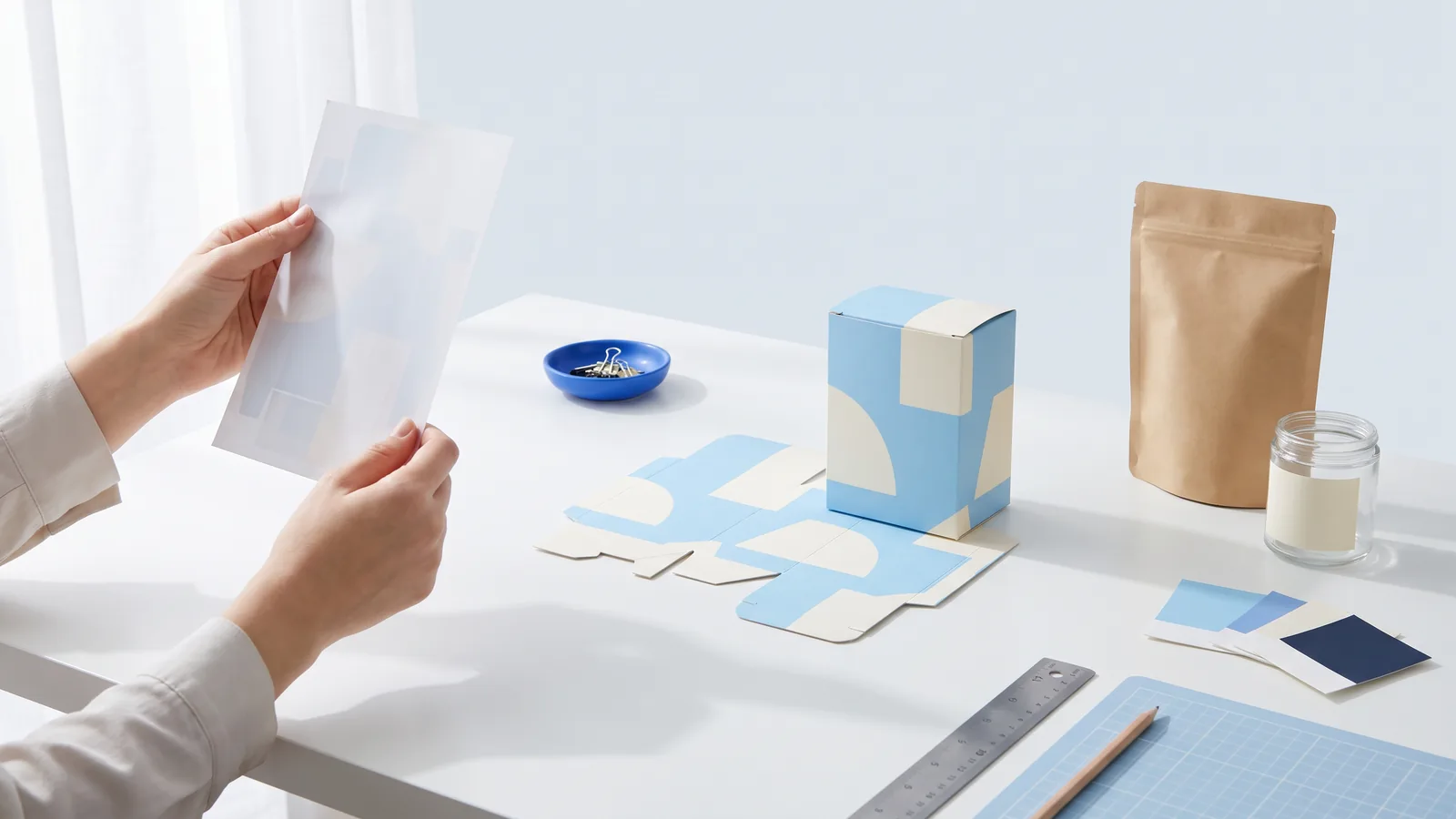
Packaging design is the work of shaping a product's package and everything printed on it: the structure that holds the product, the graphics that sell it and the information the law and the store ask for. Good packaging design gets all three right at once. The box fits the product, the front reads from a shelf or from a small thumbnail in a listing, and the file prints cleanly the first time.
This guide shows how to design packaging in seven steps, the way a first product launch or a small brand actually goes, with a real example from each step: a dieline, a food label, a barcode placement, artwork on its box, a box in a scene and vector print files. Each step names the tool on PACK AI STUDIO that does it, free tools for the technical files and AI packaging design for the artwork, so you can follow along with your own product.
What is packaging design?
Packaging design covers three layers that work together:
- Structure: the shape, size and material. A folding carton, a mailer box, a stand-up pouch, a jar with a label, a can wrap. The structure protects the product and decides which faces you get to print on.
- Graphics: the brand, the product name, color, type, pictures and the one message a buyer should remember.
- Information: what has to be on the package by law or by the retailer, such as the name of the food, the net quantity, ingredients, Nutrition Facts, allergens, the company's name and address, and a barcode.
Package design and packaging design mean the same thing, and you will see both. Product packaging design usually refers to the retail package a buyer picks up, as opposed to the carton it ships in.
Packages are often sorted into levels. Primary packaging touches the product (the jar, the pouch, the wrapper). Secondary packaging groups or presents it (the carton around the jar, a gift box). Tertiary packaging moves it in bulk (the corrugated case on a pallet). Most of the packaging design process, and everything below, happens on the first two levels.
How to design packaging in 7 steps
The seven basic steps of packaging design are: write the brief, choose the structure and size, list what the package must say, design the artwork, set the artwork on the dieline, check it as a mockup and a test print, and prepare the print files. In practice the steps overlap, but taking them in this order saves the most rework, because each one fixes something the next one depends on.
1. Write the brief
A brief is a short page that says who buys the product, where they see it and what the package has to do. Write down:
- the product, its size and weight, and how it is used;
- the buyer, and the one reason they should pick it up;
- where it sells: a store shelf, a market table, an online listing or a subscription box (a shelf package is read from about an arm's length away, a listing from a thumbnail);
- how many you will print first, and the budget per unit;
- the words that must appear exactly as written: the brand, the product name, the net quantity.
The brief is also the best start for an AI design tool. In AI packaging design you describe the product and the look in plain words, and the words to print go in the print fields or in double quotes in the description: they are printed exactly as typed and placed where they belong.

2. Choose the structure and size
Measure the product first, then size the package from the inside: the room the product needs plus a little play so it slides in and out. A box for a deck of poker cards, for example, is about 1/16 in larger than the cards inside. Then pick the structure. A tuck end box suits most small retail products, a box with a lid or a drawer box suits gifts, a mailer box ships straight to the buyer, and a pouch or a label suits products that already come in their own container.
The flat drawing of the box is its dieline: the cut lines, the fold lines, and the bleed and safe area your artwork follows. The free dieline generator draws one from your inside size and board, works out each panel for the board's thickness and shows the box folded in 3D. The box template library has 68 ready-made templates to print and fold. If the terms are new, what is a dieline explains every line.

3. List what the package must say
For food sold in the United States, the FDA's labeling rules settle part of the layout before any design begins. The side most likely to face the shopper on the shelf is the principal display panel (21 CFR 101.1), and it carries two things:
- The statement of identity, the common name of the food, in bold type, in a size reasonably related to the most prominent printed matter on that panel and in lines generally parallel to the base (21 CFR 101.3).
- The net quantity of contents, as a distinct item within the bottom 30 percent of the panel, also in lines generally parallel to the base (21 CFR 101.7). Its smallest letters depend on the panel's area: 1/16 in up to 5 square inches, 1/8 in up to 25, 3/16 in up to 100, 1/4 in above that and 1/2 in above 400 square inches. Panels of 5 square inches or less are exempt from the bottom 30 percent placement.

The information panel, the one immediately to the right of the main panel (21 CFR 101.2), usually carries the rest:
- Ingredients by their common names, in descending order of predominance by weight (21 CFR 101.4).
- Nutrition Facts in the FDA's format (21 CFR 101.9).
- Allergens: the nine major food allergens are milk, egg, fish, crustacean shellfish, tree nuts, wheat, peanuts, soybeans and sesame, which became the ninth on January 1, 2023 (FDA).
- The name and place of business of the manufacturer, packer or distributor (21 CFR 101.5).
Household goods such as candles follow the FTC's rules under the Fair Packaging and Labeling Act, which also put the net quantity low on the main panel (16 CFR part 500).
Retailers add one more item: a barcode. A UPC-A at 100 percent is about 1.47 by 1.02 in with its quiet zones and digits, and GS1, the standards body behind retail barcodes, allows 80 to 200 percent. The free food label maker lays out these parts and checks them, the nutrition label generator draws the panel in 6 FDA formats, and the UPC barcode generator sizes the code for your space.

4. Design the artwork
Now the creative part, with the structure and the required text already fixed. Start with the reading order: what should a shopper read first, second and third? For most products it is the brand or the product name first, then what it is and what makes it worth buying, then the details. Give the main panel one message and let the side panels carry the story.
A few choices do most of the work:
- Color that sets the product apart on its shelf and holds up in print. Dark type on a light ground (or light on dark) for anything required.
- Type that stays readable at the real size: the net quantity has a legal minimum, and the product name should read from an arm's length away.
- One picture or pattern, not five. A clear photo of the product, an illustration or a strong pattern carries more than a collage.
- A system for a range: when you sell several flavors or scents, keep one layout and change one thing, usually the color.
This is where AI saves the most time. AI box design makes the artwork for a whole box from your brief in a style you pick, with your words placed on the main panel, and AI packaging design makes pouches, labels and box fronts in the look you describe, with your words printed as typed. Each design costs 5 to 20 credits, by mode and resolution.

5. Set the artwork on the dieline
Artwork made as a flat picture still has to land on the right panels once the box is folded. Three rules cover most of it:
- Bleed: run the background past every cut line, usually by 1/8 in (3 mm), so a small shift in cutting never leaves a white edge.
- Safe area: keep words and logos at least 1/8 in (3 mm) inside the cuts and folds.
- Direction: each panel has to read the right way up when the box is closed, so on the flat dieline some panels and flaps sit turned. Keep the glue flap bare so the glue holds.
The dieline generator shows the bleed and safe area on every panel and checks them, and its design section adds colors, text and logos panel by panel. AI box design delivers its artwork already laid on the dieline, each panel turned the way it reads on the closed box, so you can download it as a print file or open it in the dieline generator to add text.

6. Check it as a mockup and a test print
Look at the design as a package before anyone prints a thousand of them. A 3D mockup shows the panels together the way a shopper will see them: whether the front still works from a three-quarter view, whether a word wraps around a fold, whether the sides belong to the front. The free 3D box in the AI box mockup page folds your print file at your size, turns it, downloads a PNG or records a short video; its AI scene then sets the same box on a store shelf, in a hand or in an unboxing shot for your listing.

Then print one at actual size on plain paper or card stock, cut it out and fold it. A paper sample catches what a screen hides: text too close to a fold, a flap that covers the barcode, colors that print darker than they looked. Read it from an arm's length away, and check that the product actually fits.

7. Prepare the print files
The last step turns the design into files a printer can run without guessing. Most printers ask for:
- a PDF at actual size, one file per design;
- the artwork with its bleed, and the dieline on its own layer in a spot color set to overprint, so it shows the cut and folds without printing;
- colors in CMYK (or the spot colors you chose), and pictures at about 300 dpi at their printed size;
- text converted to outlines or fonts embedded;
- a proof to approve before the run.
The dieline generator exports a production PDF with the cut and crease lines on separate spot color layers, plus a DXF for a cutting table and pages to print and fold at home. The label maker prints labels on 12 sheet layouts or as a PDF with a cut line for a print shop, and AI results made for a label type or a whole box come with their print files too: send the PDF to your printer, who converts it to CMYK and sends a proof to approve.

How much does packaging design cost?
What you pay for packaging design depends on what you buy: a stock structure or a custom one, one design or a range, how many rounds of changes, and who does the work. Printing is a separate cost, driven by quantity, size, material and the number of colors.
Doing it yourself costs less than most people expect. On PACK AI STUDIO the dieline generator, box templates, label maker, Nutrition Facts and barcodes are free, with no signup. AI designs use credits: 5 to 20 credits a design, with plans from $14.90 a month for 800 credits and a 500-credit pack for $9.90. You pay only for the designs you receive, and a run that fails returns its credits.
Packaging design tips
- Design at actual size. Then look at the front from an arm's length away and as a thumbnail the size of a listing photo.
- One package, one message. Pick the single thing a buyer should remember and give it the most space.
- Contrast before color. Required text needs strong contrast with its background more than it needs a brand color.
- Leave room for the rules from the first sketch. The net quantity's spot at the bottom of the main panel and the information panel's width are easier to plan than to squeeze in.
- Build a system for a range. One layout, one changing color, one changing name: the range reads as a family on the shelf.
- Make environmental claims you can back up. The FTC says to market a package as recyclable without qualification only when recycling facilities for it are available to a substantial majority of consumers or communities where it is sold, meaning at least 60 percent (16 CFR 260.12).
- Read the final proof line by line. Product name, net quantity, allergens and address: the last read happens on the file that goes to print.
Packaging design FAQ
What are the 7 basic steps to packaging design? Write the brief, choose the structure and size, list what the package must say, design the artwork, set it on the dieline, check it as a mockup and a test print, and prepare the print files.
How do you make your own packaging? Start from a template sized for your product: print a box template on card stock and fold it, or put a label on a stock jar, pouch or box. The box templates print on Letter or A4 with folding steps, and the label maker prints on common label sheets.
What does a packaging designer do? A packaging designer plans the structure with the printer, sets the brand and the required information on it, and prepares the files for production. Small brands often do this themselves with templates and AI tools, and bring in a designer for a full range.
What is the difference between a label and packaging? A label is printed and stuck on a container that already exists, such as a jar or a bottle. Packaging is the container or box itself. Many products use both: a jar with a label inside a printed carton.
What files does a printer need for packaging? A PDF at actual size with the artwork, its bleed and the dieline on its own spot color layer, as in step 7. Ask your printer for their own specification before the final export.
Start designing your package
- No artwork yet: describe the product in AI packaging design, or design the whole box with AI box design.
- Need the structure: size it in the dieline generator or start from a box template.
- Food on the label: the food label maker, the nutrition label generator and the UPC barcode generator.
- Ready to show it: fold it in 3D or set it in a scene with AI box mockup.
Sources
Checked on October 23, 2026:
- 21 CFR 101.1, principal display panel; 101.2, information panel; 101.3, statement of identity; 101.4, ingredients; 101.5, name and place of business; 101.7, net quantity of contents; 101.9, Nutrition Facts.
- FDA, Food Allergies: the nine major food allergens.
- 16 CFR part 500, Fair Packaging and Labeling Act rules for household goods; 16 CFR 260.12, recyclable claims.
- GS1 General Specifications: UPC-A size and magnification.